
.avif)

When it comes to presentation software, two names dominate the conversation: Microsoft PowerPoint and Google Slides. Both are widely used, familiar, and capable of getting the job done. But as expectations around design quality, speed, and collaboration continue to rise, many teams are asking a more nuanced question: Is either PowerPoint or Google Slides actually the best option anymore?
Let’s break it down.
PowerPoint: The classic powerhouse
PowerPoint has been the gold standard for decades. It’s robust, flexible, and deeply embedded in corporate workflows.
Strengths
- Advanced formatting and animation controls
- Powerful offline functionality
- Ideal for highly customized, complex decks
- Familiar to nearly every professional audience
Limitations
- Design-heavy work is manual and time-consuming
- Easy to create cluttered or inconsistent slides
- Collaboration can feel clunky without tight version control
- Great results depend heavily on design skill
PowerPoint is incredibly capable—but it often asks users to think like designers, even when design isn’t their job.
Google Slides: Collaboration first
Google Slides took a different approach, prioritizing accessibility and real-time collaboration.
Strengths
- Seamless multi-user editing
- Automatic saving and version history
- Easy sharing and browser-based access
- Low learning curve
Limitations
- Limited design sophistication
- Fewer advanced layout and animation options
- Visual polish often requires extra effort
- Scaling brand consistency can be challenging
Google Slides excels when speed and teamwork matter most, but it can struggle to produce presentation-ready visuals without extra tweaking.
The Real Issue: Slides still take too long
While PowerPoint and Google Slides differ in philosophy, they share a core problem: they put the burden of design on the user.
You’re still responsible for:
- Aligning elements perfectly
- Maintaining visual consistency
- Choosing layouts that actually work
- Fixing spacing, hierarchy, and balance
That’s fine for designers, but for most teams it means presentations take longer than they should.
Where Beautiful.ai fits in
This is where Beautiful.ai quietly changes the equation.
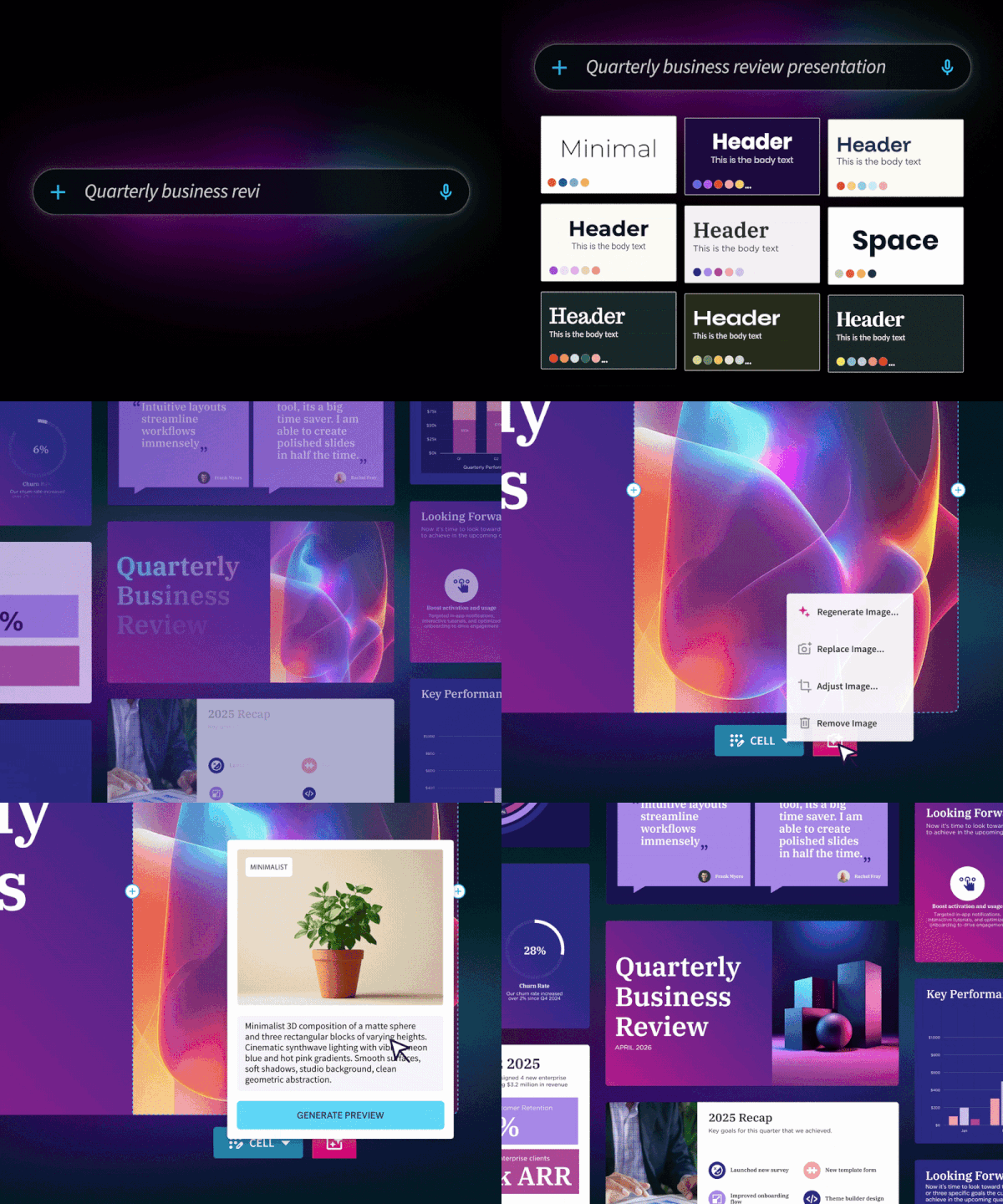
Beautiful.ai uses smart templates and automated layout rules that adjust in real time as content changes. You focus on what you’re saying—the platform ensures it always looks polished.
Why teams switch
- Slides stay aligned, balanced, and on-brand automatically
- No manual resizing, nudging, or reformatting
- Faster creation without sacrificing visual quality
- Built for modern teams who want speed and design consistency
It doesn’t replace creativity, it removes friction.
So… PowerPoint or Google Slides?
Here’s the honest answer:
- Choose PowerPoint if you need deep customization and full creative control
- Choose Google Slides if collaboration and simplicity are your top priorities
- Choose Beautiful.ai if you want professional design, faster workflows, and less manual work
For teams creating presentations regularly—especially in marketing, sales, leadership, or strategy—the question often shifts from “Which tool can do this?” to “Which tool saves us the most time?”
That’s where Beautiful.ai tends to stand out.
PowerPoint and Google Slides are both strong, familiar tools. But as presentations become more frequent and expectations rise, many teams are discovering that the best solution isn’t choosing between them—it’s moving beyond them.
Beautiful.ai offers a smarter, more modern approach: one where great design is built in, not bolted on.






.avif)
