


Beautiful.ai vs. Prezi: which is better? [Updated 2026]


Beautiful.ai vs. Prezi: which is better? [Updated 2026]
Choosing between Beautiful.ai vs. Prezi depends on how you prefer to communicate ideas visually, how much structure you want from your presentation software, and whether your workflow favors traditional slides or non-linear presentations. Both tools are popular presentation tools for modern teams, but they approach presentation creation very differently.
Beautiful.ai focuses on structured, slide-based decks with ai-powered automation, while Prezi emphasizes dynamic presentations built on movement, zoom, and visual flow. Each platform supports different presentation styles, making the decision less about feature count and more about presentation needs, audience expectations, and workflow preferences.
In this guide, we compare prezi and Beautiful.ai across templates, functionality, pricing, ease of use, animations, collaboration features, and ideal use cases. This breakdown will help startups, sales teams, and business users choose the ai presentation tool that best fits their workflow.
Tool overviews
What is Beautiful.ai?
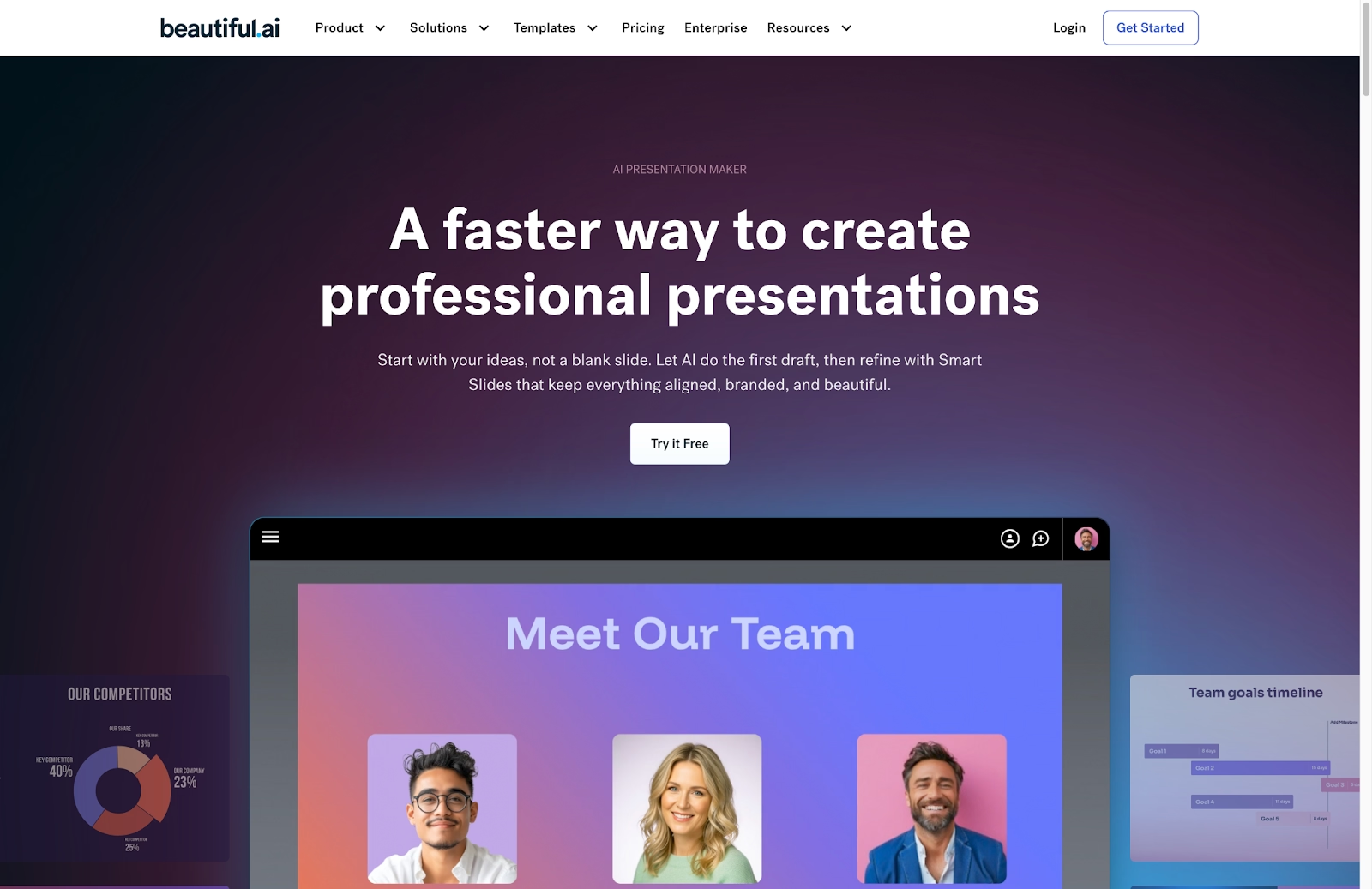
Beautiful.ai is an AI-powered presentation design platform built to simplify slide creation for business use. Users start with smart, customizable templates designed for common presentation needs such as pitch decks, sales updates, strategy reviews, and reports.
Instead of manually adjusting layouts like in Microsoft PowerPoint, Google Slides, or Canva, Beautiful.ai applies automation in real time. Teams often use Beautiful.ai for pitch decks, internal reports, and client-facing slide decks where brand guidelines, data visualization, and consistency matter. Its template library is built around repeatable business use cases rather than freeform design.
What is Prezi?

Prezi is a visual presentation software built around non-linear presentations instead of traditional slides. Rather than moving slide by slide like a ppt or pptx, Prezi presentations unfold on a single canvas where users zoom, pan, and connect ideas through motion.
This format enables visual stories and engaging presentations, particularly for live demos, education, and storytelling. Prezi’s ecosystem includes Prezi Present, Prezi Video, and Prezi Design, supporting dynamic presentations and video-based delivery.
While Prezi offers a distinctive and dynamic presentation style, it requires users to think spatially and manage visual movement intentionally. Creating effective presentations often involves more planning and design decisions compared to slide-based tools.
Key comparison criteria
When comparing Beautiful.ai and Prezi, the decision is less about feature depth and more about presentation philosophy. Beautiful.ai is built around structured, slide-based presentations with automated design logic. Prezi centers on spatial storytelling, using motion and zoom to show how ideas connect.
Below is how each platform compares across the criteria that matter most when creating, delivering, and collaborating on presentations.
Usability & learning curve
Beautiful.ai
Beautiful.ai is widely considered more user-friendly, especially for users focused on speed and structure. Its AI-powered system removes manual formatting, making the user experience predictable and efficient. Most users can create a complete slide deck with minimal onboarding.
This approach significantly shortens the learning curve. Users can focus on messaging rather than design mechanics, making it accessible to business teams, non-designers, and anyone who needs professional-looking slides quickly. First drafts are faster, and there is far less time spent correcting visual inconsistencies.
Prezi
Prezi introduces a different way of thinking about presentations. Its zoomable canvas requires users to organize ideas spatially rather than sequentially. While this allows for dynamic, conversational presentations, it also introduces a steeper learning curve for users accustomed to traditional slides.
While powerful, Prezi’s presentation style introduces a higher learning curve, especially for users accustomed to PowerPoint, Google Slides, or Canva. Effective use requires planning transitions, spatial hierarchy, and navigation flow to avoid visual overload.
Summary
- Beautiful.ai offers an intuitive, low-friction experience that helps users create polished presentations quickly without design expertise.
- Prezi provides a more expressive presentation style but requires more time to learn and deliberate planning to use effectively.
Template & asset library
Beautiful.ai
Beautiful.ai is built around intelligent templates designed specifically for professional presentations. Each smart slide adapts automatically as content is added or edited. Spacing, alignment, typography, animations, and data visualizations update in real time, keeping slides clean and balanced without manual adjustments.
The template library covers a wide range of business use cases, including pitch decks, sales presentations, product overviews, reports, and training materials. Because layout rules are handled by the design engine, teams can produce consistent, on-brand slide decks regardless of individual design skill. The asset library includes curated icons, images, and visual elements optimized for clarity and professional storytelling.
Prezi
Prezi’s templates are built around visual structures rather than traditional slide layouts. These templates use metaphors such as timelines, maps, layered frames, and radial designs to guide how information is revealed through zooming and movement. This structure supports storytelling and helps users visualize relationships between ideas.
While Prezi’s templates are visually distinctive, they require more customization and planning. Users must decide how content fits within the spatial layout and how navigation flows during a presentation. Prezi also provides access to icons, images, and design elements, but asset use is more closely tied to the overall canvas design rather than individual slides.
Summary
- Beautiful.ai provides smart presentation templates that adapt automatically for a consistent, professional look.
- Prezi offers visually driven templates that emphasize storytelling but require more hands-on planning and design decisions.
AI & automation features
Beautiful.ai
AI is the foundation of Beautiful.ai’s presentation workflow. The platform automates layout and formatting decisions that typically slow down slide creation. As users add or modify content, the design engine automatically adjusts spacing, alignment, hierarchy, animations, and data visualizations in real time.
This automation ensures that slides remain visually balanced and on-brand without manual intervention. Beautiful.ai functions like a built-in design copilot, allowing users to move quickly from outline to polished presentation. For teams that rely on presentations regularly, these AI features reduce repetitive work and help maintain consistent quality across decks.
Prezi
Prezi incorporates AI to assist with getting started, particularly through prompt-based presentation generation. Users can describe a topic or goal, and Prezi’s AI generates a draft structure on the zoomable canvas, suggesting layouts, headlines, and visual groupings.
While this helps reduce the blank-canvas problem, Prezi’s AI focuses more on structure and visual metaphor than automated formatting. Users are still responsible for refining navigation paths, controlling motion, and adjusting layout details. The AI accelerates initial creation but does not manage ongoing layout decisions in the way Beautiful.ai does.
Summary
- Beautiful.ai automates layout and formatting continuously, reducing manual work throughout the presentation process.
- Prezi uses AI primarily to generate starting structures, with users retaining responsibility for layout refinement and visual flow.
Customization & design control
Beautiful.ai
Beautiful.ai offers guided customization that balances flexibility with structure. Users can apply brand colors and fonts, adjust charts, swap images, and choose from multiple smart layouts, while the platform maintains alignment, spacing, and visual hierarchy automatically.
This approach is designed to protect consistency. Rather than allowing elements to be freely dragged anywhere on a slide, Beautiful.ai enforces layout rules that keep presentations clean and readable. The result is a controlled design environment that supports professional communication without requiring users to manage pixel-level details.
Prezi
Prezi provides far greater creative freedom by treating content as independent objects on a large canvas. Users can move, resize, layer, and animate elements anywhere, shaping the visual experience through zoom, rotation, and spatial positioning.
This level of control enables expressive, highly customized presentations, but it also introduces more complexity. Users must actively manage balance, motion, and hierarchy to avoid visual clutter or disorientation. Design quality depends heavily on the presenter’s skill and restraint, making customization more powerful but also more demanding.
Summary
- Beautiful.ai delivers guided customization that keeps presentations consistent and easy to build.
- Prezi offers full creative control, giving users flexibility at the cost of increased design responsibility.
Collaboration, integrations & team workflows
Beautiful.ai
Beautiful.ai supports collaborative presentation creation with real-time editing, commenting, and role-based permissions. Multiple team members can work on the same deck without worrying about breaking layouts, as smart slide rules maintain design consistency across contributions.
Version history and shareable links make it easy to review drafts and gather feedback. Because Beautiful.ai is fully web-based and supports PPTX and PDF exports, teams can collaborate across devices and hand off presentations smoothly to stakeholders or clients. The structured layout system helps ensure every contributor produces slides that remain on-brand.
Prezi
Prezi enables real-time collaboration on its zoomable canvas, allowing multiple users to work in different areas of the presentation simultaneously. Comments can be placed directly on specific visual elements, which helps clarify feedback in a spatial layout.
Prezi also integrates with tools such as Zoom, Microsoft Teams, Slack, and Google Workspace, particularly through Prezi Video. These integrations support live presentations and hybrid workflows, especially for remote meetings. However, because Prezi presentations are more visually complex, teams may need additional coordination to maintain narrative clarity and consistent design.
Summary
- Beautiful.ai offers structured collaboration optimized for presentation workflows and consistent output.
- Prezi supports collaborative storytelling and video-centric workflows but requires closer coordination to manage visual complexity.
Export, formats & platform support
Beautiful.ai
Beautiful.ai offers export options designed for professional presentation workflows. Users can export presentations to PPTX, PDF, or individual PNG slides, or share a live link that updates automatically as edits are made.
The platform is fully web-based, so no installation is required. Presentations remain accessible across devices and browsers, making it easy to collaborate, present, or share decks without compatibility issues. While PPTX exports generally preserve layout structure, results can vary depending on the level of customization applied.
Prezi
Prezi supports multiple export formats, including PDF, MP4 video, and PowerPoint files. Video exports are particularly useful for asynchronous presentations or sharing content without live delivery. However, exporting Prezi presentations to PowerPoint converts the zoom-based experience into linear slides, which removes much of the platform’s core value.
Prezi is available as a web application and as a desktop app for Windows and Mac, which enables offline presenting. Mobile apps support viewing and limited editing. While Prezi offers flexible delivery options, its most effective presentations are typically viewed or presented within the Prezi ecosystem.
Summary
- Beautiful.ai provides streamlined exports that support traditional presentation workflows and easy sharing.
- Prezi offers video and offline presentation options, but its full experience is best preserved within its native platform.
Pricing & value for money
Beautiful.ai
Beautiful.ai uses a subscription model tailored to individual professionals and teams. The Pro plan starts at $12 per month when billed annually, or about $15 per month if billed monthly. This tier includes unlimited slides, version history, PowerPoint export, viewer analytics, and access to all smart templates and AI-powered design features. Higher-tier Team plans are priced around $40 per user per month (billed annually) and add team collaboration tools, shared slide libraries, and brand controls. Enterprise plans with custom pricing are also available. Beautiful.ai additionally offers a 14-day free trial on the Pro plan, but no permanent free tier exists for most users. Students can access a free annual Pro subscription with a verified educational email.
Beautiful.ai’s value comes from its automation and consistency. For teams producing frequent decks, the time saved on design and formatting can offset subscription costs and improve workflow efficiency.
Prezi
Prezi offers a mix of free and paid plans with tiered feature access. A free version allows basic presentation creation with public sharing and limited features. Paid plans typically begin at around $7 per month for the Plus tier (billed annually), which unlocks more advanced controls and privacy settings. Higher plans — often around $19–$20 per month — include features like offline access, advanced exports, analytics, and enhanced collaboration. Pricing varies slightly by region and billing frequency.
Ideal use cases for best-fit scenarios
When Beautiful.ai is the best fit
Beautiful.ai is ideal for professionals and teams that create presentations frequently and need a reliable, efficient workflow. Its automated layout system and smart templates make it well suited for business environments where clarity and consistency matter.
Choose Beautiful.ai if you:
- Build pitch decks, sales presentations, reports, or training materials regularly
- Need consistent presentation templates across departments or teams
- Prefer an AI-powered system that manages layout and formatting automatically
- Want presentations to stay on-brand without manual design work
- Value speed, structure, and predictability in presentation creation
Beautiful.ai works best when presentations are a core communication asset rather than a one-off design project.
When Prezi is the best fit
Prezi is best suited for presenters who want to engage audiences through visual storytelling and movement. Its non-linear canvas and video-focused tools support conversational presentations, especially in live or virtual settings.
Choose Prezi if you:
- Deliver live presentations, sales demos, or educational content
- Want to show relationships between ideas through motion and zoom
- Rely on video calls and hybrid meetings to present information
- Prefer expressive visuals over traditional slide-by-slide delivery
- Are willing to invest time learning a spatial presentation style
Prezi is most effective when audience engagement and presentation impact are higher priorities than speed or standardization.
Limitations & trade-offs
Beautiful.ai
Beautiful.ai is purpose-built for slide-based presentations, which means its strengths come with some limitations. The platform prioritizes structure and automation over full creative freedom, so users cannot freely drag, resize, or layer elements without constraint.
This trade-off supports speed and consistency but limits pixel-level design control. Beautiful.ai is also focused almost entirely on presentations, offering less flexibility for creating other visual assets like social media graphics or standalone infographics. Teams looking for an all-purpose design tool may find the scope narrower than expected.
Prezi
Prezi’s biggest limitation is its learning curve. The zoomable, non-linear canvas requires users to think spatially, which can slow down creation and lead to confusion if not carefully structured. Overuse of motion and zoom effects can also distract audiences or cause visual fatigue.
Another trade-off is portability. While Prezi supports exports to PDF, video, and PowerPoint, these formats flatten the interactive experience. Presentations are most effective when delivered within the Prezi platform, which can introduce workflow friction for teams that rely on traditional slide files.
Summary
Beautiful.ai prioritizes automation and consistency, reducing manual effort but limiting full design freedom. Prezi prioritizes visual storytelling and engagement, which increases creative potential but also complexity and reliance on its native ecosystem.
Future roadmap & evolving features
Beautiful.ai focus:
Beautiful.ai continues to invest in deeper automation and smarter presentation creation. Its roadmap emphasizes expanding intelligent slide types, improving data visualization, and enhancing collaboration and brand governance for teams. The long-term direction is to function as an always-on design assistant that reduces manual work while improving consistency and speed.
Prezi focus:
Prezi’s development centers on expanding visual communication beyond traditional presentations. Ongoing improvements include stronger AI-assisted creation, more advanced video and hybrid meeting features, and refinements to motion control to reduce visual fatigue. Prezi is positioning itself as a presentation and video-first platform for live, conversational communication.
Summary & recommendation
The choice between Beautiful.ai vs. Prezi ultimately comes down to structure versus expression. Beautiful.ai excels as an AI-powered presentation software for teams that value speed, consistency, and polished output. Prezi shines when presentations are meant to be immersive, conversational, and visually exploratory.
If your workflow depends on predictable formatting, fast turnaround, and brand-safe decks, Beautiful.ai is the stronger fit. If your goal is to tell visual stories and captivate audiences with motion, Prezi presentations offer creative freedom few tools can match.

Choose Beautiful.ai if you want:
- Structured, slide-based presentations with AI handling layout and formatting
- Fast, predictable creation of polished, on-brand decks
- Smart templates built for business use cases like pitch decks, sales decks, and reports
- Consistency across teams without manual design cleanup
- A reliable workflow for frequent, repeatable presentations

Choose Prezi if you want:
- Dynamic, non-linear presentations built around motion and zoom
- Visual storytelling that shows relationships between ideas
- Engaging live or video-based presentations for demos or education
- Full creative freedom on a spatial canvas
- A presentation style that prioritizes audience engagement over structure
Summary & recommendation
The choice between Beautiful.ai vs. Prezi ultimately comes down to structure versus expression. Beautiful.ai excels as an AI-powered presentation software for teams that value speed, consistency, and polished output. Prezi shines when presentations are meant to be immersive, conversational, and visually exploratory.
If your workflow depends on predictable formatting, fast turnaround, and brand-safe decks, Beautiful.ai is the stronger fit. If your goal is to tell visual stories and captivate audiences with motion, Prezi presentations offer creative freedom few tools can match.
Why customers are switching to Beautiful.ai
Beautiful.ai is an AI-powered presentation platform that helps teams create polished, on-brand slides in a fraction of the time, without design skills or manual formatting.
- Design automation built in. Whether you're building pitch decks, reports, or internal presentations, Beautiful.ai’s Smart Slides automatically format content so you never worry about spacing, alignment, or layout again. Add your content, and the design adjusts instantly.
- ️No design experience required. Create professional decks without touching text boxes or manually arranging elements. Choose from Smart Templates and let the AI handle layout decisions, visual hierarchy, and consistency across the entire deck.
- Branding? Already handled. Keep every slide on-brand with your fonts, colors, and logos applied automatically. Beautiful.ai ensures every team member creates presentations that look like they came from a dedicated design team—without extra work.
- Real-time collaboration & team controls. Collaborate directly on the same deck, leave comments, manage permissions, and maintain consistency across team presentations. Perfect for growing teams and cross-functional workflows.
- Faster workflows, fewer revisions. Jump from rough outline to polished presentation in minutes, not hours. Beautiful.ai reduces back-and-forth edits by enforcing on-brand design rules and helping you iterate faster with AI-assisted slide creation.
