


Best Genspark AI alternatives: top 9 in 2026
![Genspark AI alternatives: the top 9 [updated for 2026]](https://cdn.prod.website-files.com/59e16042ec229e00016d3a66/69863dcad1ad95eb462fcb17_Genworks%20AI.avif)

Best Genspark AI alternatives: top 9 in 2026
Teams exploring new AI tools to streamline content creation, research, and presentation workflows have more options than ever. Genspark AI positions itself as an AI-powered workspace that goes beyond a typical AI chatbot or ChatGPT-style assistant. Instead of simply responding to prompts, it aims to automate multi-step tasks and produce structured, shareable deliverables in real time.
As the market for generative AI tools expands, spanning everything from Microsoft Copilot and Gemini to specialized AI-driven SaaS platforms, teams must evaluate functionality, pricing, scalability, and integration with their existing ecosystem. This article breaks down Genspark AI and highlights the top alternatives to help you determine which AI platform best supports your specific use cases, whether you're part of a startup, enterprise team, or sales organization.
What is Genspark AI?
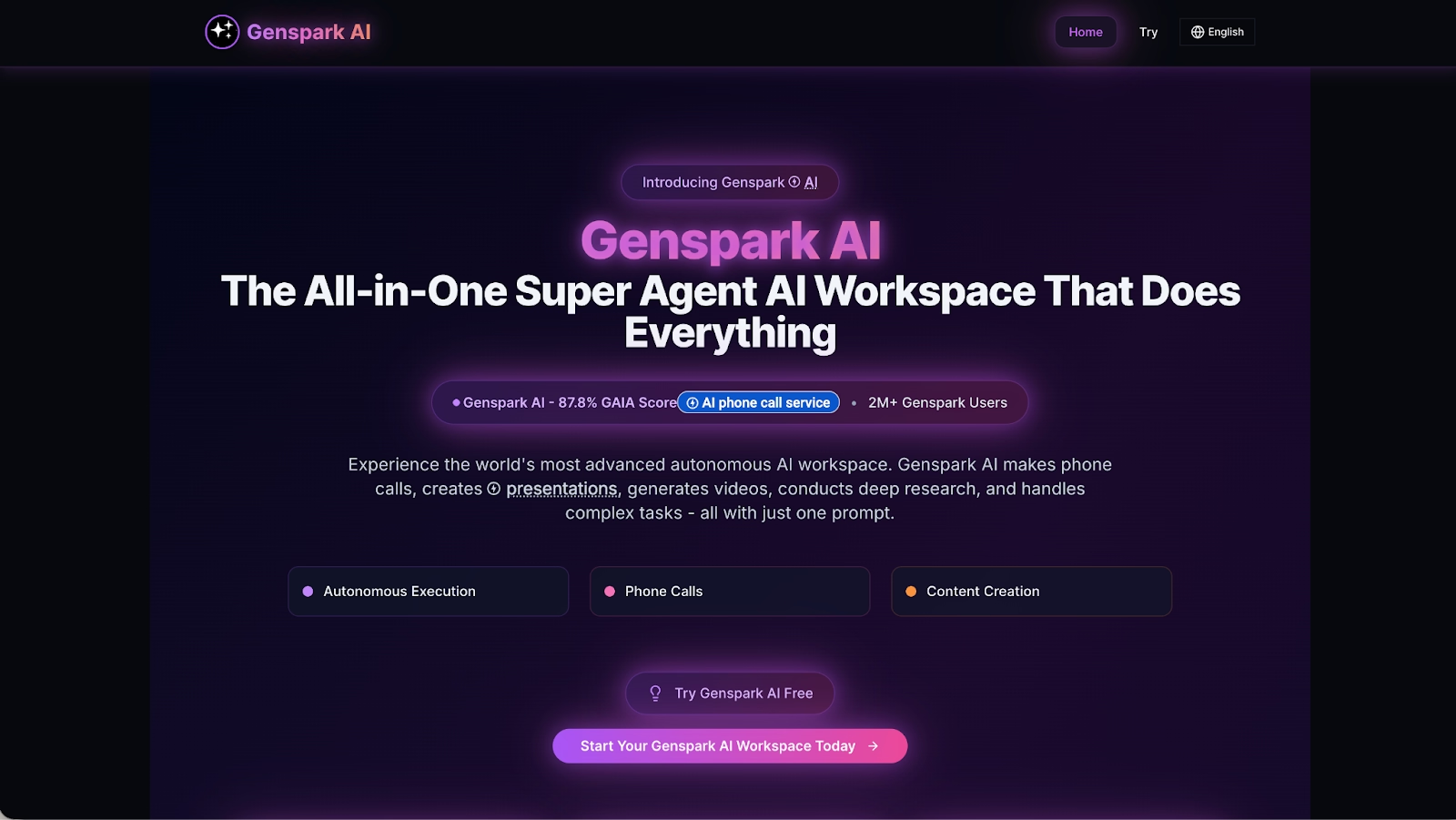
Genspark AI is an AI-powered workspace designed to turn natural language requests into structured, usable output. Instead of operating like a basic AI chatbot, it uses orchestrated AI agents and multiple large language models (LLMs), including integrations across providers like OpenAI and Anthropic, to automate multi-step workflows. Users can ask it to summarize research, generate structured docs, perform light data analysis, or produce multimodal outputs such as text and image generation. The platform focuses on reducing manual copy-paste across dashboards, Slack threads, GitHub repos, and other tools by consolidating tasks into a single, context-aware environment.
Positioned between conversational AI tools like ChatGPT and productivity layers such as Microsoft Copilot or Gemini, Genspark emphasizes end-to-end automation rather than simple text generation. Its agent-based system breaks down complex use cases into smaller tasks, routes them to specialized AI models, and assembles high-quality, AI-generated results in real time.
For startups, sales teams, and operators looking to streamline content creation and research workflows without relying on drag-and-drop templates or heavy no-code configuration, Genspark offers a scalable, all-in-one gen AI platform focused on speed, structure, and workflow optimization.
Why look for Genspark AI alternatives?
Genspark AI is built around automation and agent-based workflows, which can be powerful for research-heavy or structured tasks. But not every team needs an orchestration layer that breaks requests into multi-step processes. Some users simply want a focused writing assistant, a presentation builder with templates, or a lightweight chatbot that handles quick follow-up questions without generating full reports or structured pages.
Integration and workflow fit also matter. Genspark operates as its own workspace, which works well for teams comfortable consolidating work into a single AI platform. However, organizations deeply embedded in ecosystems like Microsoft 365, Google Workspace, or Slack may prefer AI tools that integrate natively into those environments. For teams prioritizing presentation design, real-time collaboration, or specialized functionality like advanced data analysis or image-first content, alternative platforms may better match specific use cases.
Pricing structure and scalability are additional considerations. While Genspark emphasizes automation and consolidated output, some teams may want more predictable SaaS pricing, a robust free plan, or tighter control over how AI-generated content is reviewed and refined. As the landscape of generative AI tools evolves, choosing the right platform often comes down to workflow preference rather than raw AI capability.
Top 9 Genspark AI alternatives
The tools below vary in scope and specialization. Some focus on presentation automation and visual storytelling, while others enhance existing ecosystems with AI-powered assistance. Unlike Genspark’s agent-based approach, which aims to move from prompt to structured deliverables, many of these platforms concentrate on specific outcomes such as slide design, collaborative editing, or embedded AI features inside familiar tools.
Understanding where each alternative excels will help you determine whether you need an all-in-one AI workspace or a more focused solution built around a particular format, workflow, or team environment.
1. Beautiful.ai
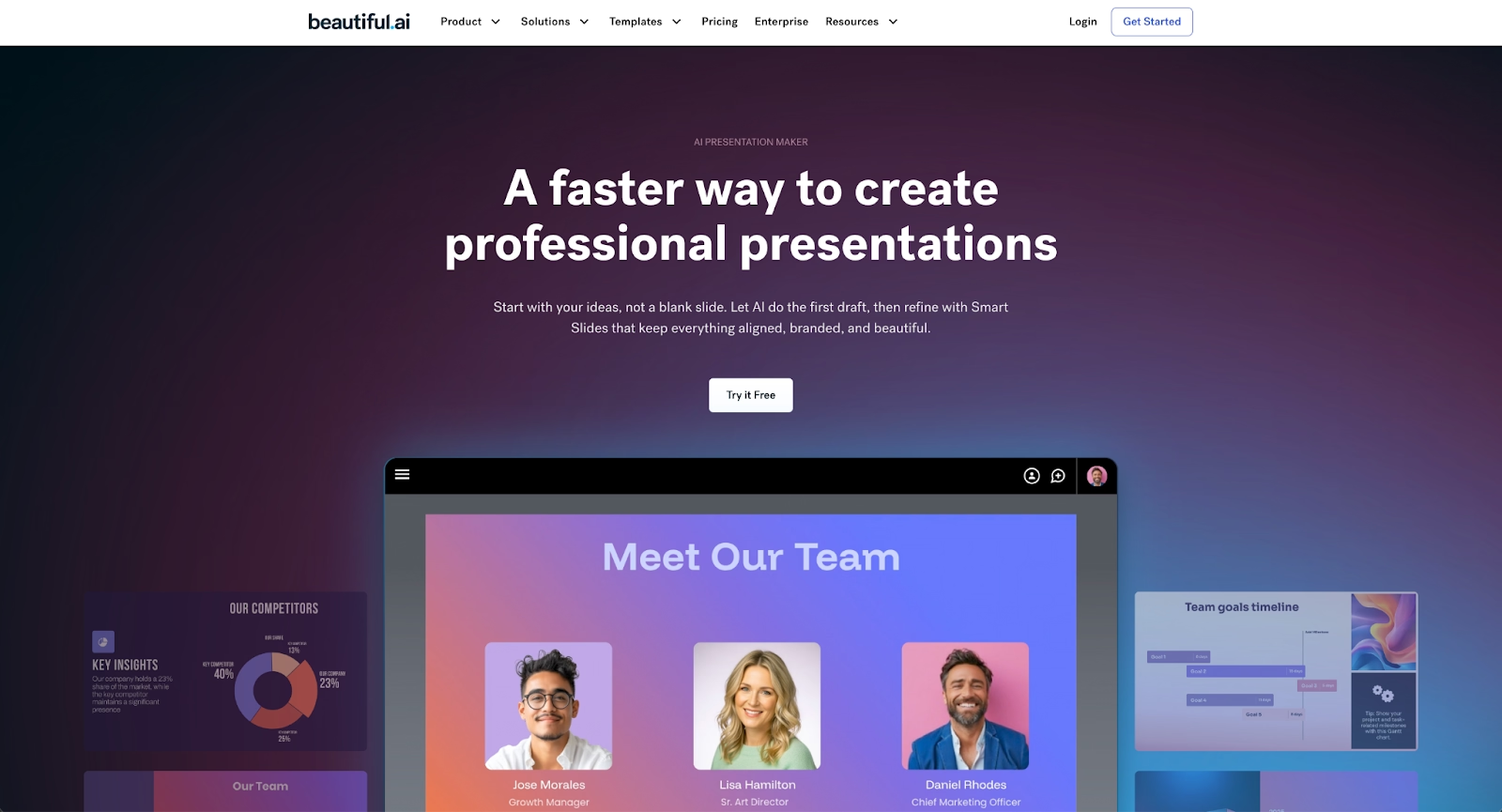
Beautiful.ai is a presentation platform built around two distinct capabilities: Smart Slides for design automation and AI for content generation.
Smart Slides auto-align, resize, and animate your content as you edit, using built-in design logic rather than AI. Users select a Smart Slide layout, add content, and the platform automatically adjusts spacing, alignment, and visual hierarchy to maintain professional standards. This removes the need for manual design and layout decisions, allowing teams to focus entirely on their message.
The AI features help teams skip the blank page. Users can enter a prompt and instantly generate entire presentation drafts, individual slides, images, and text. Every AI-generated deck is built on Smart Slides, so the finished output is polished and ready to refine at high speed.
Unlike general-purpose AI tools, Beautiful.ai focuses specifically on presentation creation. This specialization means teams can produce high-quality slide decks without spending time on manual formatting. The platform supports real-time collaboration, brand consistency controls, and analytics to track engagement.
Compared to Genspark AI, which is built around agent-based research and structured deliverables, Beautiful.ai is narrowly optimized for visual communication. Genspark may be better suited for research synthesis, summaries, and workflow automation across formats, while Beautiful.ai excels when the primary goal is to create polished slide decks efficiently. For teams prioritizing design quality and presentation structure over broader AI orchestration, Beautiful.ai offers a more focused solution.
2. Google Slides
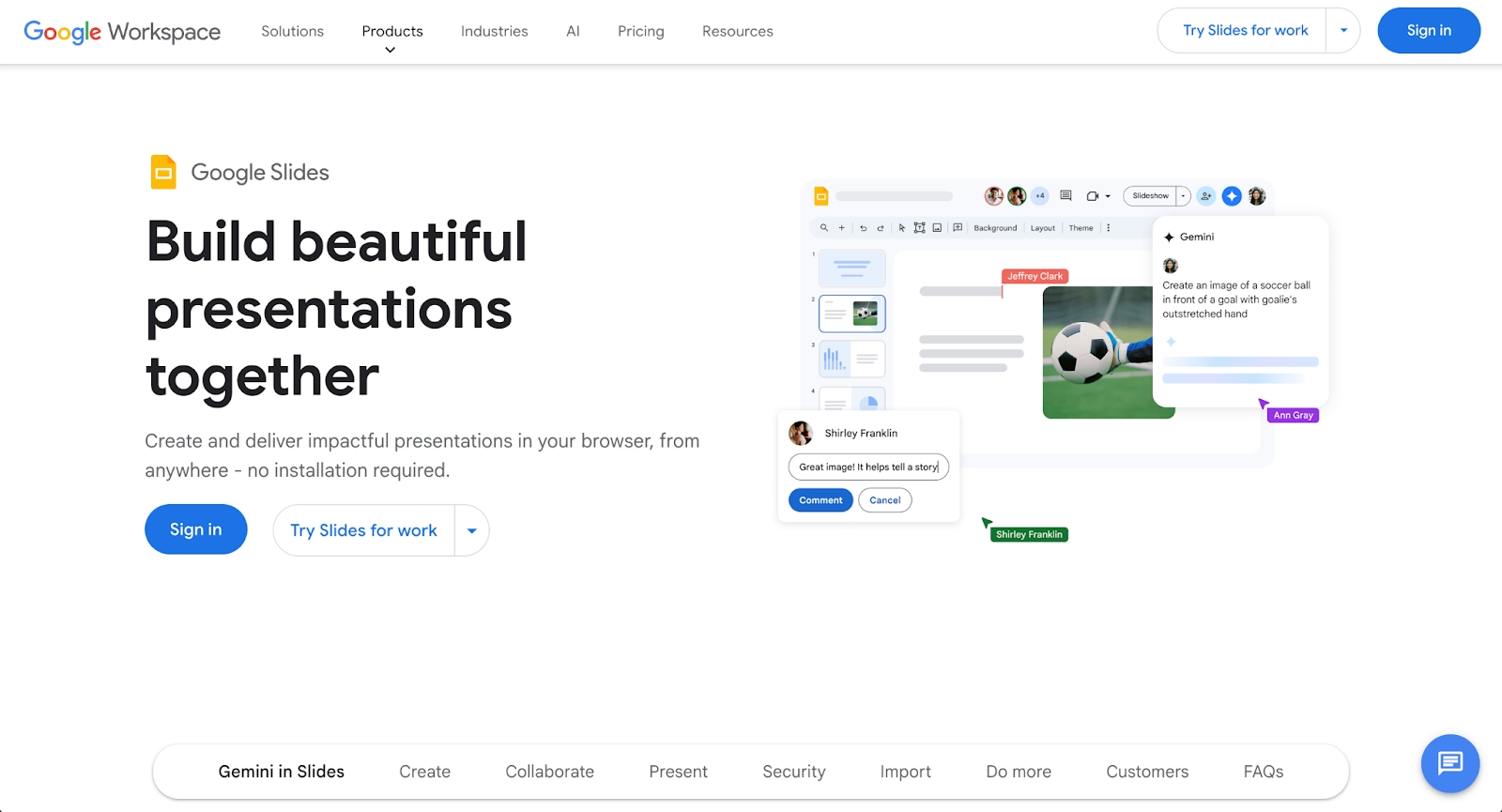
Google Slides is a cloud-based presentation platform that emphasizes accessibility and real-time collaboration. As part of the Google Workspace suite, it integrates seamlessly with Google Docs, Sheets, and Drive, making it ideal for distributed teams. Users can create presentations online, share them instantly, and collaborate in real time.
Google Slides offers a free tier with robust functionality, plus paid tiers through Google Workspace for businesses. The platform supports templates, animations, and basic design customization. Its strength lies in ease of use and seamless integration with the Google ecosystem.
Compared to Genspark AI, Google Slides is presentation-specific and focuses on collaboration over AI-assisted content generation. For teams already using Google Workspace, it provides a natural, cost-effective alternative to standalone platforms.
3. Microsoft Copilot
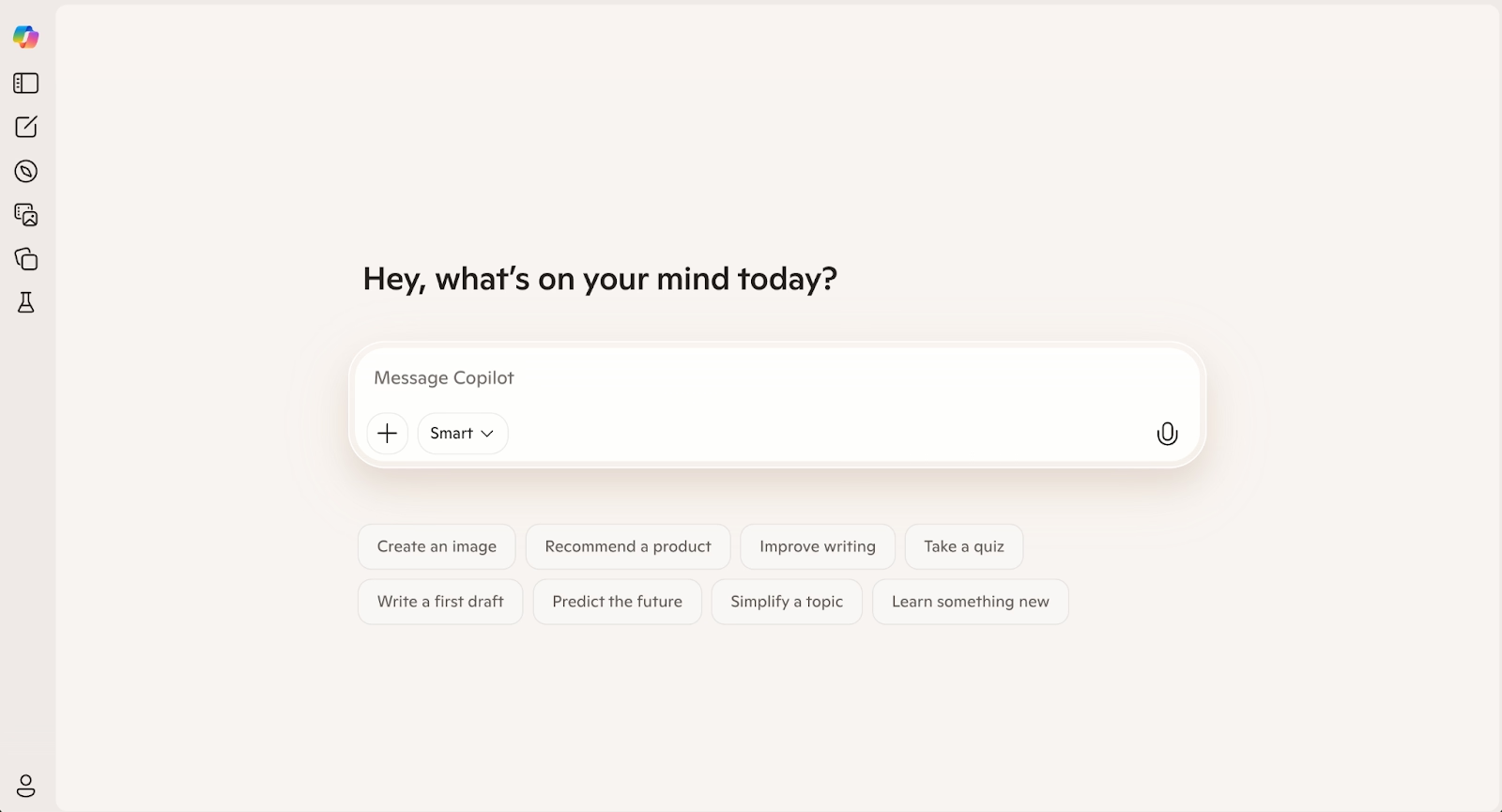
Microsoft Copilot integrates artificial intelligence directly into the Microsoft 365 ecosystem. It works across Word, Excel, PowerPoint, Outlook, and Teams to assist with content creation, data analysis, and workflow automation. Copilot can generate docs, create presentations, and help users manage their workspace more efficiently.
Copilot's strength lies in its seamless integration with tools teams already use. It can pull data from datasets in Excel, generate summaries from email threads, or create slide decks from document content. This makes it especially valuable for organizations already invested in Microsoft products.
Compared to Genspark AI, which functions as an independent AI workspace built around agent-based workflows, Copilot is ecosystem-native. Genspark may appeal to teams looking for cross-platform research orchestration and structured, shareable outputs. Copilot, on the other hand, is often more practical for enterprises that want AI assistance layered directly into their existing Microsoft environment.
4. Gemini (Google)
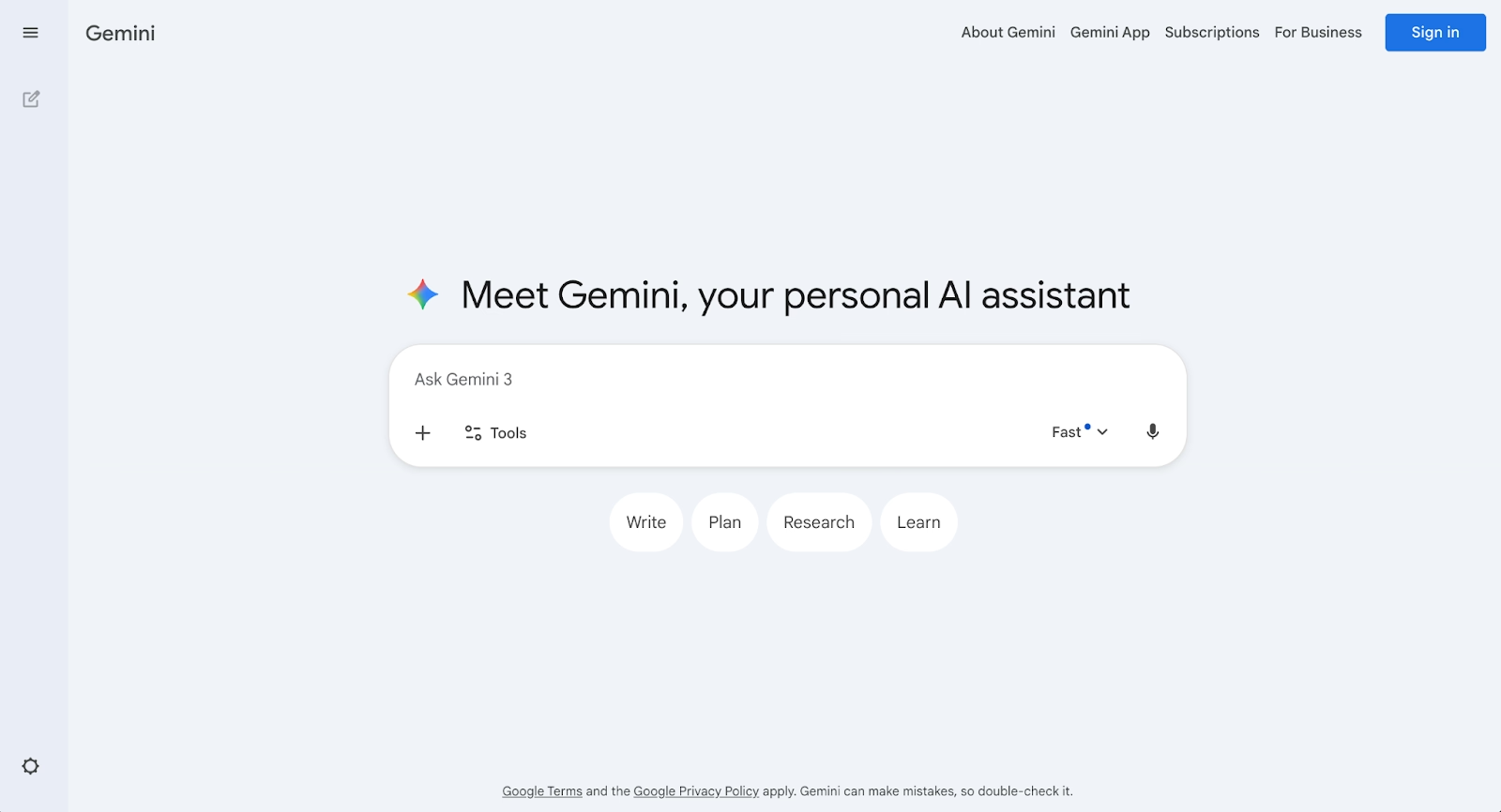
Gemini is Google's advanced AI platform, built to handle multimodal tasks including text, images, and data. It integrates with Google Workspace, enabling users to access AI-driven assistance within Docs, Sheets, and Slides. Gemini supports natural language queries, content generation, and context-aware follow-up interactions.
Google has positioned Gemini as a powerful AI solution for teams that rely on Google's ecosystem. Its ability to process multiple input formats and maintain conversation context makes it useful for complex workflows. Gemini also supports api access for developers building custom applications.
Compared to Genspark AI, Gemini prioritizes in-app productivity. Genspark focuses more on orchestrated workflows that generate structured deliverables within its own workspace. Teams deciding between the two often weigh whether they prefer AI embedded inside existing tools (Gemini) or a standalone environment designed to automate multi-step research and output creation (Genspark).
5. Pitch

Pitch is a modern presentation platform built from the ground up for team collaboration. It features a clean interface, customizable templates, and real-time co-editing capabilities. Pitch emphasizes beautiful design and streamlined workflows, making it popular with startups and creative teams.
The platform includes built-in analytics to track viewer engagement, integrations with tools like Slack and Figma, and support for animations and multimedia. Pitch offers a free plan for small teams and paid tiers for larger organizations with advanced features.
Compared to Genspark AI, Pitch is purpose-built for presentation creation. Genspark focuses on agent-based automation and structured research outputs across multiple formats, whereas Pitch centers on collaborative slide design. Teams whose primary need is polished presentations may find Pitch more directly aligned with their workflow, while those seeking broader research and workflow orchestration may prefer Genspark’s approach.
6. Gamma
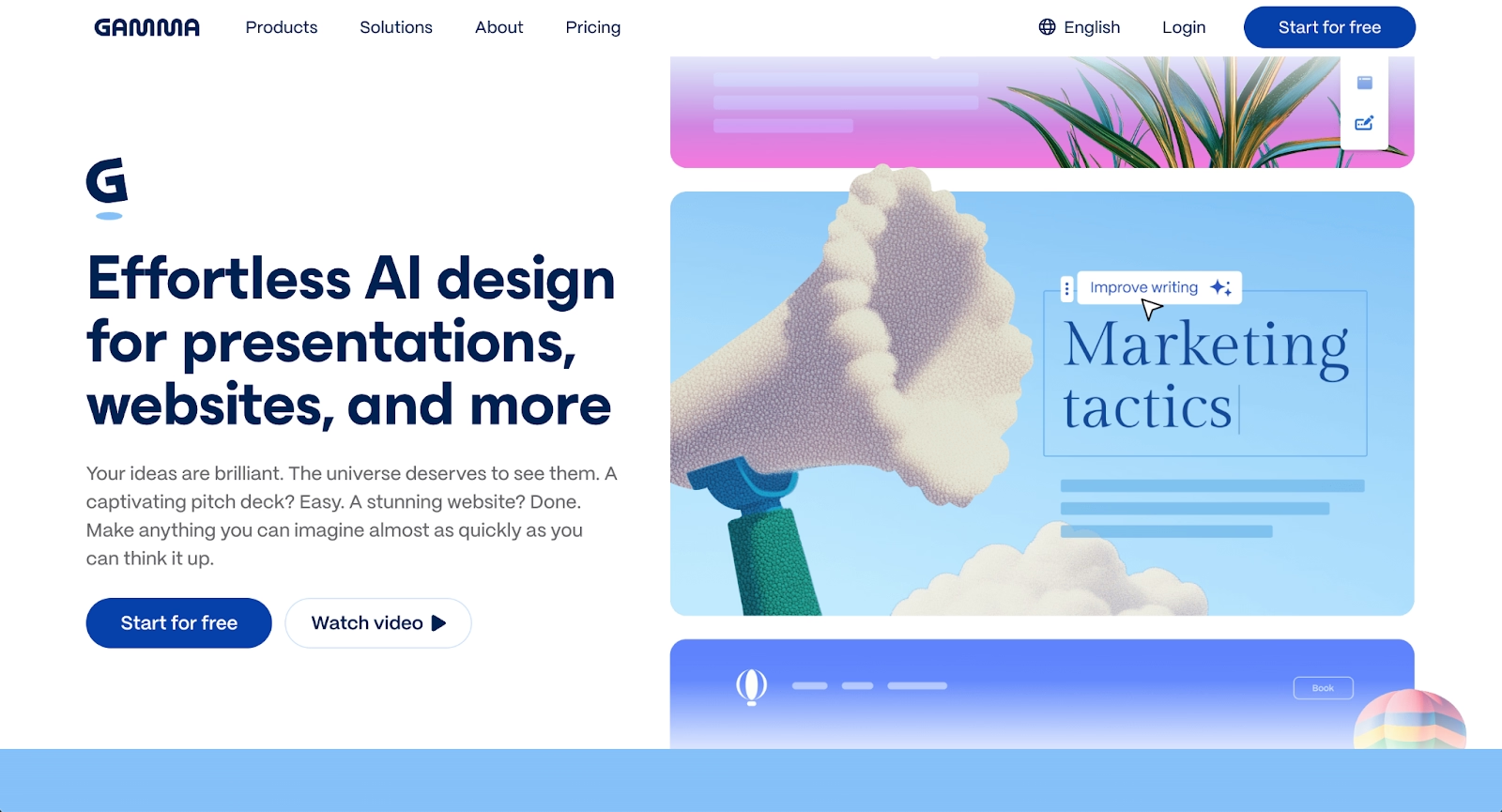
Gamma is an AI-powered platform for creating presentations, documents, and webpages. Its card-based interface allows users to structure content flexibly, and its AI can generate layouts, suggest designs, and format text from prompts.
Gamma appeals to teams that want to move quickly from ideas to polished output without deep design skills. It supports real-time collaboration and offers templates for various formats. The platform's strength is speed: users can produce AI-generated presentations in minutes.
Compared to Genspark AI, Gamma leans more heavily into visual content creation. Genspark is structured around agent-driven workflows that synthesize research and generate consolidated outputs within its own workspace. Gamma is often the stronger choice for teams prioritizing design-forward deliverables, while Genspark may be better suited for research-intensive tasks and multi-step automation.
7. Plus AI
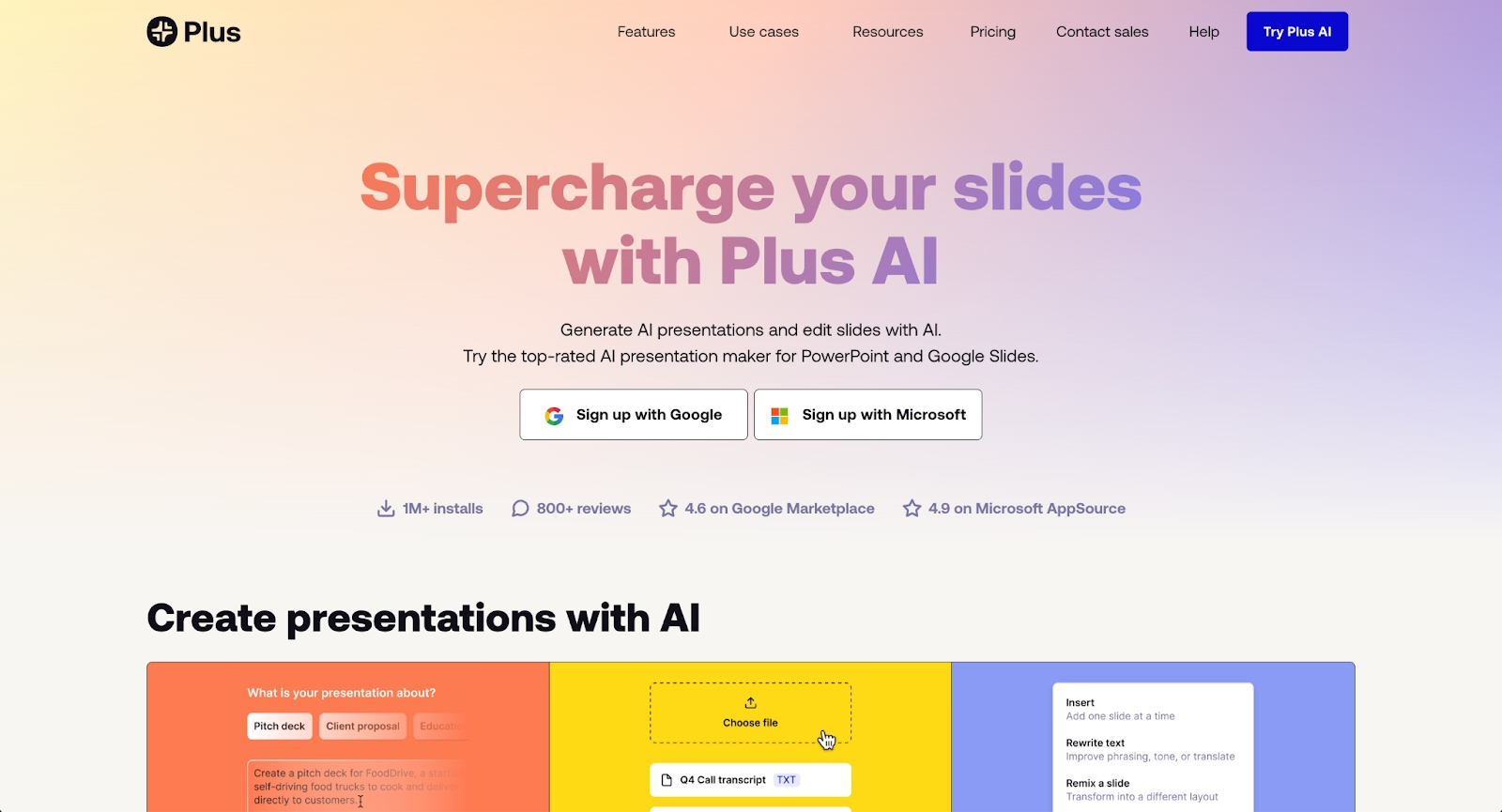
Plus AI is an AI-powered add-on for Google Slides and Microsoft PowerPoint that brings generative AI directly into familiar presentation tools. Users can generate new slides, create outlines, or enhance existing content without leaving their workspace.
The platform excels at deep integration with the Microsoft 365 and Google Workspace ecosystems. Plus AI supports real-time data connections for live spreadsheet integration and allows teams to maintain consistent formatting while leveraging AI assistance. It offers both free and premium plans.
Compared to Genspark AI, Plus AI focuses on presentation workflows and integrates seamlessly into existing tools rather than requiring users to learn a new platform. For teams already using PowerPoint or Google Slides, Plus AI provides a lightweight AI enhancement layer.
8. Prezi

Prezi offers a fundamentally different approach to presentations through its non-linear, zoomable canvas interface. Instead of traditional slides, content is arranged spatially, allowing presenters to zoom into topics and create dynamic visual narratives that emphasize relationships between concepts.
The platform supports real-time collaboration, animations, and multimedia embedding. Prezi excels at creating engaging storytelling experiences for pitches, educational content, and complex topic exploration. It offers free and premium plans with varying feature sets.
Compared to Genspark AI, Prezi is presentation-specific and experience-focused. Genspark centers on agent-based automation and structured output generation across formats, while Prezi is built for visual storytelling. Teams looking to create interactive presentations may prefer Prezi’s format, whereas those prioritizing research synthesis and automated workflow generation may find Genspark more aligned with their needs.
9. Keynote
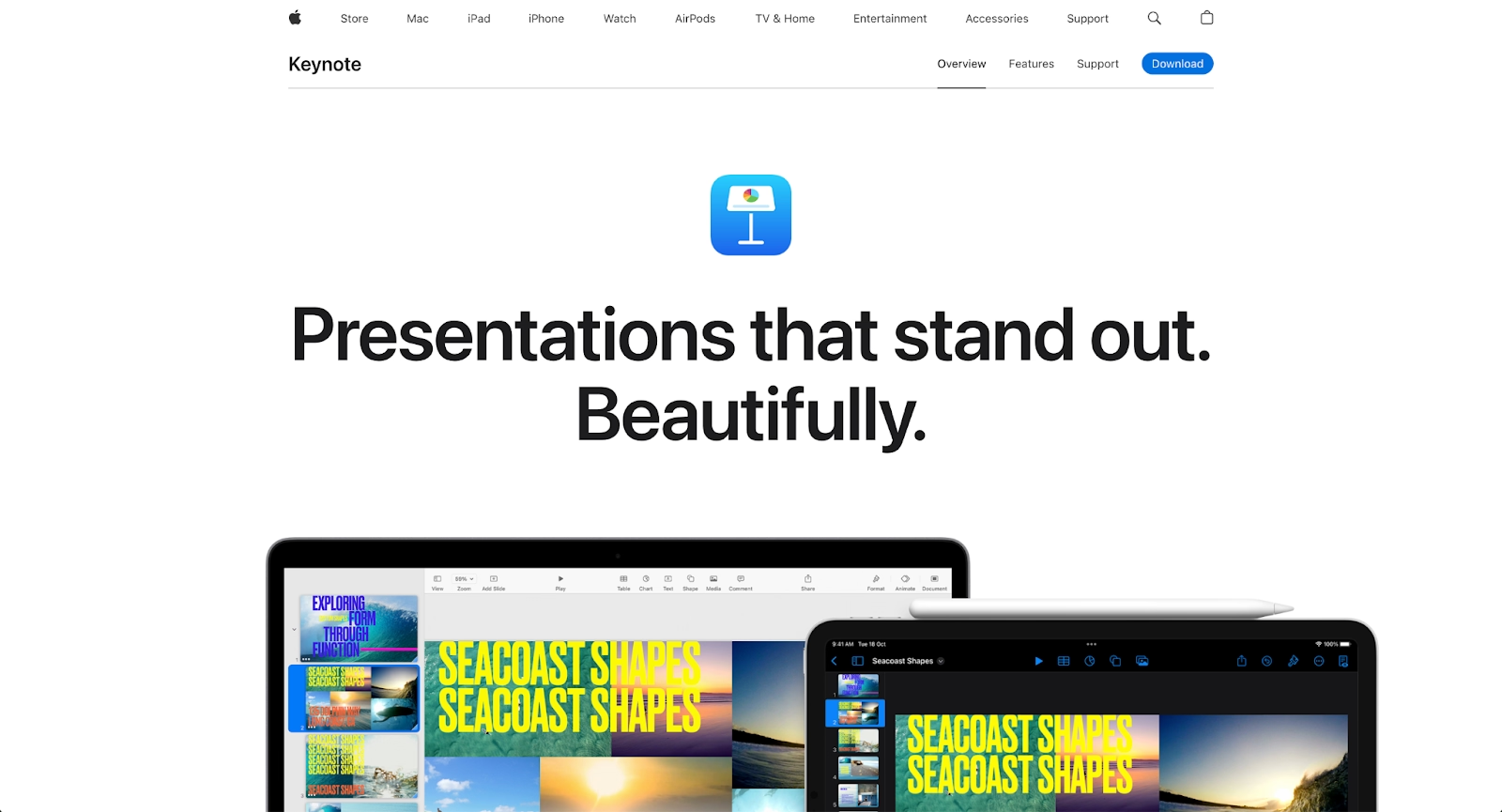
Keynote is Apple's premium presentation software, designed for creating visually stunning presentations on Mac, iPad, and iPhone. It emphasizes design quality with advanced animation, transitions, and multimedia support built into an intuitive interface.
The platform integrates seamlessly with Apple's ecosystem, including iCloud for storage and sharing across devices. Keynote offers powerful design tools, a library of templates, and support for collaboration through iCloud. It's included free with Apple devices or available through the Mac App Store.
Compared to Genspark AI, Keynote is focused exclusively on presentation design. Genspark operates as a broader AI workspace built around automation and structured content generation. For Apple users who value visual precision and creative control, Keynote remains a strong option. Teams seeking AI-driven research workflows and multi-step task automation may prefer Genspark’s more expansive approach.
Key comparison criteria
When evaluating Genspark AI alternatives, several factors help determine which platform best fits specific professional needs. These criteria ensure that the chosen tool supports efficient workflows and aligns with team expectations for automation, design, and collaboration.
AI features
AI capabilities vary significantly across platforms. Key considerations include text generation quality, support for multimodal input, context window size, and the ability to handle follow-up queries. Some platforms offer bots or AI agents that can execute multi-step workflows, while others focus on single-task assistance.
Advanced AI features like fine-tune options, access to multiple AI models, and api flexibility matter for teams building custom solutions. Platforms like Microsoft Copilot and Gemini excel in multimodal AI capabilities, while Beautiful.ai and Gamma combine AI content generation with design automation for presentations.
Ease of use
User experience determines how quickly teams can adopt a new tool. This includes interface clarity, onboarding support, and the learning curve for new users. No-code and drag-and-drop interfaces appeal to beginners, while api access and scripting options serve more technical users.
The best platforms balance powerful functionality with intuitive design. Teams should evaluate how easily they can move from initial setup to productive output without extensive training.
Design quality and templates
For presentation and visual content tools, template quality and customization options matter significantly. High-quality templates help teams produce polished materials without starting from scratch. Customizable design systems support brand consistency across outputs.
Platforms like Beautiful.ai, Pitch, and Gamma offer strong template libraries and automated formatting. Text-focused tools like Microsoft Copilot and Gemini can assist with content but rely on users to handle visual presentation design separately.
Collaboration
Real-time collaboration features support modern team workflows. This includes simultaneous editing, commenting, version history, and permissions management. Integration with communication tools like Slack or Microsoft Teams enhances collaborative capabilities.
Beautiful.ai, Google Slides, and Pitch excel in team collaboration due to their workspace-oriented designs and real-time editing capabilities. Standalone AI tools may require additional integration to support collaborative team workflows effectively.
Export and integrations
Export flexibility and integration support determine how well a platform fits into existing workflows. Common export formats include PDF, PowerPoint, and web-based formats. Integrations with tools like GitHub, CRM systems, and workspace platforms extend a tool's utility.
Platforms with open-source components or extensive api access allow teams to build custom integrations. Microsoft Copilot and Gemini benefit from native integration with their parent ecosystems.
Pricing
Pricing structures vary from free plan offerings to enterprise subscriptions. Teams should evaluate what features are available at each tier and how costs scale with usage. Some platforms use credit-based systems, while others offer unlimited generation under flat subscriptions.
Startups and small teams often prioritize free plan functionality, while larger organizations may focus on scalable enterprise options with advanced security and support.
Quick comparison snapshots
Direct comparisons help clarify where each alternative excels relative to Genspark AI. These snapshots highlight practical differences in approach, functionality, and ideal use cases.
Beautiful.ai vs Genspark AI
Beautiful.ai combines two distinct capabilities: Smart Slides (design automation using built-in logic, not AI) and AI features for content generation. Smart Slides automatically handle formatting, spacing, and alignment, while AI helps teams generate entire presentations from prompts. Genspark AI offers broader text generation capabilities but lacks specialized presentation features and design automation.
Genspark AI operates independently of a single productivity suite. It emphasizes automation, structured summaries, and consolidated research outputs rather than collaborative slide building.
Google Slides vs Genspark AI
Google Slides is presentation-specific and emphasizes real-time collaboration and ease of use, while Genspark AI is designed for broader text generation across multiple content types. Google Slides excels for teams already in the Google ecosystem, offering free access and instant sharing capabilities.
Genspark AI may be better suited for organizations that need advanced text generation and content assistance beyond presentations. For teams prioritizing collaboration and simplicity in presentation creation, Google Slides provides a more streamlined, familiar alternative.
Microsoft Copilot vs Genspark AI
Microsoft Copilot's integration with the Microsoft 365 ecosystem gives it a significant advantage for teams already using those tools. It can generate content directly within Word, create presentations in PowerPoint, and analyze datasets in Excel.
Genspark AI, in contrast, functions as a standalone AI workspace designed to orchestrate multi-step tasks across models and tools. It does not rely on Microsoft Graph or internal tenant data in the same way Copilot does.
Pitch vs Genspark AI
Pitch is presentation-focused with an emphasis on design quality and team collaboration, while Genspark AI is designed for broad text generation. Pitch excels at helping teams create visually polished decks quickly, with built-in analytics and modern templates.
Genspark AI does not specialize in presentation design. Instead, it supports automated research workflows and structured outputs that can later be imported into presentation software.
Keynote vs Genspark AI
Keynote is built specifically for presentation creation within the Apple ecosystem, emphasizing visual design and creative expression. Genspark AI, by contrast, is a text generation platform optimized for broad content creation across formats.
Genspark AI is not presentation-specific. Its value lies in automation and structured output generation rather than design execution.
Conclusion
The generative AI landscape continues to evolve, with platforms like Genspark AI pushing automation further through agent-based workflows and structured output generation. For teams focused on research synthesis or multi-step task orchestration, that approach can be powerful. But not every workflow starts and ends with research.
For many business teams, especially in sales, marketing, product, and leadership, the final deliverable isn’t a structured report or consolidated research page. It’s a presentation. And that’s where specialization matters. Beautiful.ai is purpose-built for turning ideas into polished, presentation-ready slides without the formatting friction that slows teams down. Its Smart Slides system automates layout and design decisions, while AI helps generate content directly within a presentation context. Instead of exporting research into another tool and reformatting from scratch, teams can move from idea to finished deck in a single environment.
If your team’s ultimate goal is clear, compelling visual communication, a presentation-first platform like Beautiful.ai delivers more practical value than a general-purpose AI workspace.
Why customers are switching to Beautiful.ai
Beautiful.ai is an AI-powered presentation platform that helps teams create polished, on-brand slides in a fraction of the time, without design skills or manual formatting.
- Design automation built in. Whether you're building pitch decks, reports, or internal presentations, Beautiful.ai’s Smart Slides automatically format content so you never worry about spacing, alignment, or layout again. Add your content, and the design adjusts instantly.
- ️No design experience required. Create professional decks without touching text boxes or manually arranging elements. Choose from Smart Templates and let the AI handle layout decisions, visual hierarchy, and consistency across the entire deck.
- Branding? Already handled. Keep every slide on-brand with your fonts, colors, and logos applied automatically. Beautiful.ai ensures every team member creates presentations that look like they came from a dedicated design team—without extra work.
- Real-time collaboration & team controls. Collaborate directly on the same deck, leave comments, manage permissions, and maintain consistency across team presentations. Perfect for growing teams and cross-functional workflows.
- Faster workflows, fewer revisions. Jump from rough outline to polished presentation in minutes, not hours. Beautiful.ai reduces back-and-forth edits by enforcing on-brand design rules and helping you iterate faster with AI-assisted slide creation.
