


Best Mentimeter alternatives: top 9 in 2026
![Mentimeter alternatives: the top 9 [updated for 2026]](https://cdn.prod.website-files.com/59e16042ec229e00016d3a66/69866661406e8cfa286bd478_Beautiful%20ai%20vs%20mentimeter.avif)

Best Mentimeter alternatives: top 9 in 2026
Presenters, educators, and facilitators looking to increase audience engagement often turn to interactive presentation tools. Mentimeter is one of the most recognized names in this space, but selecting the right platform requires understanding what else the market offers. This article provides a thorough overview of Mentimeter and examines nine prominent Mentimeter alternatives, comparing their features, strengths, and ideal use cases. Whether you need live polling, word clouds, or seamless video conferencing integrations, this guide will help you find the right fit.
What is Mentimeter?
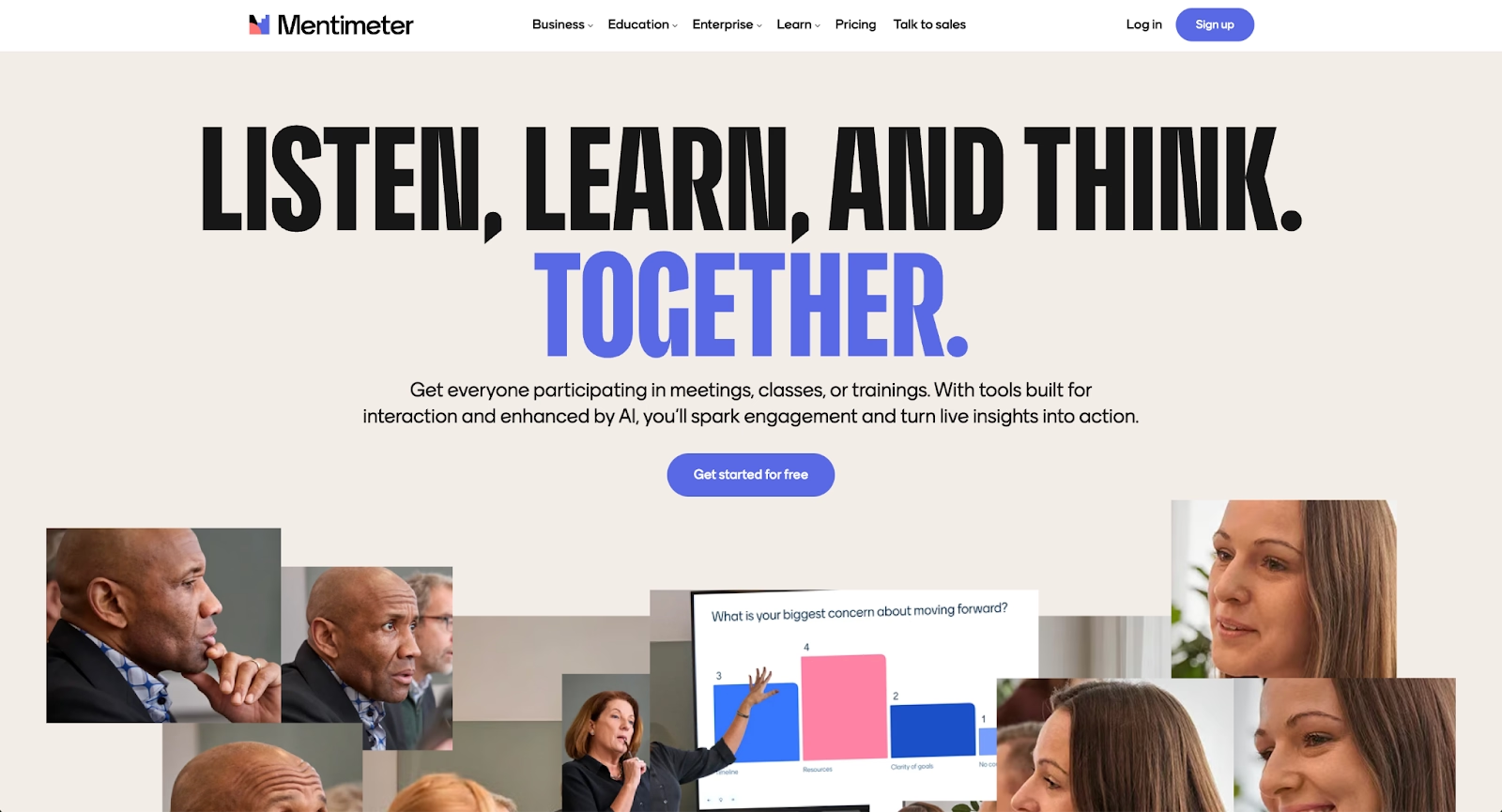
Mentimeter is an interactive presentation platform designed to turn passive audiences into active participants. It enables presenters to create live polls, quizzes, word clouds, and Q&A sessions that audiences respond to in real-time using their smartphones or devices. The platform is popular among corporate trainers, educators, event hosts, and anyone looking to boost audience participation during meetings, webinars, or training sessions.
The core value of Mentimeter (often called Menti by its users) lies in its simplicity. Presenters build interactive slides, share code with their audience, and watch responses populate on screen instantly. This real-time feedback loop makes presentations more dynamic and helps facilitators gauge understanding, gather opinions, or spark brainstorming sessions.
Mentimeter sits within a broader category of audience response and engagement tools. While it excels at interactivity, many users compare it to alternatives that offer different pricing structures, deeper integrations, or specialized functionality for specific use cases.
Why look for Mentimeter alternatives?
Several factors lead teams and individuals to explore other options beyond Mentimeter.
Pricing is a common concern. Mentimeter's free plan limits the number of questions per presentation and restricts access to certain question types. For users who need more functionality, paid plans can add up quickly, especially for larger teams or organizations with frequent presentation needs.
Feature limitations also play a role. Some users need more advanced gamification options, deeper LMS integrations, or specific formats like interactive quizzes with leaderboards. Mentimeter covers many bases, but it may not offer the specialized tools certain workflows require.
Integration requirements matter too. Teams that rely heavily on Microsoft PowerPoint, Google Slides, Keynote, Zoom, Microsoft Teams, or Webex may prefer tools that embed directly into their existing presentation software rather than requiring a separate platform.
The learning curve can be a factor for organizations with diverse technical comfort levels. While Mentimeter is generally user-friendly, some teams prefer platforms with even simpler onboarding or interfaces tailored to specific industries like education or corporate training.
Design preferences and template variety also influence the decision. Users seeking more visual customization, polished templates, or distinct branding options may find other platforms better suited to their aesthetic standards. Data visualization capabilities and professional design automation are increasingly important for modern presentations.
Top 9 Mentimeter alternatives
The tools below range from gamified quiz platforms to enterprise-grade audience response systems. Each serves different needs, whether your priority is automation, design control, seamless integrations, or cost-effective interactivity.
1. Beautiful.ai
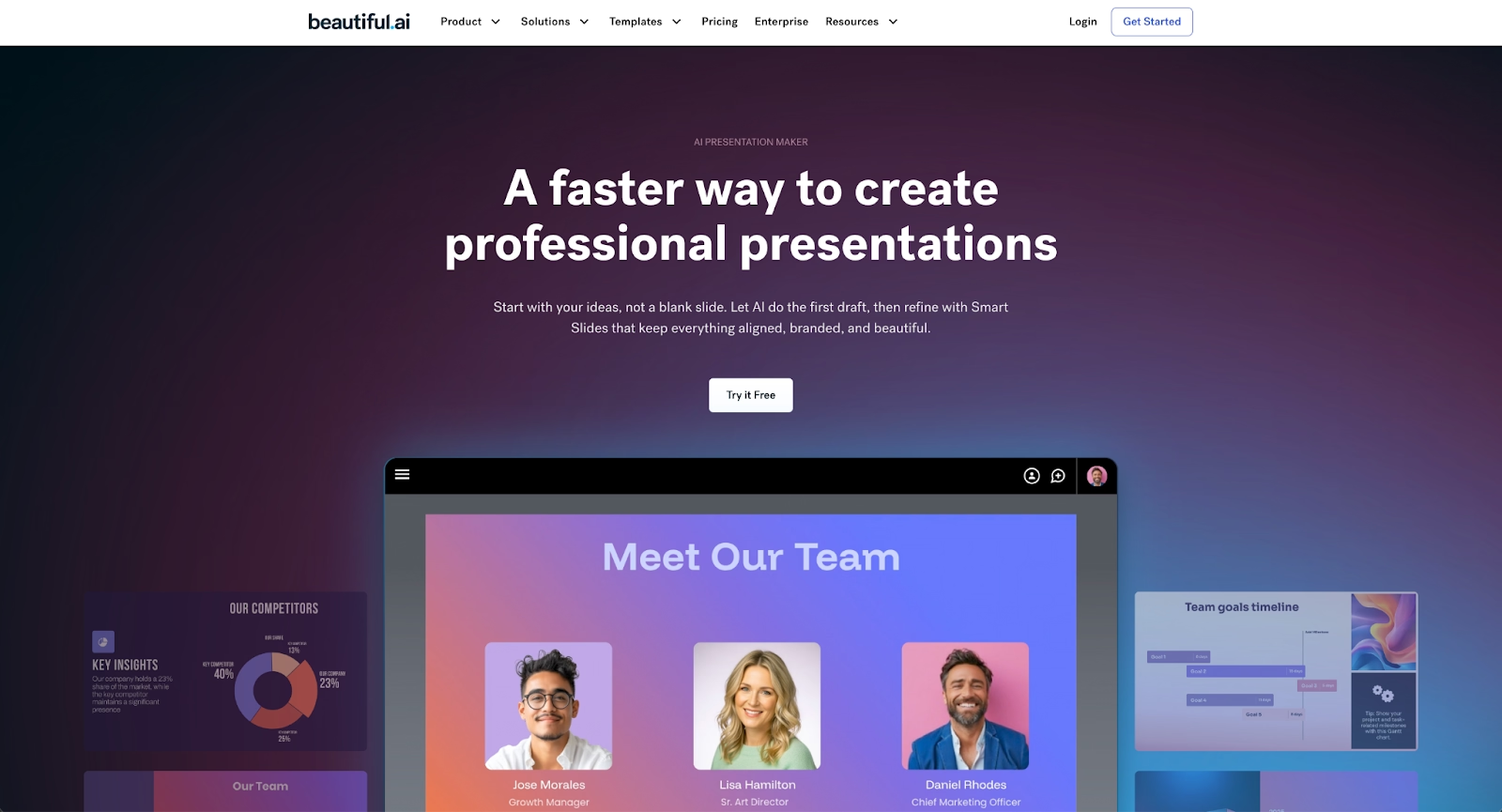
Beautiful.ai is a presentation platform that combines AI-powered content generation with automated design. The platform helps users kickstart their ideas with AI. Just enter a prompt, add extra context too, and get a beautiful presentation in seconds. Every AI-generated deck is built with Smart Slides, which auto-align, resize, and animate your content as you edit, ensuring every slide looks polished without manual adjustments.
Smart Slides use built-in design logic to maintain consistent fonts, colors, and spacing throughout a presentation. This design automation is embedded in the software itself and does not leverage or depend on AI to apply those design automation rules. Beautiful.ai's AI features can generate entire decks, single slides, images, and text to help you skip the blank page.
While Beautiful.ai does not focus on live polling or real-time audience response the way Mentimeter does, it excels at creating visually stunning business presentations, pitch decks, and training materials quickly. Collaboration features allow teams to work together on decks with built-in analytics tracking how presentations perform.
For users who prioritize presentation design quality over interactive elements, Beautiful.ai offers a compelling alternative. It pairs well with other engagement tools when the goal is delivering a polished visual experience alongside audience participation features from a separate platform.
2. Gamma
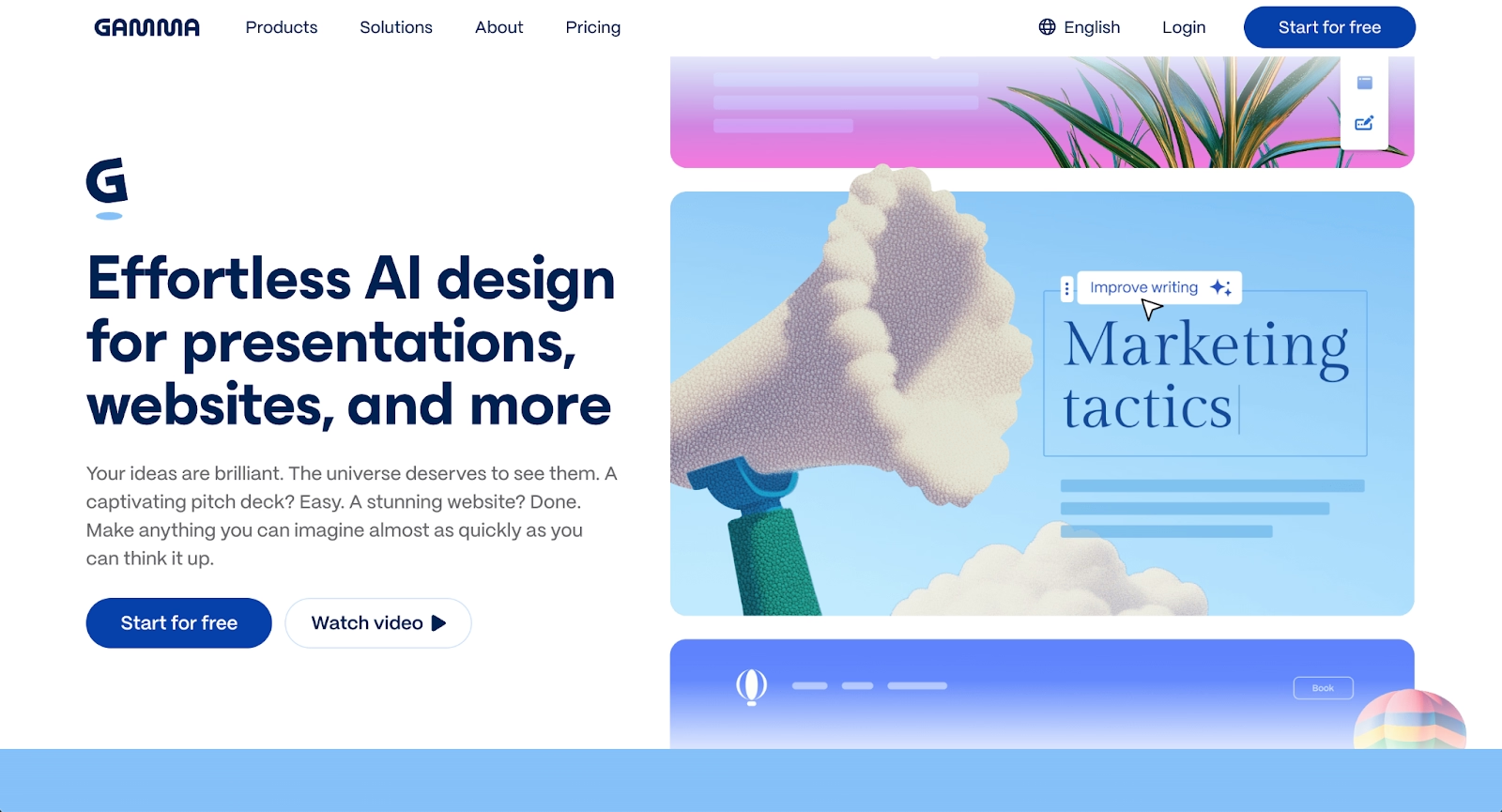
Gamma is an AI-powered presentation platform that helps users create polished decks, documents, and web pages without design expertise. The platform uses AI to generate complete presentations from prompts and outlines, making it easy to go from idea to finished product quickly. Gamma's templates adapt automatically as you add content, ensuring consistent formatting throughout.
The platform stands out for its versatility beyond traditional slides. Users can create interactive documents, web pages, and presentations all within the same interface. Gamma integrates with various content sources and supports real-time collaboration, making it suitable for teams working on presentations together.
While Gamma focuses more on presentation creation than live audience interaction, its modern interface and AI-assisted content generation make it appealing for teams that want to create engaging materials efficiently. The platform offers a free tier with limited functionality and paid plans that unlock additional AI features and customization options.
3. Prezi

Prezi offers a distinctive approach to presentations with its zoomable canvas interface instead of traditional linear slides. The platform creates dynamic, visually engaging presentations that move between topics through zooming and panning motions. This spatial approach helps presenters show relationships between ideas and maintain audience attention through movement.
Prezi has evolved to include video presentation features, making it suitable for both live presentations and recorded content. The platform integrates with video conferencing tools and supports collaborative editing. Prezi's design templates help users create professional-looking presentations even without extensive design skills.
For presenters looking to break away from standard slide formats, Prezi offers a memorable alternative. The platform works well for storytelling, complex concept visualization, and presentations where showing the big picture alongside details matters. Pricing includes a free basic plan and paid options with advanced features and privacy controls.
4. Visme
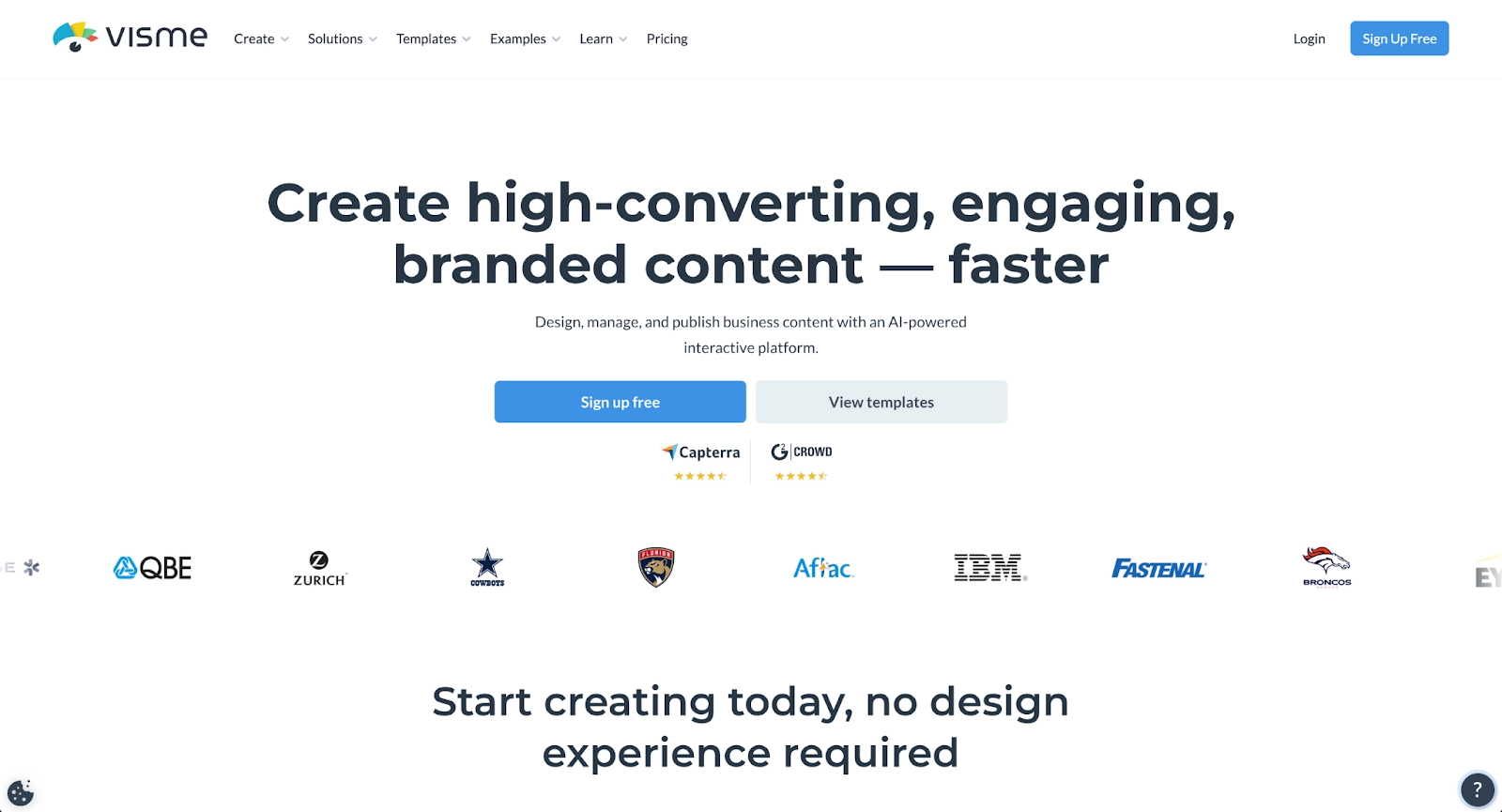
Visme is a design platform that extends beyond presentations to include infographics, reports, social media graphics, and other visual content. For presentation creation, Visme offers templates, drag-and-drop editing, and tools for creating charts, maps, and data visualizations. The platform emphasizes visual communication across multiple content formats.
Visme includes interactive elements like clickable buttons, popups, and embedded media that can enhance presentations. Users can add animations and transitions to create dynamic slides. The platform supports brand kit features that ensure consistent colors, fonts, and logos across all visual content.
Teams that need to create presentations alongside other marketing and communication materials often appreciate Visme's versatility. The platform offers a free plan with basic features and paid plans that unlock premium templates, team collaboration, and advanced analytics. For organizations seeking design flexibility beyond standard presentation tools, Visme provides comprehensive visual content creation capabilities.
5. Slidebean
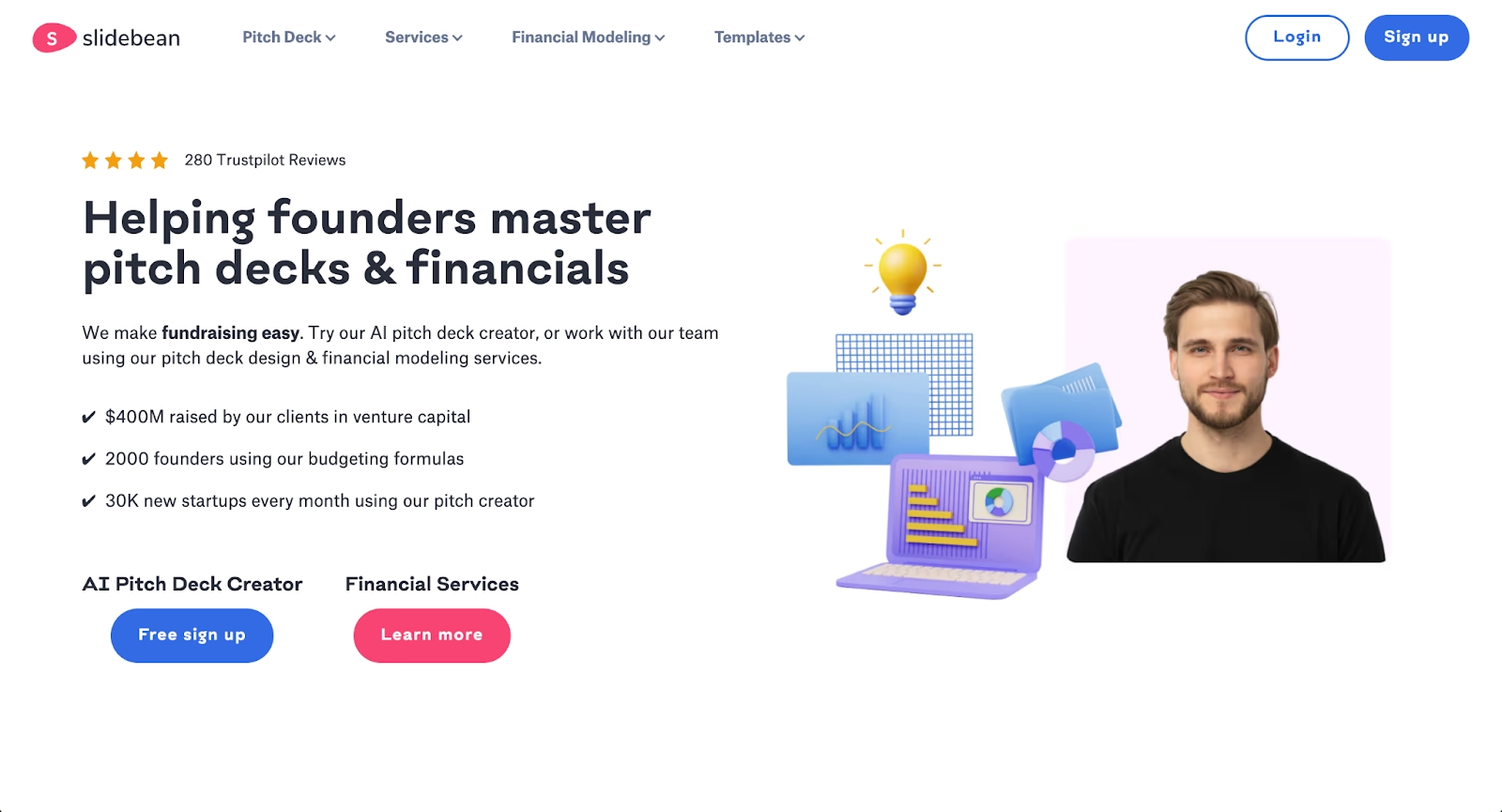
Slidebean uses AI to handle presentation design, allowing users to focus on content while the platform automatically formats slides. Users input their content and choose a template, then Slidebean's algorithms arrange elements, select fonts, and apply layouts. This approach speeds up the creation process for users who want professional results without manual design work.
The platform specializes in pitch decks and business presentations, offering templates optimized for startup fundraising, sales presentations, and corporate reporting. Slidebean includes collaboration features and analytics that track how viewers engage with shared presentations. The platform also offers presentation design services for users who want expert assistance.
For entrepreneurs and business professionals who need polished presentations quickly, Slidebean's automated design approach reduces the time spent on formatting. Pricing includes subscription plans based on feature access and presentation volume. Teams comparing Slidebean to other Mentimeter alternatives often value its focus on business-specific presentation needs.
6. Decktopus
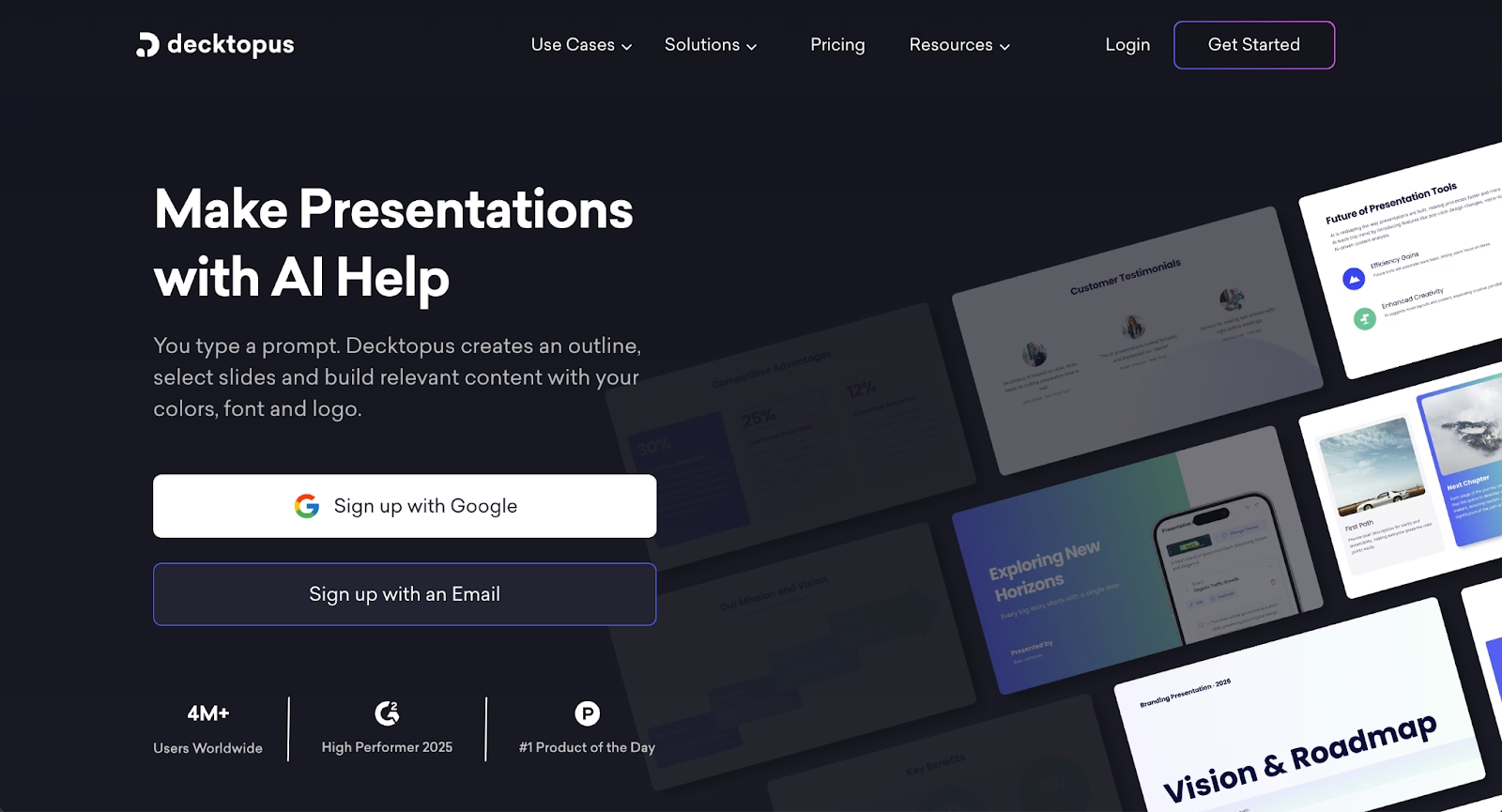
Decktopus is an AI presentation builder that creates complete decks from prompts and outlines. The platform asks users questions about their presentation goals, audience, and topic, then generates slides with relevant content and design. Decktopus handles layout, image selection, and formatting automatically, streamlining the creation process.
The platform includes interactive elements like forms and buttons that can be embedded in presentations. Decktopus offers templates for various use cases including pitch decks, sales presentations, and webinars. Analytics features track viewer engagement and provide insights into how audiences interact with shared presentations.
For users who want to start with AI-generated content and refine from there, Decktopus offers an efficient workflow. The platform's question-based approach helps structure presentations effectively even for users uncertain about their outline. Pricing includes a free tier and paid plans with additional AI capabilities and customization options.
7. Presentations.ai
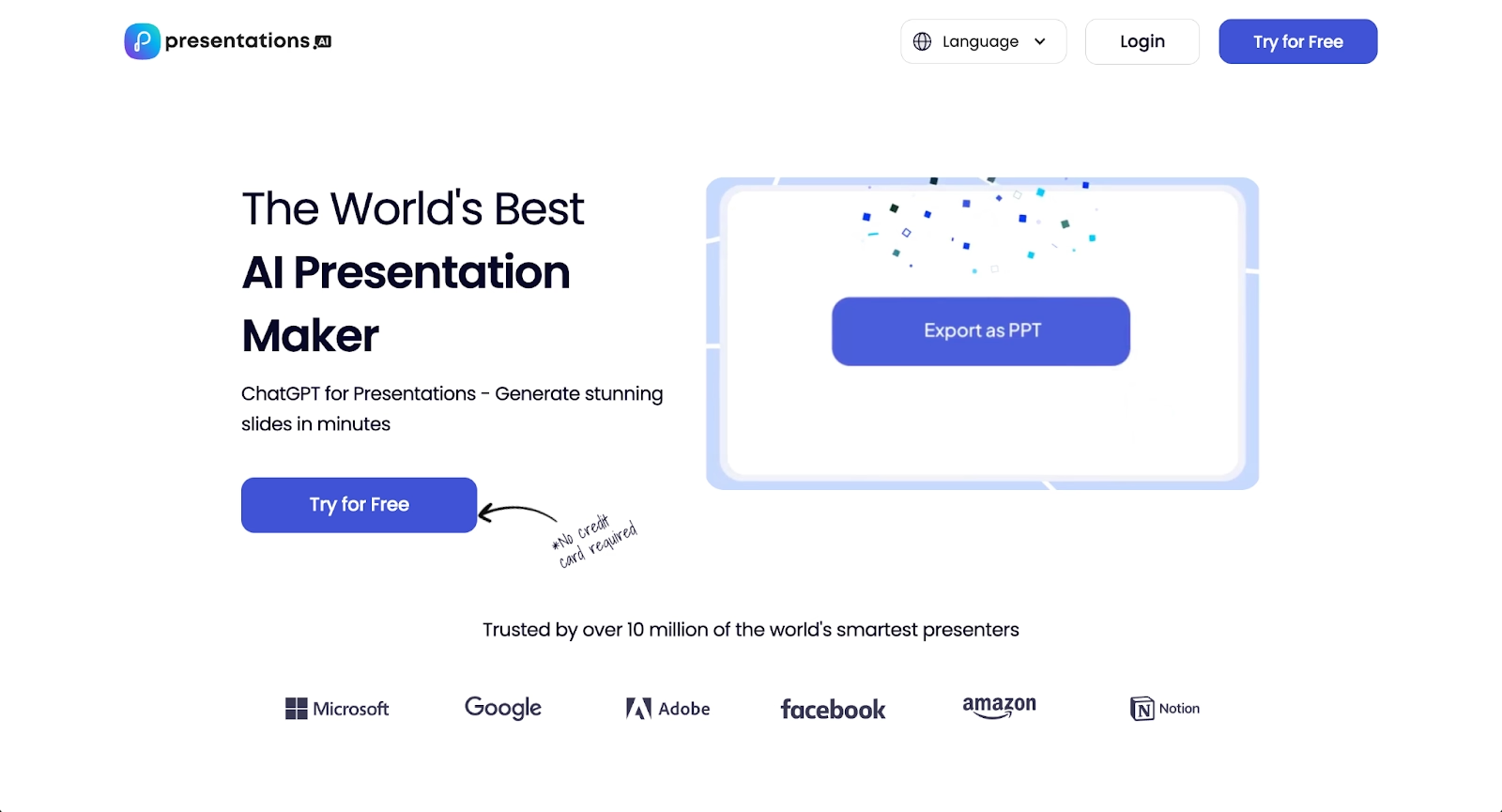
Presentations.ai uses artificial intelligence to generate complete presentations from simple text inputs. Users describe what they want to create, and the platform produces slides with content, design, and layout already in place. The AI handles everything from choosing appropriate visuals to organizing information across slides.
The platform focuses on speed and convenience, making it possible to create presentations in minutes rather than hours. Presentations.ai includes editing tools that allow users to refine AI-generated content while maintaining consistent design. The platform offers templates for different presentation types and supports customization of colors, fonts, and branding.
For professionals who need to create presentations frequently and want to minimize time spent on design and layout, Presentations.ai offers a streamlined solution. The platform's AI-first approach appeals to users comfortable with refining generated content rather than starting from scratch.
8. Google Slides
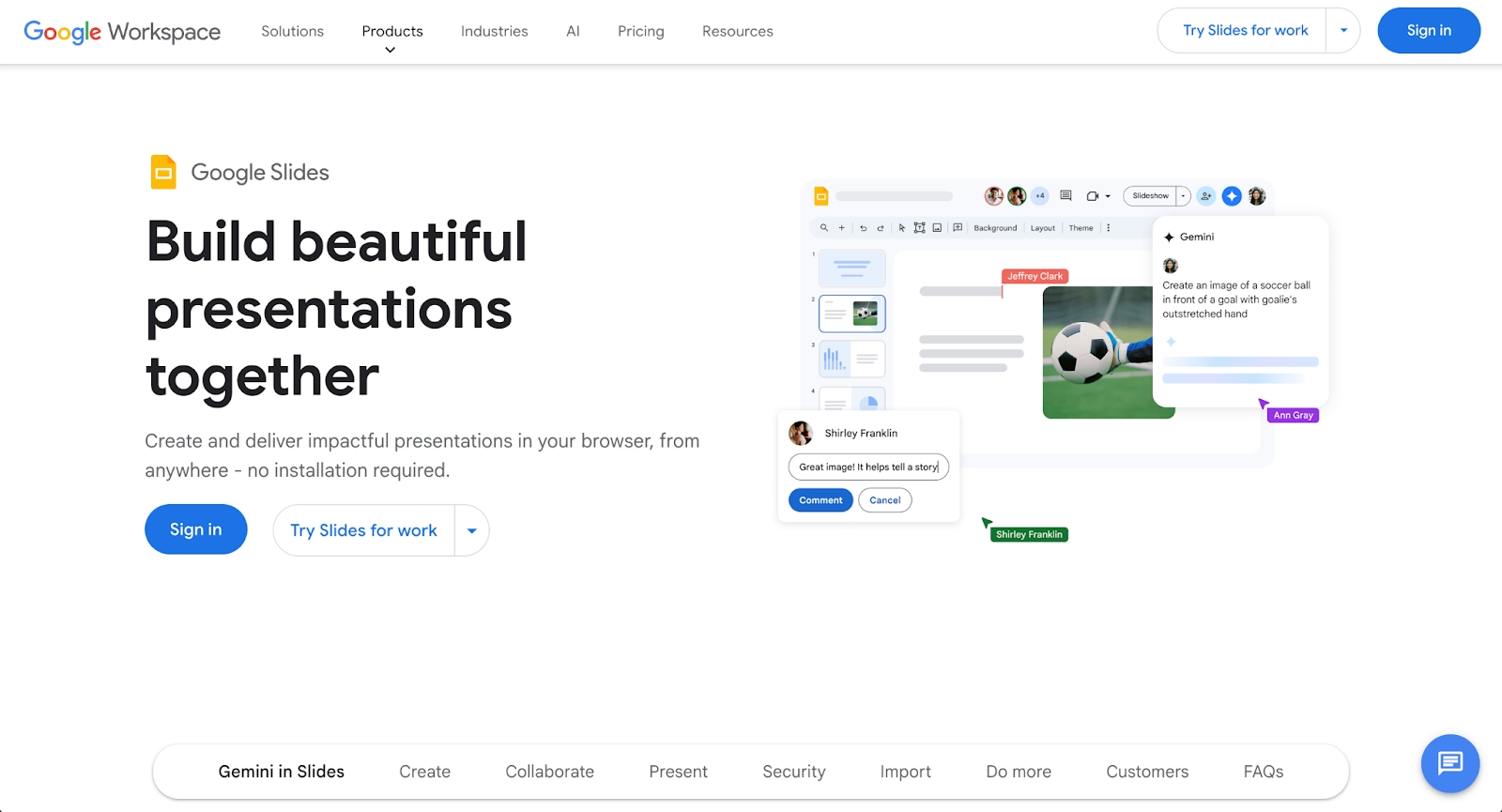
Google Slides is a widely used presentation platform that integrates seamlessly with the Google Workspace ecosystem. The platform offers collaborative editing with real-time updates, making it easy for teams to work together on presentations simultaneously. Google Slides works across devices and requires no software installation since it runs entirely in web browsers.
The platform provides templates, themes, and basic design tools for creating presentations. Users can embed videos, images, charts, and other media types. Google Slides integrates with other Google tools like Sheets and Docs, allowing easy data imports and content reuse. The platform supports presenting remotely with built-in tools for Q&A and audience questions.
For teams already using Google Workspace, Google Slides offers a natural presentation solution with no additional cost. The platform's collaboration features and accessibility make it popular in education and business settings. While less design-focused than specialized tools, Google Slides provides reliable functionality for standard presentation needs.
9. Keynote
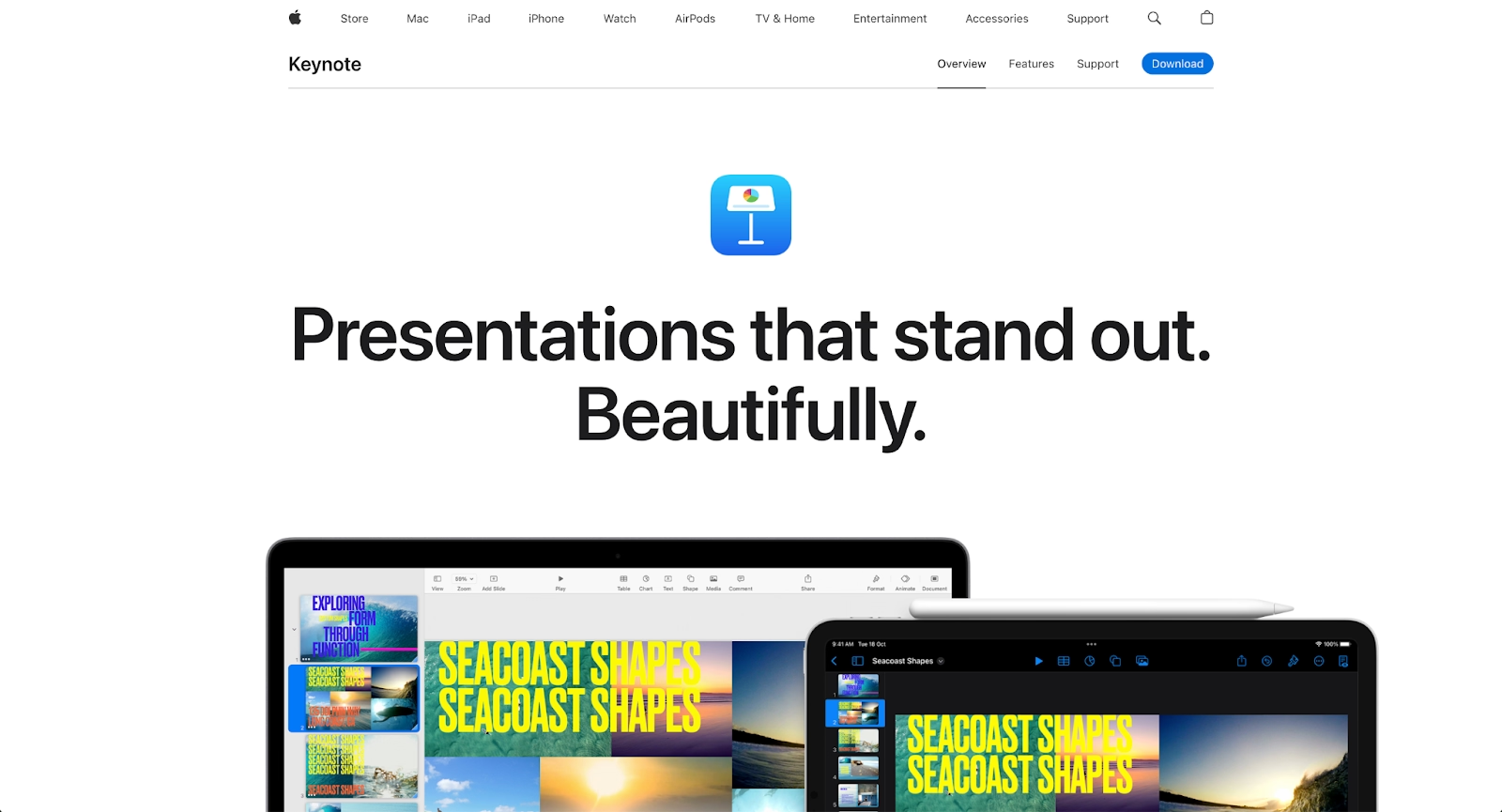
Keynote is Apple's presentation software, known for producing visually polished slides with sophisticated animations and transitions. The platform offers professionally designed templates and precise design controls for users who want detailed customization. Keynote's animation tools enable smooth, cinematic transitions between slides and elements.
The platform integrates with the Apple ecosystem, working seamlessly across Mac, iPad, and iPhone devices. Keynote supports real-time collaboration through iCloud, allowing multiple users to edit presentations simultaneously. The platform includes built-in tools for creating charts, shapes, and diagrams with high visual quality.
For users within the Apple ecosystem who prioritize design quality and animation capabilities, Keynote offers powerful presentation tools at no additional cost beyond Apple device ownership. The platform exports to various formats including PowerPoint, making it compatible with users on different systems. Keynote appeals to presenters who want fine control over visual details and transitions.
Key comparison criteria
When evaluating Mentimeter alternatives, several criteria help determine which platform best fits your specific needs. These factors span technology capabilities, usability, and practical considerations like cost and workflow compatibility.
AI features
AI-powered capabilities vary significantly across presentation platforms. Beautiful.ai uses AI to generate presentations from prompts, creating entire decks, slides, images, and text to help you skip the blank page. Every AI-generated presentation is built with Smart Slides, which use built-in design automation (not AI) to auto-align, resize, and animate your content as you edit. Gamma, Slidebean, Decktopus, and Presentations.ai also leverage AI for content generation and design automation.
Some platforms are beginning to incorporate AI for content suggestions or automated question formatting. The depth of AI assistance differs based on whether the tool prioritizes presentation design versus real-time interactivity. Teams should evaluate whether they need AI for visual polish, content creation, or engagement optimization.
Ease of use
Onboarding experience and interface clarity matter for adoption. Mentimeter and its alternatives generally emphasize simplicity, but learning curves vary. Platforms like Gamma and Presentations.ai prioritize quick setup with minimal technical knowledge required, using AI to streamline the creation process.
Tools with deep integrations into Microsoft PowerPoint or Google Slides may require more initial configuration but offer smoother long-term workflows once connected. Consider how quickly presenters need to go from idea to live session, and whether occasional users can jump in without extensive training.
Design quality and templates
Template availability and visual customization options influence how professional your interactive presentations appear. Beautiful.ai leads in automated design quality with its Smart Slide layouts and presentation templates, while Keynote and Prezi focus on distinctive visual approaches with sophisticated animations and dynamic canvas-based designs.
Some tools offer branded templates and customization options that help organizations maintain consistent visual identity. Evaluate whether you need basic functional slides or polished, on-brand interactive elements for your presentations. Beautiful.ai's brand controls ensure every presentation stays consistent with your organization's visual standards.
Collaboration
Real-time collaboration features support team workflows where multiple presenters or facilitators work together. Platforms like Google Slides and Keynote include team accounts and shared editing capabilities. Beautiful.ai's collaboration features include real-time editing, shared slide libraries, and version control.
Consider whether you need commenting, version history, or simultaneous editing capabilities. For organizations running recurring events or maintaining libraries of interactive content, collaboration tools become more important.
Export and integrations
Integration support often determines which platform fits your workflow. Direct integration with Microsoft PowerPoint, Google Slides, Keynote, Zoom, Microsoft Teams, and Webex enables seamless deployment without switching between applications.
Export formats matter for reporting and analysis. Most platforms export results to standard formats like CSV or PDF. LMS integrations are relevant for educational institutions or corporate training programs that need engagement data flowing into existing systems. Beautiful.ai offers integrations with popular workplace tools for seamless presentation workflows.
Pricing
Pricing structures vary from generous free plans to enterprise-level subscriptions. Mentimeter's free plan limits questions per presentation, pushing active users toward paid plans. Alternatives like Google Slides offer free functionality within the Google Workspace ecosystem, while platforms like Slidebean and Decktopus use subscription models based on feature access.
Evaluate total cost based on your expected usage: audience size, event frequency, and required features. Some platforms charge per user, others per subscription tier, and some offer free tiers with limited functionality. No credit card requirements for free trials can lower the barrier to testing multiple options.
Quick comparison snapshots
These head-to-head comparisons highlight the practical differences between select alternatives and Mentimeter, helping you identify the best fit for your specific use cases.
Beautiful.ai vs Mentimeter
Beautiful.ai and Mentimeter serve different primary purposes. Beautiful.ai focuses on creating visually polished presentations through AI-powered content generation and Smart Slide layouts that use built-in design automation to handle formatting, while Mentimeter specializes in live audience engagement through polls, quizzes, and word clouds.
Teams that need stunning presentation design with consistent branding will prefer Beautiful.ai. Those prioritizing real-time audience participation and interactive elements will find Mentimeter more aligned with their needs. Some organizations use both: Beautiful.ai for the visual foundation and a separate engagement tool for interactivity.
Gamma vs Mentimeter
Gamma and Mentimeter address different presentation needs. Gamma uses AI to generate complete presentations, documents, and web pages with polished designs, while Mentimeter focuses specifically on live audience interaction through polls and quizzes.
Gamma's zoomable canvas and versatile content formats suit users who want modern, visually engaging presentations beyond traditional slides. Mentimeter serves presenters who need real-time audience participation features. Teams should choose based on whether their priority is content creation and design or interactive audience engagement during live sessions.
Prezi vs Mentimeter
Prezi and Mentimeter both aim to make presentations more engaging, but through different approaches. Prezi uses a dynamic zoomable canvas that creates visual interest through motion and spatial relationships, while Mentimeter adds interactivity through audience polling and responses.
Prezi appeals to presenters who want to stand out with non-linear storytelling and memorable visual movement. Mentimeter works better for facilitators who need to gather audience input, opinions, and feedback during sessions. The choice depends on whether you want to engage audiences through innovative visual presentation or through direct participation.
Google Slides vs Mentimeter
Google Slides and Mentimeter serve complementary roles in the presentation ecosystem. Google Slides provides a collaborative platform for creating and editing standard presentations with strong integration across Google Workspace, while Mentimeter specializes in adding live interactive elements like polls and quizzes.
Google Slides works well for teams that need reliable, accessible presentation creation with real-time collaboration. Mentimeter serves users who specifically need audience engagement features during live presentations. Many users combine both tools: building presentations in Google Slides and adding interactivity through Mentimeter or similar platforms.
Conclusion
The landscape of interactive presentation tools offers many compelling Mentimeter alternatives for different needs. When evaluating options, focus on the criteria that matter most for your workflow: AI features, ease of use, design quality, collaboration support, integration requirements, and pricing.
Beautiful.ai excels for teams prioritizing professional presentation design with AI-powered content generation and Smart Slide layouts that auto-align, resize, and animate your content. Gamma offers AI-assisted presentation creation with versatile content formats. Prezi brings dynamic visual storytelling through its zoomable canvas interface. Visme provides comprehensive design tools for presentations and visual content. Slidebean and Decktopus specialize in automated design for business presentations and pitch decks. Presentations.ai focuses on rapid AI generation from text prompts. Google Slides delivers reliable collaboration within the Google Workspace ecosystem. Keynote offers sophisticated design and animation capabilities for Apple users.
The right choice depends on your audience, your existing tech stack, and whether you value interactivity, design polish, or seamless workflow integration most. By aligning your priorities with the strengths of these platforms, you can select a tool that supports engaging, professional presentations for any setting.
Why customers are switching to Beautiful.ai
Beautiful.ai is an AI-powered presentation platform that helps teams create polished, on-brand slides in a fraction of the time, without design skills or manual formatting.
- Design automation built in. Whether you're building pitch decks, reports, or internal presentations, Beautiful.ai’s Smart Slides automatically format content so you never worry about spacing, alignment, or layout again. Add your content, and the design adjusts instantly.
- ️No design experience required. Create professional decks without touching text boxes or manually arranging elements. Choose from Smart Templates and let the AI handle layout decisions, visual hierarchy, and consistency across the entire deck.
- Branding? Already handled. Keep every slide on-brand with your fonts, colors, and logos applied automatically. Beautiful.ai ensures every team member creates presentations that look like they came from a dedicated design team—without extra work.
- Real-time collaboration & team controls. Collaborate directly on the same deck, leave comments, manage permissions, and maintain consistency across team presentations. Perfect for growing teams and cross-functional workflows.
- Faster workflows, fewer revisions. Jump from rough outline to polished presentation in minutes, not hours. Beautiful.ai reduces back-and-forth edits by enforcing on-brand design rules and helping you iterate faster with AI-assisted slide creation.
