


Best Microsoft Copilot alternatives: top 9 in 2026
![Microsoft Copilot alternatives: the top 9 [updated for 2026]](https://cdn.prod.website-files.com/59e16042ec229e00016d3a66/69700f2bd69aef5025abc507_Microsoft%20Copilot%20Alternatives.avif)

Best Microsoft Copilot alternatives: top 9 in 2026
Microsoft Copilot has quickly become one of the most visible AI-powered assistants in the productivity space. Built directly into the Microsoft ecosystem, it promises to streamline workflows across apps like Word, Excel, PowerPoint, Outlook, and Teams using advanced artificial intelligence and large language models.
However, as AI tools continue to mature, many teams are actively comparing Microsoft Copilot alternatives to find solutions that better match their workflows, pricing expectations, data privacy needs, or integration requirements. From standalone AI platforms to specialized presentation apps and conversational AI tools, the market now offers a wide range of options designed to support content creation, data analysis, automation, and real-time collaboration.
This guide explores the top alternatives to Microsoft Copilot in 2026, focusing on how different apps approach AI assistants, automation, user experience, and integration across modern workspaces.
What is Microsoft Copilot?
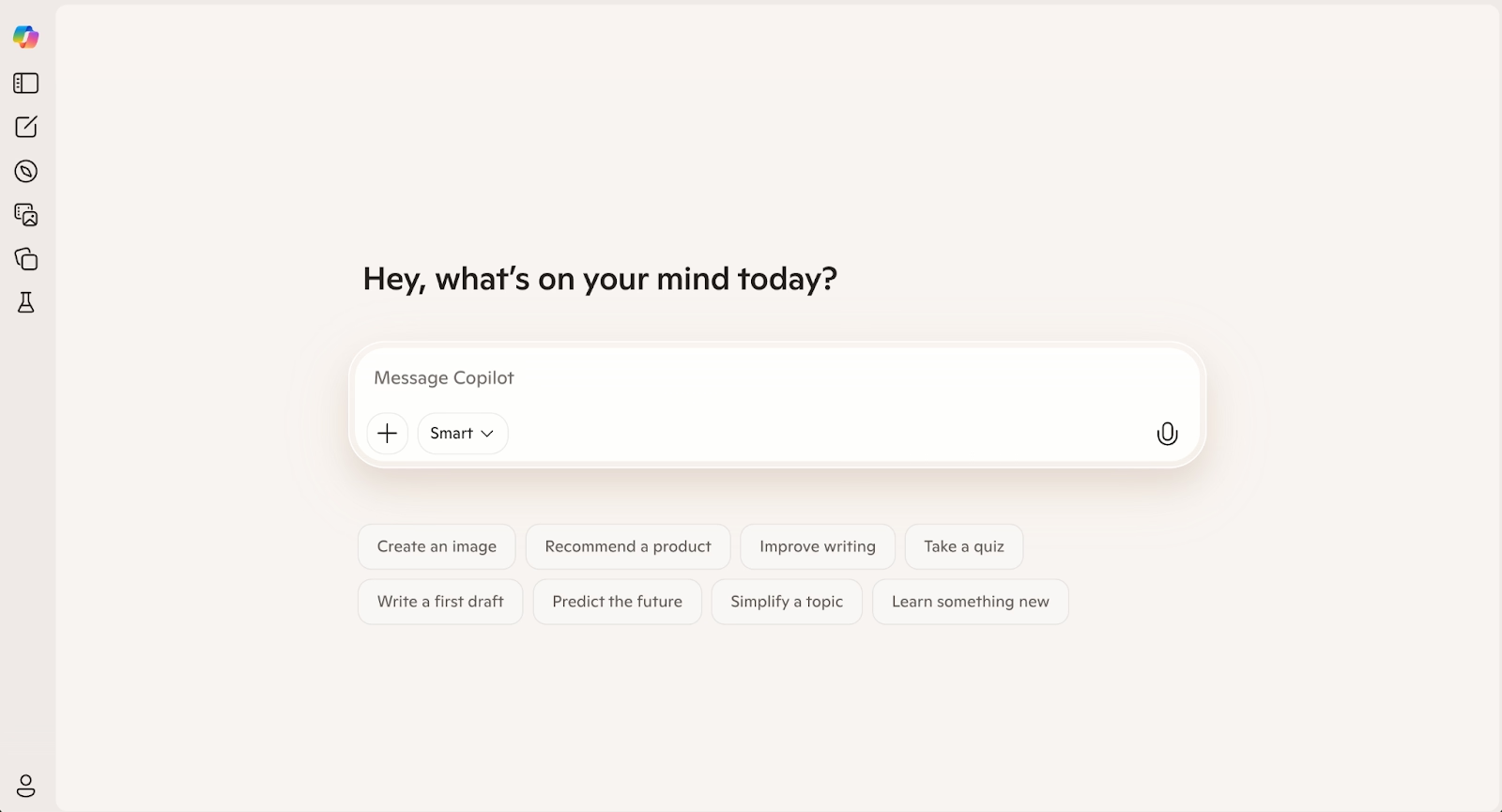
Microsoft Copilot is an AI-driven assistant embedded across Microsoft 365, designed to help users work faster and more efficiently using natural language prompts. It operates as an AI platform layered on top of Microsoft applications, enabling users to generate documents, summarize content, analyze spreadsheets, and build presentations directly inside tools they already use.
At its core, Copilot combines large language models such as GPT-4 with Microsoft’s proprietary data graph. This allows it to answer questions, create summaries, and automate repetitive tasks using context from emails, docs, calendars, and spreadsheets. In Excel, Copilot supports data analysis and formula generation, while in PowerPoint it helps turn notes or documents into structured slide decks. In Outlook and Teams, it functions as a chatbot-style assistant that can summarize conversations and draft responses in real time.
Because it is deeply embedded into the Microsoft ecosystem, Microsoft 365 Copilot works best for teams already committed to Microsoft apps, Outlook, Excel, PowerPoint, and SharePoint. However, its reliance on paid plans, limited flexibility outside Microsoft’s workspace, and evolving feature set have led many users to explore alternative AI tools.
Why look for Microsoft Copilot alternatives?
Despite its strong integration, Microsoft Copilot is not always the best AI assistant for every use case. One of the most common reasons teams explore Copilot alternatives is pricing. Microsoft Copilot typically requires specific paid plans on top of existing Microsoft 365 subscriptions, which can be costly for startups, small teams, or organizations experimenting with AI-driven workflows.
Another factor is flexibility. Copilot is optimized for Microsoft apps, but teams using Google Workspace, Google Drive, Slack, CRM platforms, or open-source tools may find its ecosystem too restrictive. Some alternatives offer broader API access, better support for knowledge bases, or easier integration with external apps and dashboards.
There are also differences in AI focus. While Copilot excels at summarizing documents and assisting inside Word, Excel, and PowerPoint, other AI tools emphasize brainstorming, conversational AI, presentation automation, or specialized use cases like customer support, coding assistance, or AI-driven design. Some platforms offer free tiers or free plans that make it easier to test advanced AI features before committing to paid plans.
Finally, concerns around data privacy, learning curve, and control over AI outputs have pushed teams to evaluate other options. As artificial intelligence evolves, many organizations are looking for the best AI assistant that aligns with their workflows, user experience expectations, and long-term AI strategy, not just the default option inside Microsoft 365.
Top 9 Microsoft Copilot alternatives
Microsoft Copilot is tightly integrated into the Microsoft ecosystem, but many teams look beyond it for more flexible AI-powered apps. These alternatives vary in focus, some specialize in presentations, others emphasize conversational AI, automation, or cross-platform workflows outside Microsoft 365.
Beautiful.ai

Beautiful.ai is an AI-driven presentation platform built to automate design decisions in real time. Instead of acting as a general-purpose AI assistant like Microsoft Copilot, it focuses on one core function: helping teams create clean, professional slide decks without manual formatting.
Its automation engine applies layout and design rules as content is added, reducing repetitive tasks and optimizing presentation workflows. This makes Beautiful.ai a strong alternative for teams that rely heavily on PowerPoint-style outputs but want AI-powered presentation creation without adopting Microsoft 365 Copilot.
Canva
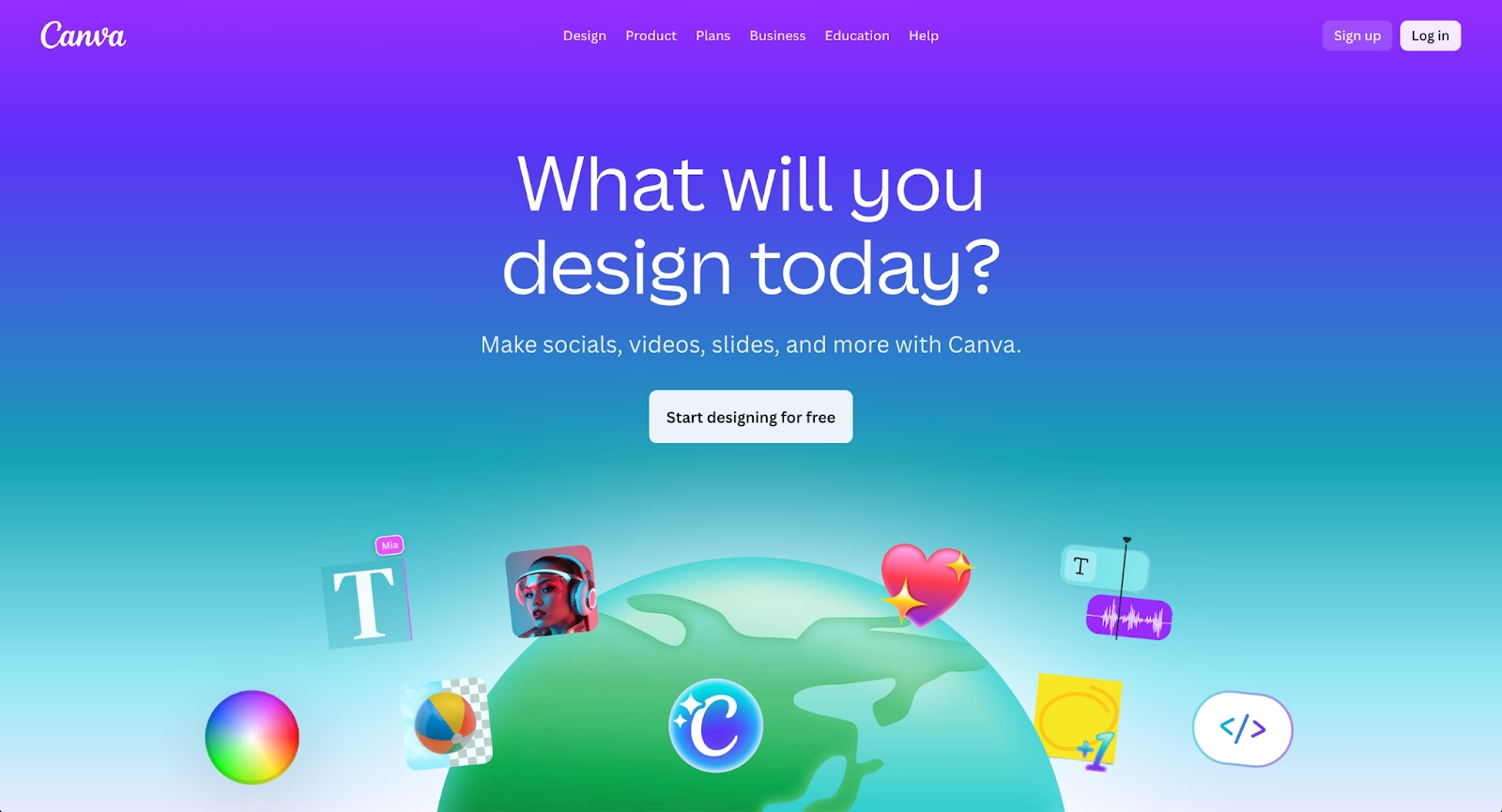
Canva is a visual design platform that supports presentations, documents, and marketing assets through a drag-and-drop interface. Its strength lies in ease of use, a large library of templates, and a free plan that lowers the barrier to entry for individuals and small teams.
As a Microsoft Copilot alternative, Canva works best for presentation and content creation rather than deep automation or data analysis. It integrates well with Google Drive and Google Workspace, making it appealing to teams operating outside the Microsoft ecosystem.
Pitch
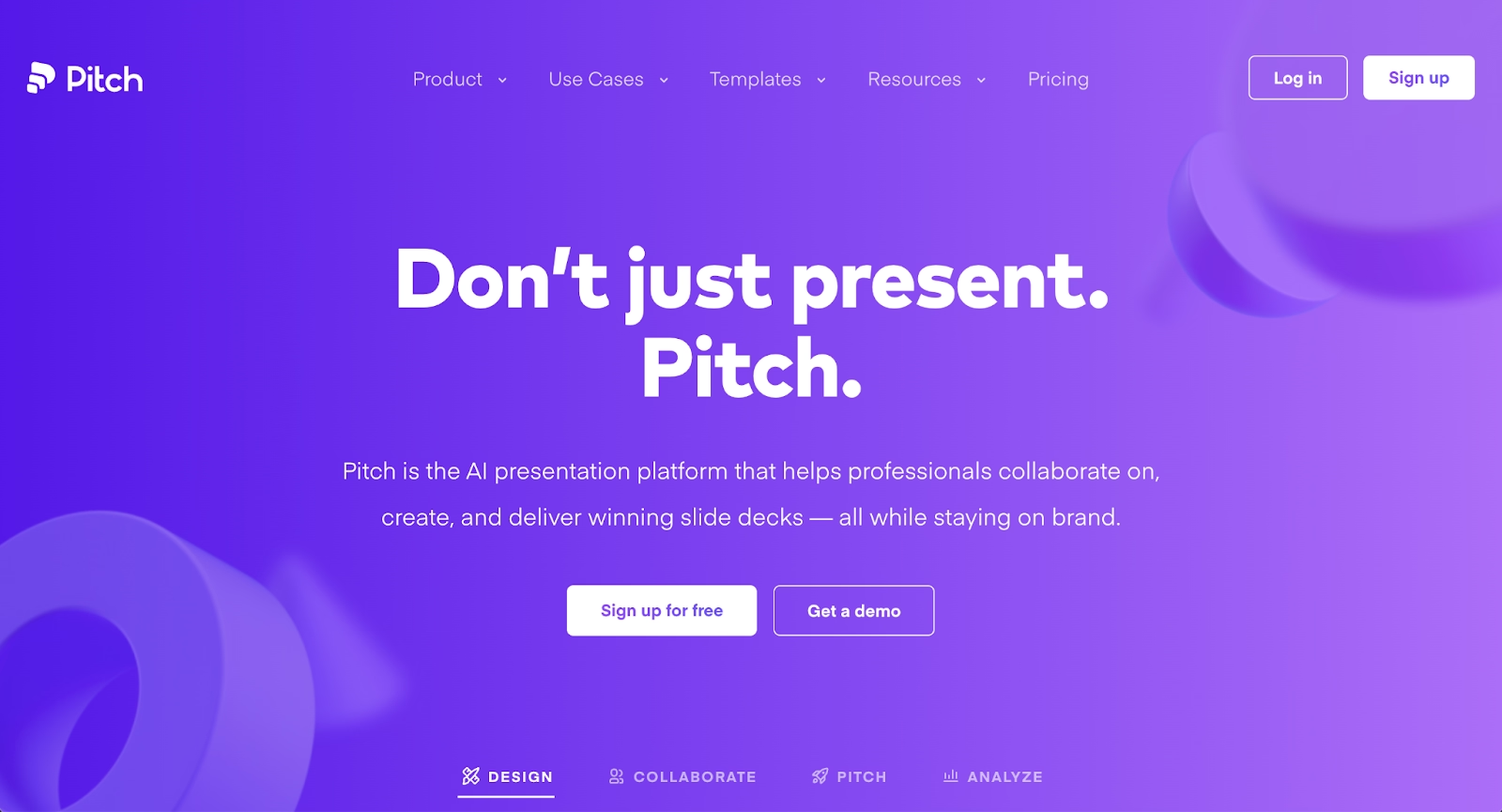
Pitch is a presentation-focused app designed for real-time collaboration and team-based workflows. It emphasizes structured templates, shared workspaces, and fast iteration, making it popular with startups and distributed teams.
While Pitch does not function as a conversational AI or chatbot like Copilot, it supports AI-driven enhancements that streamline presentation updates. It is best suited for teams that prioritize collaboration and presentation delivery over broader AI assistant use cases.
Gamma
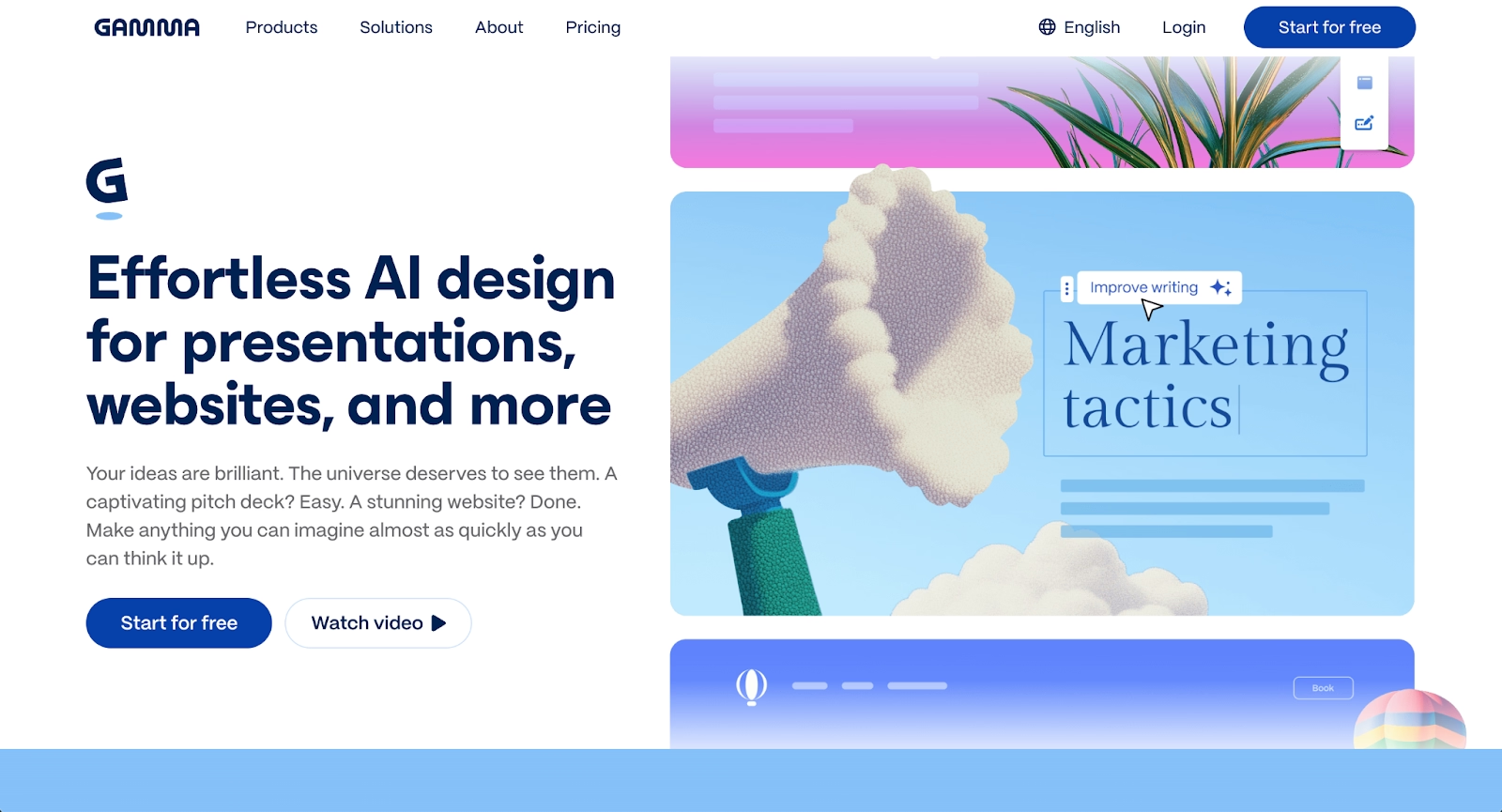
Gamma is an AI-powered platform that generates presentations, documents, and webpages from natural language prompts. It focuses on speed and automation, allowing users to summarize ideas and create structured content with minimal manual input.
Compared to Microsoft Copilot, Gamma operates as a standalone AI platform rather than an embedded assistant. This makes it useful for brainstorming, early drafts, and fast content creation, especially for teams exploring AI-driven workflows beyond the Microsoft ecosystem.
Microsoft PowerPoint
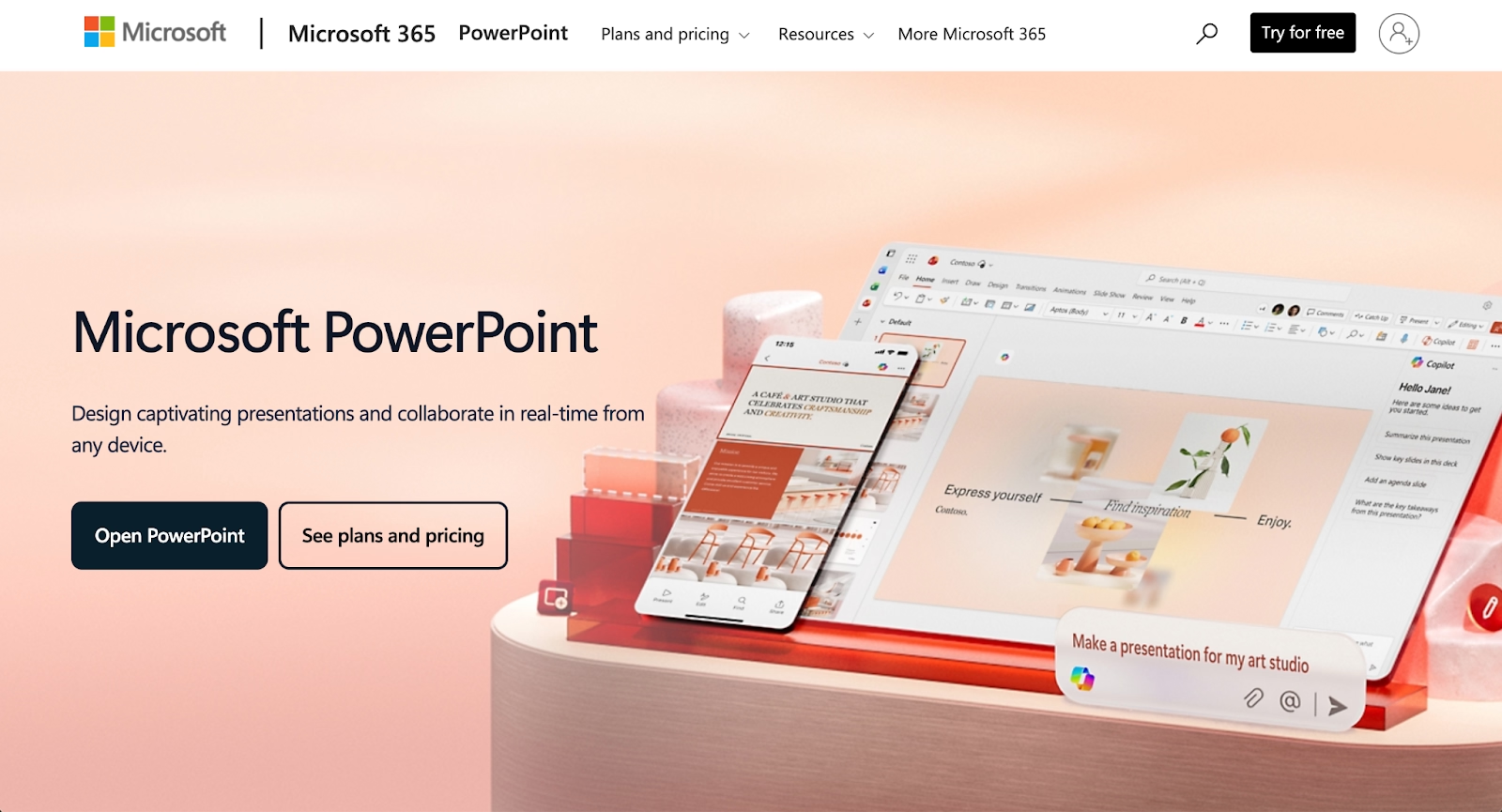
Microsoft PowerPoint remains one of the most widely used presentation apps in the world and is closely tied to Microsoft 365 Copilot. For teams that already rely on Excel, Word, and Outlook, PowerPoint offers familiarity, flexible formats, and deep integration across the Microsoft ecosystem.
As a Microsoft Copilot alternative, PowerPoint on its own lacks advanced AI-driven workflows unless paired with Copilot or third-party AI tools. However, its control over layouts, templates, and exports makes it appealing for teams that prefer manual design, predictable pricing, and full ownership of their presentation files.
Google Slides
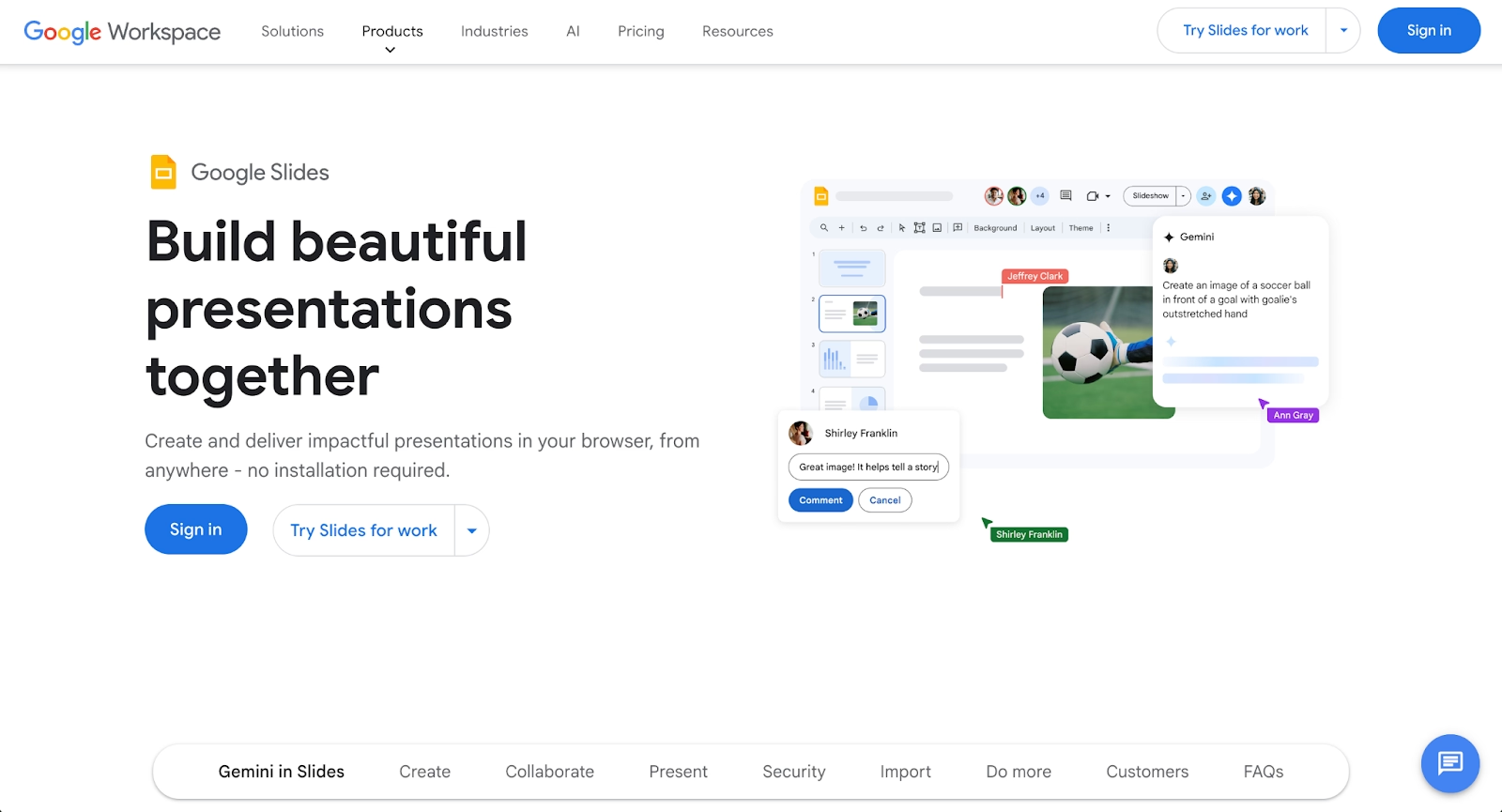
Google Slides is a cloud-based presentation tool built into Google Workspace, designed for real-time collaboration and simple sharing. Its tight integration with Google Drive, Docs, and Sheets makes it easy for teams to work together across browsers and devices.
Compared to Microsoft Copilot, Google Slides does not function as a standalone AI assistant, but it supports AI-powered features through integrations and add-ons. It is often chosen by teams that value accessibility, a free tier, and seamless collaboration over advanced AI automation or deep data analysis.
Prezi
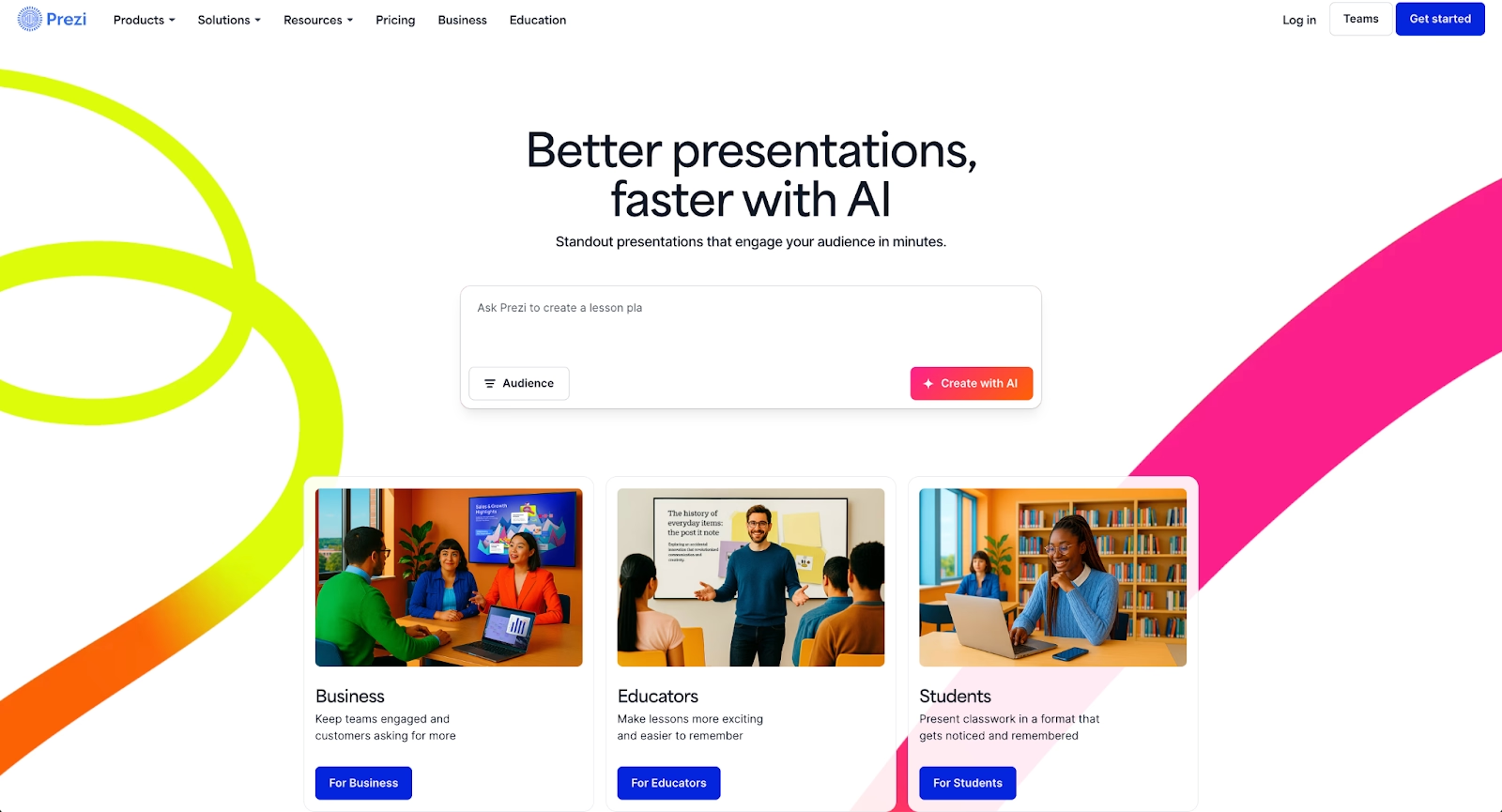
Prezi takes a non-linear approach to presentations, using a zoomable canvas instead of traditional slides. This format is designed for storytelling and visual engagement, making it popular for presentations that prioritize narrative flow over structured templates.
As a Microsoft Copilot alternative, Prezi focuses more on presentation delivery than AI-driven assistance. While it does not offer a conversational AI or chatbot experience, it provides a distinct user experience for teams looking to break away from slide-based workflows.
Slidebean

Slidebean is an AI-powered presentation app built around automation and speed. Users input content, and the platform applies layouts, formatting, and structure automatically, reducing the need for manual design decisions.
Compared to Microsoft Copilot, Slidebean is more specialized and presentation-focused. It does not support spreadsheets, email summaries, or broader AI assistant functions, but it excels at generating pitch decks and startup presentations quickly using AI-driven design logic.
Visme
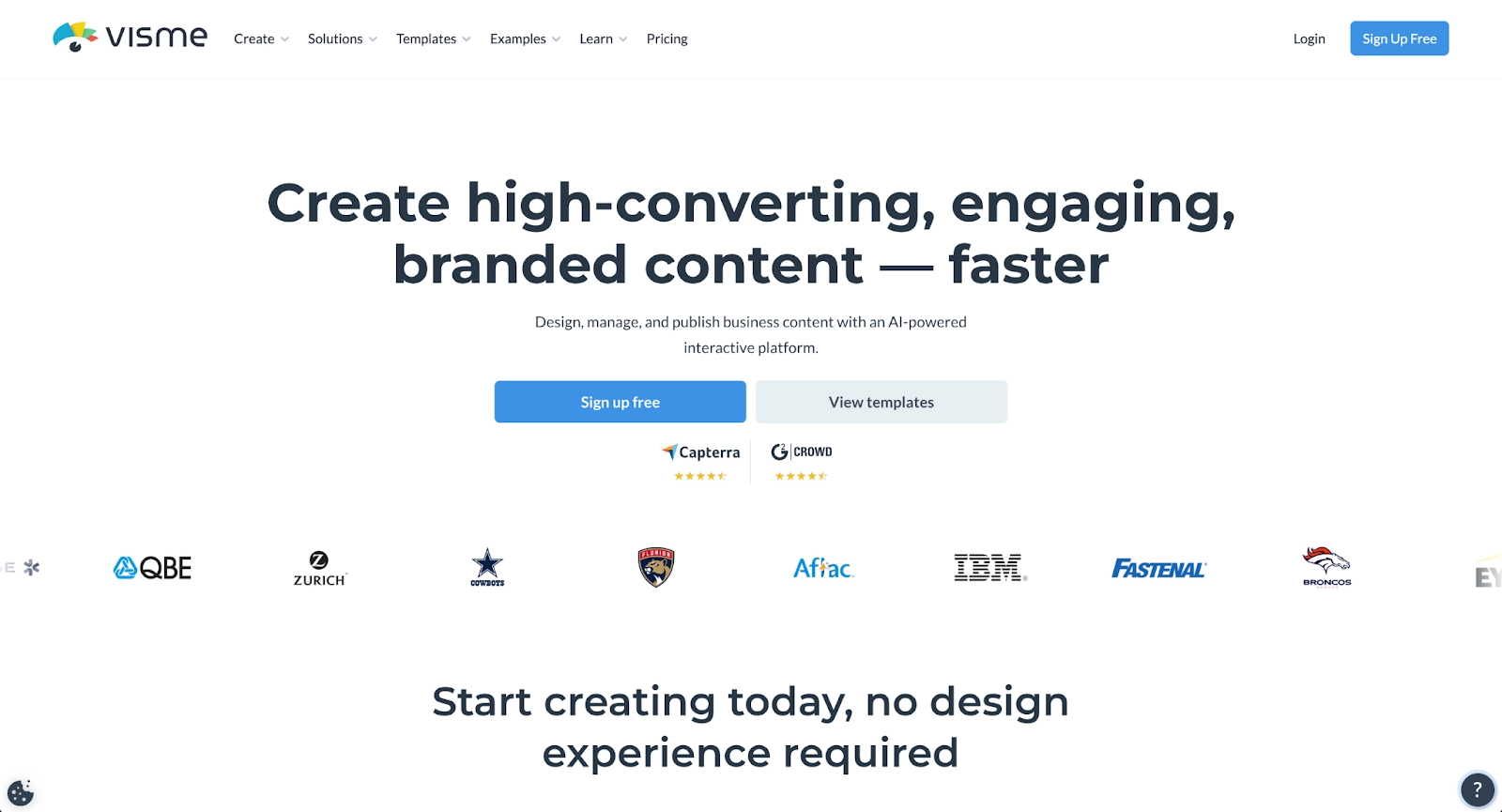
Visme is a visual content platform that supports presentations, infographics, documents, and data visualization. It offers a wide range of templates and design tools, making it suitable for teams that need more flexibility than basic slide software.
As a Microsoft Copilot alternative, Visme emphasizes visual storytelling rather than conversational AI or workflow automation. It integrates with common business tools and supports collaboration, making it a strong option for teams that want design control without relying on the Microsoft 365 Copilot environment.
Key comparison criteria
When evaluating Microsoft Copilot alternatives, it’s important to look beyond brand recognition and consider how each tool supports real-world workflows. AI assistants vary widely in how they handle automation, collaboration, integrations, and pricing, especially when used across different ecosystems such as Microsoft 365 or Google Workspace.
The criteria below highlight the most important factors teams should consider when comparing AI-powered apps, presentation tools, and productivity platforms in 2026.
AI features
AI capabilities differ significantly across tools. Microsoft Copilot uses large language models like GPT-4 to generate content, summarize documents, and answer questions inside Word, Excel, PowerPoint, and Outlook. Its strength lies in context-aware assistance powered by enterprise data, knowledge bases, and natural language prompts.
Many copilot alternatives focus on narrower AI functions. Some emphasize AI-driven presentation generation, while others prioritize conversational AI, brainstorming, or automation. The depth of the AI model, support for advanced AI features, and access to integrations with tools like ChatGPT, Claude, or Gemini can strongly influence overall effectiveness.
Ease of use
Ease of use plays a major role in adoption. Tools with intuitive interfaces, minimal setup, and clear workflows help teams streamline repetitive tasks without a steep learning curve. Microsoft Copilot benefits from being embedded into familiar Microsoft apps, reducing friction for existing users.
Standalone AI tools and presentation apps may require initial onboarding but can offer simpler, more focused user experiences. Teams should evaluate how quickly users can move from prompts to results, especially when switching between apps, dashboards, and collaborative workspaces.
Design quality and templates
Design quality is especially important for presentation-focused tools. Platforms like Beautiful.ai, Slidebean, and Visme rely on templates and AI-driven layout systems to maintain visual consistency and professional output.
Microsoft Copilot enhances PowerPoint creation but still depends heavily on underlying slide templates. Alternatives that automate design decisions can reduce manual formatting and optimize presentation workflows, particularly for teams producing decks at scale.
Collaboration
Real-time collaboration is essential for modern teams. Microsoft Copilot supports collaboration across Word, Excel, PowerPoint, and Teams, allowing users to co-edit documents and summarize conversations in real time.
Other platforms approach collaboration differently, offering shared workspaces, live editing, and version history outside the Microsoft ecosystem. Teams using Slack, Google Drive, or CRM tools should assess how well each app supports collaborative workflows across tools and departments.
Export and integrations
Export options and integrations can determine how well a tool fits into existing workflows. Microsoft Copilot works best within Microsoft 365 formats, such as Word docs, Excel spreadsheets, and PowerPoint files.
Alternatives often support broader integrations, including Google Workspace, APIs, dashboards, and third-party tools. Support for multiple formats, seamless integration with existing systems, and flexibility in moving content between apps are key considerations.
Pricing
Pricing structures vary widely across AI tools. Microsoft Copilot typically requires paid plans layered on top of Microsoft 365 subscriptions, which can be a barrier for some teams.
Many Microsoft Copilot alternatives offer free tiers, free plans, or lower-cost options with limited AI usage. Comparing pricing against AI features, collaboration tools, and automation capabilities helps teams determine the best value for their use cases.
Quick comparison snapshots
These head-to-head snapshots highlight how Microsoft Copilot compares to select alternatives in practice. Rather than listing features, they focus on workflow differences, AI capabilities, and ideal use cases to help teams quickly narrow down the best fit.
Beautiful.ai vs Microsoft Copilot
Beautiful.ai and Microsoft Copilot approach AI from very different angles. Beautiful.ai uses AI-driven automation to control layout, spacing, and design in real time, making it ideal for teams that want consistent, professional presentations with minimal manual effort.
Microsoft Copilot functions as a broader AI assistant across the Microsoft ecosystem, supporting tasks in PowerPoint, Excel, Outlook, and other apps. While Copilot adds intelligence to presentation creation, Beautiful.ai offers a more focused and streamlined experience for teams whose primary use case is slide-based communication.
Canva vs Microsoft Copilot
Canva emphasizes flexibility and accessibility through templates, drag-and-drop editing, and a generous free plan. It works well for users who need a single app for presentations, marketing assets, and visual content across Google Workspace or standalone workflows.
Microsoft Copilot, by contrast, is designed to optimize productivity within Microsoft 365. It excels at summarizing documents, generating content, and automating repetitive tasks across apps, but offers less design freedom than Canva for visually driven presentation workflows.
Gamma vs Microsoft Copilot
Gamma is built around AI-powered content generation from natural language prompts, allowing users to quickly create presentations, documents, and webpages. It focuses on speed, brainstorming, and automation rather than deep integration with productivity suites.
Microsoft Copilot prioritizes contextual intelligence inside existing Microsoft apps, using enterprise data and spreadsheets to support decision-making. Teams choosing between the two are often deciding between a fast, AI-first creation tool and a deeply embedded AI assistant within the Microsoft ecosystem.
Conclusion
Microsoft Copilot is a powerful AI assistant for teams operating entirely within the Microsoft ecosystem. Its strengths lie in contextual intelligence across Word, Excel, PowerPoint, and Outlook, helping users summarize information, automate repetitive tasks, and streamline everyday workflows. For organizations already invested in Microsoft 365, Copilot can significantly improve productivity, though its pricing, learning curve, and ecosystem lock-in may not suit every team.
For teams focused specifically on presentations, Beautiful.ai stands out as the best Microsoft Copilot alternative. Rather than acting as a general-purpose AI chatbot, it applies AI-driven automation directly to presentation design, ensuring clean layouts, consistent branding, and faster slide creation with far less manual work. For companies that want polished, professional presentations without managing complex AI assistants or navigating Microsoft 365 Copilot pricing, Beautiful.ai offers a more focused, efficient, and scalable solution in 2026.
Why customers are switching to Beautiful.ai
Beautiful.ai is an AI-powered presentation platform that helps teams create polished, on-brand slides in a fraction of the time, without design skills or manual formatting.
- Design automation built in. Whether you're building pitch decks, reports, or internal presentations, Beautiful.ai’s Smart Slides automatically format content so you never worry about spacing, alignment, or layout again. Add your content, and the design adjusts instantly.
- ️No design experience required. Create professional decks without touching text boxes or manually arranging elements. Choose from Smart Templates and let the AI handle layout decisions, visual hierarchy, and consistency across the entire deck.
- Branding? Already handled. Keep every slide on-brand with your fonts, colors, and logos applied automatically. Beautiful.ai ensures every team member creates presentations that look like they came from a dedicated design team—without extra work.
- Real-time collaboration & team controls. Collaborate directly on the same deck, leave comments, manage permissions, and maintain consistency across team presentations. Perfect for growing teams and cross-functional workflows.
- Faster workflows, fewer revisions. Jump from rough outline to polished presentation in minutes, not hours. Beautiful.ai reduces back-and-forth edits by enforcing on-brand design rules and helping you iterate faster with AI-assisted slide creation.
