


Beautiful.ai vs. Presentations.ai: which is better for your team? [Updated 2026]


Beautiful.ai vs. Presentations.ai: which is better for your team? [Updated 2026]
Choosing the right presentation software is a key decision for any team that relies on clear and effective communication. You need an AI presentation tool that helps you create high-quality, professional presentations without the usual friction. Both Beautiful.ai and Presentations.ai are AI-powered platforms used to produce slide decks, but they are fundamentally different in their approach and purpose.
Beautiful.ai is a specialized design tool where AI-powered automation acts as a design partner from the very first AI slide. It streamlines the workflow for creating on-brand presentations by handling the complex formatting for you. In contrast, Presentations.ai is an AI presentation maker that focuses on rapid slide generation from a text prompt, similar to how one might use ChatGPT.
This guide will compare Beautiful.ai and Presentations.ai on the criteria that matter to business teams: ease of use, templates, AI features, pricing, and more. By examining their different approaches, you can determine which of these AI presentation tool options is the best AI presentation maker for your team’s specific workflow and objectives.
Tool overviews
What is Beautiful.ai?
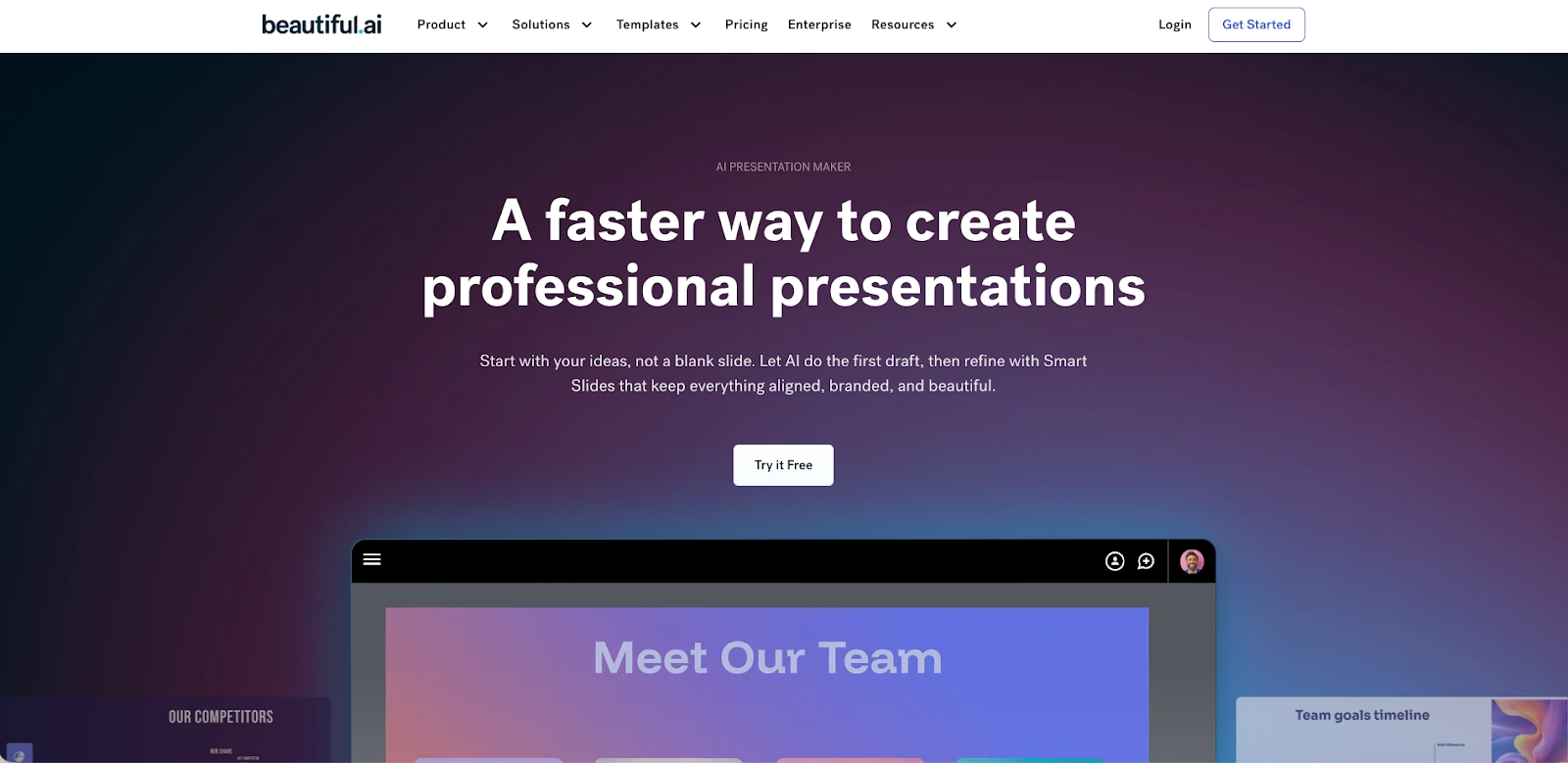
Beautiful.ai operates as a dedicated, web-based platform where artificial intelligence is the core designer. Its foundational principle is that good slide design should be automatic. The platform’s Smart Slides technology ensures that as you add AI content, the slide layouts reconfigure themselves in real-time to maintain a polished, professional look. This makes the platform exceptionally user-friendly, particularly for startups or for team members who aren’t professional designers. It’s a modern alternative to the manual process of building a PowerPoint presentation.
What is Presentations.ai?
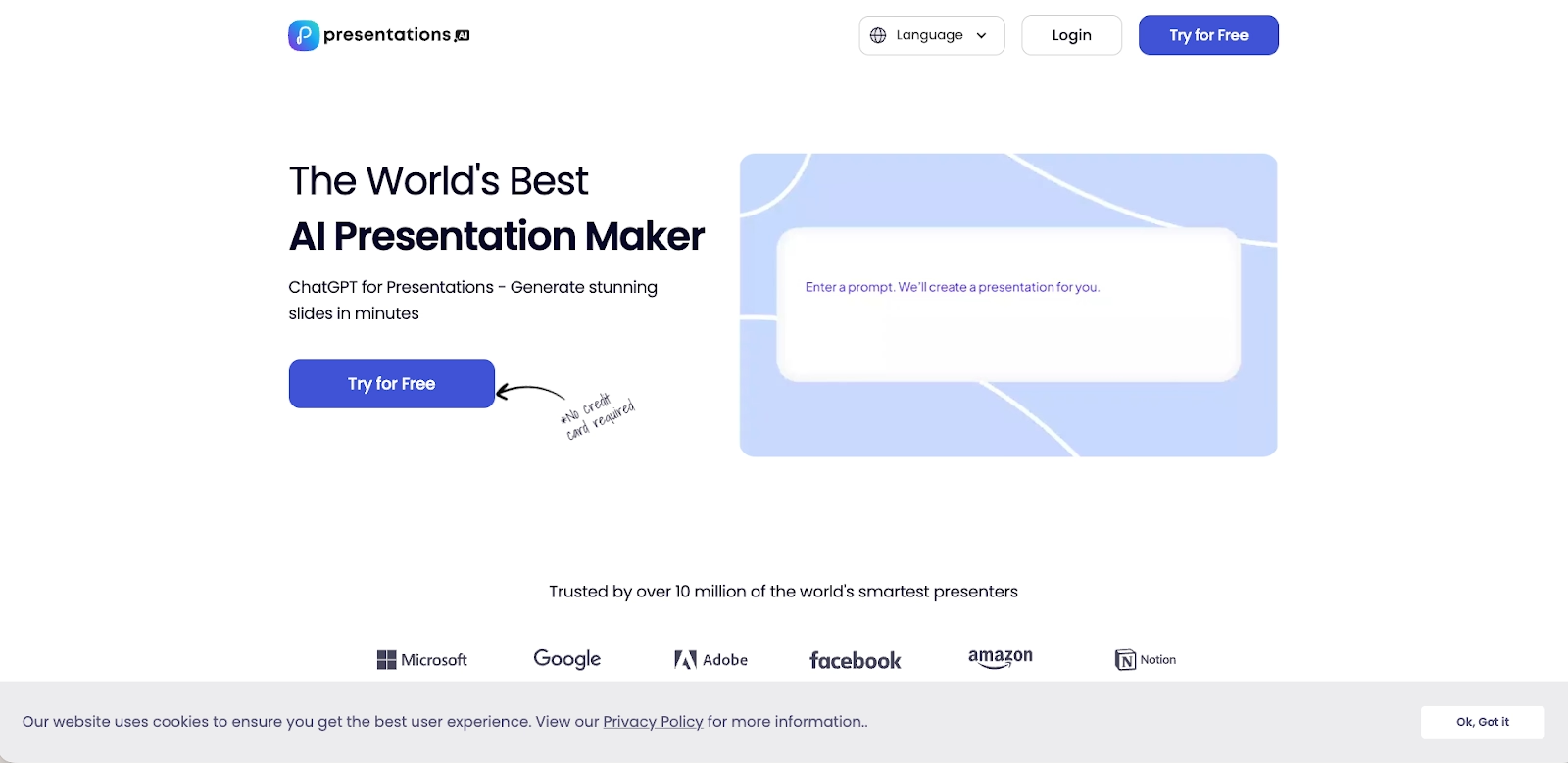
Presentations.ai is an AI presentation maker that aims to be the “ChatGPT for presentations.” Its primary function is to create a generated presentation from a simple text prompt. It is designed for speed, allowing presenters to generate a first draft of a pitch deck or report in minutes. While it has some design tool capabilities, its main focus is on AI-assisted content creation rather than deep design automation.
Key comparison criteria
When comparing Beautiful.ai and Presentations.ai, the choice is between a sophisticated design tool that automates high-end design and a rapid slide generation tool that prioritizes initial creation. Beautiful.ai provides a guided, efficient path to creating stunning presentations, while Presentations.ai offers a faster way to get a first draft.
Here’s a neutral, factual look at how they compare.
Usability & learning curve
Beautiful.ai is built for speed and remarkable ease of use. The platform’s design constraints are a key feature; by handling the difficult parts of slide design automatically, it allows anyone to create a professional-looking deck in minutes. The learning curve is minimal because the AI-powered system does the heavy lifting.
Presentations.ai is also very user-friendly, with a simple, prompt-based interface. The learning curve is practically flat for generating the initial AI content. However, learning how to effectively tweak and refine the generated presentation to get the desired final result can take some time.
Templates & asset library
Beautiful.ai offers a rich template library of Smart Templates that are more than just starting points; they are intelligent frameworks. Each of these slide templates has the platform’s design AI built-in, ensuring your fonts and slide layouts stay on-brand. The library is curated for business communication, making it simple to find the right starting point for any pitch deck.
Presentations.ai also provides a range of templates, but they function more as starting themes for the AI-generated content. The platform’s “Anti-fragile” templates are designed to adapt to content changes, but the template library is not as extensive or as central to the workflow as it is in Beautiful.ai.
AI & automation features
In Beautiful.ai, AI-powered automation is the engine that drives the entire design process. The AI features are for structure and aesthetics, working in real-time to apply animations and transitions and ensure a cohesive look. The platform also includes generative AI for slide generation to create custom visuals.
Presentations.ai’s AI features are heavily focused on the initial slide generation. It can create an entire PowerPoint presentation from a prompt, but its automation does not extend to the same level of real-time design adjustments as you edit. It is an excellent AI-assisted tool for a first draft, but it requires more manual work to refine the slide design.
Customization & design control
Beautiful.ai approaches customization through smart brand controls. You can set your brand’s colors, fonts, and logos, and the software enforces these rules for brand consistency. This method is perfect for startups and teams who need to produce professional presentations that are always on-brand.
Presentations.ai offers a good level of customization, allowing users to tweak colors, fonts, and layouts. However, because it is designed to be a rapid slide generation tool, it does not offer the same granular control over every element as a manual design tool like Canva or PowerPoint. The focus is on speed over complete creative freedom.
Collaboration, integrations & team workflows
Beautiful.ai is designed as a collaborative workspace. It enables real-time collaboration, allowing multiple team members to build a slide deck together. Its team collaboration functions and integrations with tools like Docs help connect the presentation workflow to other parts of the business.
Presentations.ai also supports team collaboration, allowing users to share and comment on slide decks. However, its collaboration features are not as deep as those in Beautiful.ai. It is more geared towards individual presenters who need to share their work for feedback.
Export, formats & platform support
Both platforms are web-based and provide flexible export options. Beautiful.ai allows you to embed presentations and export slide decks to editable PPTX formats, ensuring compatibility with Microsoft PowerPoint and Google Slides. The platform supports various multimedia formats and includes smooth animations and transitions.
Presentations.ai also offers PPTX and PDF exports. However, some users have noted that the compatibility can be imperfect, with the exported files sometimes losing some of the original formatting or interactive elements. This is a common challenge for many AI presentation tool options.
Pricing
In terms of pricing, both platforms offer different tiers. Presentations.ai has a free plan that is quite generous, making it accessible for users who want to try out the basic functions. Its paid plans are competitively priced. Beautiful.ai does not have a free plan, but it offers a 14-day trial of its full-featured premium plans, with more straightforward pricing tiers for individuals and teams.
Ideal use cases
So, what is the ideal use case for each of these tools?
When Beautiful.ai is the best fit:
- You are looking for the best AI presentation maker that is a complete design tool.
- Ensuring brand consistency across a large team is a top priority.
- You value AI-powered automation that handles slide design in real-time.
- You need a robust platform for team collaboration on professional presentations.
When Presentations.ai is the best fit:
- Your primary need is to generate a first draft of a slide deck as quickly as possible from a text prompt.
- You are an individual presenter who needs an AI-assisted tool for brainstorming and initial content creation.
- You are comfortable with doing some manual work to tweak the final presentation design.
- You are looking for a user-friendly tool with a generous free plan to get started.
Limitations & trade-offs
Beautiful.ai is intentionally focused. It’s a premier AI-powered presentation tool, and it excels at that job. This means if you need the free-form design of Canva or the narrative style of Gamma, you would use other tools. Its guided design, while a benefit for consistency, offers less manual freedom than PowerPoint.
Presentations.ai’s main limitation is that it is more of a slide generator than a complete design tool. The AI-generated first draft is impressive, but it often requires significant manual adjustments to the text boxes, layouts, and overall formatting to achieve a truly professional design. It does not have the same level of design automation as Beautiful.ai.

Choose Beautiful.ai if you want:
- A presentation-first AI platform where design automation is built in from slide one
- Polished, on-brand slide decks without manual formatting or cleanup
- Smart templates optimized for pitch decks, reports, and business storytelling
- Real-time collaboration designed for team workflows
- Clean, editable PowerPoint exports suitable for professional delivery

Choose Presentations.ai if you want:
- The fastest way to generate a first-draft presentation from a text prompt
- An AI tool similar to ChatGPT that focuses on slide content generation
- A user-friendly interface with a generous free plan
- A lightweight option for brainstorming and early drafts
- Flexibility to refine slides manually after generation
Final recommendation
If your team needs a powerful, focused, and highly efficient presentation software, Beautiful.ai is an outstanding choice. It is expertly designed for businesses that prioritize speed, brand consistency, and ease of use. Its advanced artificial intelligence and Smart Templates empower anyone to create stunning presentations. It stands out among other AI presentation tool options for its deep integration of design automation.
Presentations.ai is a strong contender in the world of AI presentation maker tools, especially for those who want to go from idea to first draft in record time. It is a great tool for individual presenters and those who are comfortable with a more hands-on approach to final slide design. However, for teams that need a reliable, feature-rich platform that ensures every AI slide is perfectly designed and on-brand, Beautiful.ai offers a more complete and specialized solution. It is a powerful alternative to creating a PowerPoint presentation from scratch.
Why customers are switching to Beautiful.ai
Beautiful.ai is an AI-powered presentation platform that helps teams create polished, on-brand slides in a fraction of the time, without design skills or manual formatting.
- Design automation built in. Whether you're building pitch decks, reports, or internal presentations, Beautiful.ai’s Smart Slides automatically format content so you never worry about spacing, alignment, or layout again. Add your content, and the design adjusts instantly.
- ️No design experience required. Create professional decks without touching text boxes or manually arranging elements. Choose from Smart Templates and let the AI handle layout decisions, visual hierarchy, and consistency across the entire deck.
- Branding? Already handled. Keep every slide on-brand with your fonts, colors, and logos applied automatically. Beautiful.ai ensures every team member creates presentations that look like they came from a dedicated design team—without extra work.
- Real-time collaboration & team controls. Collaborate directly on the same deck, leave comments, manage permissions, and maintain consistency across team presentations. Perfect for growing teams and cross-functional workflows.
- Faster workflows, fewer revisions. Jump from rough outline to polished presentation in minutes, not hours. Beautiful.ai reduces back-and-forth edits by enforcing on-brand design rules and helping you iterate faster with AI-assisted slide creation.
