


Best Gamma alternatives: top 9 in 2026
![Gamma alternatives: the top 9 [updated for 2026]](https://cdn.prod.website-files.com/59e16042ec229e00016d3a66/697007c34edd2d5774ab7f9f_69619956deb99d9900c5d58b_696176c04146ff0dac3688b0_beautiful%2520ai%2520vs%2520Gamma.avif)

Best Gamma alternatives: top 9 in 2026
Professionals who want to improve their presentation and document creation workflow often compare a wide range of digital tools. These include both modern presentation software options and newer AI-powered platforms. Gamma is one of the newer tools in this space, but choosing the right fit requires understanding the competitive landscape. This article provides an analytical overview of Gamma and highlights prominent alternatives, summarizing their features, advantages, and relevance for different professional needs. It is especially useful for users comparing Gamma to other Gamma AI alternatives in the market.
What is Gamma?
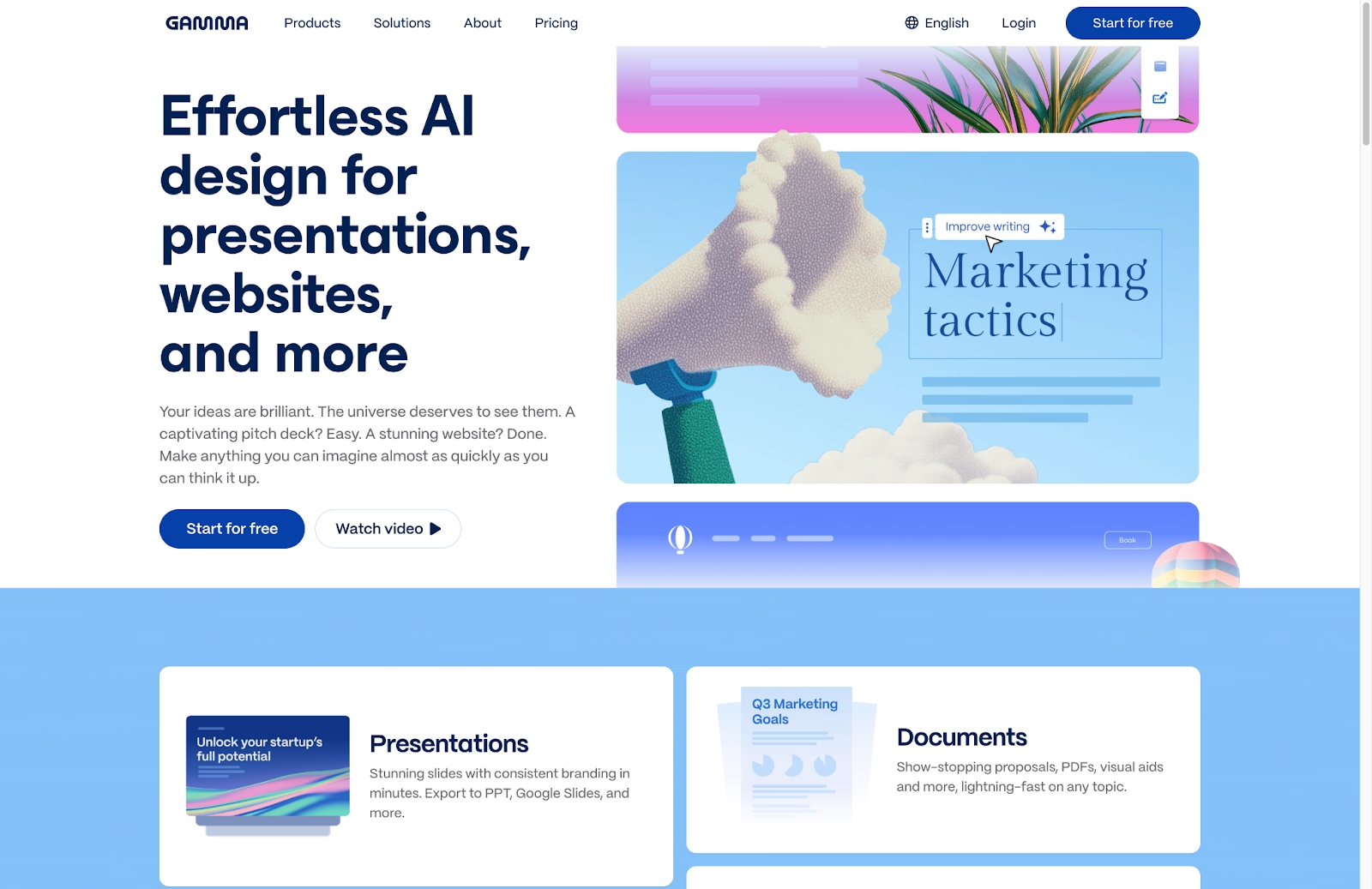
Gamma is an AI-powered platform designed for creating visually engaging presentations, documents, and webpages. It works as an advanced AI presentation tool that supports a variety of use cases. Users can input text prompts or existing content, and Gamma’s AI helps structure the narrative, suggest layouts, and automatically apply design themes.
Gamma uses a card-based interface, which allows flexible content arrangement and dynamic presentation delivery. Key features include AI-driven content formatting, responsive templates, and real-time collaboration capabilities. Together, these elements streamline the creation process and help teams produce polished, brand-aligned materials with less manual effort.
Gamma is built for speed and clarity. Its AI-assisted approach appeals to individuals seeking efficient communication, whether they are creating slide decks or simple docs.
Why look for Gamma alternatives?
While Gamma offers significant advantages, certain user requirements or preferences may still lead teams to explore other solutions. Several factors commonly drive this search.
First, feature limitations can be a concern. Gamma is robust, but it may not provide the specialized functionality needed for highly intricate design tasks or specific data visualization needs.
Second, its card-based interface, while intuitive for many users, can feel unfamiliar to those accustomed to more traditional slide-based presentation software like PowerPoint or Google Slides. This learning curve can slow down onboarding or complicate collaboration.
Third, pricing models or subscription tiers may not align with every budget or organizational structure. This is especially true when comparing free plan and pro plan options across competing platforms.
Integration requirements also influence the decision. Some users need deeper integration with existing tech stacks, offline access, or greater flexibility in managing workflows across multiple tools.
Finally, some teams want a different aesthetic approach or a wider range of pre-designed templates than Gamma currently offers. These preferences often matter for business presentations, startup environments, or teams with highly specific branding needs.
Understanding these potential limitations is essential when evaluating suitable alternatives to Gamma.
Top 9 Gamma alternatives
The market offers a wide range of tools that can serve as alternatives to Gamma, each with distinct strengths and target audiences. Many of these platforms support a range of use cases, from building pitch decks to creating professional presentations for teams that rely on real-time collaboration. Some tools focus heavily on automated design, while others emphasize customization, advanced presentation design, or seamless integration with existing workspace systems.
1. Beautiful.ai
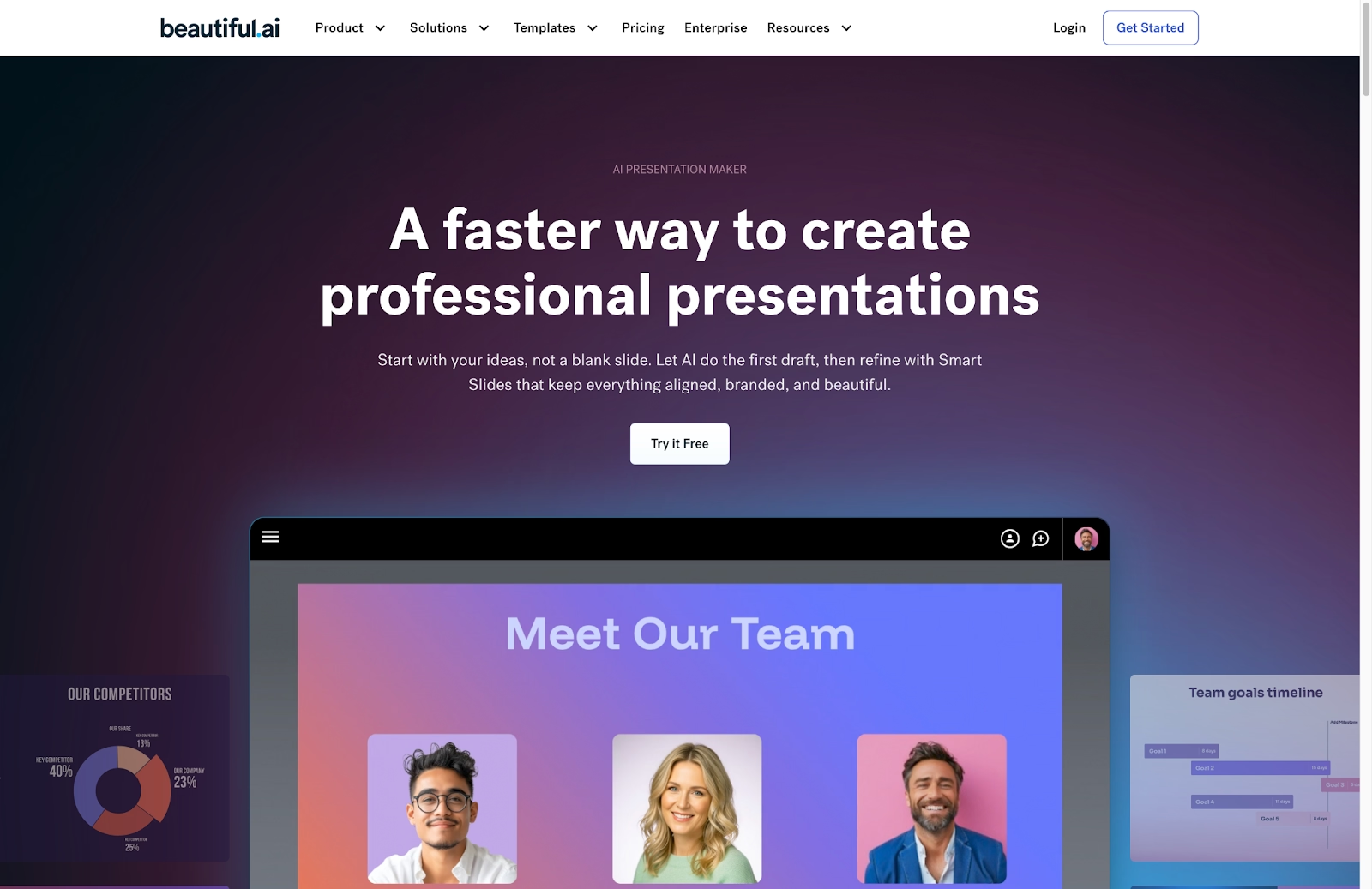
Beautiful.ai stands out because of its intelligent design engine. The platform automatically applies design best practices, which helps maintain visual consistency and professionalism without requiring extensive manual effort. Users select a Smart Slide layout and it automatically adapts as they add and edit content, while maintaining consistent fonts and colors to keep the presentation polished.
Beautiful.ai works like an AI presentation maker for teams that want an AI-generated structure with control and minimal editing. Although it offers less granular design control than some alternatives, its automated approach and robust content creation tools make it ideal for users who prioritize efficiency and visual polish. Collaboration features and analytics are built in, making it suitable for professional teams focused on collaboration or on creating consistent business presentations.
2. Canva
Canva is a well-known graphic design platform that also supports presentations. Its biggest strengths are its large library of templates, stock photos, icons, and fonts, which make professional design accessible to non-designers through a user-friendly drag-and-drop interface.
Canva supports a broad range of use cases, including pitch decks, business presentations, and customizable templates for teams. Its “Magic Design” tool can generate presentations from a text prompt, helping users use AI efficiently when creating visuals. Canva also integrates with tools like Figma and supports webpages, social graphics, and docs, giving it flexibility across different workflows.
3. Pitch
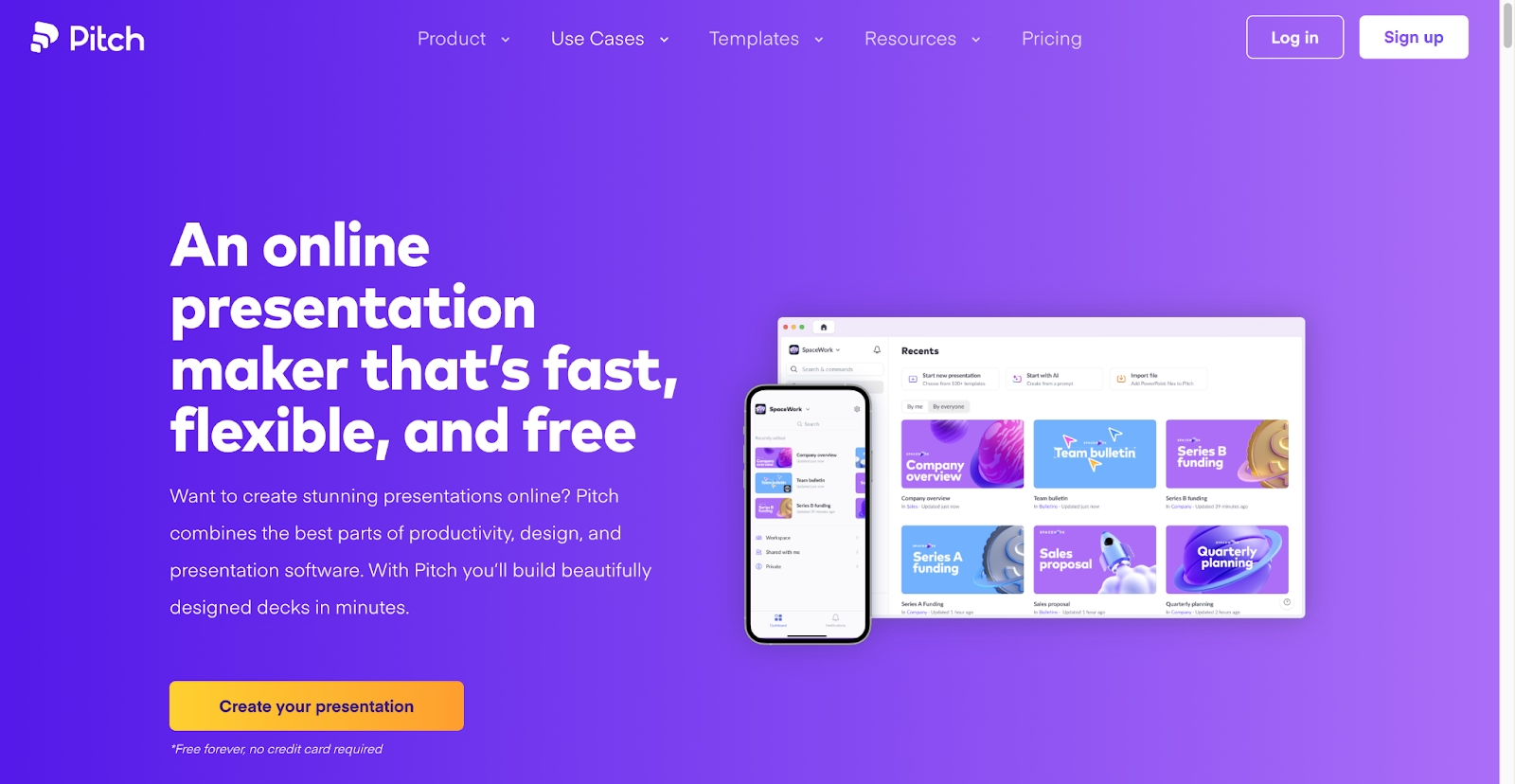
Pitch is a modern presentation software platform designed for collaborative team workflows. It offers a clean interface and places strong emphasis on beautiful, customizable templates. Pitch includes robust real-time collaboration features, advanced team collaboration options, and integrated video meetings, making it useful for distributed teams that rely on seamless integration.
Although Pitch does not offer the same level of AI-driven content generation as Gamma, it excels in data integration tools, structured presentation design, and brand consistency. Support for animations and its appeal among startups make it a strong choice for teams that want high-quality design without sacrificing speed or functionality.
4. PowerPoint with Copilot
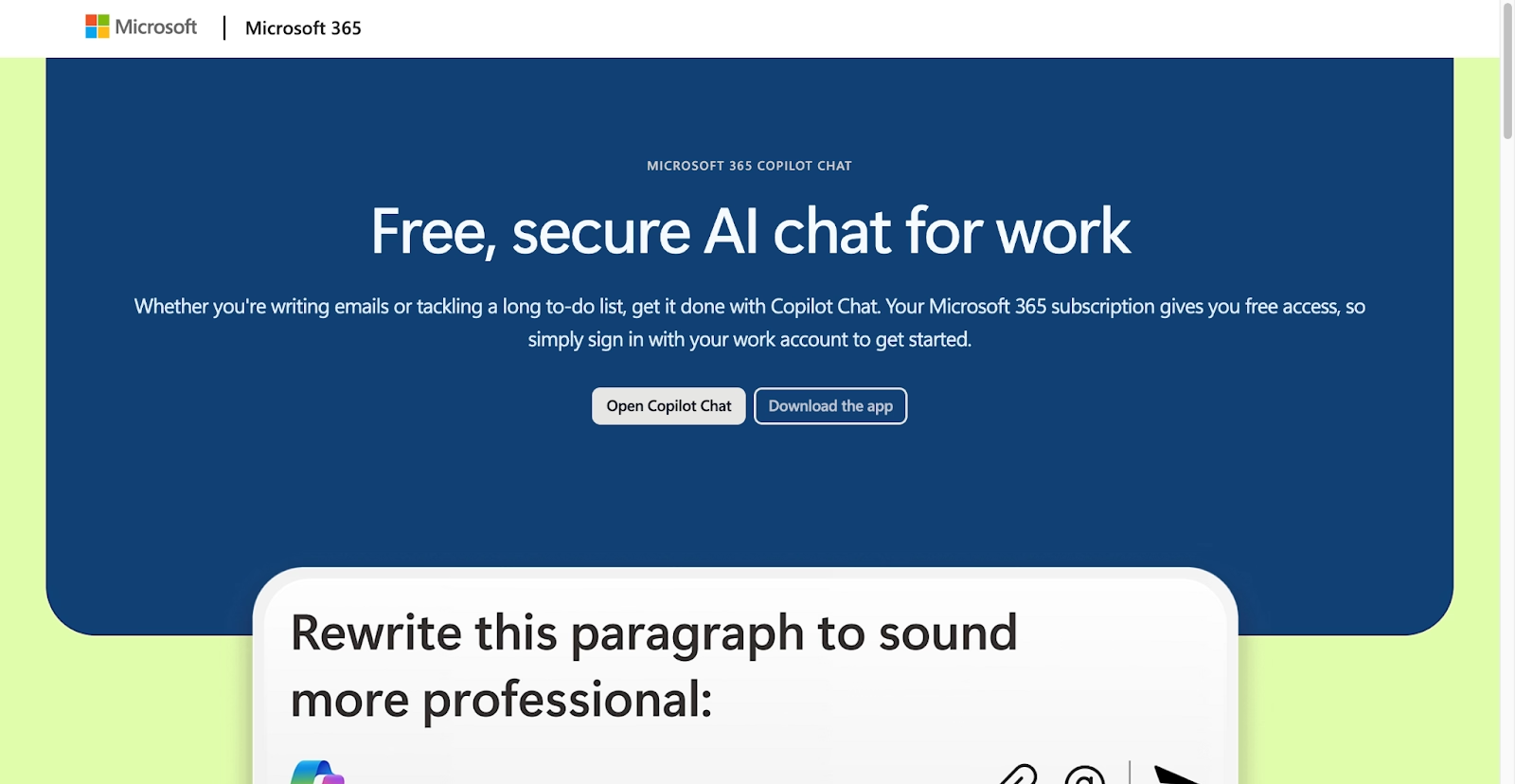
Microsoft PowerPoint, enhanced with Microsoft Copilot, represents a powerful evolution of a traditional presentation tool. PowerPoint provides deep design flexibility and a broad set of features for creating complex presentations, including animations, custom charts, PPT exports, and a variety of design tools.
Copilot adds modern AI assistance for AI content, content generation, and automated formatting. It can generate slides, streamline outline creation, and improve clarity for business presentations. This pairing combines the familiarity of PowerPoint with AI-driven efficiency, supporting workflows that involve AI credits, paid plans, and enterprise-level workspace integrations.
5. Google Slides with Gemini

Google Slides, part of the Google Workspace suite, is a cloud-based presentation tool known for accessibility and real-time collaboration. Integrated with Google Drive, it allows teams to share files easily and access them across any workspace.
The addition of Google Gemini significantly expands its AI capabilities. Gemini supports AI features such as AI-generated text, layout suggestions, and content assistance similar to ChatGPT-style chatbot interactions. Google Slides is a strong option for teams seeking cost-effective workflows, especially its free tier. It excels at creating straightforward slide decks and professional presentations, and it integrates easily with docs and webpages for broader content creation.
6. Prezi
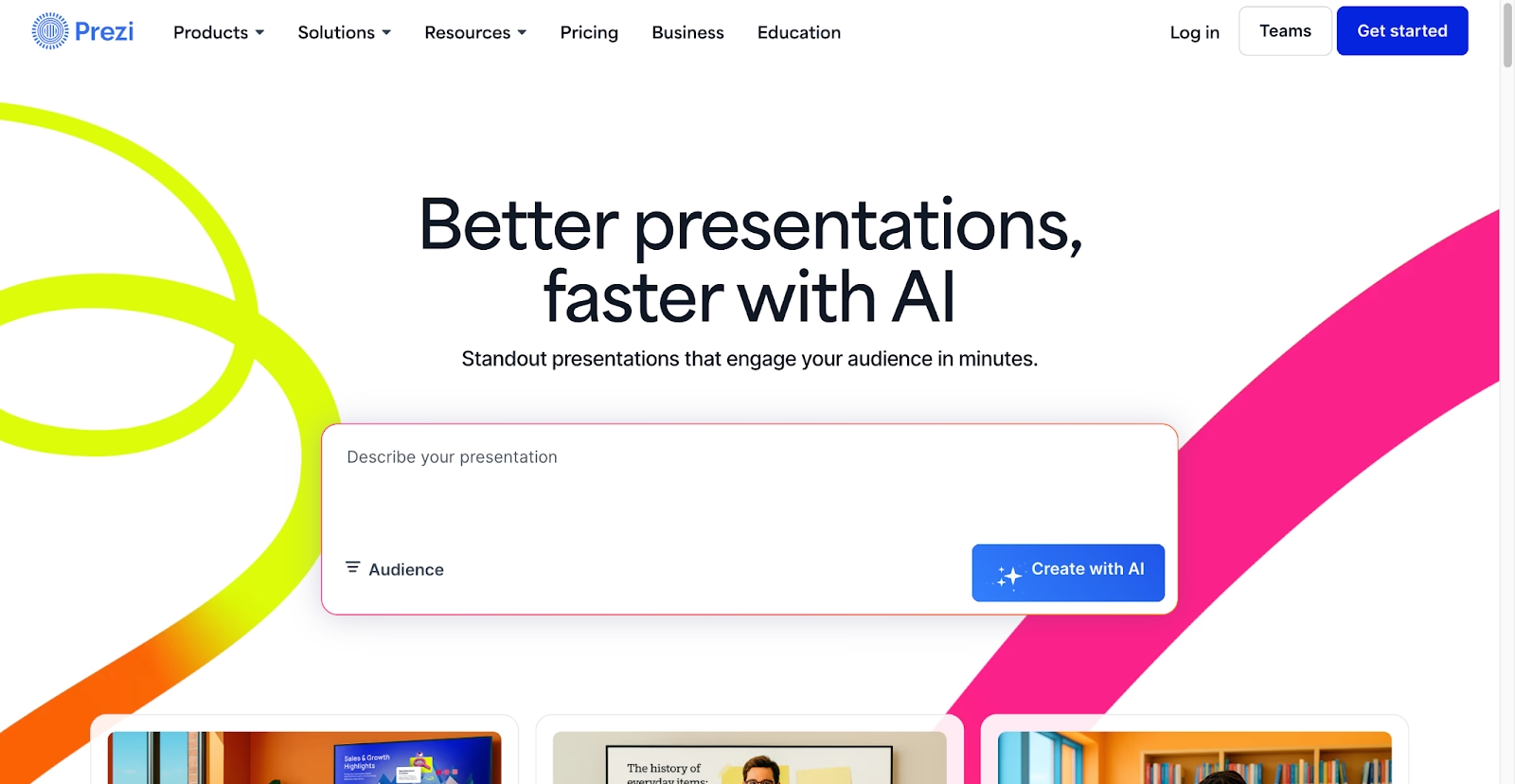
Prezi provides a non-linear, zoomable canvas approach to presentations. Instead of traditional slides, content is arranged spatially, allowing presenters to zoom into topics and create storytelling flow that supports stunning presentations.
This format works well for business presentations that rely on strong visuals or conceptual movement. While Prezi does not include the AI presentation or AI presentation tool features found in Gamma, it is valuable for teams that want to streamline narrative structure without relying heavily on automation. Prezi supports online delivery, analytics, and use cases where animations and spatial transitions help clarify complex topics.
7. Visme
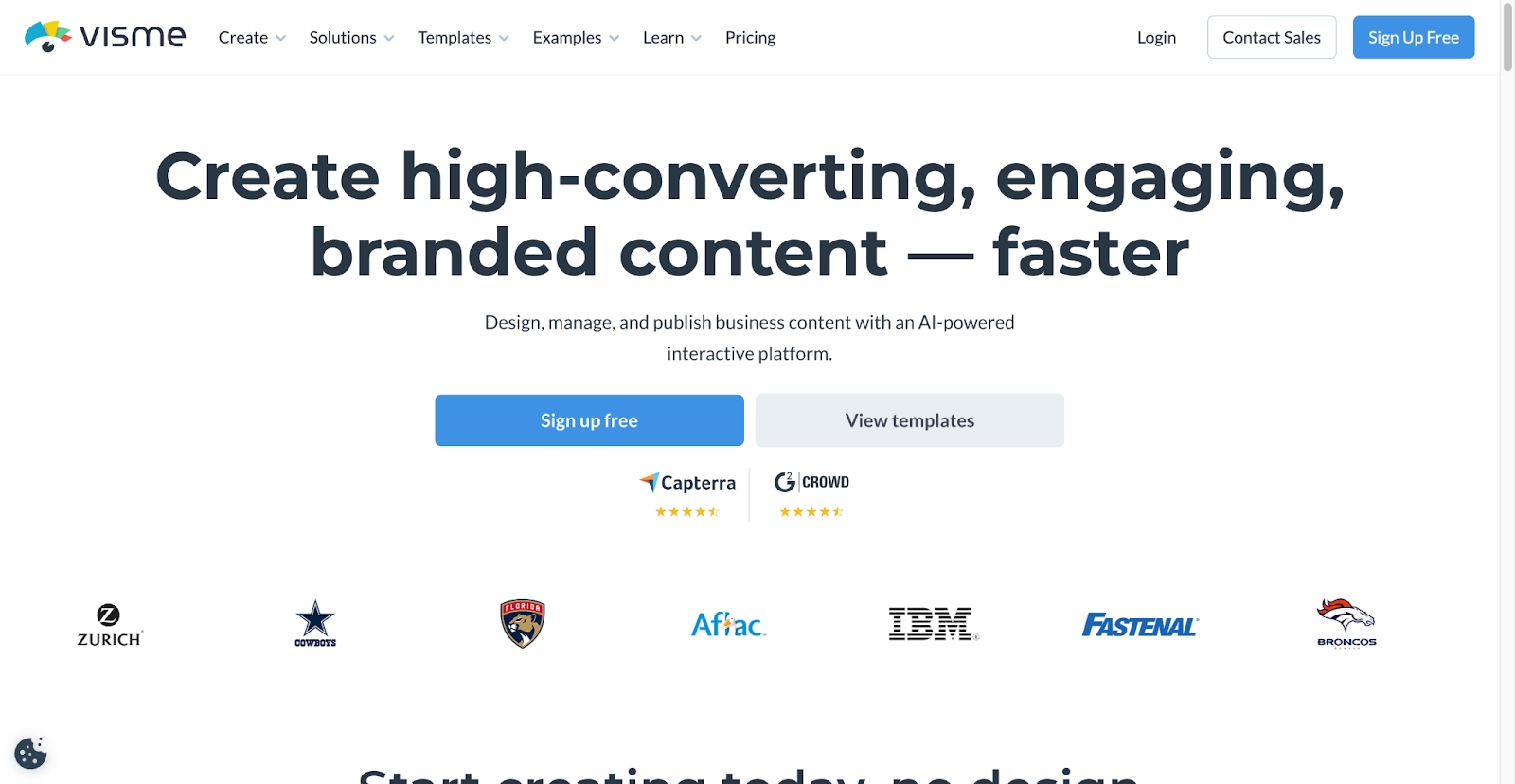
Visme is a versatile platform for creating visual content. It supports presentations, infographics, documents, webpages, and videos. The platform includes a large library of templates, graphics, and design tools for customizable templates and consistent branding.
Its drag-and-drop interface helps users produce high-quality content quickly. Teams use Visme for pitch decks, professional presentations, and AI-generated presentation drafts. Visme also provides advanced data visualization capabilities and can integrate with third-party apps as add-ons to expand workflows. While not centered on advanced AI features, it supports enhancements to content generation. It includes a user-friendly editor for teams that want reliable output without relying on ChatGPT-style chatbot tools.
8. Zoho Show
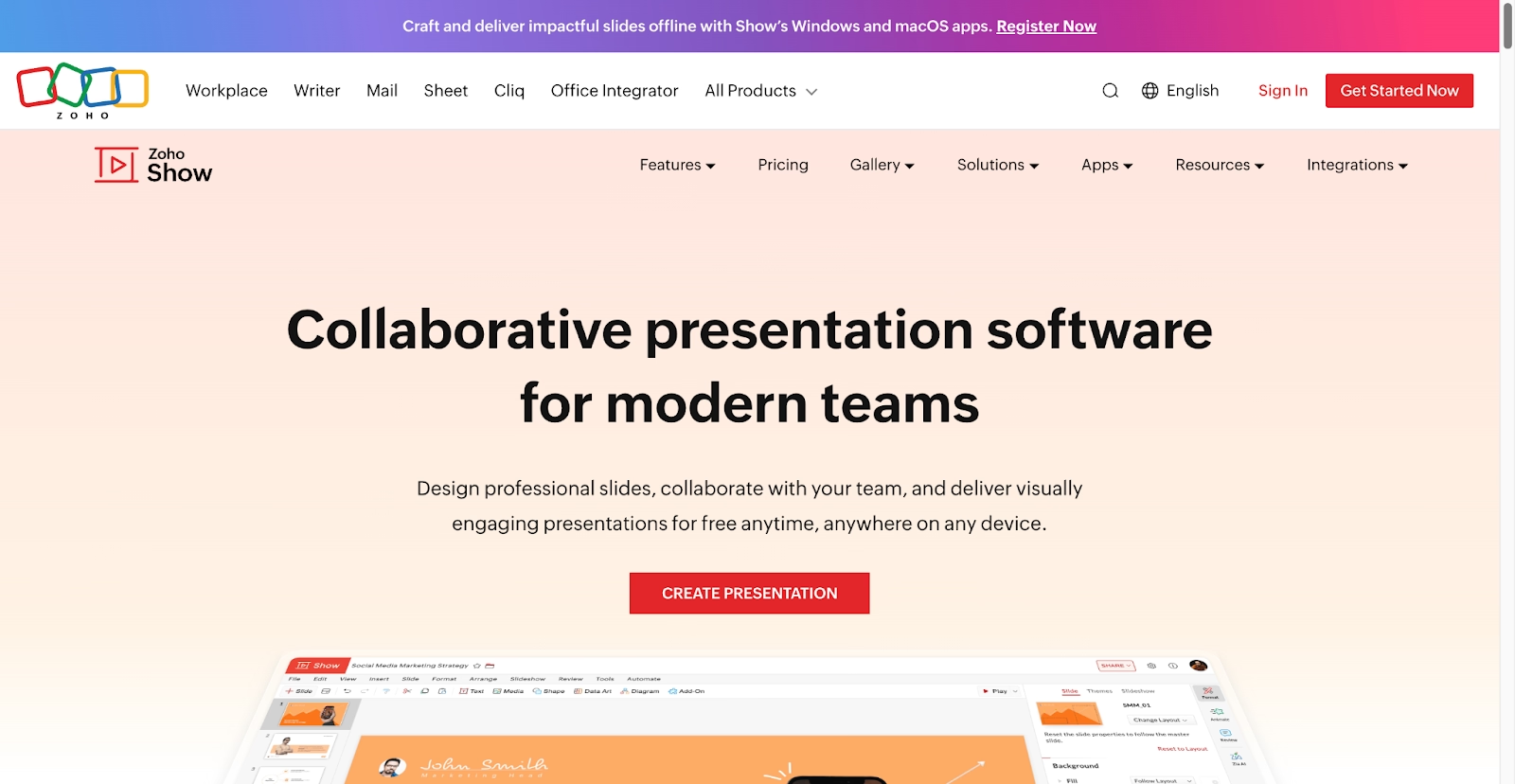
Zoho Show is part of the larger Zoho Office Suite and is designed for creating and delivering presentations in a unified workspace. It offers a clean interface, strong collaboration support, and a wide selection of templates and layouts.
Zoho Show integrates seamlessly with other Zoho apps, making it useful for organizations that rely on multiple tools. While its AI capabilities are more limited, it offers key presentation design features and remains a cost-effective option for startups that want functionality without upgrading to a paid plan. Zoho Show also syncs with Zoho Docs and supports PPT exports, which makes it easy to switch between PowerPoint, Google Slides, and other tools.
9. Slidebean

Slidebean is a presentation tool built around AI-powered automation. Teams enter their content, and Slidebean automatically structures slides using clean layouts and consistent branding. It is designed for startups and small teams that need pitch decks or generated presentations quickly.
Slidebean takes an AI-powered approach that appeals to users who want to accelerate content creation while maintaining professional presentations. It supports animations, standard export formats, and simple workspace organization. While it offers less granular control than Microsoft PowerPoint, it excels in speed, AI-powered presentation setup, and helping teams produce stunning presentations with minimal editing.
Key comparison criteria
When evaluating Gamma alternatives, several criteria can help determine which presentation tool best fits specific professional needs. These factors ensure that the chosen platform supports a streamlined workflow and aligns with the level of design, collaboration, or automation a team expects.
AI features
AI capabilities are essential when comparing Gamma to other platforms. This includes AI-driven content generation, automatic layout suggestions, intelligent design assistance, and tools for summarizing or expanding text. Strong AI features help automate repetitive tasks and improve clarity.
Platforms such as Beautiful.ai, Microsoft PowerPoint with Copilot, or Google Slides with Gemini serve as hybrid AI tool environments, enabling fast content creation without compromising structure. Understanding the breadth of these AI features is important for teams that want more than basic generated presentations.
Ease of use
User experience plays a major role in choosing a presentation platform. An intuitive interface, clear navigation, and easy-to-find tools contribute significantly to usability.
Ease of use includes the learning curve, drag-and-drop interactions, and how quickly users can move from an initial idea to a finished presentation. A user-friendly editor helps teams maintain momentum, especially when switching between content creation tasks, collaborating with a startup team, or working inside tools like the Gamma app. Tools that reduce friction allow users to focus more on communication and less on system complexity.
Design quality and templates
The aesthetic quality of a presentation shapes how the content is perceived. This criterion considers the diversity and quality of templates, the availability of customizable templates, and options for managing fonts, colors, and layouts.
High-quality design tools help maintain brand consistency across slide decks and business presentations. Platforms like Beautiful.ai and Visme support presentation design by offering automated formatting and powerful design engines, reducing the need for extensive manual editing. Teams building pitch decks or professional presentations benefit from these structured layout systems.
Collaboration
Real-time collaboration is essential for modern teams. This includes simultaneous editing, commenting tools, version history, and clear document management for distributed groups.
Platforms like Beautiful.ai, Google Slides, Pitch, and Zoho Show excel in collaboration due to their seamless integration with shared workspace environments. Collaboration tools also matter for workflows that involve client reviews, shared docs, or cross-functional team collaboration where updates need to appear instantly across devices.
Export and integrations
Export flexibility and integration support play a major role in overall workflow efficiency. Presentation tools should support multiple export formats, including PDF, PPT, and webpages, to ensure compatibility across different environments.
Integrations with tools like Figma, analytics platforms, chat-based assistants such as ChatGPT, and CRM systems help unify a broader tech stack. Platforms with strong integration capabilities allow teams to embed content, link data sources, and maintain consistent functionality without relying heavily on additional add-on tools.
Pricing
Pricing is an important consideration when comparing Gamma to other presentation platforms. This includes evaluating free plan and free tier options, assessing the pro plan features, and reviewing the full range of paid plans.
Costs should reflect the level of automation, collaboration tools, AI-powered presentation features, and export support included in each offering. Some platforms include AI credits for advanced generation tasks, while others allow unlimited content creation under a subscription. Organizations must determine whether each platform’s pricing structure fits their needs for both basic and advanced presentation capabilities.
Quick comparison snapshots
A direct comparison of select alternatives against Gamma helps clarify where each platform excels. These snapshots highlight the practical differences in design approach, collaboration features, and AI assistance, making it easier to choose the right tool for specific use cases. They also show how various gamma AI alternatives compare in terms of flexibility and workflow preferences.
Beautiful.ai vs Gamma
Beautiful.ai and Gamma both rely on AI to support design automation, but they approach this goal differently. Beautiful.ai focuses on strict design principles, ensuring every slide maintains a professional, consistent aesthetic with minimal user input. This makes it especially useful for teams that depend on strong branding across pitch decks and business presentations.
Gamma offers more flexibility through its card-based interface and deeper Gamma AI support for AI-powered presentation structure. It emphasizes speed, interactive layout generation, and dynamic storytelling. In short, Beautiful.ai prioritizes automated visual precision, while Gamma prioritizes fast, flexible content creation.
Canva vs Gamma
Canva stands out for its extensive library of templates and its user-friendly drag-and-drop editor. It is highly accessible for a wide range of design tasks, including presentations, social graphics, webpages, and pitch decks. Canva’s versatility makes it appealing to users who want broad content-creation capabilities without committing to a specialized workflow.
Gamma, by contrast, focuses on structured content creation and dynamic delivery. Its AI plays a direct role in formatting, layout suggestions, and narrative organization. Canva is ideal for wide-format or multi-purpose work, while Gamma is stronger for streamlined AI-powered presentation workflows or rapid generation from a text prompt.
Pitch vs Gamma
Pitch is designed with team collaboration at its core. It offers beautifully designed templates, strong real-time editing, and seamless integration with analytics tools and other software. These features make it a solid choice for teams that value speed, visual clarity, and structured workflows.
Gamma also supports collaborative work, but its main advantage is AI-driven content creation and its flexible card-based format. For teams comparing different gamma AI alternatives, Pitch fits traditional slide structures, while Gamma supports nonlinear storytelling and fast AI-powered presentation generation. Pitch is especially popular among startup teams, and it is often evaluated alongside tools like Tome or the Gamma app.
Conclusion
The landscape of presentation and document creation tools is rich and varied, offering many compelling alternatives to Gamma for different professional needs. When evaluating these options, consider AI features, ease of use, design capabilities, collaboration tools, integration potential, and pricing. These criteria will guide you toward the platform that best supports your workflow.
Whether your priority is speed, detailed design control, cost-effectiveness, or strong team collaboration, there is a suitable platform available. By aligning your specific requirements with the strengths of these alternatives, you can choose a tool that not only meets but exceeds your expectations for communication and presentation quality.
Why customers are switching to Beautiful.ai
Beautiful.ai is an AI-powered presentation platform that helps teams create polished, on-brand slides in a fraction of the time, without design skills or manual formatting.
- Design automation built in. Whether you're building pitch decks, reports, or internal presentations, Beautiful.ai’s Smart Slides automatically format content so you never worry about spacing, alignment, or layout again. Add your content, and the design adjusts instantly.
- ️No design experience required. Create professional decks without touching text boxes or manually arranging elements. Choose from Smart Templates and let the AI handle layout decisions, visual hierarchy, and consistency across the entire deck.
- Branding? Already handled. Keep every slide on-brand with your fonts, colors, and logos applied automatically. Beautiful.ai ensures every team member creates presentations that look like they came from a dedicated design team—without extra work.
- Real-time collaboration & team controls. Collaborate directly on the same deck, leave comments, manage permissions, and maintain consistency across team presentations. Perfect for growing teams and cross-functional workflows.
- Faster workflows, fewer revisions. Jump from rough outline to polished presentation in minutes, not hours. Beautiful.ai reduces back-and-forth edits by enforcing on-brand design rules and helping you iterate faster with AI-assisted slide creation.
