


Beautiful.ai vs. Plus AI: which is better for your team? [Updated 2026]


Beautiful.ai vs. Plus AI: which is better for your team? [Updated 2026]
Choosing the right presentation software is a key decision for any team that relies on clear and effective communication. You need AI presentation tools that help you create high-quality, professional presentations without the usual friction. Both Beautiful.ai and Plus AI are AI-powered platforms, but they represent two fundamentally different philosophies on how to use AI for presentation creation.
Beautiful.ai is a standalone AI presentation maker where automation is the core of its functionality. It’s a complete design tool that handles all the complex formatting and slide design for you. In contrast, Plus AI operates as a Google Slides add-on and a PowerPoint integration. It’s an AI assistant designed to work within your existing workflow, rather than replacing your current tools. It is one of the best AI tools for those who want to enhance their current process.
This guide will compare Beautiful.ai and Plus AI, examining their functionality, ease of use, templates, pricing, and AI features. We’ll explore how each slide generator handles content creation and slide formatting to help you decide which is the best AI presentation maker for your team’s specific use cases.
Tool overviews
What is Beautiful.ai?
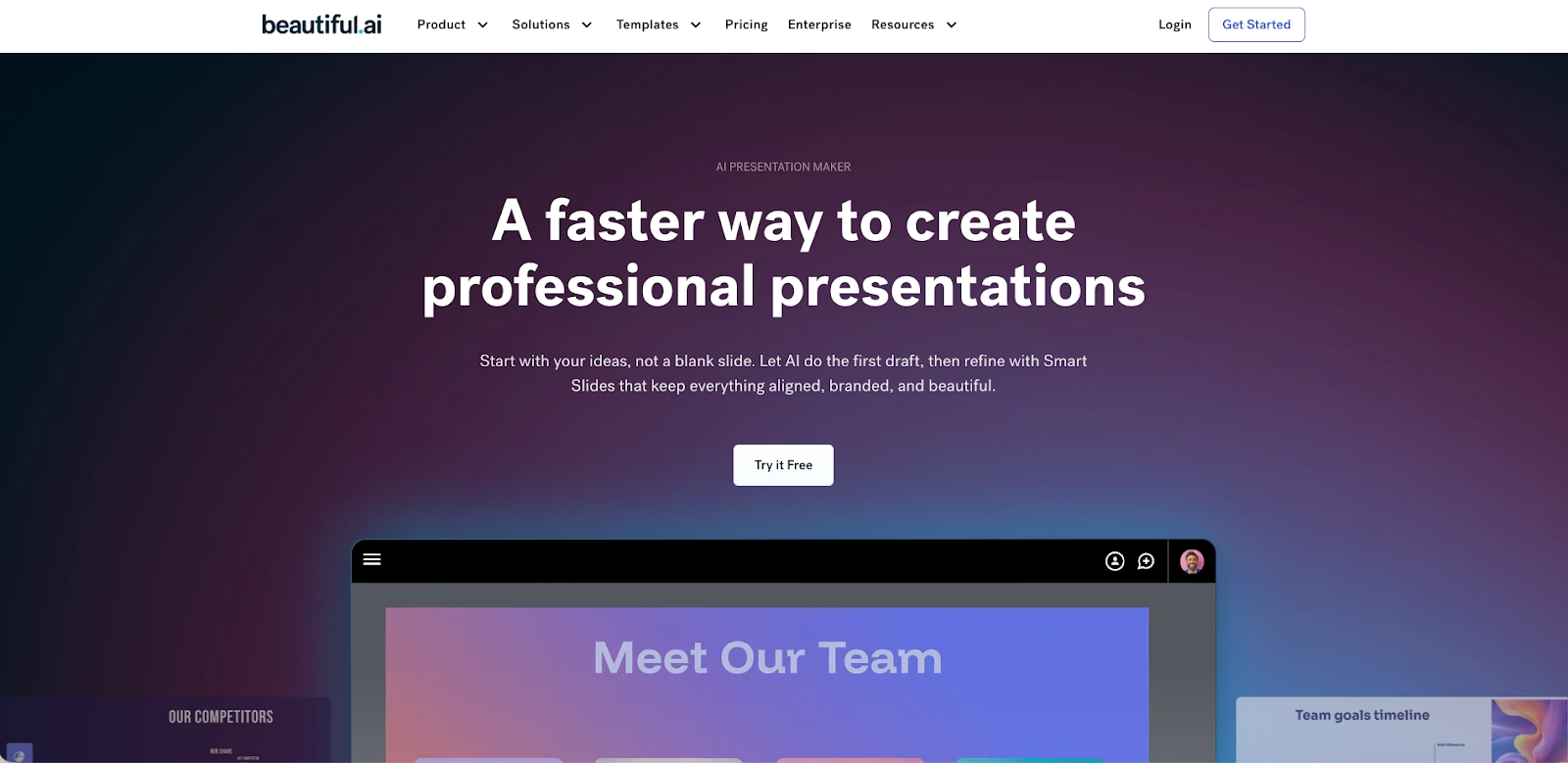
Beautiful.ai operates as a dedicated, web-based platform where advanced AI acts as your design partner. Its foundational principle is that good slide design should be automatic. The platform’s Smart Slides technology ensures that as you add AI content, the slide layouts reconfigure themselves in real-time to maintain a polished, professional look. This makes the platform exceptionally user-friendly, especially for a startup or for team members who aren’t professional designers. It’s a modern alternative to the traditional presentation format of PowerPoint or Google Slides.
What is Plus AI?
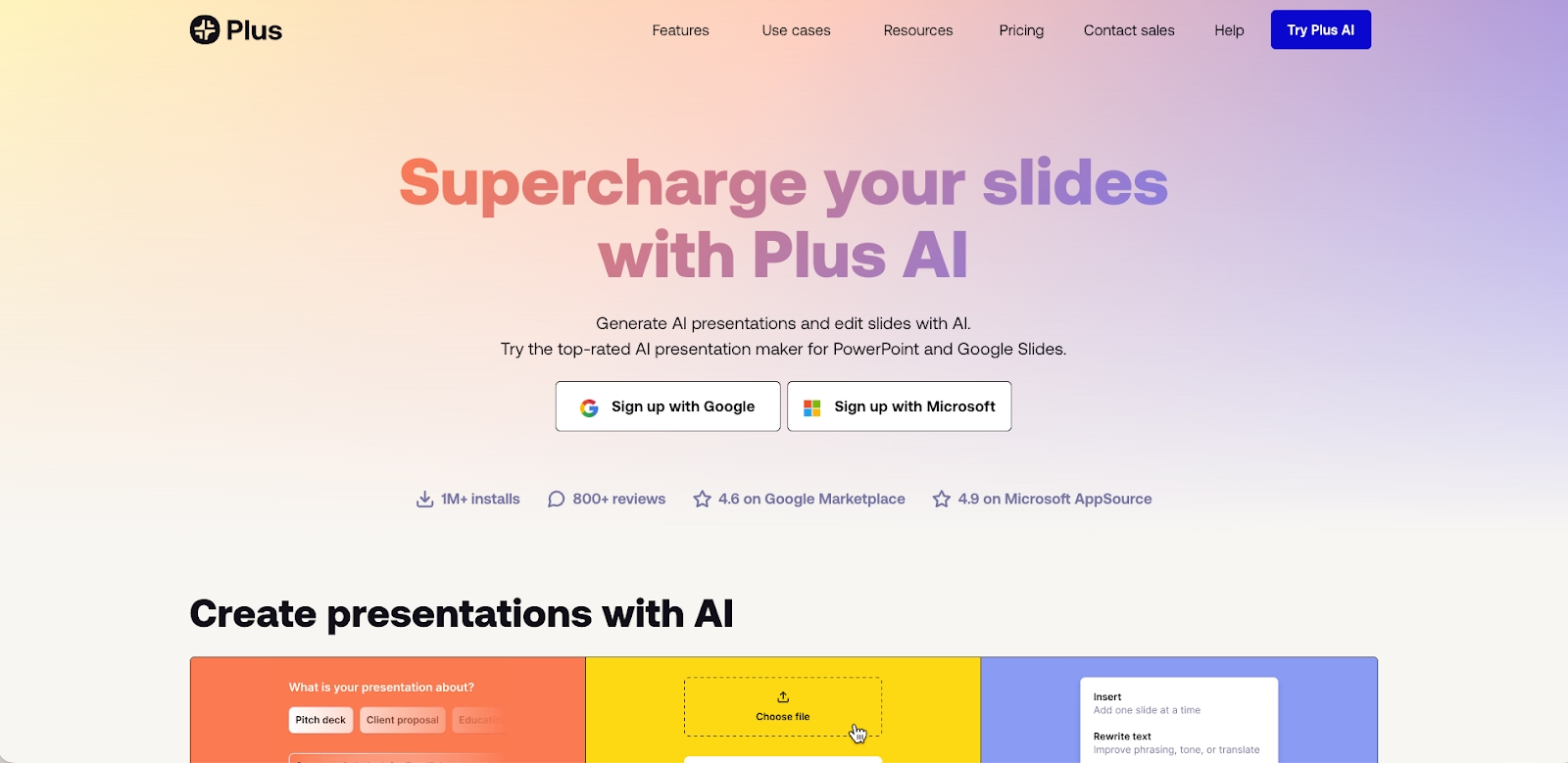
Plus AI is an AI presentation maker that functions as an add-on within the Google Workspace ecosystem, specifically as a Google Slides add-on. It also offers an integration for Microsoft PowerPoint. Its primary purpose is to bring AI writing and content generation capabilities directly into the tools you already use. You can generate a new presentation or create new slides from text prompts, similar to how you might use ChatGPT or Gemini. It is not a standalone design tool like Canva or Beautiful.ai.
Key comparison criteria
When comparing these two AI presentation tools, the choice is between a purpose-built design platform and a productivity add-on. Beautiful.ai offers a guided path to creating a high-quality slideshow, while Plus AI provides content generation inside the familiar environment of Google Slides.
Here’s a neutral, factual look at how they compare.
Usability & learning curve
Beautiful.ai is built for speed and remarkable ease of use. The platform’s design constraints are a key feature; by handling the difficult parts of slide formatting automatically, it allows anyone to create a professional-looking pitch deck in minutes. The learning curve is minimal because the AI assistant does the heavy lifting.
Plus AI is also very user-friendly, as it lives inside a tool that most users already know well. The learning curve primarily involves learning how to write effective text prompts to generate the best AI content. You don’t need to learn a new interface, which is a major advantage for teams that want to use AI without disrupting their workflow.
Templates & asset library
Beautiful.ai offers a library of customizable templates that are also intelligent frameworks. These are not just static presentation templates; they are Smart Templates with the platform’s design AI built in, ensuring your fonts and slide layouts stay on-brand. The library is curated for business communication, making it simple to find the right starting point for any pitch deck.
Plus AI uses the native templates of Google Slides or PowerPoint. It can generate a slide deck that adopts the theme of your existing presentation, but the templates themselves are not intelligent. You can tweak the design manually after the AI-generated content is created, but the automation does not extend to the slide design itself in the way that Smart Slides do.
AI & automation features
In Beautiful.ai, AI-powered automation is the engine that drives the entire design process. The AI features are for structure and aesthetics, working in real-time to apply animations and ensure a cohesive look. The platform also includes generative AI for image generation, allowing you to create a custom AI image.
Plus AI’s AI features are heavily focused on content generation. Its primary use cases involve creating a new presentation from a prompt or generating new slides from Google Docs or other text sources. Its AI writing capabilities are strong, but it does not offer the same level of design automation as Beautiful.ai. It is more of a slide generator than a complete design tool.
Customization & design control
Beautiful.ai approaches customization through smart brand controls. You can set your brand’s colors, fonts, and logos, and the software enforces these rules for brand consistency. This method prioritizes a unified look, making it perfect for a startup or large team that needs to produce professional presentations.
With Plus AI, all customization is done using the standard tools within Google Slides or PowerPoint. After the AI-generated content is placed on the slides, you can manually tweak every element. This offers complete freedom but also means that maintaining brand consistency is a manual process, just as it is with traditional slides.
Collaboration, integrations & team workflows
Beautiful.ai is designed as a collaborative workspace. It enables real-time collaboration, allowing multiple team members to build a slide deck together. Its collaboration features and integrations with key business tools help connect the presentation workflow to other parts of the business.
Plus AI leverages the native collaboration features of the Google Workspace. Since it operates within Google Slides, you can use all the familiar sharing and commenting functions. This is a major benefit for teams already invested in the Google ecosystem. It does not have its own separate collaboration system.
Export, formats & platform support
Both platforms are web-based and provide flexible export options. Beautiful.ai allows you to export slide decks to editable PPTX formats, ensuring compatibility with Microsoft PowerPoint. You can also embed presentations on websites. The platform supports various multimedia formats and includes smooth animations.
Plus AI has perfect compatibility because it creates native Google Slides or PowerPoint files from the start. There is no need to export a PPTX or PPT file, as you are already working in that format. You can embed your slideshow just as you would with any other Google Slides file.
Pricing
In terms of pricing, Plus AI offers a free plan that allows for a limited number of AI runs. Its Pro plan is competitively priced for individuals. Beautiful.ai does not have a free plan, but it offers a 14-day trial of its full-featured premium plans, with straightforward pricing tiers for individuals and teams.
Ideal use cases
So, what is the ideal use case for each of these tools?
When Beautiful.ai is the best fit:
- You are looking for the best AI presentation maker that is a standalone platform.
- Ensuring brand consistency across a large team is a top priority.
- You value an AI-powered tool that automates slide design, not just content creation.
- You want a complete design tool for presentations, not just a writing assistant.
When Plus AI is the best fit:
- Your team is heavily invested in the Google Workspace and wants to enhance Google Slides.
- Your primary need is to accelerate content creation and AI writing within your existing workflow.
- You want an AI assistant that feels like a native part of the tools you already use, similar to Copilot.
- You prefer to have full manual control to tweak the design of traditional slides after the AI content is generated.
Limitations & trade-offs
Beautiful.ai is intentionally focused. It’s a premier presentation software, and it excels at that job. This means if you need the free-form design of Canva or the narrative style of Tome or Gamma, you would use other tools. Its guided design, while a benefit for consistency, offers less manual freedom.
Plus AI’s main limitation is that it is fundamentally an add-on. It does not have its own design engine. It relies on the functionality of Google Slides or PowerPoint for all design and formatting. This means you are still working with a traditional presentation tool, just with a powerful AI assistant to help with the content.

Choose Beautiful.ai if you want:
- A standalone, design-first AI presentation platform
- Automated slide layouts, spacing, and visual hierarchy handled for you
- Consistent, on-brand presentations across teams without manual formatting
- Smart templates built specifically for pitch decks and business presentations
- A complete end-to-end workflow for creating professional slide decks

Choose Plus AI if you want:
- An AI assistant that works directly inside Google Slides or PowerPoint
- Faster content generation without changing your existing workflow
- AI-generated slides from prompts, Docs, or text sources
- Full manual control over slide design after content is generated
- A lightweight enhancement to traditional presentation tools
Final recommendation
If your team needs a powerful, focused, and highly efficient presentation software, Beautiful.ai is one of the best AI tools available. It is expertly designed for businesses that prioritize speed, brand consistency, and ease of use. Its advanced AI and Smart Templates empower anyone to create professional presentations. It stands out among other AI presentation tools like Gamma or Tome.
Plus AI is an excellent choice for individuals and teams who love Google Slides and want to make it more powerful. It is arguably the best AI presentation maker for users who want to stay within their existing ecosystem. However, for those looking for a true AI-powered design partner that automates the entire slideshow creation process, from content generation to final slide formatting, Beautiful.ai offers a more complete and specialized solution. It’s a strong alternative to creating a PowerPoint presentation from scratch.
Why customers are switching to Beautiful.ai
Beautiful.ai is an AI-powered presentation platform that helps teams create polished, on-brand slides in a fraction of the time, without design skills or manual formatting.
- Design automation built in. Whether you're building pitch decks, reports, or internal presentations, Beautiful.ai’s Smart Slides automatically format content so you never worry about spacing, alignment, or layout again. Add your content, and the design adjusts instantly.
- ️No design experience required. Create professional decks without touching text boxes or manually arranging elements. Choose from Smart Templates and let the AI handle layout decisions, visual hierarchy, and consistency across the entire deck.
- Branding? Already handled. Keep every slide on-brand with your fonts, colors, and logos applied automatically. Beautiful.ai ensures every team member creates presentations that look like they came from a dedicated design team—without extra work.
- Real-time collaboration & team controls. Collaborate directly on the same deck, leave comments, manage permissions, and maintain consistency across team presentations. Perfect for growing teams and cross-functional workflows.
- Faster workflows, fewer revisions. Jump from rough outline to polished presentation in minutes, not hours. Beautiful.ai reduces back-and-forth edits by enforcing on-brand design rules and helping you iterate faster with AI-assisted slide creation.
