

Best Microsoft PowerPoint alternatives: top 9 in 2026
![Microsoft PowerPoint alternatives: the top 9 [updated for 2026]](https://cdn.prod.website-files.com/59e16042ec229e00016d3a66/69e9191ade9708b538063734_697009c30cc951770142a7b6_69619959a6abc5716bca198d_696176d7257252e883f7e7a5_beautiful%252520ai%252520vs%252520Powerpoint.avif)

Best Microsoft PowerPoint alternatives: top 9 in 2026
Microsoft PowerPoint has long been the default presentation software for businesses, educators, and startups. As part of the broader Microsoft Office and Microsoft 365 ecosystem, it supports everything from simple slideshows to complex pitch decks, complete with animations, transitions, fonts, and multimedia elements. PowerPoint presentations remain widely compatible across devices, operating systems, and teams, making them a familiar presentation platform for users on Windows, macOS, and even iOS.
However, the way teams create slide decks is changing. Cloud-based, web-based, and AI-powered presentation tools now emphasize real-time collaboration, automation, and user-friendly workflows. As a result, many professionals are actively comparing PowerPoint alternatives that offer faster presentation design, modern templates, interactive presentation features, and tighter integration with tools like Google Drive, Google Workspace, and social media platforms.
This guide explores the best PowerPoint alternatives available in 2026, helping you evaluate modern presentation makers based on functionality, pricing, learning curve, and compatibility with today’s cloud-first workflows.
What is Microsoft PowerPoint?
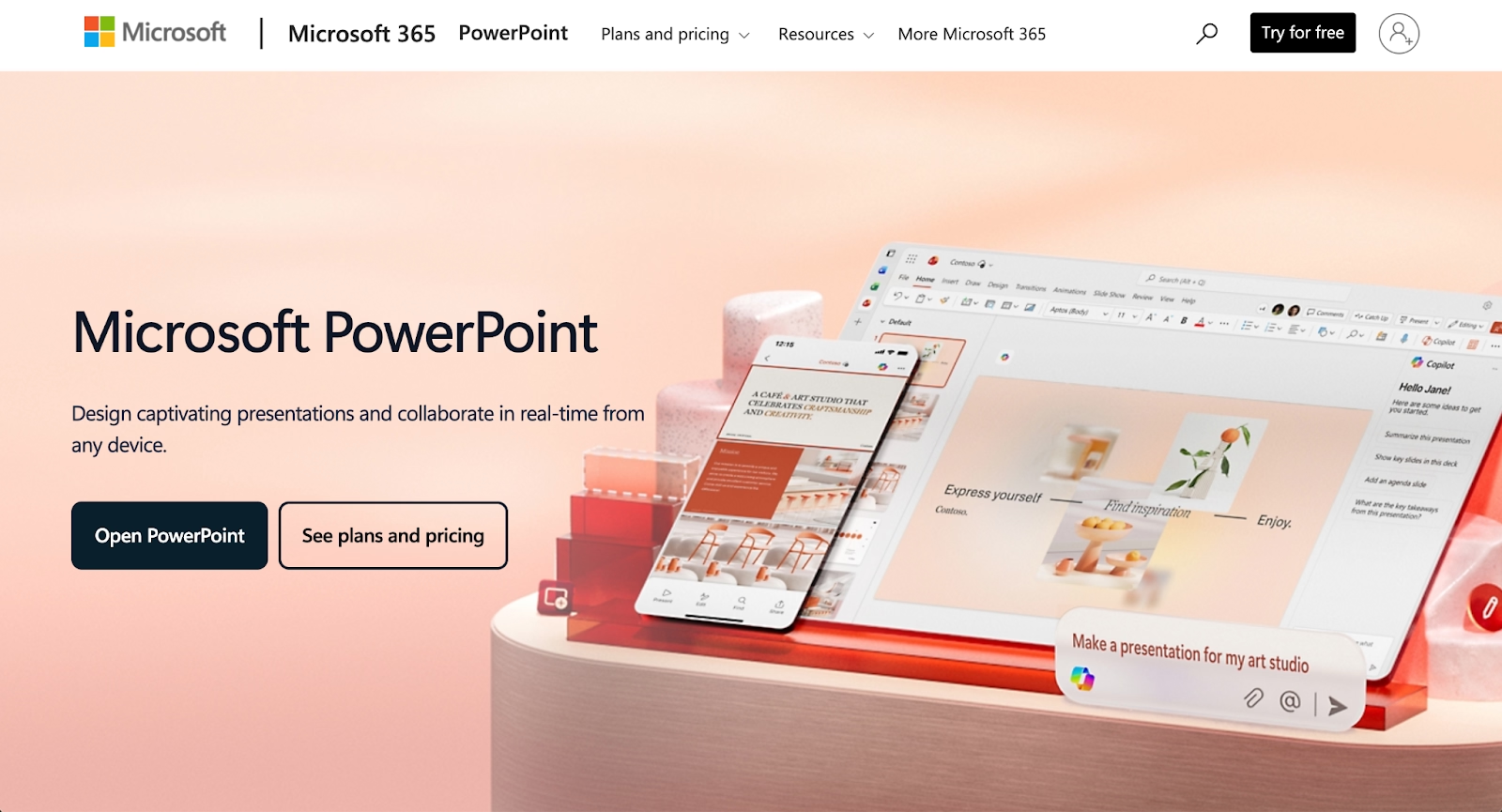
Microsoft PowerPoint is a presentation tool developed by Microsoft and distributed as part of the Microsoft Office and Microsoft 365 suites. It allows users to create slide decks using text, images, charts, infographics, animations, and multimedia elements, all arranged into a linear slideshow format. PowerPoint files (PPT and PPTX) are widely supported, making them easy to share across teams, devices, and operating systems, including macOS and Windows.
PowerPoint is deeply integrated into the Microsoft ecosystem, working closely with Excel, Word, Outlook, and Teams. This makes it a natural choice for organizations that rely heavily on Microsoft 365 for document creation, data analysis, and collaboration. Features like templates, customizable layouts, transitions, and presenter tools support everything from internal reports to external pitch decks and keynote-style presentations.
In recent years, Microsoft has expanded PowerPoint’s capabilities with AI-powered features through Microsoft Copilot. These additions introduce artificial intelligence and automation into the presentation workflow, helping users generate content, format slides, and speed up design tasks. Despite these enhancements, PowerPoint remains primarily a traditional, slide-based presentation software with a steeper learning curve compared to newer drag-and-drop or AI-first presentation platforms.
Why look for Microsoft PowerPoint alternatives?
While Microsoft PowerPoint remains a powerful and flexible presentation tool, it is not always the best fit for every workflow. Many users find that building polished slide decks still requires significant manual formatting, design decisions, and time spent aligning elements. For startups, marketers, and fast-moving teams, this can slow down content creation and disrupt the overall workflow.
Modern PowerPoint alternatives often focus on automation, AI-powered presentation design, and real-time collaboration. Web-based and cloud-based tools reduce file version issues and make it easier for teams to collaborate simultaneously, similar to the experience offered by Google Slides within Google Workspace. Some platforms also support non-linear presentations, interactive elements, quizzes, and dynamic content that go beyond traditional slideshow formats.
Pricing is another factor. While PowerPoint is bundled with Microsoft 365, users who only need presentation software may prefer tools with a free plan or free version that better match their needs. Others look for presentation platforms that integrate more naturally with graphic design tools, social media workflows, or cloud storage systems outside the Microsoft ecosystem.
Top 9 Microsoft PowerPoint alternatives
As teams look beyond traditional presentation software, a growing set of PowerPoint alternatives has emerged. These tools range from AI-powered presentation makers to cloud-based, web-based platforms designed for real-time collaboration and faster workflows. Some prioritize automation and presentation design consistency, while others focus on drag-and-drop flexibility, interactive presentation elements, or deep integration with ecosystems like Google Workspace or Apple’s macOS and iOS environments.
Beautiful.ai

Beautiful.ai is an AI-powered presentation platform designed to remove the manual formatting work that often slows down PowerPoint presentation creation. Instead of adjusting layouts slide by slide, users select smart, customizable templates that automatically adapt as content is added. Fonts, spacing, animations, and transitions are handled by automation, helping teams maintain consistent presentation design across slide decks.
This presentation tool is especially appealing to teams that value speed, visual consistency, and collaboration features. Beautiful.ai supports real-time collaboration, cloud-based sharing, and structured workflows for pitch decks, business updates, and executive presentations. Compared to Microsoft PowerPoint, it offers less granular control, but far greater efficiency for teams that want polished results without a steep learning curve. For organizations exploring PowerPoint alternatives focused on automation and AI-powered design, Beautiful.ai is often a top choice.
Canva
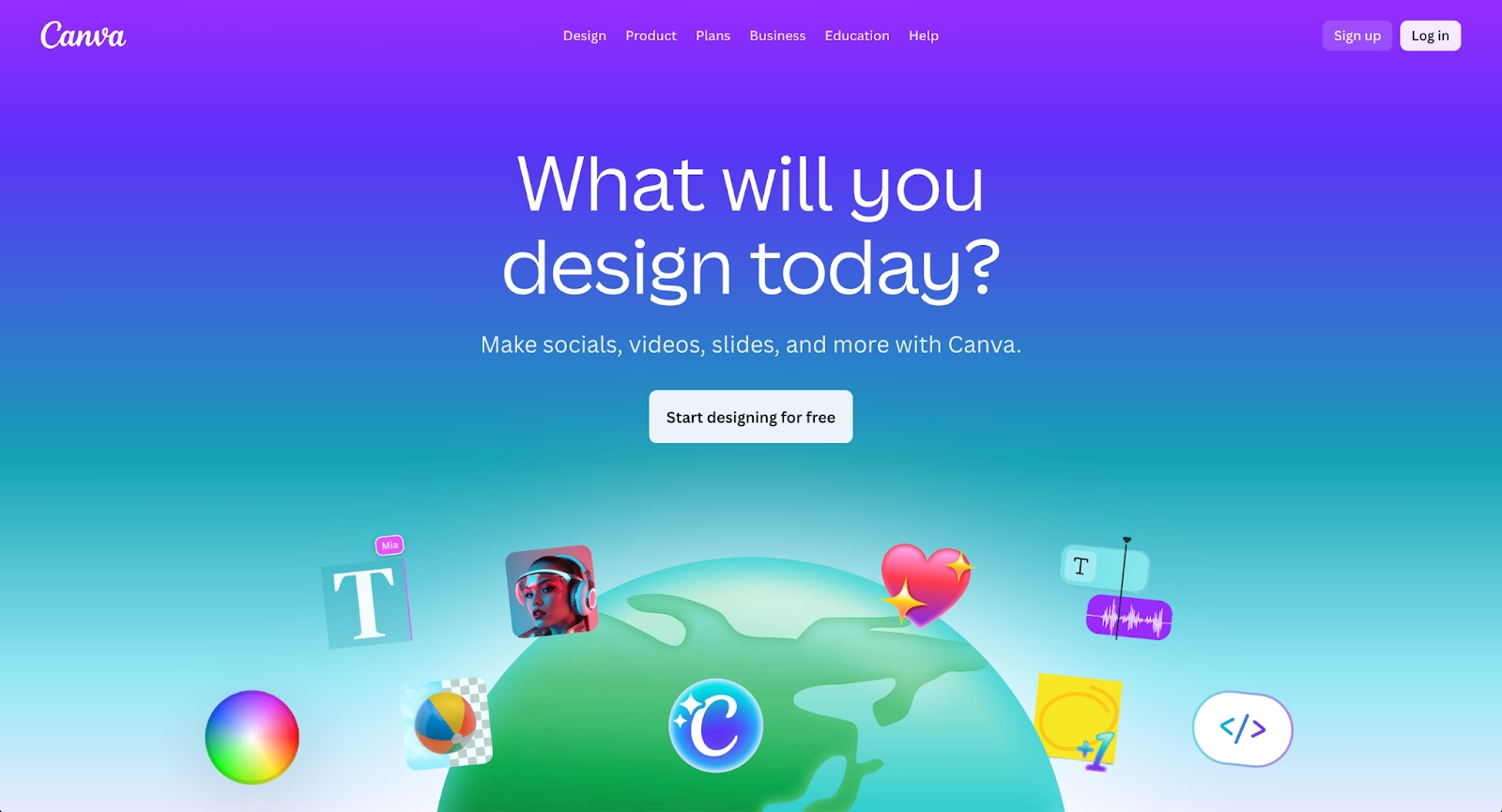
Canva is widely known as a graphic design platform, but it has also become one of the most popular PowerPoint alternatives for creating slide decks. Its drag-and-drop editor, extensive library of templates, fonts, and visual assets makes it accessible to users with little to no design background. Canva is frequently used for presentations tied to social media, marketing campaigns, and visual storytelling.
As a cloud-based and web-based presentation maker, Canva supports real-time collaboration and easy sharing through links. It integrates well with multimedia content, infographics, and interactive elements, making it suitable for creative teams and startups. However, compared to Microsoft PowerPoint, Canva relies more on manual formatting and lacks deep slide-level automation. While it offers a free plan and flexible pricing, maintaining consistent formatting across large slide decks can require extra effort.
Google Slides
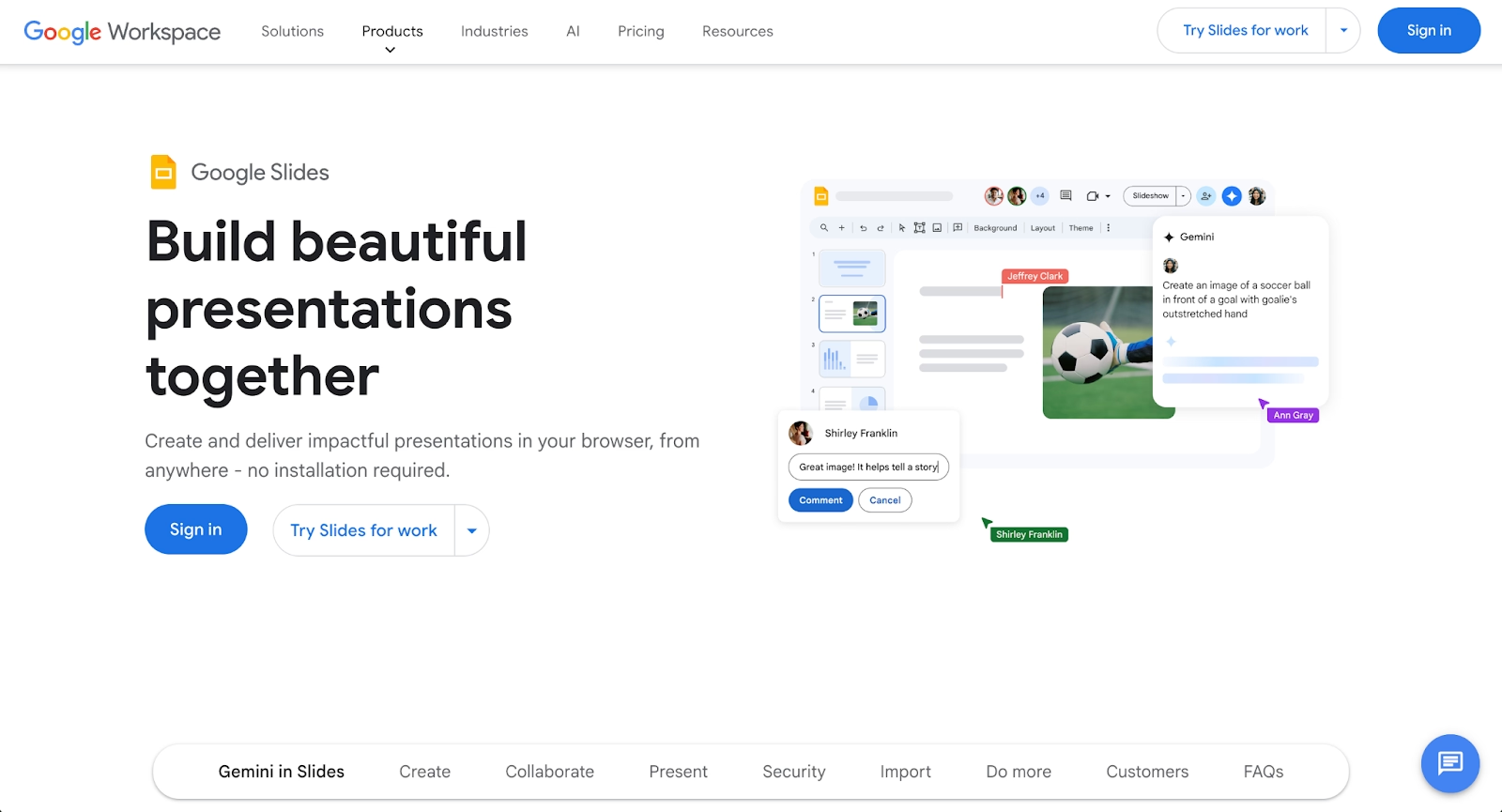
Google Slides is a cloud-based presentation tool that operates within the Google Workspace ecosystem. It emphasizes simplicity, accessibility, and real-time collaboration, allowing multiple users to edit the same slideshow simultaneously through a Google account. Files are stored in Google Drive, making version control and sharing straightforward for distributed teams.
As a PowerPoint alternative, Google Slides offers basic templates, transitions, and presentation functionality, but fewer advanced animations and design controls. It works well for teams that prioritize collaboration over presentation design complexity. Google Slides is commonly chosen by startups and educators who want a free version that integrates seamlessly with other Google Workspace tools. While it may not match Microsoft PowerPoint in advanced features, its ease of use and cloud-first workflow make it a reliable presentation platform.
Prezi
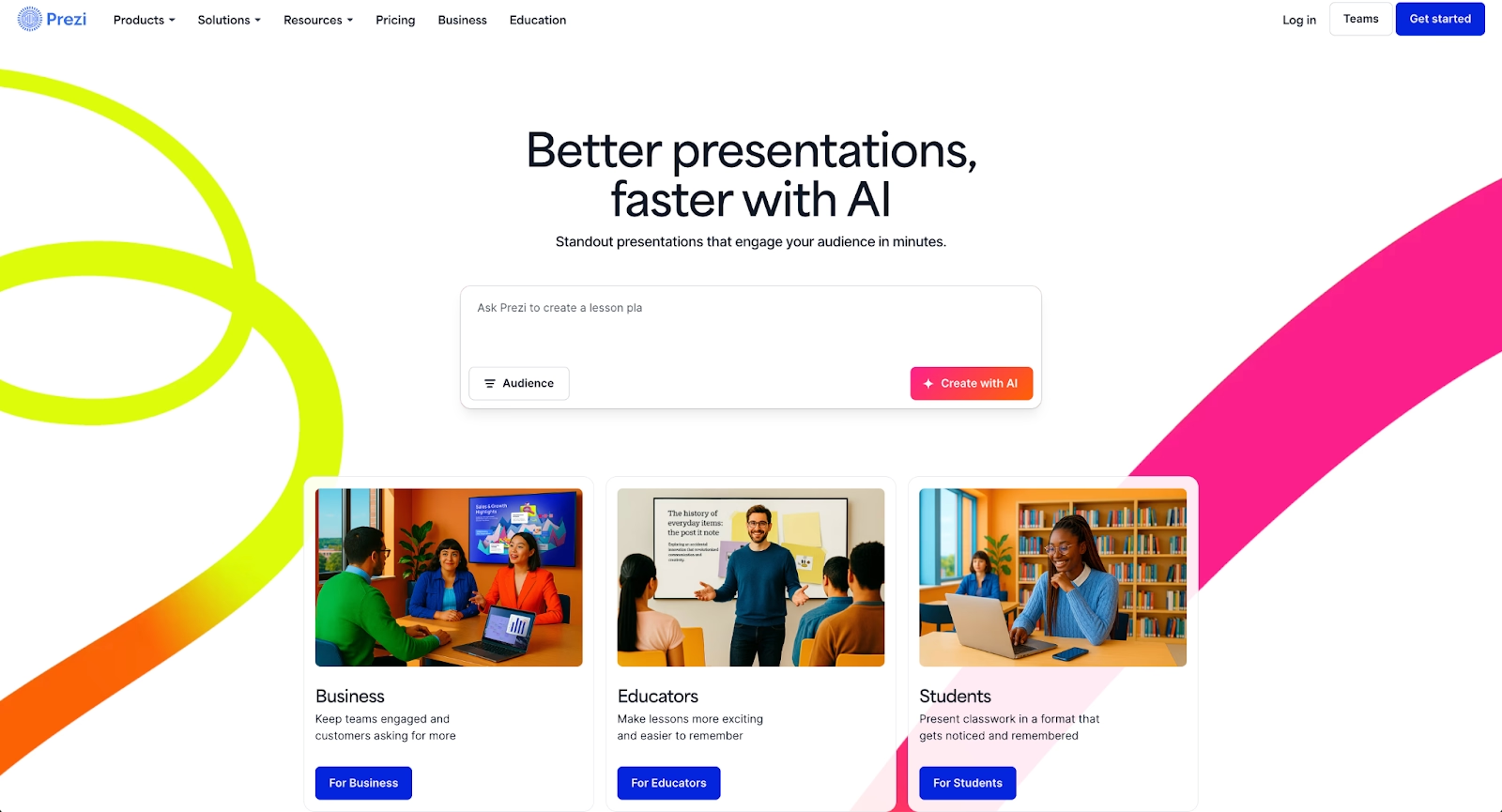
Prezi takes a fundamentally different approach to presentations through non-linear presentations and spatial storytelling. Instead of moving slide by slide, users navigate a zoomable canvas, creating dynamic transitions that emphasize relationships between ideas. This format can be more engaging for storytelling, conceptual explanations, and interactive presentations.
Compared to Microsoft PowerPoint, Prezi shifts focus away from traditional slideshows toward motion-based presentation design. It supports multimedia, animations, and interactive presentation elements, but may introduce a steeper learning curve for users accustomed to linear slide decks. Prezi is best suited for presenters who want to stand out visually and are comfortable moving beyond standard PowerPoint presentation formats. It is less ideal for highly structured corporate reporting, but effective for storytelling-driven pitch decks and educational content.
Pitch
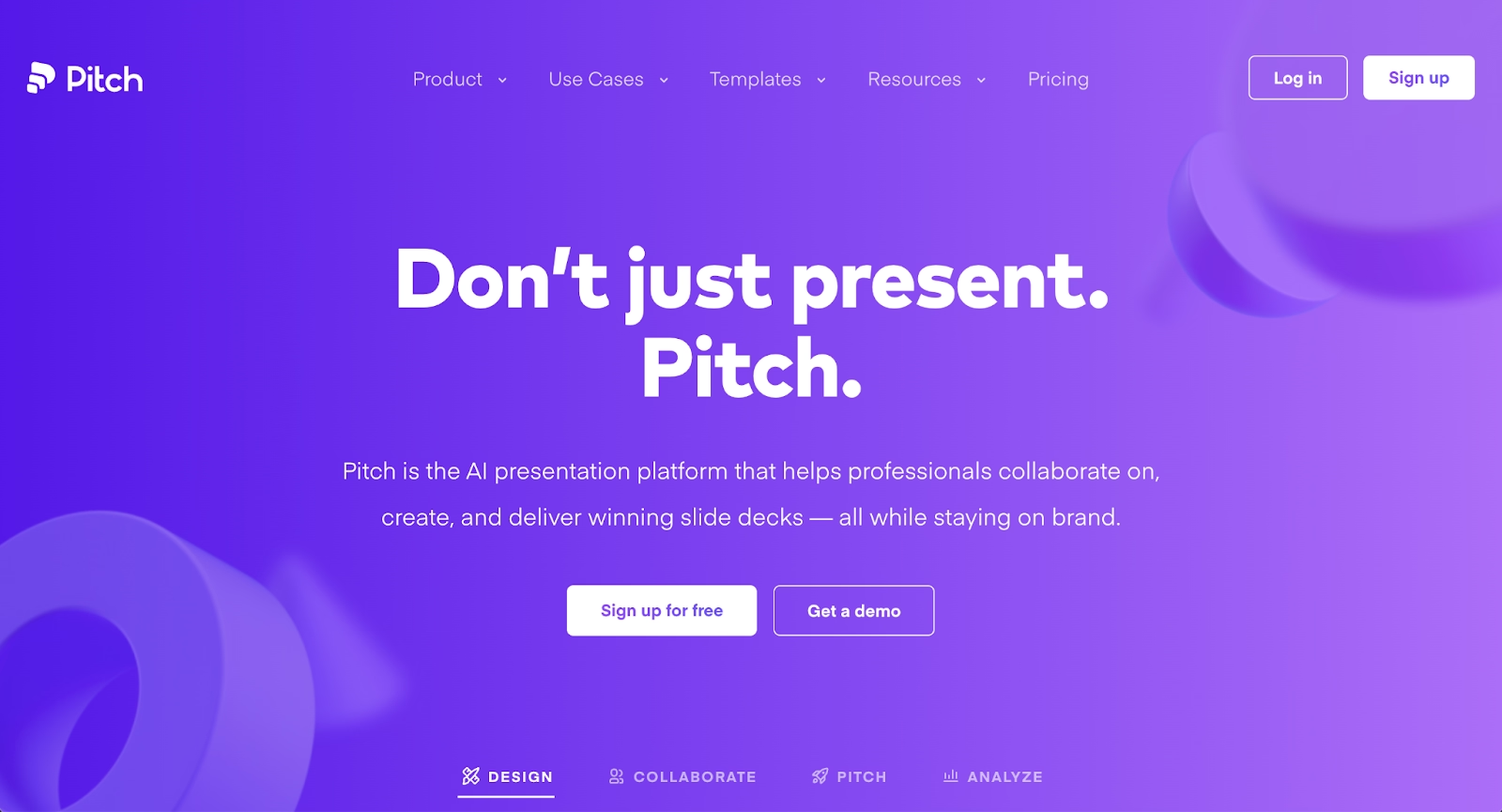
Pitch is a modern, cloud-based presentation platform built specifically for team collaboration and polished presentation design. It combines structured slide layouts with real-time collaboration features, allowing teams to co-edit slide decks simultaneously without worrying about version conflicts. The interface feels familiar to PowerPoint users but removes much of the friction around alignment, spacing, and layout consistency.
As a PowerPoint alternative, Pitch is especially popular with startups and product teams creating pitch decks, investor updates, and sales presentations. It supports templates, animations, transitions, and collaboration features that work well for distributed teams. While Pitch does not fully replace Microsoft PowerPoint’s advanced formatting or offline workflows, it offers a more streamlined, user-friendly experience for teams that prioritize speed and shared workflows.
Visme
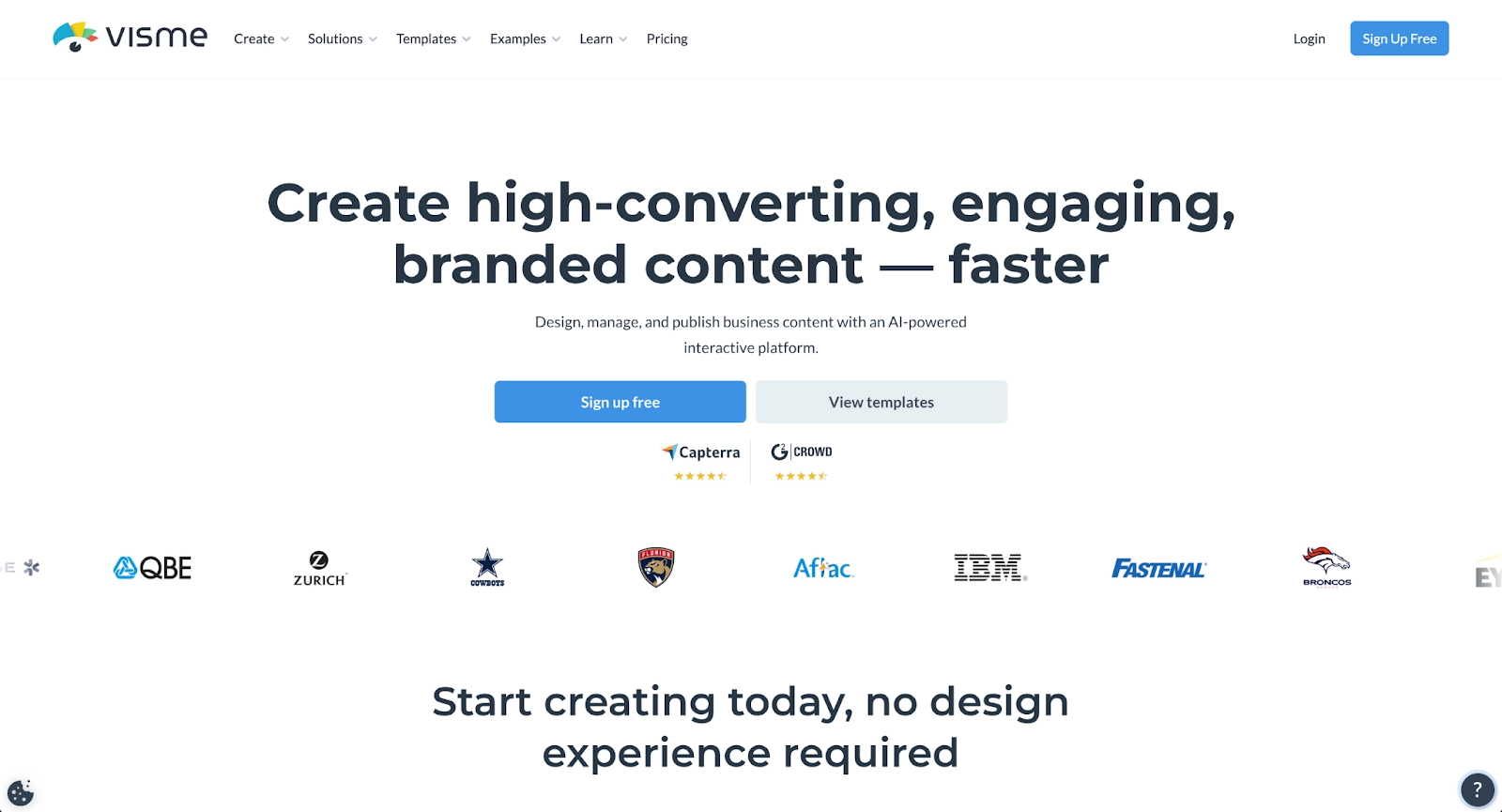
Visme positions itself as a hybrid between presentation software and a graphic design tool. It supports presentations, infographics, reports, and interactive content, making it appealing to teams that want more than a standard slideshow. Users can create slide decks with charts, multimedia, interactive elements, and data visualizations using a drag-and-drop editor.
Compared to Microsoft PowerPoint, Visme offers stronger support for interactive presentation formats, quizzes, and embedded content. It is cloud-based and supports collaboration, but its expanded functionality can introduce a learning curve for new users. Visme works well for marketing teams, educators, and businesses that want visually rich presentation design without relying entirely on traditional PowerPoint files.
Slidebean
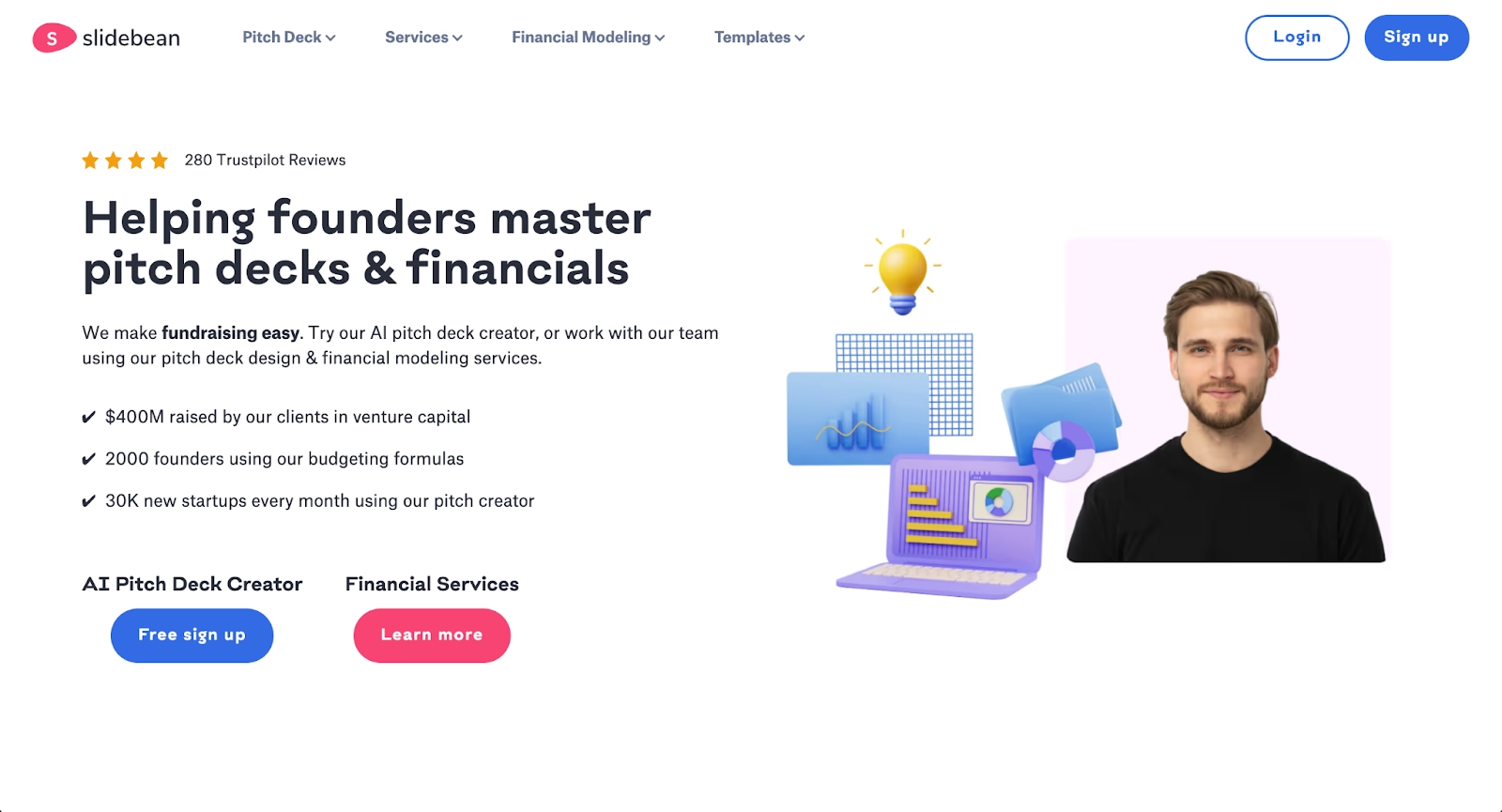
Slidebean is an AI-powered presentation maker designed to automate slide design. Users focus on content, while the platform handles layout, formatting, and presentation structure. This makes it particularly appealing for startups and founders who need pitch decks quickly without investing time in manual design work.
As a PowerPoint alternative, Slidebean emphasizes automation and speed over customization. It supports slide decks, animations, and standard export formats, but offers less granular control than Microsoft PowerPoint. For teams that want a fast, AI-powered workflow and consistent presentation design, Slidebean can significantly reduce the time required to produce polished presentations.
Keynote
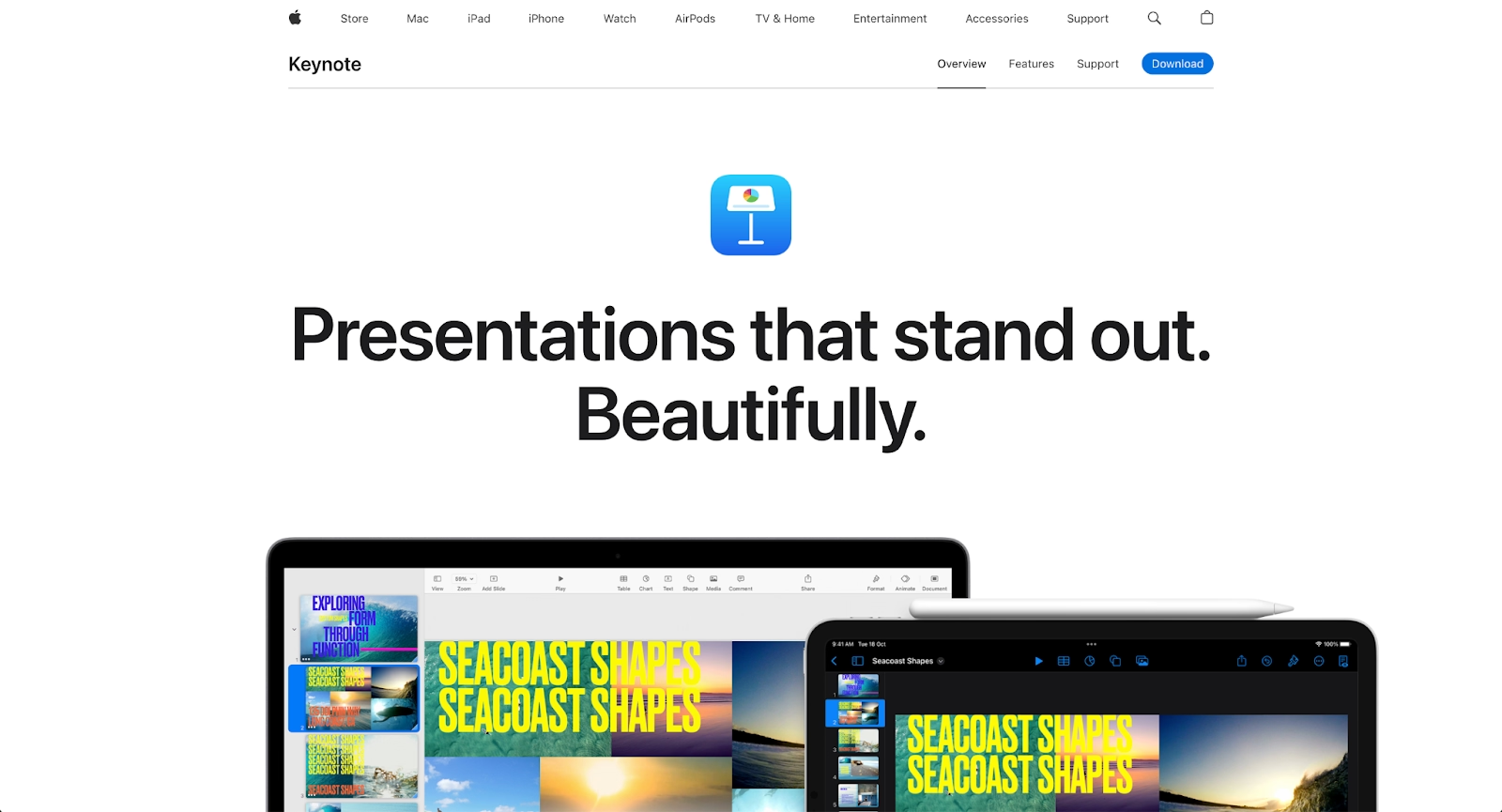
Apple Keynote is Apple’s native presentation software, designed for macOS and iOS users within the Apple ecosystem. It is known for smooth animations, elegant transitions, and strong visual performance, especially on Apple hardware. Keynote offers customizable templates, fonts, and multimedia support that rival many PowerPoint presentation features.
As a PowerPoint alternative, Keynote excels in visual quality but is more limited in cross-platform compatibility. While it can export PowerPoint files, collaboration outside the Apple ecosystem can be challenging. Keynote is best suited for individuals and teams working primarily on Mac devices who value presentation design aesthetics over deep integration with Microsoft Office or Google Workspace.
Mentimeter
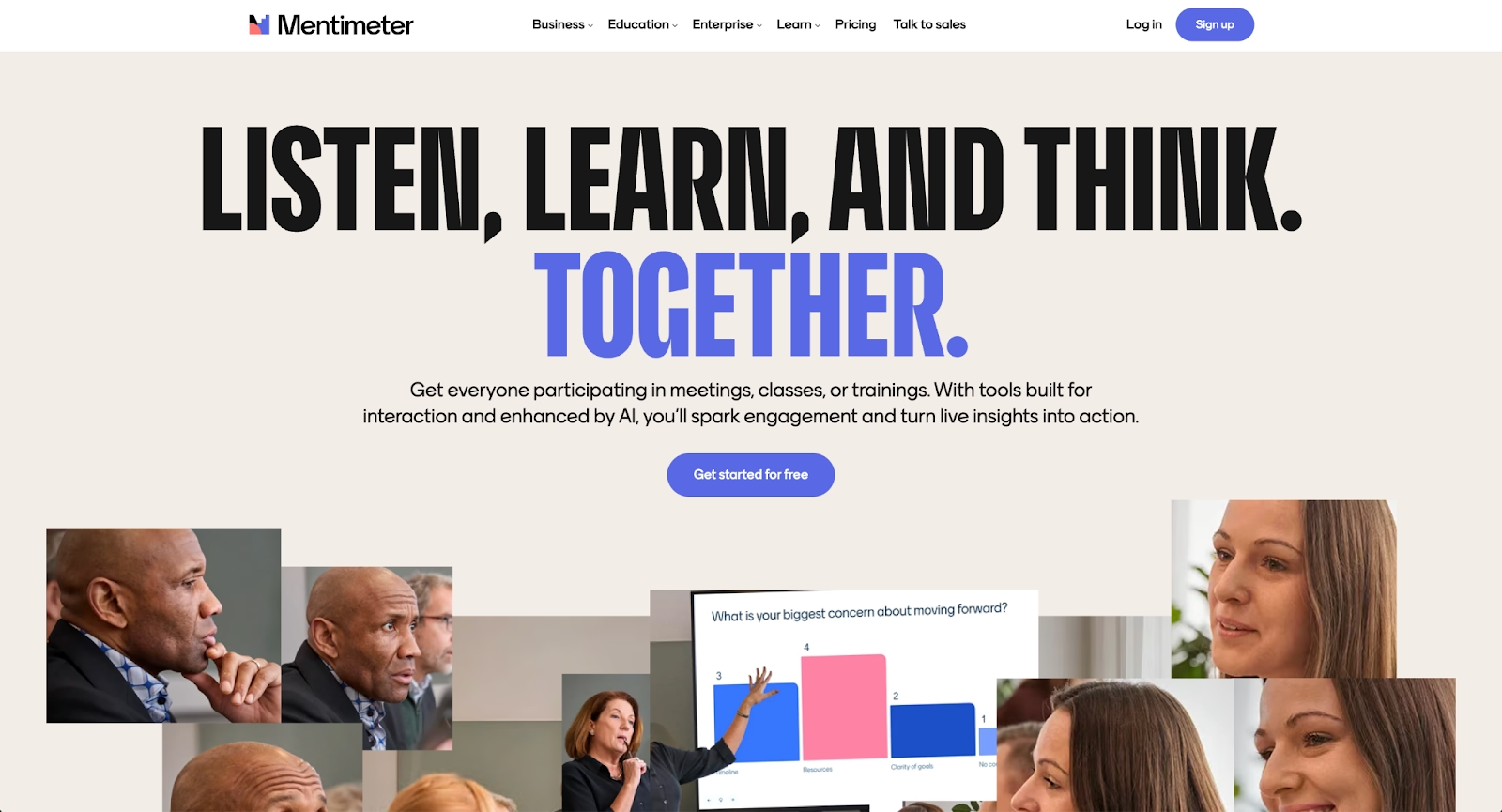
Mentimeter focuses on audience engagement rather than traditional slide-based presentations. It allows presenters to incorporate live polls, quizzes, word clouds, and interactive elements into their presentations, making it ideal for meetings, workshops, and educational sessions.
Unlike Microsoft PowerPoint, Mentimeter is web-based and designed for real-time interaction rather than static slide decks. It integrates well with other presentation platforms and is often used alongside PowerPoint presentations rather than as a full replacement. For teams that prioritize interactivity, live feedback, and audience participation, Mentimeter complements or replaces standard slideshow workflows.
Key comparison criteria
Choosing between Microsoft PowerPoint and modern PowerPoint alternatives requires more than comparing templates or visual style. Presentation software now plays a direct role in team workflow, collaboration, and content velocity. The criteria below highlight the factors that matter most when evaluating presentation platforms in 2026, especially for teams balancing speed, design quality, and compatibility across ecosystems.
AI features
AI-powered functionality is a key differentiator among PowerPoint alternatives. Microsoft PowerPoint now includes artificial intelligence through Microsoft Copilot, offering content suggestions, slide generation, and basic design assistance within Microsoft 365. While helpful, these features still operate within a traditional, slide-based workflow.
Newer presentation tools take automation further by handling layout, spacing, and visual hierarchy automatically. Platforms like Beautiful.ai and Slidebean apply AI-powered design logic in real time, while others focus on restructuring documents or generating slide content. For teams that value speed and consistency, strong AI features can significantly reduce the time spent formatting PowerPoint presentations and PPT files.
Ease of use
Ease of use affects how quickly teams can turn ideas into finished slideshows. Microsoft PowerPoint offers extensive functionality, but its depth often comes with a steeper learning curve, particularly around formatting, animations, and transitions.
Many PowerPoint alternatives prioritize simplicity through drag-and-drop interfaces or guided workflows. Web-based tools like Google Slides and Canva are generally easier to adopt, while AI-powered platforms minimize manual design decisions altogether.
Design quality and templates
Design quality depends heavily on template structure and consistency. Microsoft PowerPoint provides a wide range of customizable templates and fonts, but achieving a polished result often requires manual refinement, which can lead to inconsistent slide decks across teams.
Modern presentation platforms emphasize customizable templates that enforce consistency by default. Tools such as Beautiful.ai, Visme, and Canva offer structured layouts, infographics, and design systems that help maintain professional standards. For pitch decks, reports, and external-facing presentations, strong template frameworks reduce design risk and branding drift.
Collaboration
Collaboration is now a baseline requirement for presentation software. Traditional PowerPoint workflows often rely on shared files, which can introduce version conflicts and slow feedback cycles. Although Microsoft 365 supports collaboration through OneDrive and Teams, the experience remains file-centric.
Cloud-based presentation tools are built around real-time collaboration. Platforms like Google Slides, Pitch, and Beautiful.ai allow multiple users to edit the same slide deck simultaneously, with changes updating instantly.
Export and integrations
Compatibility remains a major factor when evaluating PowerPoint alternatives. Microsoft PowerPoint is still the standard for PPT and PPTX files, making it essential for organizations that exchange presentations externally.
Most modern presentation platforms support exporting to PowerPoint files, PDFs, or shareable web links. Integration with tools such as Google Drive, Excel, and collaboration platforms helps streamline workflows, while connections to design or analytics tools reduce friction between content creation and presentation delivery.
Pricing
Pricing varies widely across presentation software. Microsoft PowerPoint is bundled with Microsoft Office and Microsoft 365, which works well for some teams but may include features others do not need.
PowerPoint alternatives typically offer a free version or free plan with limited functionality, alongside paid tiers that unlock advanced features, collaboration, or AI-powered automation. Teams should evaluate pricing based on functionality, size, and workflow requirements, balancing affordability for startups with scalability and controls for larger organizations.
Quick comparison snapshots
Quick comparisons help clarify how modern PowerPoint alternatives differ from Microsoft PowerPoint in real-world workflows. Rather than listing features exhaustively, the snapshots below focus on design philosophy, collaboration, and day-to-day usability.
Beautiful.ai vs Microsoft PowerPoint
Beautiful.ai and Microsoft PowerPoint take fundamentally different approaches to presentation creation. Microsoft PowerPoint prioritizes flexibility and deep functionality, giving users full control over layouts, animations, transitions, and formatting within the Microsoft 365 ecosystem. This level of control is powerful, but it often requires significant manual effort to maintain consistency across slide decks.
Beautiful.ai focuses on automation and presentation design rules. Its AI-powered engine automatically manages layout, spacing, fonts, and visual hierarchy as content is added, reducing the need for manual formatting. For teams that value speed, consistency, and real-time collaboration, Beautiful.ai offers a more streamlined workflow, while PowerPoint remains better suited for users who need detailed customization and tight integration with Microsoft Office tools like Excel.
Google Slides vs Microsoft PowerPoint
Google Slides emphasizes simplicity and collaboration, while Microsoft PowerPoint emphasizes advanced functionality and compatibility. Google Slides is a cloud-based presentation platform built around real-time collaboration, allowing teams to co-edit slides directly from a browser using a Google account. Its tight integration with Google Workspace and Google Drive makes it easy to share and manage slide decks.
Microsoft PowerPoint offers more advanced presentation features, including richer animations, transitions, and formatting controls. However, collaboration often revolves around shared files rather than true browser-native editing. Google Slides works well for teams that prioritize collaboration speed and cloud-based workflows, while PowerPoint is better for complex presentations that rely on detailed design and advanced formatting.
Prezi vs Microsoft PowerPoint
Prezi and Microsoft PowerPoint differ most in presentation structure. PowerPoint follows a linear slideshow format that works well for structured storytelling, reports, and formal presentations. It is widely compatible and familiar across industries.
Prezi, by contrast, uses non-linear presentations built on a zoomable canvas. This approach enables more dynamic storytelling and interactive presentation experiences, helping presenters visually connect ideas. While Prezi can be more engaging, it also introduces a learning curve and may not suit all presentation types. PowerPoint remains the safer choice for traditional workflows, while Prezi appeals to users looking for visual impact and movement beyond standard slide decks.
Conclusion
Microsoft PowerPoint remains a core presentation tool for many organizations thanks to its deep integration with Microsoft Office, broad compatibility, and extensive formatting and animation controls. For teams that rely on PowerPoint files, Excel-driven data, and established Microsoft 365 workflows, it continues to be a reliable choice for building slide decks and formal presentations.
However, many teams are now looking beyond traditional presentation software to improve speed, consistency, and collaboration. Among modern PowerPoint alternatives, Beautiful.ai stands out for its AI-powered automation, which removes much of the manual formatting that slows down presentation creation in PowerPoint. By handling layout, spacing, and visual structure automatically, Beautiful.ai offers a more streamlined workflow for teams that want professional, consistent presentations without the design overhead, making it a strong option for organizations ready to modernize how they create slide decks in 2026.
Why customers are switching to Beautiful.ai
Beautiful.ai is an AI-powered presentation platform that helps teams create polished, on-brand slides in a fraction of the time, without design skills or manual formatting.
- Design automation built in. Whether you're building pitch decks, reports, or internal presentations, Beautiful.ai’s Smart Slides automatically format content so you never worry about spacing, alignment, or layout again. Add your content, and the design adjusts instantly.
- ️No design experience required. Create professional decks without touching text boxes or manually arranging elements. Choose from Smart Templates and let the AI handle layout decisions, visual hierarchy, and consistency across the entire deck.
- Branding? Already handled. Keep every slide on-brand with your fonts, colors, and logos applied automatically. Beautiful.ai ensures every team member creates presentations that look like they came from a dedicated design team—without extra work.
- Real-time collaboration & team controls. Collaborate directly on the same deck, leave comments, manage permissions, and maintain consistency across team presentations. Perfect for growing teams and cross-functional workflows.
- Faster workflows, fewer revisions. Jump from rough outline to polished presentation in minutes, not hours. Beautiful.ai reduces back-and-forth edits by enforcing on-brand design rules and helping you iterate faster with AI-assisted slide creation.
