

Keynote vs Google Slides: which is better?

Keynote vs Google Slides: which is better?
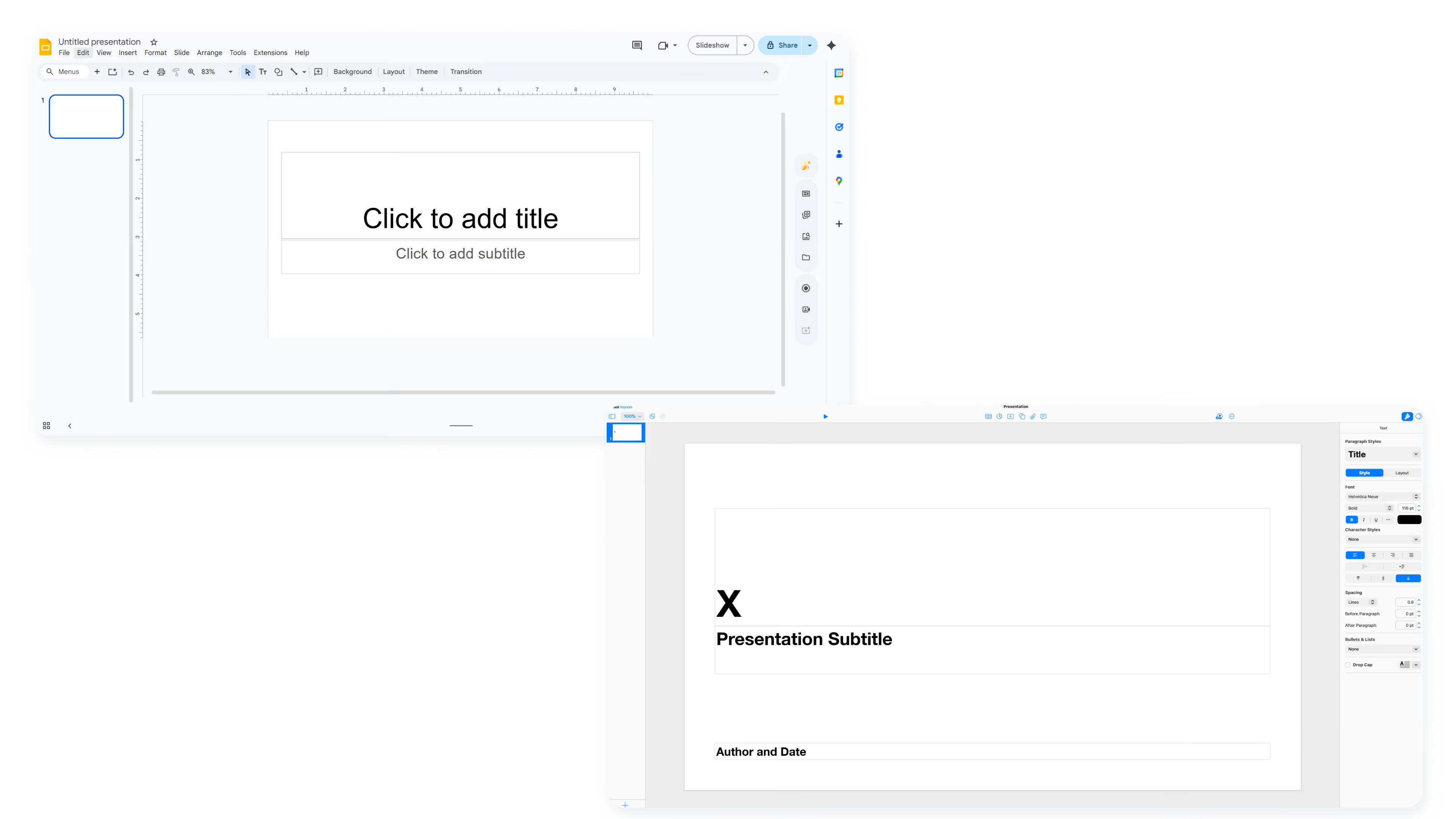
Choosing between Keynote and Google Slides often comes down to where you work and how your team collaborates. Both are popular presentation tools, but they serve different ecosystems and prioritize different strengths.
Keynote is presentation software built for Mac users and the broader Apple ecosystem, delivering polished animations, cinematic transitions, and tight integration with iCloud, iPhone, and iPad. Google Slides, by contrast, is a cloud-based presentation tool designed for real-time collaboration, accessibility across operating systems, and seamless connection to Google Workspace tools like Google Drive and Docs.
This guide compares both platforms across design, collaboration, pricing, and workflow fit to help you decide which presentation software matches your needs.
Tool overviews
What is Keynote?
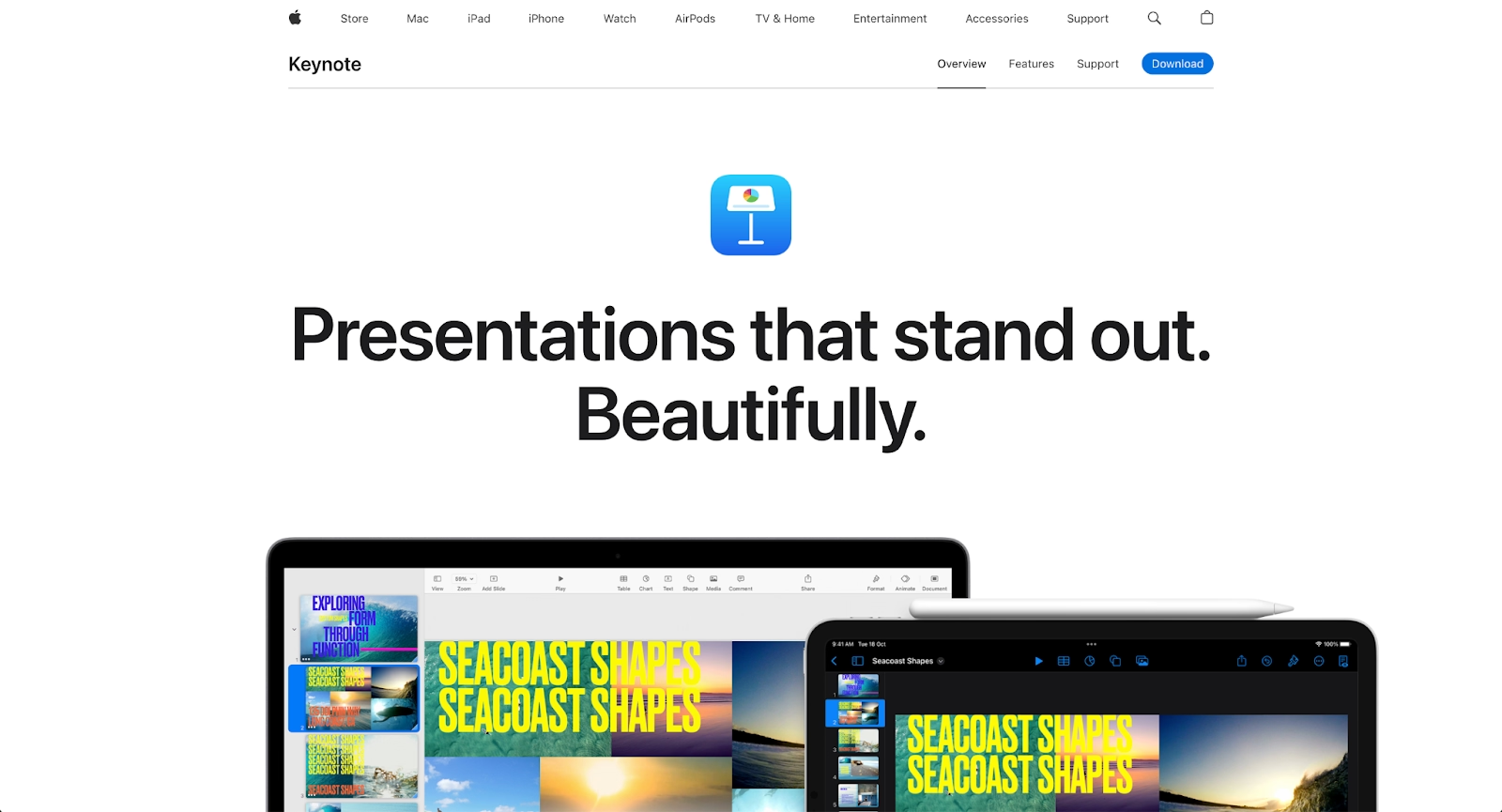
Keynote is Apple's native presentation software, part of the iWork suite alongside Pages and Numbers. It is designed for Mac users who want high-quality visuals, smooth animations, and polished transitions without needing third-party design tools.
Keynote offers a refined editing experience with precise control over fonts, layouts, and motion effects. It syncs across Apple devices through iCloud, allowing users to start a presentation on a Mac and continue editing on an iPad or iPhone. For presenters who prioritize visual impact and work within the Apple ecosystem, Keynote delivers a premium, free-to-use experience.
What is Google Slides?
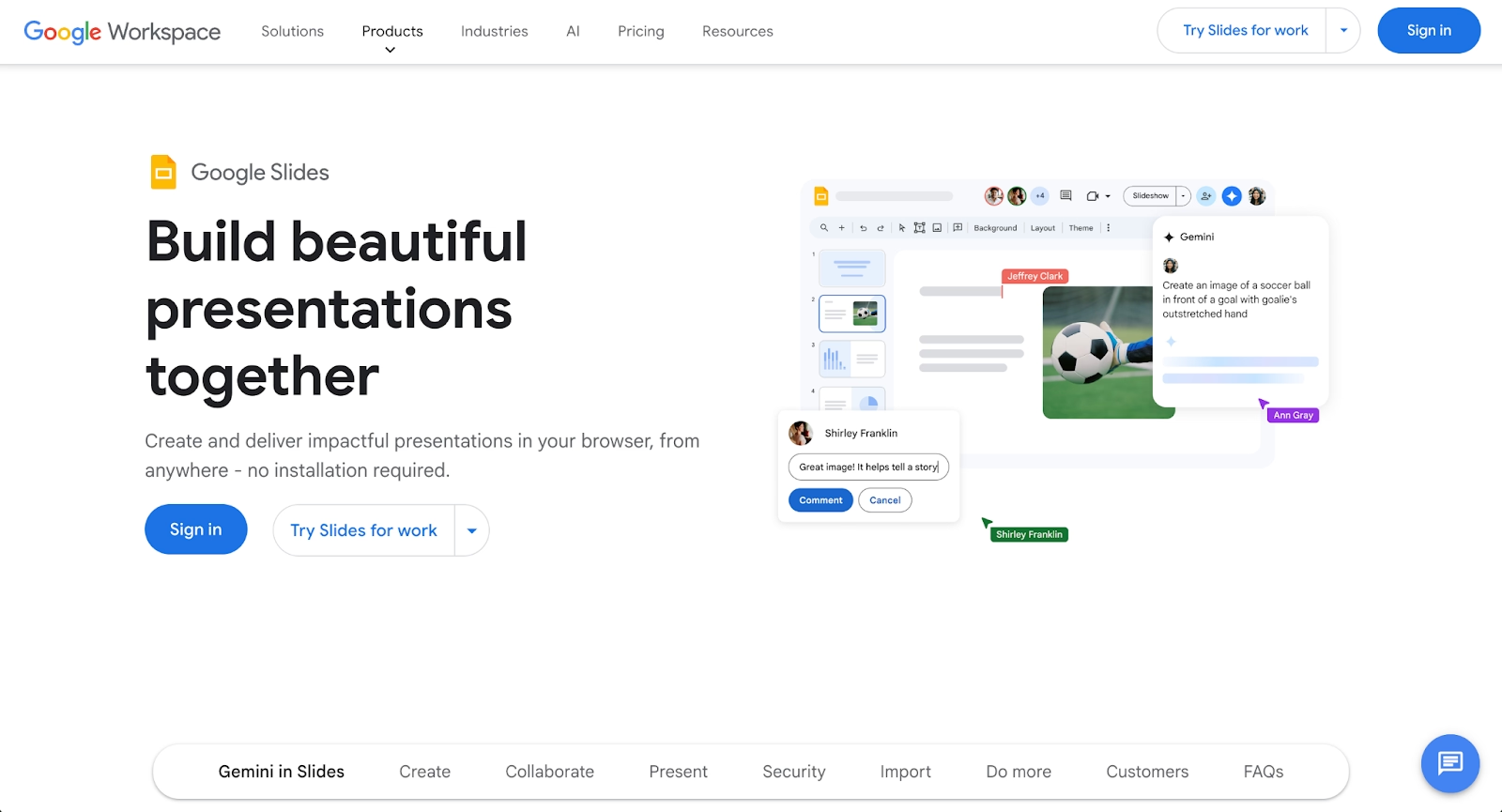
Google Slides is a web-based presentation tool built into Google Workspace. It runs entirely in the browser, making it accessible from any device with an internet connection, including Windows, Mac, Android, and Chromebooks.
Google Slides is built for collaboration. Multiple team members can edit the same deck simultaneously, leave comments, and track changes in real time. Integration with Google Drive, Docs, and Sheets makes it easy to pull in data, share files, and manage presentations alongside other work. For remote teams and organizations already using Google Workspace, it fits naturally into existing workflows.
Key comparison criteria
The core difference between Keynote and Google Slides is philosophical. Keynote prioritizes design polish and visual storytelling, giving presenters fine-grained control over how content looks and moves. Google Slides prioritizes accessibility and collaboration, making it easy for distributed teams to build and edit presentations together across any platform.
These priorities shape every feature comparison that follows.
Ease of use & learning curve
Google Slides is widely considered one of the most user-friendly presentation tools available. The web-based interface is clean, minimal, and familiar to anyone who has used Google Docs or Sheets. Beginners can start building slides within minutes, and the learning curve is gentle. Tutorials and help documentation are plentiful, and the editor works consistently across operating systems.
Keynote is also intuitive, but primarily for users already comfortable with Apple products. The interface mirrors other macOS and iOS apps, so Mac users will find navigation familiar. For those switching from Microsoft PowerPoint or working on Windows or Android devices, the adjustment can take longer. Keynote's deeper design controls also mean more options to learn.
Summary: Google Slides favors broad accessibility and beginner-friendliness; Keynote favors users invested in the Apple ecosystem who want richer design controls.
Templates & format control
Keynote templates are known for their visual quality. Apple invests in refined typography, balanced layouts, and tasteful motion design, so even default templates feel polished. Users can customize fonts, colors, and slide masters with precision, making it easier to maintain a consistent presentation design across longer decks.
Google Slides offers a wide selection of templates, though quality varies. Many templates are functional but basic. Third-party integrations and add-ons expand the library, but achieving the same level of visual refinement as Keynote often requires more manual effort. Format control exists, but it is less granular for animations and transitions.
Summary: Keynote excels at high-quality templates and precise formatting; Google Slides offers breadth and flexibility, but less polish out of the box.
AI features & automation
Neither Keynote nor Google Slides is built around AI-powered automation in the way newer AI presentation tools are. According to recent industry research, over 70% of business professionals now use some form of AI in their presentation workflows, yet traditional tools like Keynote and Google Slides offer limited AI capabilities.
Keynote relies on manual design. Users build slides by hand, with strong tools for animation and motion, but no AI to generate layouts, suggest content, or automate formatting. The software rewards skilled designers but requires time and effort.
Google Slides has introduced basic AI features through Google Workspace, including Explore suggestions and some layout recommendations. These features help with simple tasks but do not fundamentally change how presentations are built. Automation remains limited compared to dedicated AI presentation platforms.
Summary: Keynote uses AI minimally; Google Slides offers light AI assistance, but neither provides deep automation for presentation design.
Design tools, visuals & data visualization
Keynote shines in design-heavy workflows. The platform offers smooth animations, cinematic transitions, and granular control over object movement. Users can embed video, audio files, and high-quality images, then animate them with precision. Data visualization is supported through charts and graphs, though importing from Excel or Numbers requires some manual setup.
Google Slides handles data visualization through integration with Google Sheets, allowing charts to update dynamically when source data changes. This makes it practical for quarterly reports and dashboards. Design tools are capable but less refined; transitions and animations exist but lack the polish found in Keynote or PowerPoint.
Summary: Keynote excels at cinematic visuals and motion design; Google Slides excels at dynamic data integration with Sheets.
Interactive elements & audience engagement
Keynote supports interactive elements like hyperlinks, embedded media, and presenter notes. The Keynote Remote feature allows presenters to control slides from an iPhone or iPad, which is useful for live delivery. Animations and builds can be timed to strengthen audience engagement during keynotes and pitches.
Google Slides supports embedding video, audio, and links, but interactivity is more limited. There are no native polling or quiz features, though third-party add-ons like Mentimeter can extend functionality. Google Slides is optimized for asynchronous sharing and collaborative editing rather than live, presenter-controlled engagement.
Summary: Keynote supports stronger presenter-led engagement; Google Slides supports collaborative, asynchronous workflows.
Collaboration features & real-time workflow
Google Slides is purpose-built for real-time collaboration. Multiple team members can edit the same presentation simultaneously, with changes appearing instantly. Comments, suggestions, and version history make it easy to track edits and manage feedback. For remote teams spread across time zones, Google Slides removes friction from collaborative workflows. According to research from Slack, real-time collaboration software can increase productivity by up to 30%.
Keynote supports collaboration through iCloud, but the experience is smoother within the Apple ecosystem. Users on Mac, iPad, or iPhone can co-edit presentations in real time, but collaborators on Windows or Android face limitations. Sharing outside Apple products typically requires exporting to PPTX or PDF, which can introduce formatting issues.
Summary: Google Slides leads in cross-platform, real-time collaboration; Keynote collaboration works best among Apple users.
Compatibility & integrations
Google Slides integrates deeply with Google Workspace. Presentations live in Google Drive, can be linked from Docs, and pull data from Sheets. The platform works in any modern browser and offers apps for Android and iOS. Export options include PPTX, PDF, and images, making it easy to share with stakeholders who use Microsoft PowerPoint.
Keynote is native to macOS, iOS, and iPadOS. It syncs through iCloud and integrates with other iWork apps like Pages and Numbers. While Keynote can export to PPTX format, complex animations and fonts may not translate perfectly. A web-based version exists through iCloud.com, but functionality is reduced compared to the native apps.
Summary: Google Slides fits cross-platform, browser-based workflows; Keynote fits deeply into the Apple ecosystem but has limited reach beyond it.
Pricing & free plan
Both Keynote and Google Slides are free, but in different ways.
Keynote is included at no cost for anyone with an Apple device. There are no premium tiers, no feature gating, and no subscription fees. Mac users, iPad users, and iPhone users get the full experience simply by owning Apple hardware.
Google Slides is free for anyone with a Google account. The core presentation tool has no cost, regardless of device or operating system. Google Workspace plans (starting at $7/user/month) add storage, admin controls, and enterprise features, but the presentation software itself remains free.
Summary: Both are effectively free; Keynote requires Apple hardware, while Google Slides only requires a Google account.
Ideal use cases
Keynote and Google Slides each serve distinct user needs. Keynote leans toward polished, presenter-led delivery, while Google Slides leans toward accessible, team-based collaboration. Both tools have strong user bases, with Capterra reviews showing high satisfaction ratings for different use cases. Some teams need a balance: professional design without heavy manual effort, plus collaboration that works across devices and platforms.
For those workflows, Beautiful.ai often becomes a stronger fit, combining AI-powered design automation with team-friendly features that work across operating systems.

When Beautiful.ai is the better fit
- Teams that need professional-looking slides without spending hours on formatting and design.
- Organizations producing recurring decks like sales presentations, marketing reports, and executive updates.
- Users who want AI to generate first drafts and Smart Slides to handle layout automatically.
- Businesses that require consistent branding across decks created by multiple team members.
- Teams that need reliable PPTX exports without worrying about formatting breaking in translation.
When Keynote is the better fit
- Apple users who want high-quality animations, transitions, and visual storytelling.
- Presenters delivering polished keynotes, product launches, or investor pitches.
- Designers who value granular control over fonts, motion, and layout.
- Individuals working solo or within small teams are already using macOS and iCloud.
- Users who prioritize cinematic presentation effects over collaborative editing speed.
When Google Slides is the better fit
- Remote teams that need real-time collaboration across different devices and operating systems.
- Organizations already using Google Workspace for Docs, Sheets, and Drive.
- Beginners who want a user-friendly, web-based editor with a minimal learning curve.
- Teams on tight budgets that need free presentation software accessible to everyone.
- Workflows requiring dynamic data integration with Google Sheets for live chart updates.
Limitations and trade-offs
Every presentation tool reflects deliberate trade-offs. Keynote optimizes for design quality within a closed ecosystem; Google Slides optimizes for accessibility and collaboration at the expense of visual refinement. Recognizing these trade-offs helps set realistic expectations.
Beautiful.ai trade-offs
- Less manual design control than Keynote's granular animation and motion tools.
- Does not offer native audience interaction features like live polls or quizzes.
- Requires a subscription after the free trial; no permanent free tier for continued use.
- Smart Slides automate layout decisions, which may feel constraining for users who want full creative freedom.
Keynote trade-offs
- Limited cross-platform support; users on Windows or Android face a reduced experience.
- Collaboration features work best within the Apple ecosystem and iCloud.
- No meaningful AI or automation; all design and formatting must be done manually.
- Exporting to PPTX can introduce formatting inconsistencies, especially with complex animations.
Google Slides trade-offs
- Animations and transitions are basic compared to Keynote or PowerPoint.
- Template quality varies; achieving polished visuals often requires extra manual work.
- Limited precision for fine-tuned design control over fonts, spacing, and motion; less granular for animations and transitions.
- AI features are surface-level; no deep automation for layout or content generation.
Future roadmap & evolving features
Where a platform is heading matters as much as where it is today. Product direction indicates whether a tool will continue to meet changing needs or fall behind as workflows change.
Beautiful.ai focus:
Beautiful.ai continues to expand AI-powered automation and Smart Slide capabilities. The roadmap includes deeper data visualization, stronger team collaboration workflows, and enhanced brand governance tools. The long-term vision is to function as an always-on design assistant that handles formatting, layouts, and consistency automatically, letting teams focus on storytelling and messaging.
Keynote focus:
Apple refines Keynote incrementally, improving animation tools, device sync, and integration across the Apple ecosystem. Future updates are likely to improve Apple Pencil support on iPad, tighten continuity between Mac and mobile devices, and maintain design excellence. Keynote's direction remains focused on premium visual quality for Apple users rather than cross-platform expansion.
Google Slides focus:
Google is investing in AI across Workspace, and Slides will benefit from expanded Gemini-powered features over time. Expect improvements in layout suggestions, content generation, and integration with other Workspace tools. Google's roadmap prioritizes accessibility, collaboration, and AI assistance rather than competing with Keynote on design sophistication.
Final recommendation
Keynote and Google Slides each serve their audiences well. Keynote is the clear choice for Apple users who prioritize polished animations, cinematic transitions, and visual storytelling. Google Slides is the practical choice for remote teams, cross-platform workflows, and organizations already embedded in Google Workspace.
For teams that want the design quality of Keynote without the ecosystem lock-in, or the collaboration of Google Slides without sacrificing visual polish, Beautiful.ai offers a middle path. Smart Slides handle layout and formatting automatically, AI helps generate first drafts, and the platform works across devices with reliable PowerPoint exports. The result is faster, more consistent presentation creation without the trade-offs of either extreme.
If your team builds presentations regularly and values both design quality and collaborative efficiency, Beautiful.ai provides a balanced, modern approach that fits naturally into professional workflows. Start a free trial to see how Smart Slides and AI-powered generation can streamline your next deck.
Why customers are switching to Beautiful.ai
Beautiful.ai is an AI-powered presentation platform that helps teams create polished, on-brand slides in a fraction of the time, without design skills or manual formatting.
- Design automation built in. Whether you're building pitch decks, reports, or internal presentations, Beautiful.ai’s Smart Slides automatically format content so you never worry about spacing, alignment, or layout again. Add your content, and the design adjusts instantly.
- ️No design experience required. Create professional decks without touching text boxes or manually arranging elements. Choose from Smart Templates and let the AI handle layout decisions, visual hierarchy, and consistency across the entire deck.
- Branding? Already handled. Keep every slide on-brand with your fonts, colors, and logos applied automatically. Beautiful.ai ensures every team member creates presentations that look like they came from a dedicated design team—without extra work.
- Real-time collaboration & team controls. Collaborate directly on the same deck, leave comments, manage permissions, and maintain consistency across team presentations. Perfect for growing teams and cross-functional workflows.
- Faster workflows, fewer revisions. Jump from rough outline to polished presentation in minutes, not hours. Beautiful.ai reduces back-and-forth edits by enforcing on-brand design rules and helping you iterate faster with AI-assisted slide creation.
