


Best Monsha alternatives: top 9 in 2026
![Monsha alternatives: the top 9 [updated for 2026]](https://cdn.prod.website-files.com/59e16042ec229e00016d3a66/6986670642eae712f23fdc62_monsha.avif)

Best Monsha alternatives: top 9 in 2026
Professionals seeking to accelerate presentation creation increasingly turn to AI-powered tools that automate slide design and content generation. Monsha has established itself as one option in this space, using artificial intelligence to transform topics and outlines into presentation drafts within minutes. But choosing the right presentation platform requires understanding the full competitive landscape and how each tool aligns with your specific workflow needs. The best alternative depends on factors like design sophistication, collaboration requirements, brand consistency controls, and integration with existing presentation software.
What is Monsha?
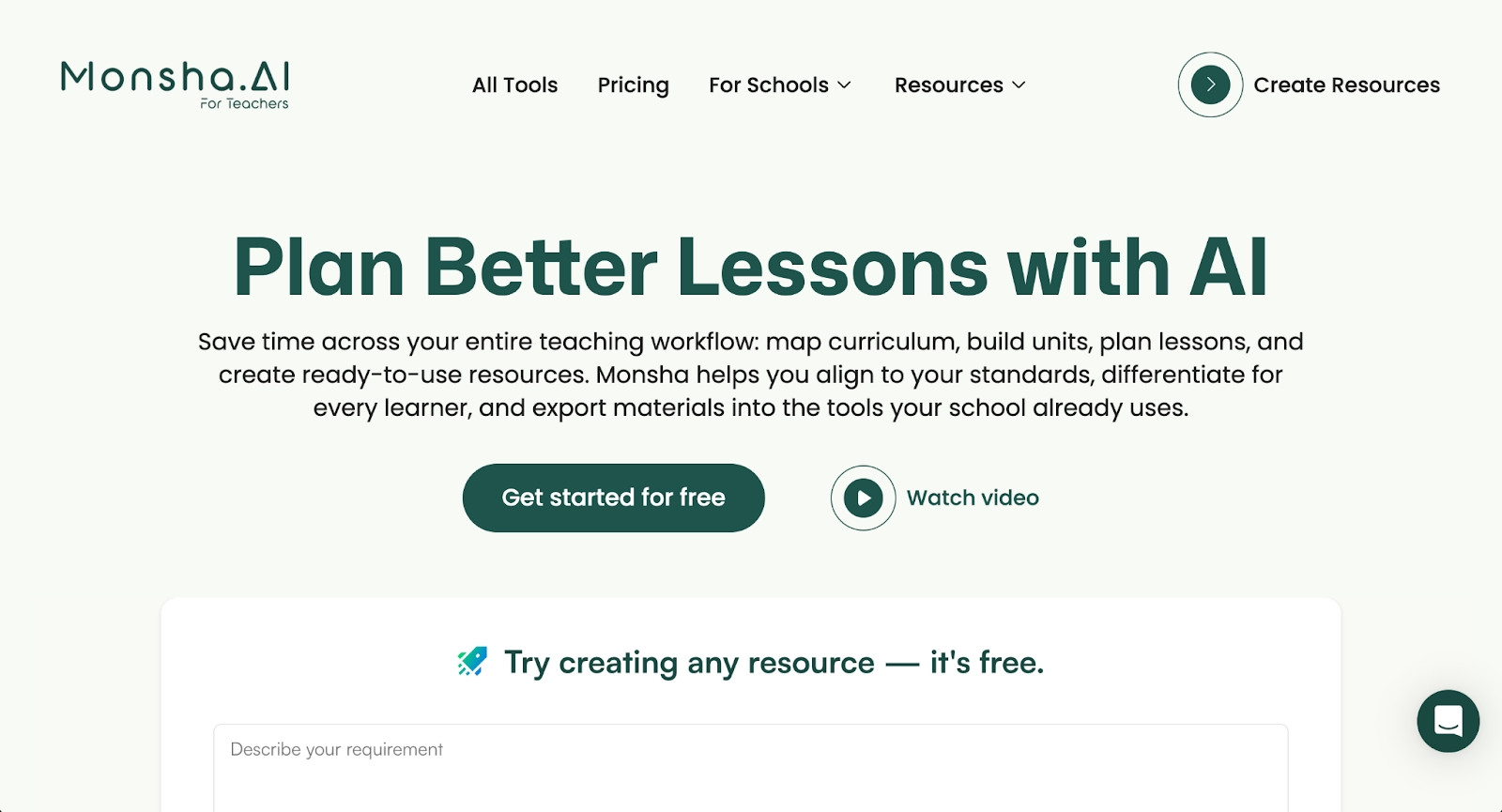
Monsha is an AI-powered presentation platform designed to help professionals create slide decks quickly through automation and artificial intelligence. The platform uses AI to generate presentation content, suggest layouts, and streamline the deck creation process. Users input their topic or content requirements, and Monsha outputs presentation drafts in minutes.
The tool sits within the growing category of AI presentation makers that aim to reduce the time professionals spend on slide design and formatting. According to research from Empower, Many company leadership teams spend five or more hours weekly creating presentations—time that AI tools promise to reclaim. Monsha's appeal is straightforward: less time building decks means more time focusing on your message and delivery.
But no single tool fits every workflow. Business professionals often compare Monsha to alternatives based on specific needs, whether those involve design quality, team collaboration features, brand control, pricing, or integration with existing presentation software.
Why look for Monsha alternatives?
Business professionals search for Monsha alternatives for several practical reasons.
Feature gaps. Monsha covers presentation basics, but some teams need advanced features like real-time collaboration, Smart Slides with automated design, sophisticated data visualization, or enterprise-grade brand controls. According to Gartner research on AI adoption, organizations increasingly seek tools that combine multiple capabilities rather than single-purpose solutions. If the tool lacks a particular function, users start looking elsewhere.
Workflow fit. How a professional prefers to build presentations matters. Some want AI-first generation from prompts. Others prefer starting with professionally designed templates. Some need presentation workflows that support team collaboration and approval processes. Monsha's approach works for many, but not everyone.
Pricing and plan limits. Budget considerations drive many platform evaluations. Teams comparing Monsha often want to understand what features unlock at each pricing tier, especially when alternatives offer different value propositions or free trials.
Integration requirements. Organizations using PowerPoint, Google Slides, Slack, Salesforce, or specific productivity tools may need tighter connections than Monsha currently offers. Export formats and compatibility with existing workflows can be deciding factors.
Design quality and brand consistency. Marketing teams, sales professionals, and consultants looking for more polished visual outputs, or those who need strict brand guardrails across multiple users, sometimes require capabilities beyond what Monsha provides. Research from Harvard Business Review on effective presentations emphasizes that visual design quality directly impacts message retention and audience persuasion.
These considerations shape the comparison below.
Top 9 Monsha alternatives
The presentation tools listed here vary in their approach. Some focus on AI-driven content generation. Others prioritize automated design, team collaboration, or platform integration. Each serves different types of professionals and workflows.
1. Beautiful.ai
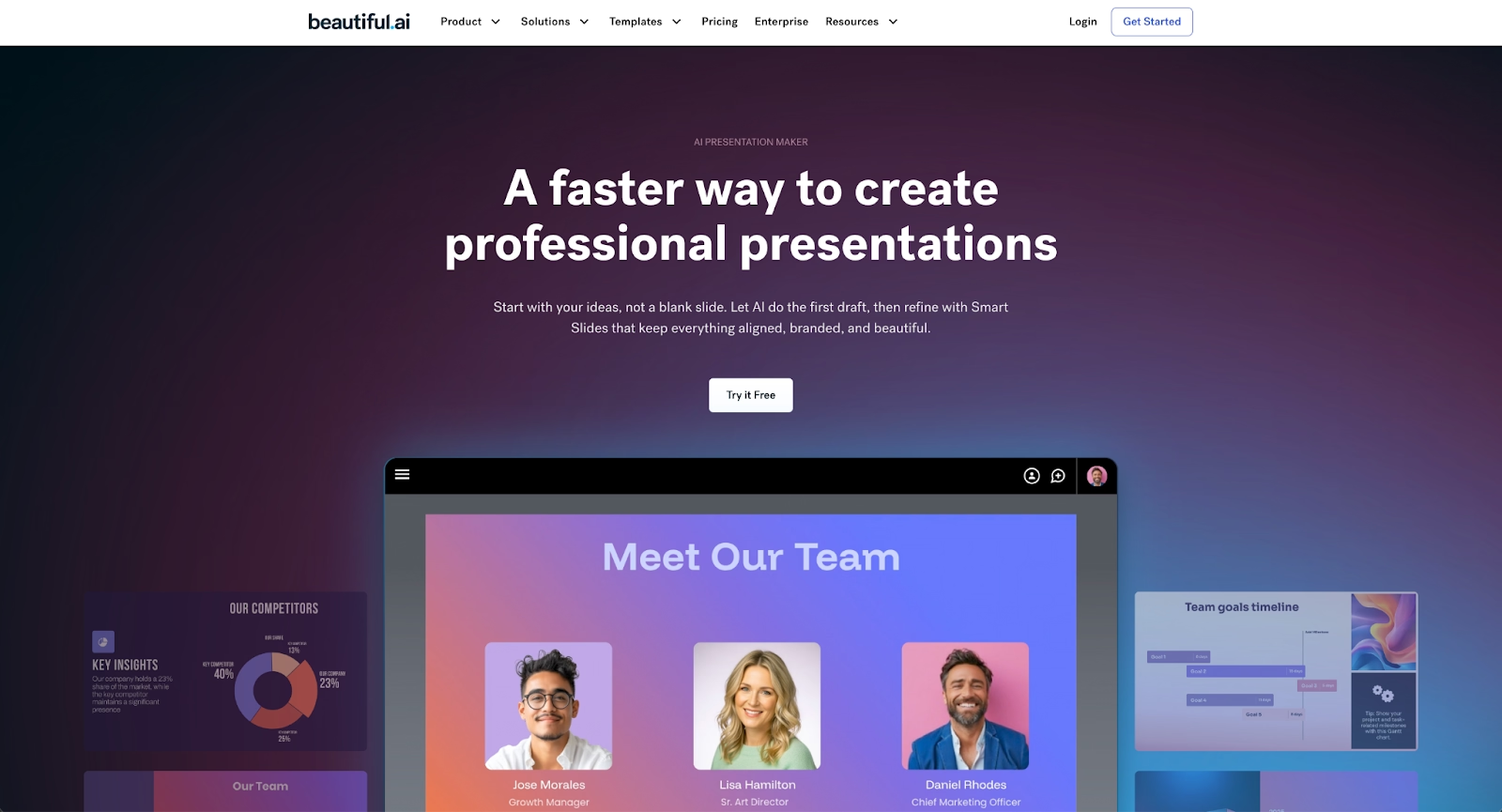
Beautiful.ai is an AI-powered presentation platform built around Smart Slides—intelligent layouts that auto-align, resize, and animate your content as you edit. This design automation happens through built-in logic, not AI, ensuring every slide maintains professional visual consistency without manual formatting.
The platform combines AI content generation with automated design. Kickstart your ideas with AI by entering a prompt and optional context to generate a beautiful presentation in seconds. Every AI-generated deck is built with Smart Slides, so you can move to refining and editing at lightspeed.
Key features include brand controls with customizable themes, real-time team collaboration, viewer analytics, and data visualization that transforms spreadsheets into animated charts. Beautiful.ai exports to PowerPoint, PDF, and web formats while maintaining design quality.
Where Monsha focuses on rapid AI generation, Beautiful.ai emphasizes both AI ideation and design automation that keeps every slide polished. The platform fits marketing teams, sales professionals, consultants, and anyone who needs work-ready presentations that look professionally designed.
2. Gamma
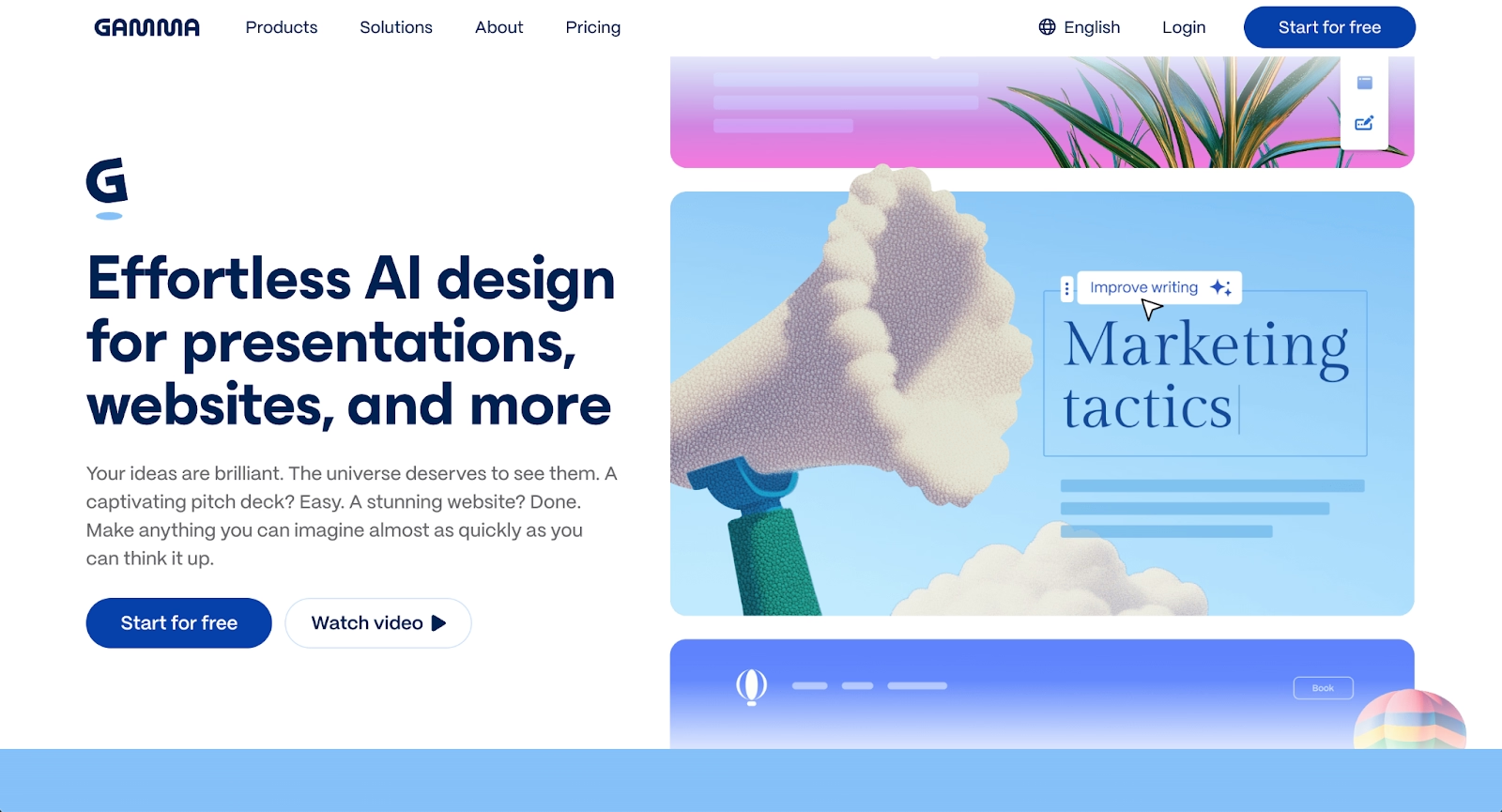
Gamma represents a web-first approach to presentations with AI-powered generation and a card-based, scrollable format. The platform creates presentations that feel more like modern web content than traditional slide decks, with emphasis on fast creation and viewer analytics.
Key features include AI-first generation that creates complete presentations from prompts in minutes, embedded content including videos and live websites, and analytics showing who viewed your deck and engagement metrics. Gamma works beautifully in browsers and produces visually distinctive presentations.
Compared to Monsha, Gamma emphasizes speed and modern aesthetics with its card-based format. The platform excels for async sharing and tracking engagement. However, PowerPoint export fidelity can be limited, and the non-traditional format may not suit boardroom presentations requiring conventional slide structures.
3. Microsoft PowerPoint

Microsoft PowerPoint remains the industry standard for presentations, offering comprehensive design control, animations, custom charts, and deep feature sets built over decades. PowerPoint provides maximum customization and compatibility across business environments.
The platform includes extensive formatting options, master slide controls, animation capabilities, and seamless integration with Microsoft 365 tools. PowerPoint files (.pptx) are universally accepted, and the software offers both desktop and web versions.
Where Monsha emphasizes AI-driven speed, PowerPoint prioritizes control and feature depth. The trade-off is time: PowerPoint requires manual formatting, layout work, and design decisions that AI-first tools automate. Professionals who need pixel-perfect control or work in PowerPoint-dependent organizations choose this route.
4. Pitch

Pitch is a modern presentation platform designed for collaborative team workflows with beautiful templates and real-time editing. The platform offers clean interfaces, AI slide creation, and strong emphasis on design quality and team collaboration.
Key features include professionally designed templates optimized for pitch decks and business presentations, real-time collaboration with simultaneous editing, video meeting integration, and viewer analytics. Pitch supports team workflows with commenting, version history, and presentation libraries.
Compared to Monsha, Pitch emphasizes team collaboration and template-driven design over pure AI generation. The platform excels for startups and teams that value modern aesthetics and collaborative creation. However, AI features are less central to the workflow than in Monsha.
5. Visme
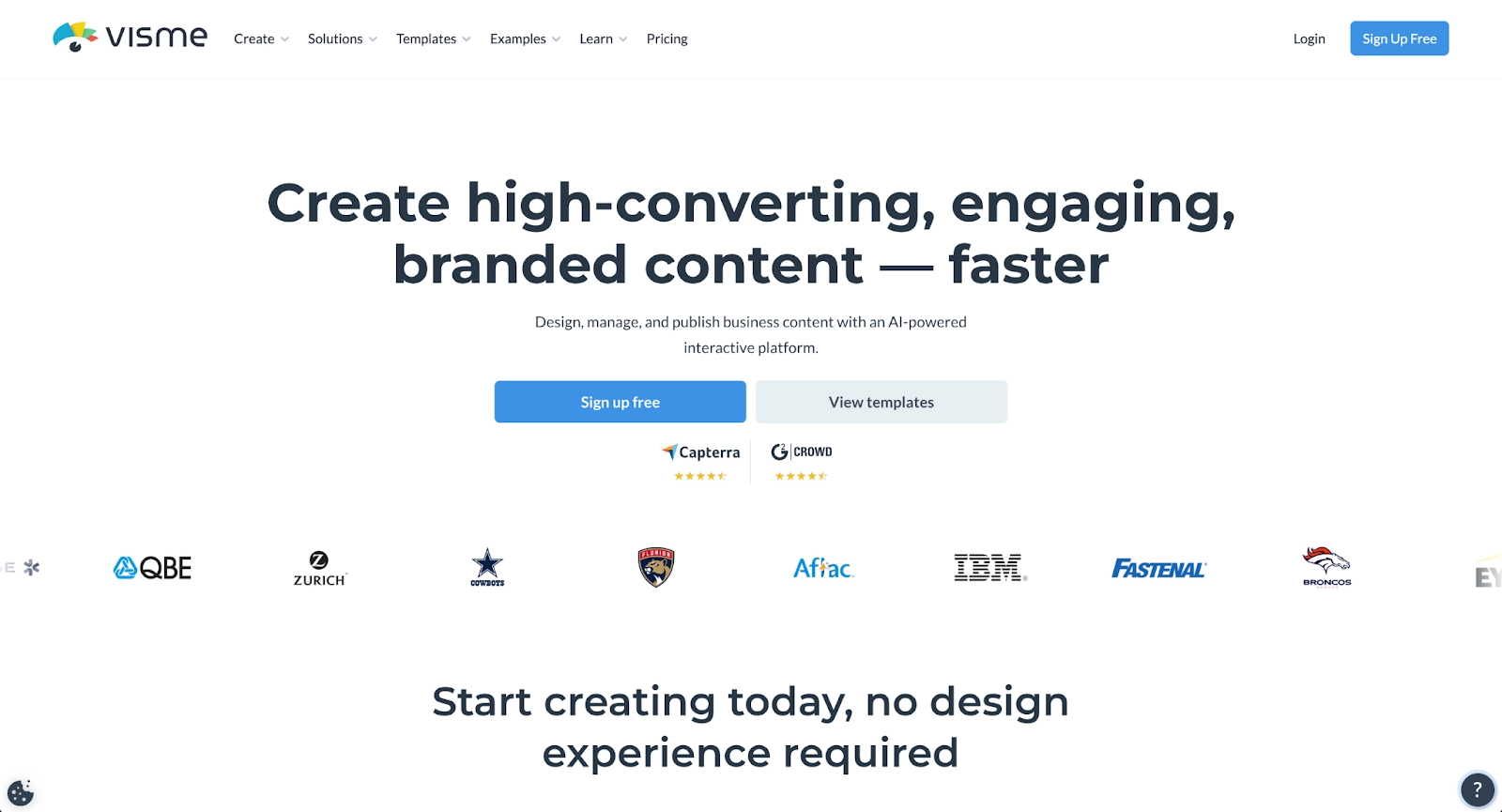
Visme positions itself as an all-in-one visual content platform with particular strength in data visualization and interactive elements. The platform supports presentations alongside infographics, reports, and other visual content types.
Key features include advanced data visualization with customizable charts and graphs, interactive elements including animations and clickable content, brand kit for visual consistency, and multiple export formats including PDF, PNG, HTML5, and video. Visme offers AI presentation generation alongside robust manual design tools.
Where Monsha focuses on speed and AI generation, Visme emphasizes data-focused presentations and interactive content. Teams creating data-heavy presentations, marketing reports, or visual analytics find Visme's specialized visualization capabilities valuable. The learning curve is steeper but the design possibilities are broader.
6. Prezi

Prezi provides a non-linear, zoomable canvas approach to presentations that creates dynamic movement between topics. Instead of traditional slides, content is arranged spatially, allowing presenters to zoom in and out to show relationships and create memorable storytelling flow.
Key features include AI-powered creation on Prezi's unique canvas, dynamic zoom and movement animations, video and voice-over recording integration, and distinctive visual style. Prezi works well for conceptual presentations where showing connections matters.
Where Monsha follows traditional slide structures, Prezi breaks the mold entirely. The platform excels for business presentations that benefit from spatial storytelling and visual movement. However, the non-linear format requires different presentation thinking and may not suit all audiences or contexts.
7. Slidebean

Slidebean is an AI-powered presentation tool built around automated design and content structuring. Teams enter their content, and Slidebean automatically structures slides using clean layouts and consistent branding, with particular focus on pitch decks for startups.
Key features include AI-powered automation for slide structure, templates optimized for startup pitch decks and business presentations, custom design and branding options, and export to standard formats. Slidebean emphasizes speed and professional results without manual design work.
Compared to Monsha, Slidebean takes a similar AI-first approach but with stronger emphasis on automated design and startup use cases. The platform excels at creating polished pitch decks quickly, though it offers less granular design control than traditional tools.
8. Google Slides
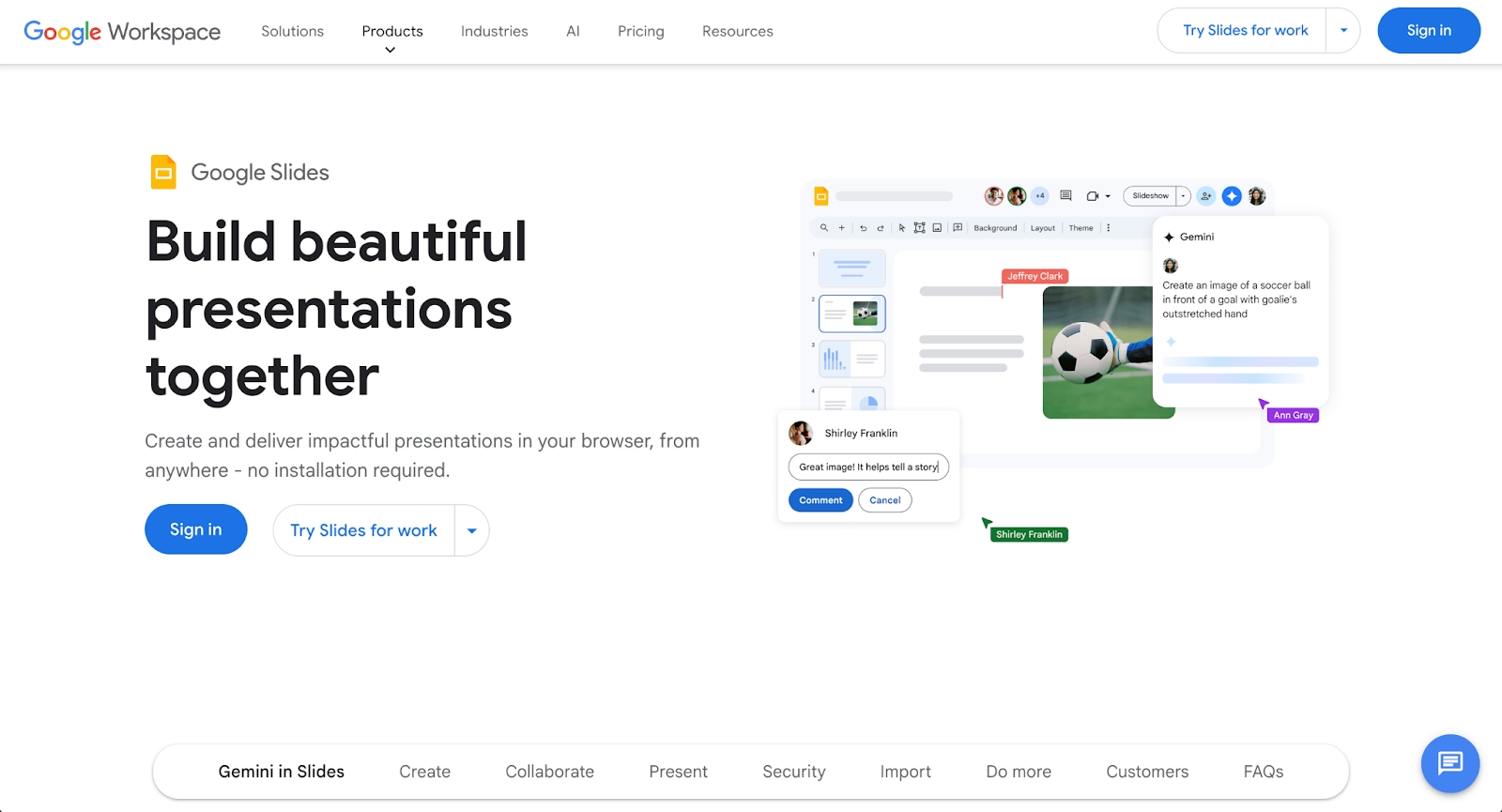
Google Slides is the cloud-based presentation tool within Google Workspace, known for accessibility, real-time collaboration, and seamless integration with other Google apps. The platform offers familiar slide-based creation with no software installation required.
Key features include real-time collaboration with simultaneous editing, integration with Google Drive for easy sharing, web-based access from any device, and compatibility with PowerPoint files. Google Slides provides straightforward presentation creation with emphasis on collaboration over advanced design.
Where Monsha emphasizes AI-driven generation, Google Slides focuses on collaborative editing and accessibility. The platform works well for teams embedded in Google Workspace who prioritize ease of sharing and real-time teamwork. Design automation is minimal compared to AI-first tools, requiring more manual formatting work.
9. Plus AI
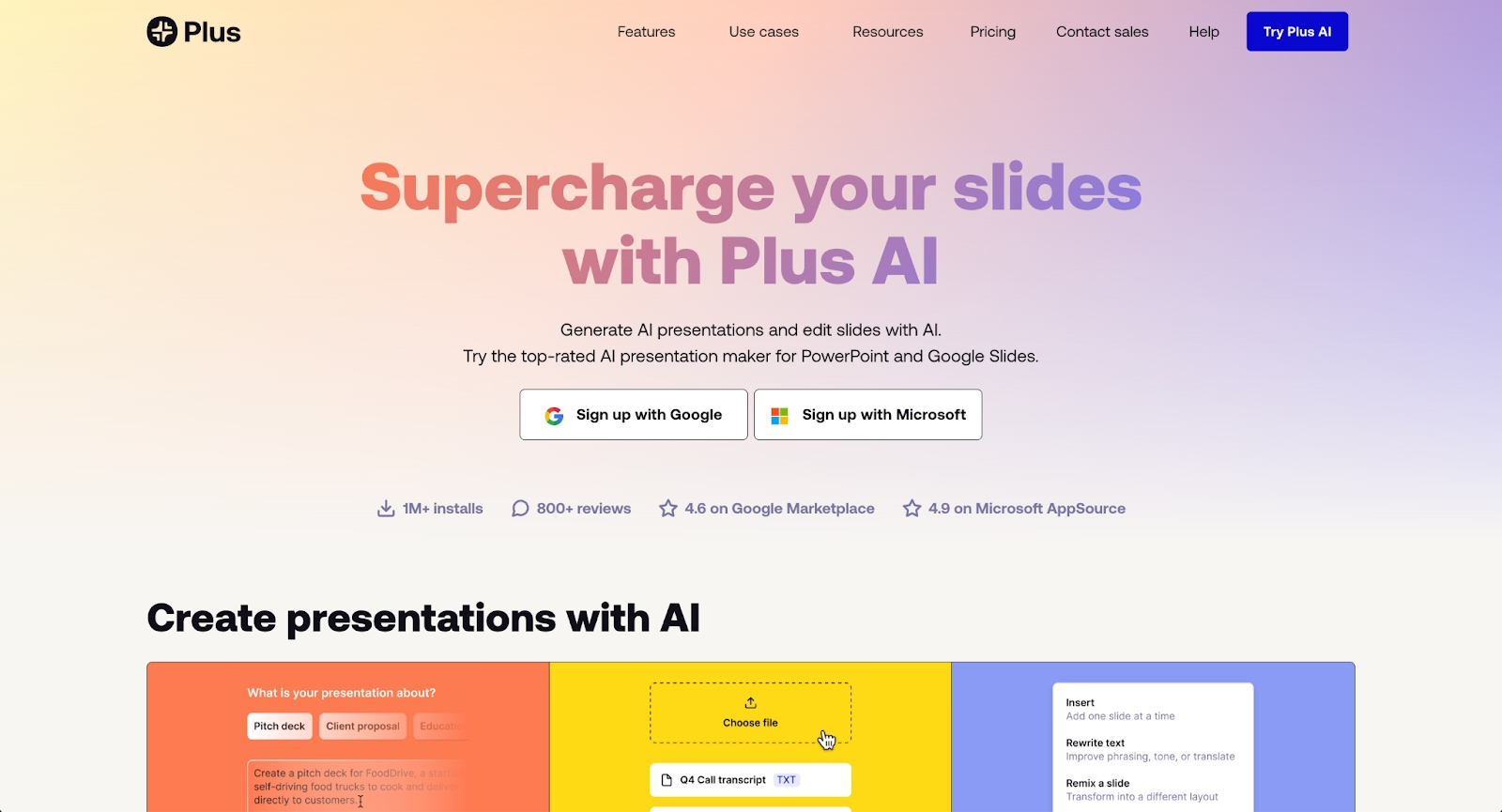
Plus AI operates as a native add-on for Google Slides and PowerPoint, bringing AI capabilities directly into existing presentation tools. Rather than requiring a separate platform, Plus AI enhances workflows within familiar software.
Key features include deep native integration as an add-on, generation from full documents and prompts, advanced slide editing and remixing, and multi-language support. Plus AI can generate presentations from uploaded documents, create outlines, and refine existing content.
Compared to Monsha's standalone platform, Plus AI fits teams who want to stay in PowerPoint or Google Slides while adding AI assistance. The add-on approach appeals to organizations with established presentation workflows who want AI capabilities without platform switching.
Key comparison criteria
When evaluating Monsha alternatives, these criteria help determine which tool fits your specific presentation needs and workflow.
AI features
Beautiful.ai combines AI content generation with built-in design automation through Smart Slides that auto-align and format content as you edit. Gamma and Slidebean emphasize AI-first generation for rapid deck creation. Plus AI brings AI capabilities into existing tools as an add-on.
PowerPoint and Google Slides offer minimal AI features, focusing instead on manual control and collaboration. Pitch includes AI slide creation alongside template-driven design. Visme and Prezi provide AI assistance within broader feature sets focused on data visualization and spatial storytelling respectively.
Professionals needing both AI ideation and automated design choose Beautiful.ai. Those wanting pure speed gravitate toward Gamma or Slidebean. Teams preferring to enhance existing workflows select Plus AI.
Ease of use
Beautiful.ai emphasizes intuitive workflows where Smart Slides handle formatting automatically, requiring minimal design knowledge. Gamma and Slidebean offer fast AI generation with simple prompts. Google Slides provides familiar, straightforward interfaces with minimal learning curve.
PowerPoint offers deep capabilities but requires design expertise for professional results. Visme and Prezi have steeper learning curves due to specialized features. Pitch balances ease of use with design quality through templates. Plus AI works within familiar tools, reducing the need to learn new platforms.
Professionals wanting the fastest path to polished presentations choose Beautiful.ai, Gamma, or Slidebean. Those preferring familiar environments select Plus AI, Google Slides, or PowerPoint.
Design quality and templates
Beautiful.ai delivers consistently professional design through Smart Slides that maintain visual polish automatically. Pitch and Visme offer extensive template libraries with high design quality. Prezi creates distinctive spatial presentations with unique visual impact.
PowerPoint provides maximum design control for skilled users. Google Slides offers functional but basic design capabilities. Gamma produces modern, web-native aesthetics. Slidebean focuses on clean, startup-friendly designs optimized for pitch decks.
Professionals needing guaranteed design quality without design skills choose Beautiful.ai. Those wanting template variety select Pitch or Visme. Teams comfortable with manual design work use PowerPoint for maximum control.
Collaboration
Beautiful.ai, Google Slides, and Pitch excel in real-time collaboration with simultaneous editing, commenting, and version history. Multiple team members can co-create presentations together seamlessly. According to McKinsey research on collaboration tools, employees spend 28% of their workweek on email and collaboration tasks, making efficient collaboration features essential for productivity.
PowerPoint offers collaboration through Microsoft 365 with solid but less seamless real-time features. Visme provides team collaboration capabilities. Gamma, Prezi, Slidebean, and Plus AI offer sharing and commenting but with varying collaboration depth.
Teams requiring strong collaborative workflows choose Beautiful.ai, Google Slides, or Pitch. Those working independently find any platform sufficient, though collaboration features future-proof the choice.
Export and integrations
PowerPoint and Google Slides serve as native formats with universal compatibility. Beautiful.ai exports to PowerPoint (.pptx), PDF, and web formats while maintaining design quality. Plus AI works natively within PowerPoint and Google Slides as an add-on.
Gamma exports to PDF and PowerPoint, though formatting may shift. Pitch and Visme export to PDF and PowerPoint with varying fidelity. Slidebean and Prezi export to standard formats with platform-specific limitations.
Teams requiring PowerPoint compatibility prioritize Beautiful.ai, Plus AI, or native PowerPoint. Those sharing via PDF or web links find any platform sufficient. Organizations with Slack, Salesforce, or other integrations should verify specific platform support.
Pricing
Google Slides offers a free plan with full features for personal use. PowerPoint requires Microsoft 365 subscription starting around $7-$20 monthly depending on plan. Beautiful.ai offers a 14-day free trial with plans starting at $12/month for individuals and $40/month per user for teams.
Gamma, Pitch, Visme, Slidebean, and Prezi follow freemium models with free tiers and paid upgrades for advanced features. Plus AI uses subscription-based per-user pricing with no free plan but offers a 7-day trial.
Teams with limited budgets prioritize Google Slides or free tiers from Gamma, Pitch, or Visme. Those valuing design automation and time savings find Beautiful.ai's pricing delivers strong return on investment. Enterprise organizations often select based on features rather than entry-level pricing.
Quick comparison snapshots
These head-to-head summaries highlight practical differences for common decision scenarios.
Beautiful.ai vs Monsha
Beautiful.ai emphasizes both AI content generation and automated design through Smart Slides that maintain professional polish. Monsha focuses primarily on AI-driven speed for rapid deck creation with less emphasis on design automation.
Beautiful.ai combines AI ideation with built-in design logic that auto-aligns, resizes, and animates content as you edit. Monsha prioritizes fast generation from prompts with standard slide outputs. Teams needing consistently polished presentations without design work choose Beautiful.ai. Those prioritizing pure generation speed may find Monsha's streamlined approach sufficient.
Beautiful.ai vs Gamma
Beautiful.ai and Gamma both use AI for presentation generation but differ significantly in design approach. Beautiful.ai focuses on maintaining professional, corporate-quality design through Smart Slides with automated formatting. Gamma emphasizes modern, web-native aesthetics with card-based layouts.
Beautiful.ai exports cleanly to PowerPoint while preserving design. Gamma's PowerPoint exports can have formatting issues. Beautiful.ai prioritizes traditional slide structures; Gamma breaks conventions with scrollable formats. Choice depends on whether you need PowerPoint compatibility and conventional presentation formats versus modern web-first aesthetics.
Beautiful.ai vs PowerPoint
Beautiful.ai automates design decisions through Smart Slides; PowerPoint gives complete manual control. Beautiful.ai saves time through AI generation and automated formatting but offers less granular control. PowerPoint provides unlimited customization but requires design expertise and significant time investment.
Teams wanting to move fast without design skills choose Beautiful.ai. Organizations requiring pixel-perfect control or working in PowerPoint-dependent environments stick with PowerPoint. Many professionals use Beautiful.ai for most presentations, reserving PowerPoint for specialized cases requiring extreme customization.
Conclusion
The best presentation platform depends on your specific needs and workflow. Professionals wanting both AI generation and automated design with guaranteed polish choose Beautiful.ai. Teams prioritizing web-first aesthetics and viewer analytics gravitate toward Gamma. Organizations embedded in existing ecosystems select PowerPoint, Google Slides, or Plus AI.
Monsha serves professionals well for rapid AI-driven presentation creation. The alternatives listed here each solve specific problems differently, whether that's team collaboration, data visualization, spatial storytelling, pitch deck design, or native tool integration.
Match the tool to your workflow. The right choice depends on whether you prioritize design quality, generation speed, collaboration features, platform compatibility, or specific presentation types like sales decks, marketing presentations, or startup pitches.
Why customers are switching to Beautiful.ai
Beautiful.ai is an AI-powered presentation platform that helps teams create polished, on-brand slides in a fraction of the time, without design skills or manual formatting.
- Design automation built in. Whether you're building pitch decks, reports, or internal presentations, Beautiful.ai’s Smart Slides automatically format content so you never worry about spacing, alignment, or layout again. Add your content, and the design adjusts instantly.
- ️No design experience required. Create professional decks without touching text boxes or manually arranging elements. Choose from Smart Templates and let the AI handle layout decisions, visual hierarchy, and consistency across the entire deck.
- Branding? Already handled. Keep every slide on-brand with your fonts, colors, and logos applied automatically. Beautiful.ai ensures every team member creates presentations that look like they came from a dedicated design team—without extra work.
- Real-time collaboration & team controls. Collaborate directly on the same deck, leave comments, manage permissions, and maintain consistency across team presentations. Perfect for growing teams and cross-functional workflows.
- Faster workflows, fewer revisions. Jump from rough outline to polished presentation in minutes, not hours. Beautiful.ai reduces back-and-forth edits by enforcing on-brand design rules and helping you iterate faster with AI-assisted slide creation.
