


Beautiful.ai vs. Claude: which is better? [Updated 2026]
.avif)

Beautiful.ai vs. Claude: which is better? [Updated 2026]
Choosing between Beautiful.ai and Claude for presentations comes down to how you want to create, design, and deliver slide decks. Both tools use AI to accelerate workflows, but they approach presentation creation from completely different starting points.
Beautiful.ai is a purpose-built AI presentation platform with Smart Slides that automate layout, formatting, and design in real time. Its focus is helping teams produce professional, on-brand decks quickly without worrying about spacing, alignment, or visual consistency. Claude, by contrast, is Anthropic's general-purpose AI assistant. It can draft slide copy, outline narratives, and generate ideas through a conversational interface, but it has no visual editor, no slide templates, and no design automation. Users must move that output into a separate tool to build and style actual slides.
In this guide, we compare Beautiful.ai and Claude across usability, templates, AI and automation, customization, collaboration, exports, pricing, and ideal use cases. The goal is to help you decide which tool best fits your presentation workflow, audience, and delivery requirements.
Tool overviews
What is Beautiful.ai?

Beautiful.ai is an AI-powered presentation platform built to simplify slide creation. You begin with smart, customizable templates designed for real business needs like pitch decks, sales reports, and quarterly reviews. As you add content, the AI applies consistent spacing, alignment, fonts, and data visualization rules in real time, with Smart Slides that adapt automatically. Teams rely on Beautiful.ai for visually appealing presentations, reliable brand consistency, and a user-friendly workflow that helps streamline production across departments.
What is Claude?
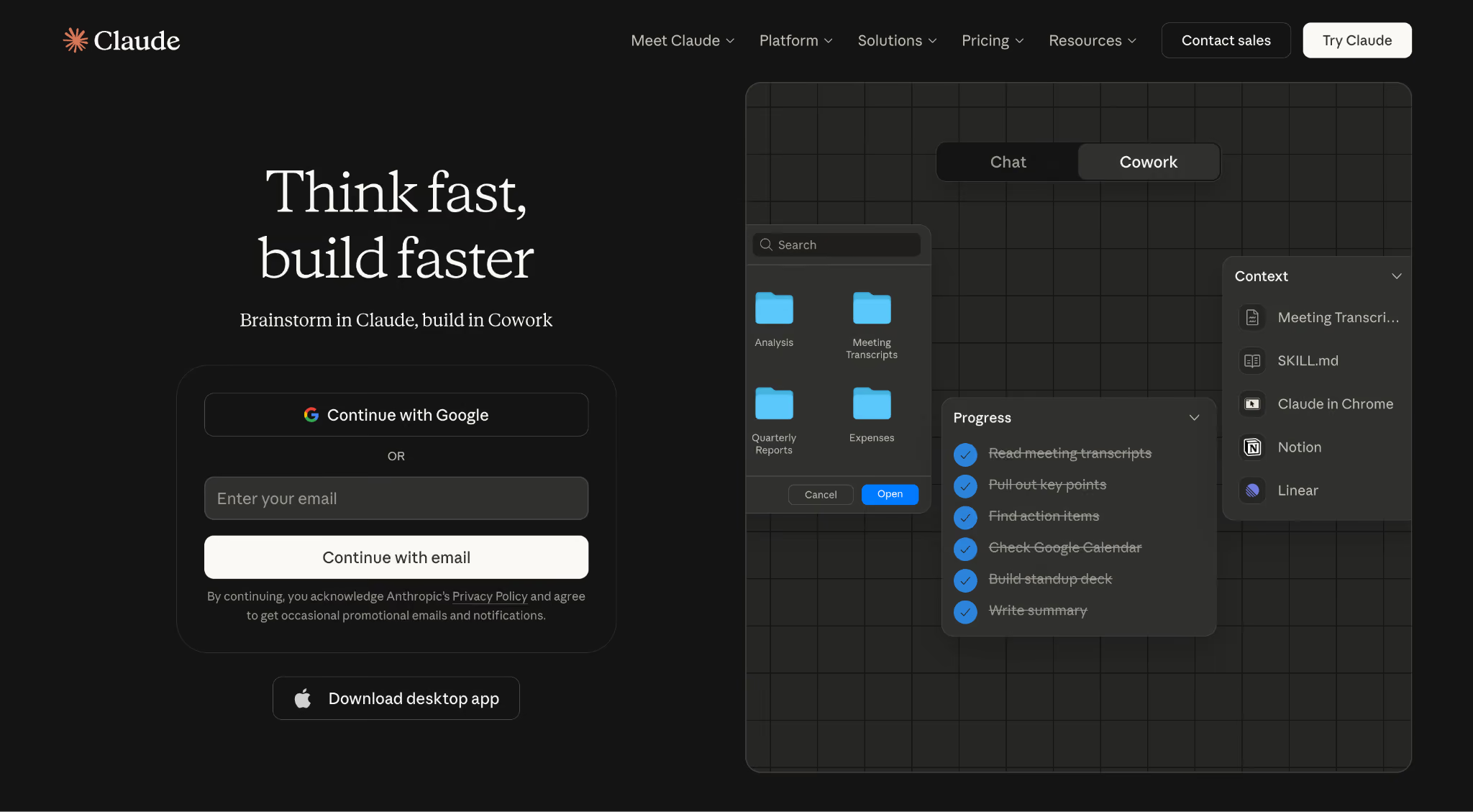
Claude is Anthropic's general-purpose AI assistant, built on the Claude family of large language models. It is designed to help people think, write, research, and get work done through a conversational interface available on the web at claude.ai, on desktop, and on mobile. Users interact with Claude by chatting, whether asking questions, sharing documents, or requesting drafts, and Claude responds with text, structured outputs, or Artifacts that can render code and simple HTML previews.
While Claude can draft slide copy, suggest outlines, or produce HTML-based slide scaffolding inside an Artifact, it is not a presentation tool. It has no visual editor, no slide templates, no layout engine, and no design automation. Turning Claude's output into a real deck requires moving it into a dedicated presentation platform and assembling the slides there.
Key comparison criteria
When people compare Beautiful.ai and Claude, they are usually deciding between two very different approaches to creating presentations. Beautiful.ai prioritizes presentation creation, automation, and consistency. Claude focuses on general-purpose AI assistance for writing, thinking, and knowledge work. Below is how each tool performs across the criteria that matter most for building slide decks and supporting day-to-day workflow needs.
Usability & learning curve
Beautiful.ai
Beautiful.ai is designed to remove the friction of traditional presentation software. Instead of adjusting text boxes, managing spacing, or rebuilding layouts, users choose from Smart Templates and focus on content. The Smart Slides automatically format everything, including spacing, fonts, alignment, and visual hierarchy, as you add your content.
This makes Beautiful.ai particularly approachable for non-designers, startups, and business teams. No design experience is required. You choose a Smart Template, add your content, and the design adjusts instantly. As a result, teams can go from rough outline to polished slide deck quickly, with fewer revisions and no manual formatting.
Claude
Claude runs in a familiar chat interface on the web, desktop, and mobile. Users type natural-language prompts and Claude responds with written content, structured outputs, or Artifacts that can preview code and simple HTML. There is no drag-and-drop slide canvas, no visual layout controls, and no design toolbar.
Because the interaction is chat-based, anyone comfortable messaging an AI can get useful output quickly: outlines, summaries, draft copy, and talking points. The gap shows up when you try to turn that output into a finished presentation: you still need a separate tool to build, style, and present the actual slides. For visual-first work, the learning curve is less about Claude itself and more about managing the hand-off into whichever design tool you ultimately use.
Summary
Beautiful.ai's Smart Slides provide an automated, user-friendly path to professional presentations. Claude is easy to chat with, but presentations require moving its output into a separate design tool.
Template & asset library
Beautiful.ai
Beautiful.ai is built around intelligent, customizable templates made specifically for modern presentations. Each Smart Slide adapts in real time as you add or adjust content. Spacing, alignment, colors, fonts, and data visualization update automatically, giving you a cohesive design without manual formatting.
Templates cover a wide range of business needs, including pitch decks, quarterly reviews, fundraising presentations, product overviews, sales reports, and training materials. Because the design engine maintains all layout rules, teams can create consistent, on-brand slide decks regardless of experience level. The asset library includes curated icons, images, and design elements optimized for clarity and professional storytelling.
Claude
Claude does not include a template library, asset library, or any visual design resources. It can generate outlines, suggested slide sequences, or boilerplate HTML in an Artifact, but it does not provide ready-made slide layouts, icons, charts, or images that you can drop into a deck.
Users who want to create presentations with help from Claude still need a dedicated presentation tool for the actual templates, assets, and visual design. Claude can accelerate the outline-and-copy stage, but the slide-building stage happens somewhere else, which adds steps compared to a platform with built-in, presentation-ready resources.
Summary
Beautiful.ai offers smart presentation templates that adapt automatically for a consistent, professional look. Claude has no template or asset library, so slide construction happens outside the tool.
AI & automation features
Beautiful.ai
Design automation is the foundation of Beautiful.ai. The Smart Slides automatically format content as you build. Spacing, alignment, visual hierarchy, and data visualization update instantly without manual intervention. Add your content, and the design adjusts on its own. The platform can also suggest layouts and generate AI-assisted slide content based on simple prompts.
This level of automation supports pitch decks, reports, training materials, and any workflow where teams need reliable, professional presentations. Beautiful.ai reduces time spent fixing formatting and helps users move from rough outline to polished deck quickly, with fewer revisions. The platform also includes image generation to create custom visuals directly within the workflow.
Claude
Claude's AI capabilities are strong, but oriented toward writing, analysis, and reasoning. It can draft slide copy, turn a messy brief into a structured outline, summarize documents, answer questions about attached files, and generate first-pass content for almost any section of a deck. Features like Projects, Artifacts, and file uploads support longer, more iterative work.
For presentations specifically, Claude does not handle layout, spacing, alignment, or visual hierarchy. It does not know what your finished slide will look like and has no way to render or preview a polished deck. Its automation is on the content side of the workflow; design decisions remain the user's job, handled in a separate tool.
Summary
Beautiful.ai's Smart Slides automate layout and formatting as you add content, reducing manual work. Claude's AI is powerful for writing and thinking but does not manage slide layout, spacing, or visual design.
Customization & design control
Beautiful.ai
Beautiful.ai offers users flexibility without compromising structure. You can select from multiple Smart Slide layouts, apply your brand colors, fonts, and logos from your brand kit, adjust charts, swap images, and customize design elements. The Smart Slides maintain alignment, spacing, and visual balance automatically, so you control the look and feel without touching text boxes or manually arranging elements.
This approach supports teams that need consistent presentation templates without spending time troubleshooting formatting. Your fonts, colors, and logos are applied automatically, ensuring every team member creates presentations that look like they came from a dedicated design team, without extra work. Its guided customization makes it ideal for business communication where clarity and brand consistency matter more than pixel-level manipulation.
Claude
Claude does not give you any direct control over slide visuals because it does not produce finished slides. You can ask Claude to describe layouts, suggest color palettes, or generate HTML/CSS that approximates a slide design inside an Artifact, but none of that becomes an editable slide object.
All real customization, including brand fonts, logos, charts, spacing, and imagery, happens in whatever presentation tool you end up using to build the deck. That keeps Claude flexible as a brainstorming partner but adds another step every time you want to see and adjust how a slide actually looks.
Summary
Beautiful.ai offers guided customization that keeps slides consistent and easy to build. Claude has no slide-level customization; any visual control happens in a separate tool.
Collaboration, integrations & team workflows
Beautiful.ai
Beautiful.ai supports collaborative presentation creation with real-time collaboration, commenting, and role-based permissions. Teams can work together on slides without worrying about formatting issues because the Smart Slides enforce on-brand design rules automatically. This ensures every contributor produces slides that remain consistent with brand guidelines and helps streamline team workflows.
Version history, shareable links, and reliable compatibility with PPTX and PDF make it easy to review drafts and share final decks. Since the platform is fully web-based, teams can collaborate across devices without installing software. For organizations focused on presentation quality and efficient workflows, Beautiful.ai offers a streamlined, dependable collaboration experience, with integrations like Salesforce and Slack.
Claude
Claude offers team-level collaboration through its Team and Enterprise plans, including shared Projects, admin controls, and centralized billing. That helps standardize prompts, context, and workflows across a team, but none of it is presentation-specific. There are no shared slide libraries, deck commenting, or brand governance features.
Integrations focus on knowledge work: connectors and MCP-based integrations let Claude pull from data sources and productivity tools, but there are no built-in integrations for presentation review, brand approvals, or cross-functional slide sharing. Teams that collaborate on decks will still need a dedicated presentation platform alongside Claude.
Summary
Beautiful.ai offers structured collaboration for presentation-specific workflows and consistent output. Claude supports team-level AI collaboration but has no presentation-specific features.
Export, formats & platform support
Beautiful.ai
Beautiful.ai offers export options built for professional presentation workflows. You can export to PPTX, PDF, or individual PNG slides, or share a live link that updates automatically. Beautiful.ai exports high-fidelity slides to PPTX, preserving layouts as closely as possible to make it easier to hand off files for offline presenting or stakeholder review.
Because Beautiful.ai is fully web-based, there is no installation required. Presentations remain compatible across devices, and teams can access decks from any modern browser. This ensures a consistent user experience whether you are presenting, collaborating, or handing off a deck for review.
Claude
Claude does not natively export presentations. Its outputs are chat messages, downloadable text, and Artifacts that can render code or simple HTML in a preview pane. To turn Claude's output into a shareable deck, users copy content into a presentation tool like Beautiful.ai or PowerPoint and build the slides there.
Because Claude runs on the web, desktop, and mobile, the content itself is accessible anywhere you can sign in, but there is no concept of a finished presentation file that Claude produces. For teams that need to distribute PPTX or PDF decks quickly across stakeholders, that gap is significant.
Summary
Beautiful.ai offers streamlined PPTX and PDF exports that preserve formatting and support seamless presentation workflows. Claude has no native presentation export, so finished decks must be assembled in a separate tool.
Pricing & value for money
Beautiful.ai
Beautiful.ai's pricing reflects its focus on fast, professional presentation creation. Plans include smart templates, automation, collaboration tools, and branding controls that help teams save hours of manual formatting. For users who rely on presentations for sales, reporting, or pitch decks, the value comes from consistent output and reduced design time, as Beautiful.ai offers very specific functionality.
Although Beautiful.ai does not offer a long-term free plan, the platform delivers a strong return for organizations that need reliable, on-brand slide decks across teams.
Claude
Claude is available through Anthropic's consumer and business plans, including a free tier with limited usage and paid plans (Pro, Max, Team, and Enterprise) that unlock higher usage, larger context, and team features. These plans are priced for general AI assistance (writing, research, analysis, coding help), not specifically for presentation production.
Because Claude still requires a separate presentation tool to produce finished decks, teams comparing costs should factor in both the Claude subscription and whatever design or presentation software is used to actually build slides. For presentation-heavy workflows, Beautiful.ai delivers more of the end-to-end workflow in a single tool.
Summary
Beautiful.ai provides value through automation, consistency, and time savings for presentation-heavy workflows. Claude is priced for general AI assistance and is typically used alongside a dedicated presentation tool.
Ideal use cases for best-fit scenarios
When Beautiful.ai is the best fit
Beautiful.ai is best suited for teams and professionals who build presentations regularly and need a streamlined workflow. The platform's Smart Slides automatically format content, and Smart Templates handle layout decisions, making it especially effective for environments where consistency, clarity, and brand alignment are non-negotiable.
Choose Beautiful.ai if you:
- Build pitch decks, sales presentations, executive updates, quarterly reviews, or training materials
- Need consistent presentation templates across teams or departments
- Want Smart Slides that handle layout, spacing, and formatting as you add content
- Rely on PowerPoint compatibility for sharing, presenting, or archiving
- Work in business, sales, marketing, or leadership roles where presentation quality matters
When Claude is the best fit
Claude works best for people who want a general-purpose AI assistant for writing, thinking, research, and day-to-day knowledge work. It is not a presentation builder, but it can be a strong upstream partner to whatever presentation tool you use.
Choose Claude if you:
- Want an AI assistant for writing, brainstorming, research, and analysis
- Prefer a chat-based interface on web, desktop, or mobile
- Need help drafting outlines, narratives, or slide copy before building a deck
- Use AI across many kinds of work like documents, email, research, and coding help, not just presentations
- Are comfortable moving content from Claude into a separate design tool to finish slides
Summary
Beautiful.ai is ideal for users who need fast, consistent, professional presentations. Claude is better for general AI assistance and writing, not presentation creation.
Limitations & trade-offs
Beautiful.ai
Beautiful.ai focuses entirely on presentation creation, which means it offers depth in design automation and consistency but less breadth in general design tasks. The Smart Slides manage alignment, spacing, and formatting automatically, so users cannot freely move elements around the slide or create highly bespoke visual arrangements.
The platform does not include advanced image editing, illustration tools, or multi-format creative features you would find in a broader design tool. Smart Templates are optimized for clarity and professional structure rather than highly decorative layouts. These trade-offs support ease of use, speed, and reliable presentation quality.
Claude
Claude's primary limitation for presentations is that it is simply not a presentation tool. It has no visual editor, no slide templates, no layout automation, and no design preview. Any presentation built with help from Claude requires a separate tool to actually produce the slides.
Output quality also depends on how the user prompts Claude and how cleanly they can move its responses into a design tool. Iteration on the visual side is slow because every design change happens outside Claude, and there is no way to round-trip slide edits back into the chat in a structured way.
Summary
Beautiful.ai's Smart Slides prioritize design automation and consistency, which limits full manual control but speeds up presentation creation. Claude has no presentation features, so slides must be built in a separate tool.
Future roadmap & evolving features
Beautiful.ai
Beautiful.ai will continue expanding its design automation approach to presentation creation. The roadmap focuses on deeper Smart Slide capabilities, more intelligent slide types, improved data visualization, and refined AI-assisted content generation that stays aligned with structured slide design.
For teams, future updates are geared toward stronger collaboration, tighter brand governance, and deeper integrations with business tools used in sales, marketing, and operations. The long-term direction positions Beautiful.ai as a presentation system that not only speeds up creation but also acts as a guardrail for consistency and quality at scale.
Claude
Claude's roadmap focuses on expanding its capabilities as a general-purpose AI assistant: deeper reasoning, larger context, more capable agents, and broader connectors for knowledge work. Anthropic continues to invest in features like Projects, Artifacts, memory, and integrations that make Claude more useful across research, writing, and analysis.
Presentation creation is not a stated focus. General improvements to Claude may incidentally improve its ability to draft slide content or outlines, but these are not presentation-specific features. Teams that need a dedicated, evolving presentation platform will find more relevant innovation from purpose-built tools like Beautiful.ai.
Summary
Beautiful.ai will continue strengthening Smart Slide design automation, Smart Templates, and presentation-specific workflows. Claude will expand general AI capabilities, with no focus on presentation creation or design features.
Summary & recommendation
Choosing between Beautiful.ai and Claude depends on how central presentations are to your work. Both tools offer strong AI functionality, but they serve different purposes.
Beautiful.ai is presentation software built for speed, structure, and brand consistency. Smart Slides automatically format content. Spacing, alignment, and layout adjust instantly as you add your content, helping teams produce professional presentations without design skills or manual formatting. If you build slide decks often and want a user-friendly workflow that removes manual design work, Beautiful.ai provides the clearest path to polished results.
Claude is a general-purpose AI assistant designed for writing, research, and knowledge work. It is ideal for drafting copy, outlines, and ideas that feed into a deck, but it lacks the visual editor, templates, design automation, and collaboration features that define a modern presentation platform.

Choose Beautiful.ai if you want:
- Fast, consistent, professional presentations
- Smart Slides that automatically format content as you build
- No manual formatting; add your content and the design adjusts instantly
- A streamlined workflow optimized for pitch decks, reports, and business communication
- A streamlined design experience for teams and beginners

Choose Claude if you want:
- A general-purpose AI assistant for writing, research, and analysis
- A chat-based interface available on web, desktop, and mobile
- Help drafting outlines, narratives, and slide copy before building a deck
- AI support across many kinds of work, not just presentations
- A flexible thinking partner to pair with a dedicated presentation tool
Final recommendation
If presentations drive your communication and you want them to look polished every time, Beautiful.ai is the stronger choice. Its Smart Slides, design automation, and on-brand formatting help anyone create high-quality slide decks in minutes, not hours.
If you need a general-purpose AI assistant for writing, research, and analysis, Claude offers the flexibility and breadth that knowledge work requires, but it is not a presentation tool.
Why customers are switching to Beautiful.ai
Beautiful.ai is an AI-powered presentation platform that helps teams create polished, on-brand slides in a fraction of the time, without design skills or manual formatting.
- Design automation built in. Whether you're building pitch decks, reports, or internal presentations, Beautiful.ai’s Smart Slides automatically format content so you never worry about spacing, alignment, or layout again. Add your content, and the design adjusts instantly.
- ️No design experience required. Create professional decks without touching text boxes or manually arranging elements. Choose from Smart Templates and let the AI handle layout decisions, visual hierarchy, and consistency across the entire deck.
- Branding? Already handled. Keep every slide on-brand with your fonts, colors, and logos applied automatically. Beautiful.ai ensures every team member creates presentations that look like they came from a dedicated design team—without extra work.
- Real-time collaboration & team controls. Collaborate directly on the same deck, leave comments, manage permissions, and maintain consistency across team presentations. Perfect for growing teams and cross-functional workflows.
- Faster workflows, fewer revisions. Jump from rough outline to polished presentation in minutes, not hours. Beautiful.ai reduces back-and-forth edits by enforcing on-brand design rules and helping you iterate faster with AI-assisted slide creation.
