Is the research project template editable?

Yes. All 10 slides are Smart Slides. Change your findings, rename the sections, reorder or remove slides, and the layout adapts as you work.

How do I add my own content to the research project template?

Open the template and type your methods, results, findings, and analysis into the slides, or upload a document or data file and Beautiful.ai places your content on the slides. Charts can also link to a spreadsheet for fast edits and live updates.

Can AI fill in the research project template for me?

Yes. Describe the research project in a prompt, attach a document or data file for context, and Create with AI drafts the outline and then the slides. You can keep editing everything afterward.

Can I export the research project deck to PowerPoint or Google Slides?

Yes. On Pro, Team, and Enterprise plans the deck exports to editable PowerPoint, Google Slides, or PDF, and you can also present or share a live link straight from Beautiful.ai. Transitions and animations play in Beautiful.ai and do not carry over on export.

When should I use a research project presentation?

Use a research project presentation to propose a study, report status or quarterly results, or present findings to an academic or professional audience. It works for a proposal that needs backing and for a summary of finished work.

‍

Presentations
Research & Insights
Research Project Presentation Template

Research Project Presentation Template

A designer-made research project template that’s fully editable. Add your methods, results, findings, and analysis by hand or let AI fill it in, and Smart Slides keep the charts and findings slides aligned as you edit.
Use this template
Fill it with AI

What is a research project presentation, and when should you use one?

Crafting the perfect research project proposal doesn’t mean you have to start from scratch. With Beautiful.ai’s research project template, your vision can come to life in just minutes. 

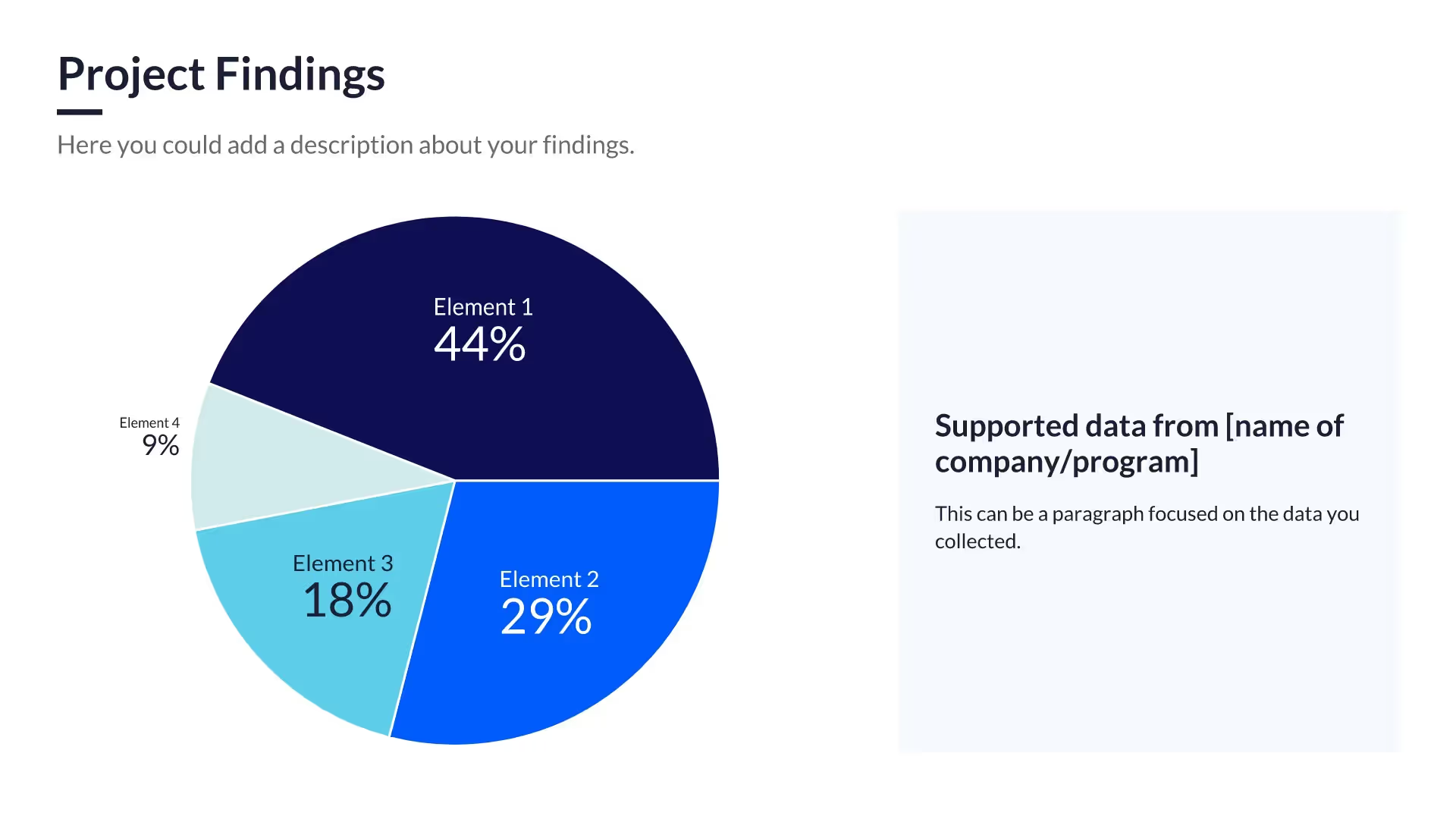
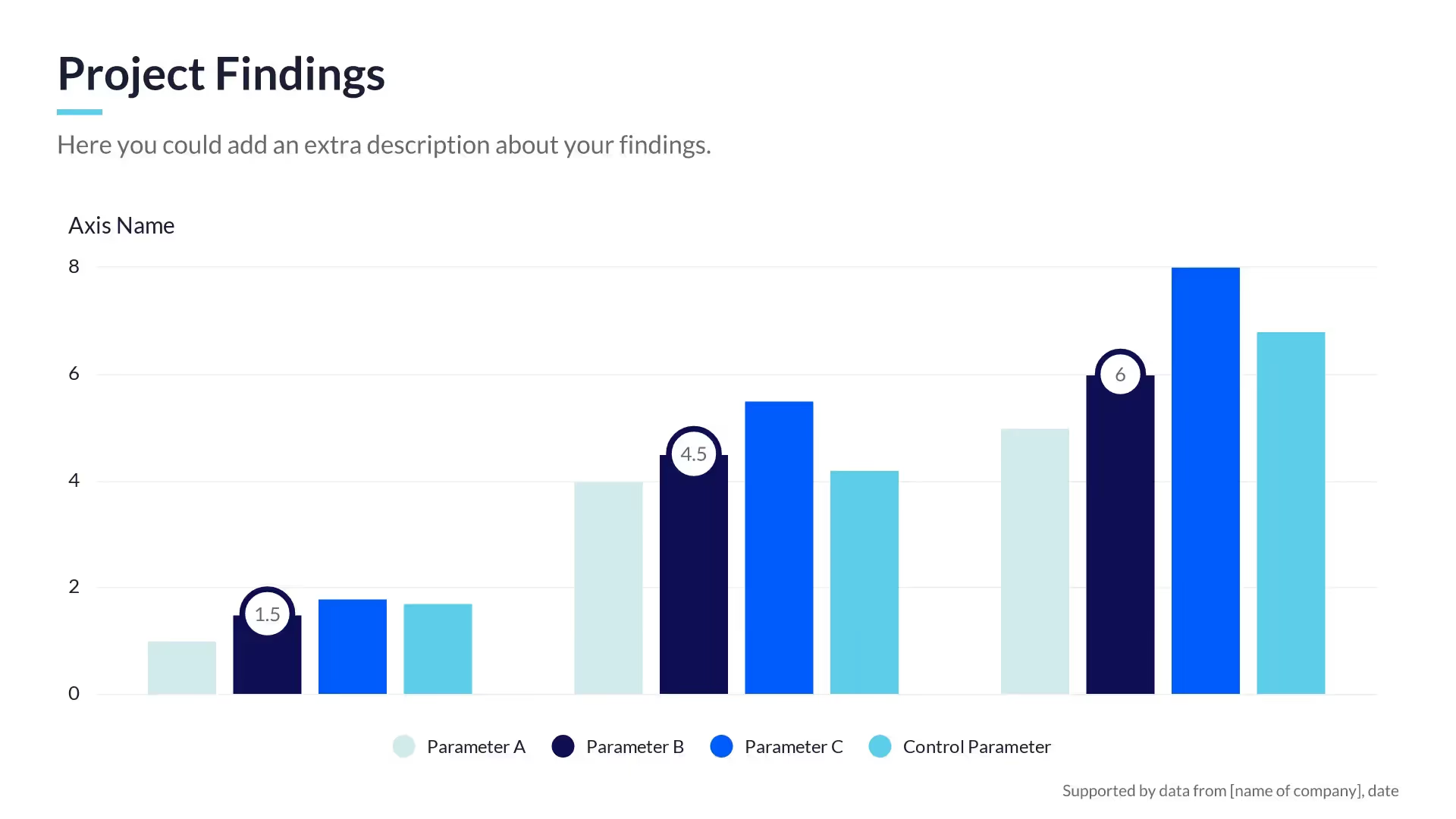
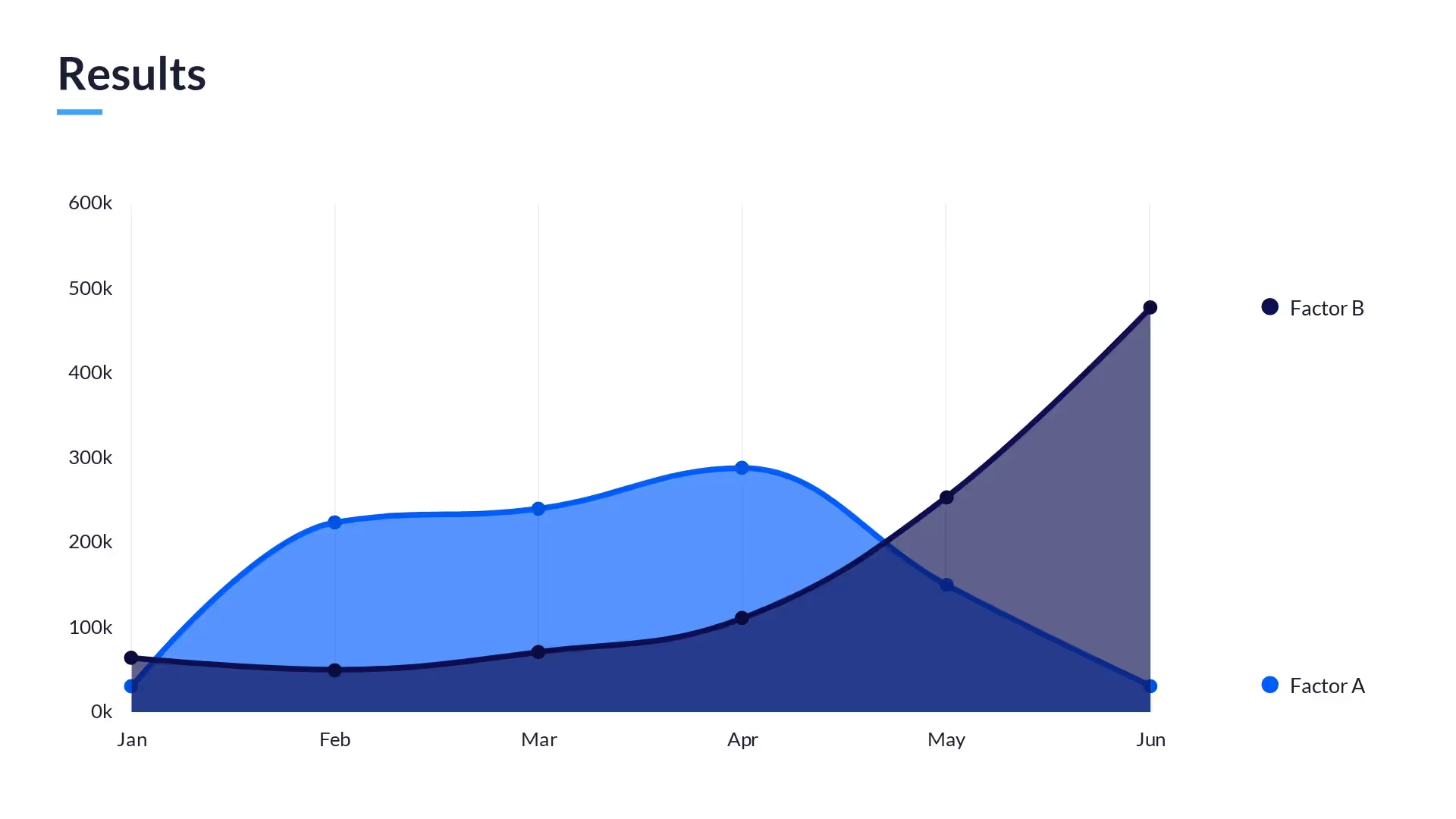
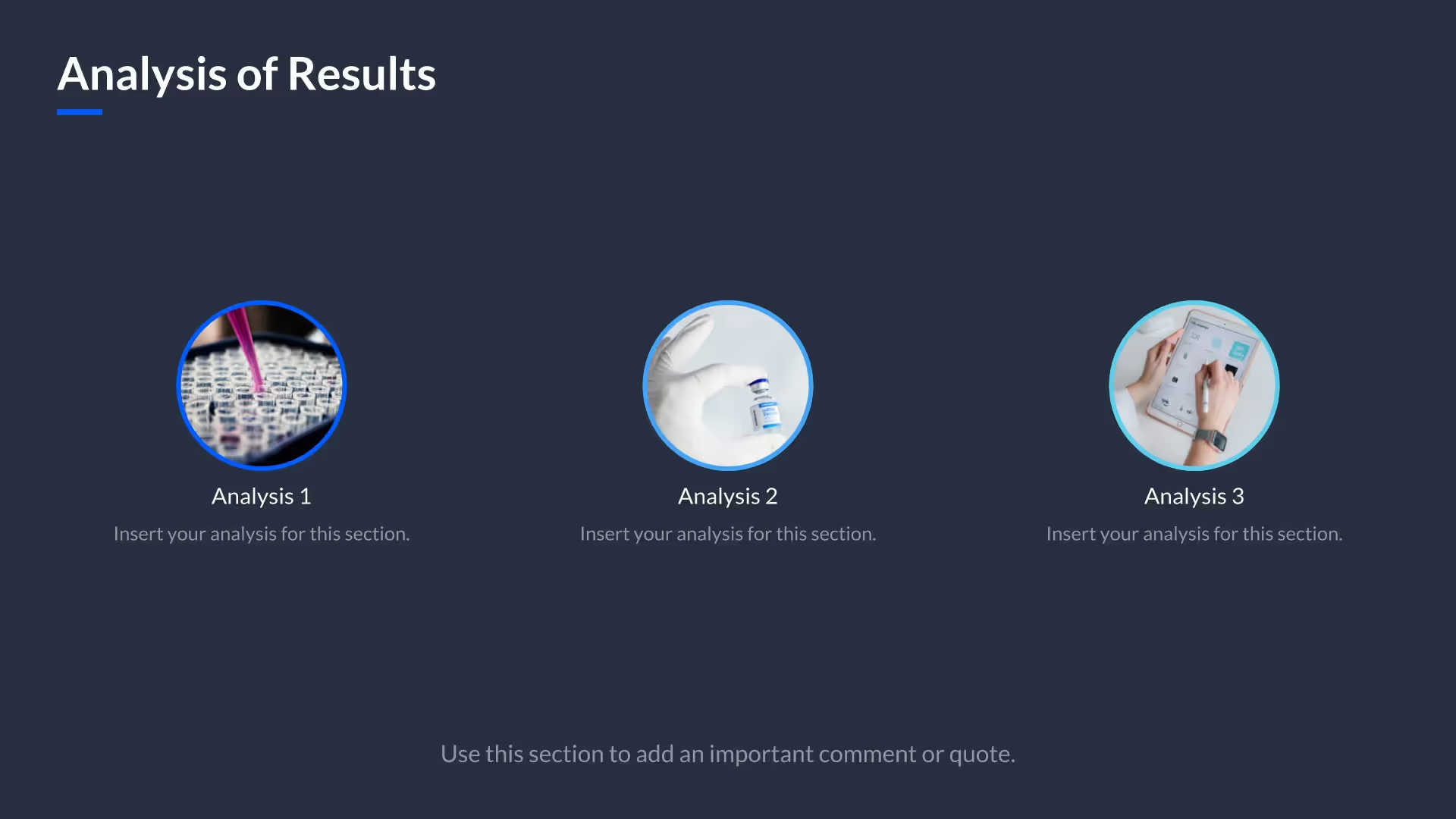
Fully customizable and professionally designed, this project template can help you create an impressive research presentation that’s succinct and sleek. Whether you’re presenting a research project for academic or professional purposes, you can use these pre-built slides to showcase findings in a number of ways – pie charts, bar graphs, area charts, analyses, and more. All you have to do is input your data! 

Our research project template can also help you:

  • Summarize your research project proposal in an easy-to-read, digestible format
  • Provide status updates or quarterly results from research projects 
  • Create a POV or proposal to win new work
Use this template

Slides included in the research project presentation template
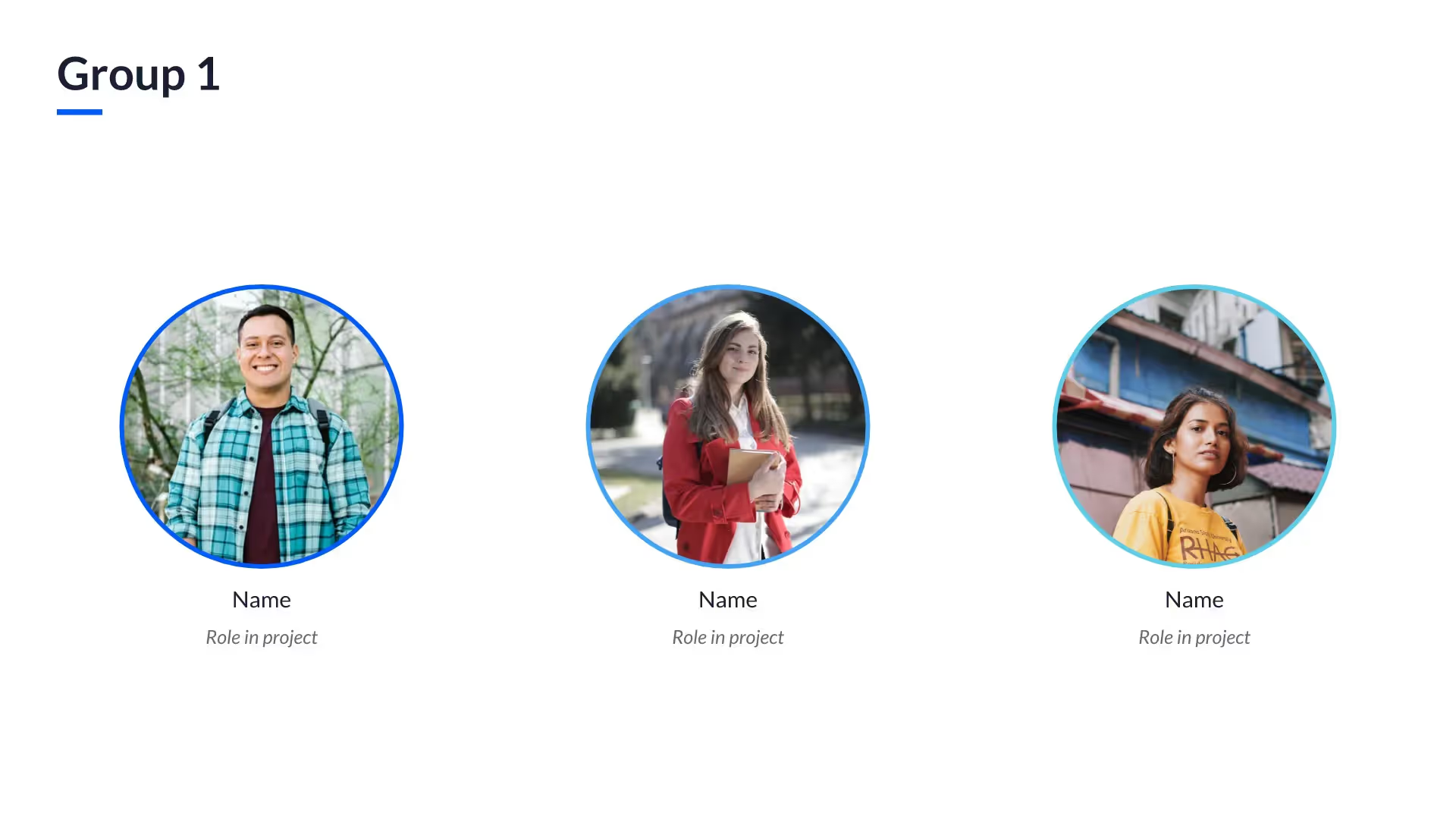
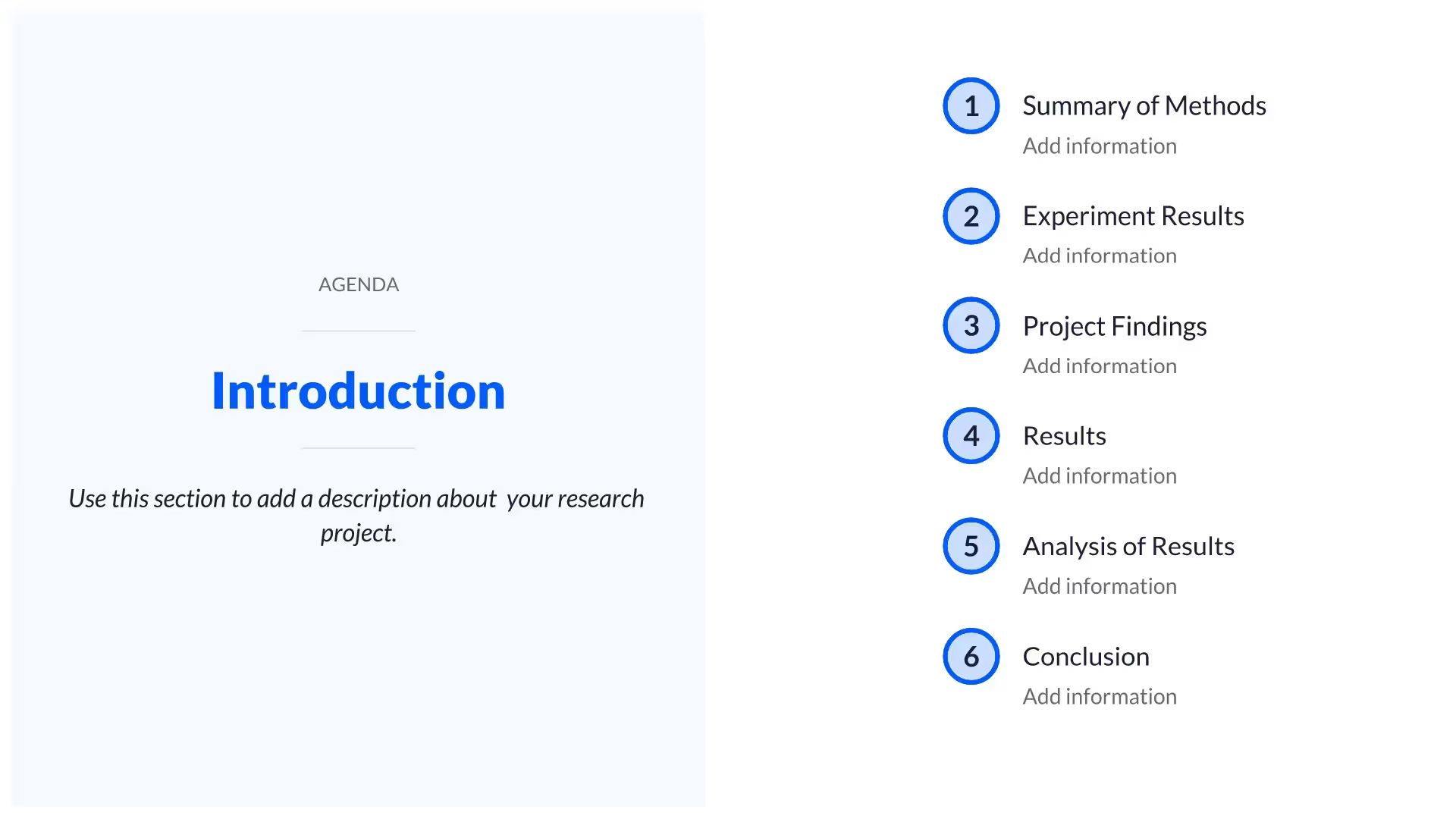
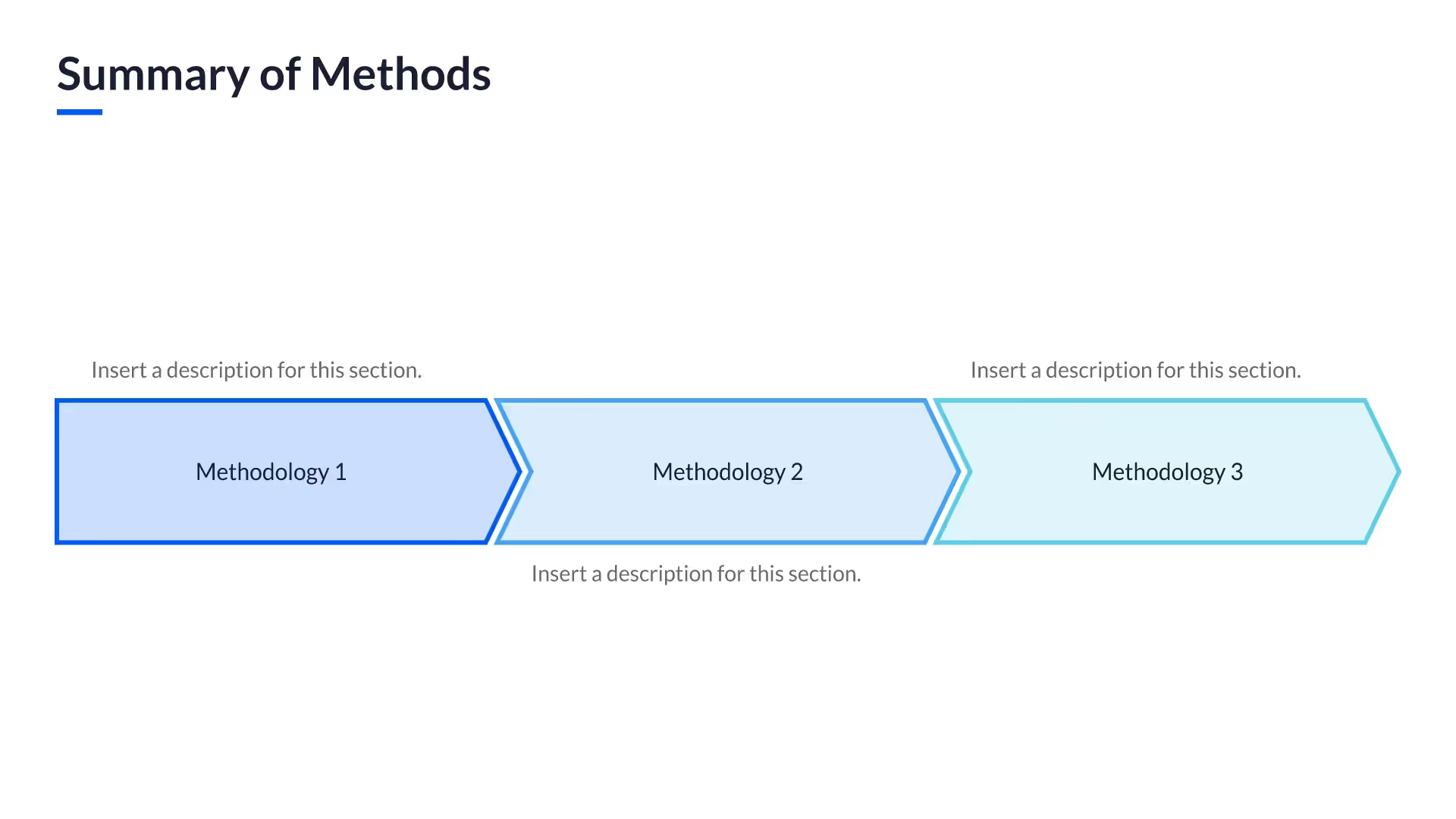
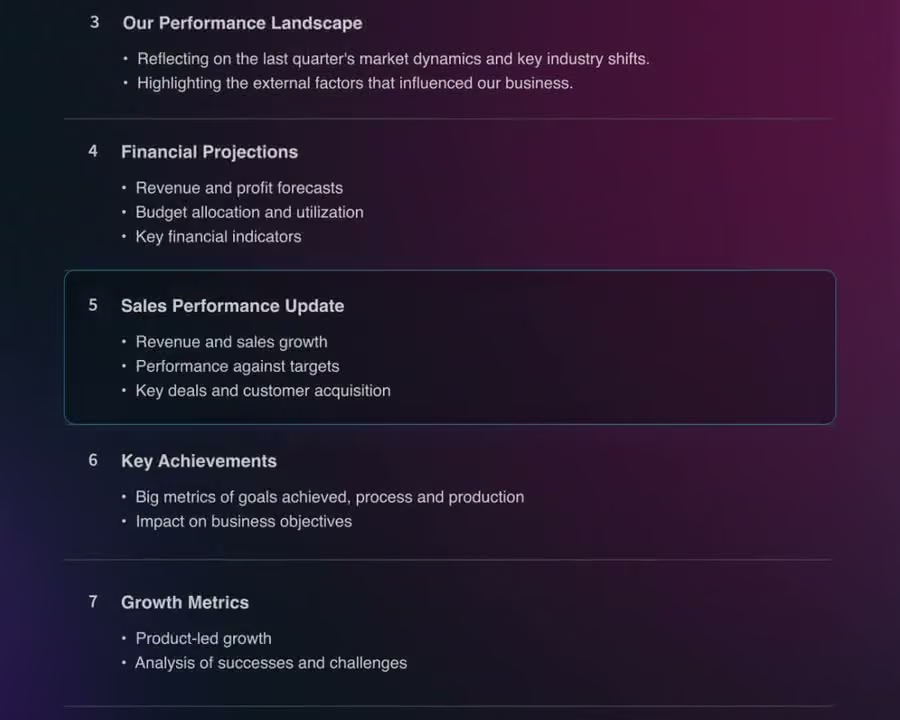
Developing a research project proposal can require the use of several slides – each crucial to the story you’re telling. If your research project presentation requires more data or content, you can simply add them from our entire library of customizable slides to fit your needs. This template includes 12 designed research project slides to help you create a presentation that’s unique to your work.

How to use the research project template

1

Open the template.

Click Use this template and the 10-slide deck opens in the Beautiful.ai editor.

2

Add your findings.

Type your methods, results, findings, and analysis in, upload a document or data file, or describe it and let AI fill the template.

3

Make it yours.

Adjust colors and labels to match your presentation; Smart Slides keep the layout aligned as you edit.

4

Present or export.

Share a live link, present in Beautiful.ai, or export to PowerPoint, Google Slides, or PDF.

Pro tips to create a strong research project template

Ready to bring your research project to life with this template? Here are some tips to consider.

Keep it simple

Although research projects involve a lot of in-depth data and content, the presentation should be kept simple, clear, and easy to read.

Strike a balance

Don’t overwhelm your audience with data. Try to break it up with more content-driven slides like key takeaways, executive summaries, and high-level overviews.

Color consistency

Using different types of charts is a great way to present findings in a non-repetitive way. However, if you’re showing the same types of data, ensure the assigned colors for each category are consistent throughout.

Incorporate additional imagery

Looking at and reading multiple charts can potentially wear your audience out. Mix additional imagery throughout your presentation, like photos, graphics, and icons.

Create new slides with AI

Add your data, a document, or a PDF, and get a fully designed, data-ready slide you can present right away.

Edit copy and images with AI

Rewrite or generate copy and images that keep your deck’s context, so the message stays on-brand.

Research project templates and related presentations
Research & Insights

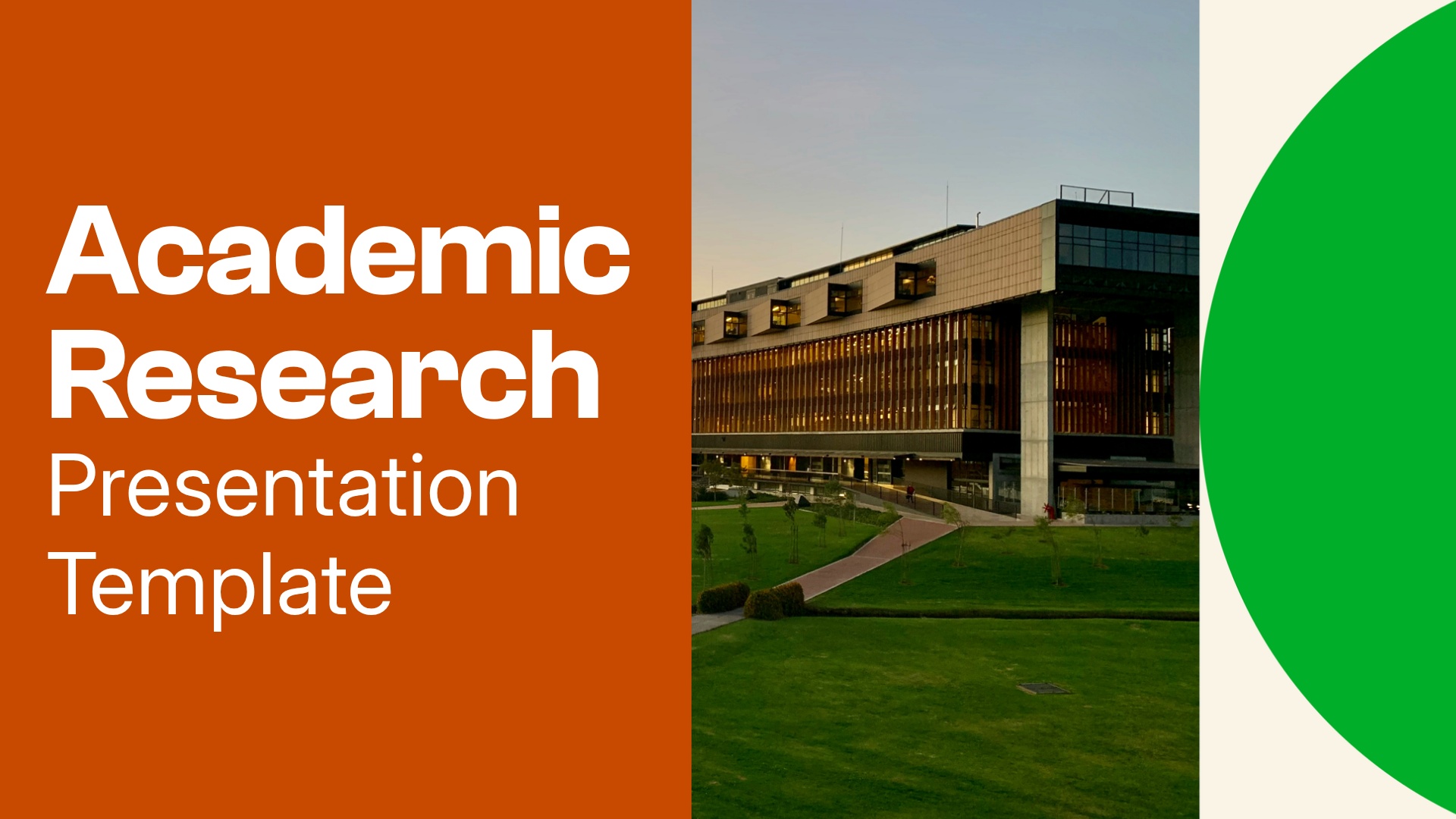
Academic Research Presentation Template

Present your research question, methods, and findings with a designer-made academic research presentation template. Add your content or start a draft with AI, then refine with Smart Slides that keep your layouts aligned as you edit.
View template
View template
academic-research
Research & Insights

Clinical Results Presentation Template

Use Beautiful.ai’s clinical results presentation template to communicate study design, patient demographics, efficacy, safety, and key findings in a clear, professional presentation for healthcare stakeholders.
View template
View template
clinical-results
Research & Insights

Real Estate Market Analysis Presentation Template

Use Beautiful.ai’s real estate market analysis presentation template to turn market data into a clear, compelling story. Present housing trends, economic indicators, and investment insights in a polished presentation built for real estate professionals, investors, and stakeholders.
View template
View template
real-estate-market-analysis
See all templates

Research project template FAQ

Lorem ipsum dolor sit amet, consectetur adipiscing elit, sed do eiusmod tempor incididunt ut labore et dolore magna aliqua. Ut enim ad minim veniam, quis nostrud exercitation ullamco laboris nisi ut aliquip ex ea commodo consequat. Duis aute irure dolor in reprehenderit in voluptate velit esse cillum dolore eu fugiat nulla pariatur.

More research and insights presentation templates

View all presentation templates

The AI presentation maker for faster impact

With AI that kickstarts your deck and Smart Slides that handle the formatting, you can focus on your story, not the alignment. Go from create, edit, to present with designer-level polish and in a fraction of the time.
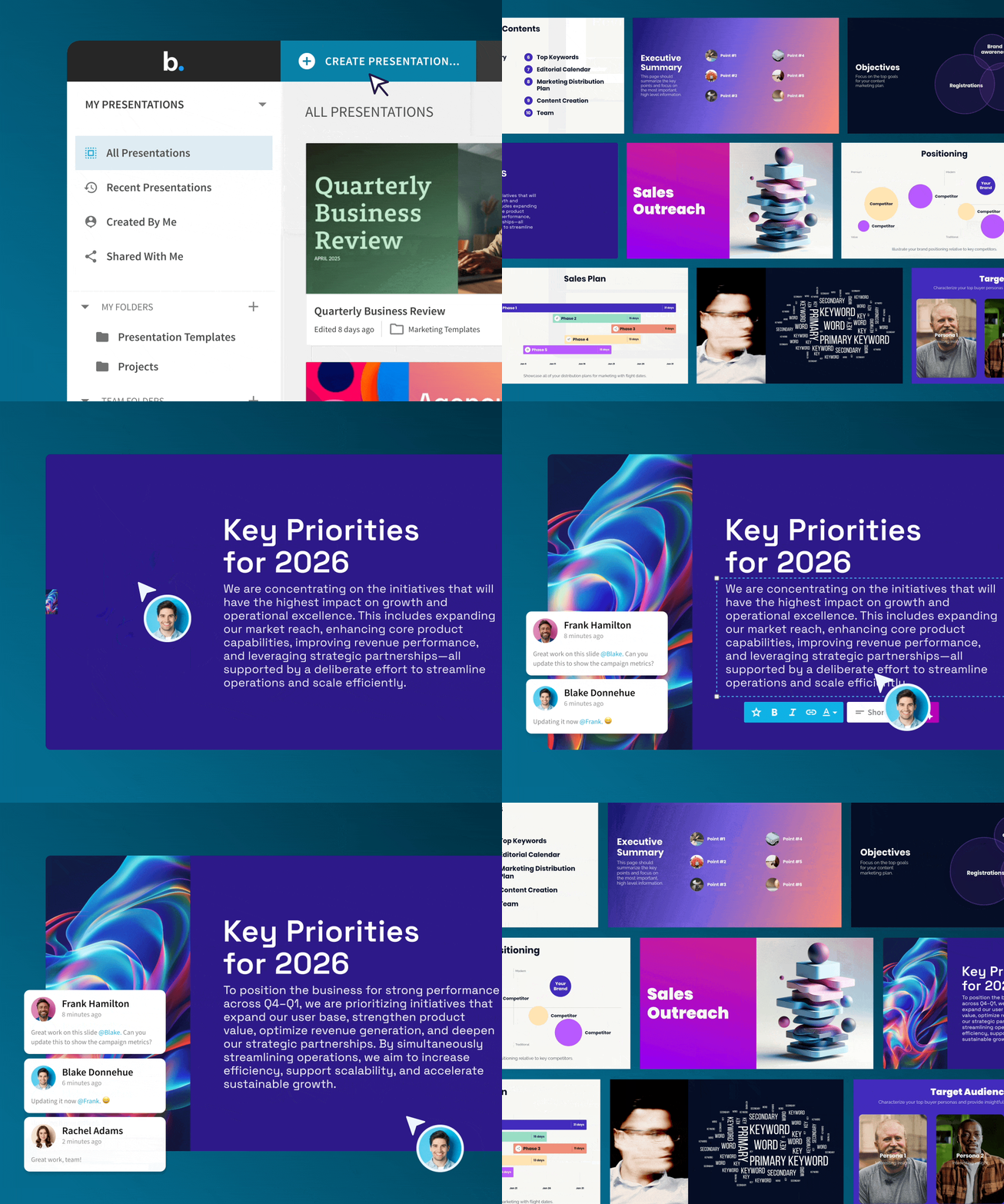
AI features that fast track your workflow
Smart Slides that adapt to your content automatically
Brand control for consistent, professional presentations
Real time collaboration for agile teams
Try it free

Features to ideate, edit, collaborate, and present.

We’re a complete presentation platform. Everything you need is in one place.

Smart Slides

Smart Slides auto-align, resize, and animate your content as you edit, so you focus on the message, not formatting.

Learn more

Create with AI

Kickstart your ideas with AI. Just enter a prompt, add extra context, and get a beautiful presentation in seconds.

Learn more

Themes & brand control

Define colors, fonts, logos, icons, and footers once. Save and reuse brand themes across decks and teams.

Learn more

Data visualization

Instantly create animated charts and graphs. Link any spreadsheet for fast edits and live updates.

Learn more

Image libraries

Get direct access to an expansive library of free, real-life stock images and videos, no need to leave your slide.

Presentation templates

Discover our gallery of professionally designed presentation templates, multi–slide decks built to give you a head start.

Learn more

Presentation workflows

Shared slide libraries, real-time collaboration, user permissions, locked themes, and more.

Learn more

Viewer analytics

Control access, and track engagement so you know what resonates, and when to follow up.

Learn more

Animation & narration

Add embedded voice or video context to any slide - so your message lands clearly even when async.


“Beautiful.ai helps us quickly create clear and compelling presentations to share our strategy and results. It has been easy to integrate our branding and to pull from the library of materials created by others — building a cohesive and collaborative suite that helps us advance our mission."
Maggie Kuhl
Vice President of Research Engagement, Michael J. Fox Foundation

"Beautiful.ai increased our efficiency. I mean, 50% sounds crazy, but it's pretty accurate when you consider all of the manual stuff that we used to have to do that Beautiful.ai now does for us."

Tommy Horlacher
Head of Creative Services, Cybrary

"What you guys have created is a foolproof way to ensure quality presentations. It's almost just like they have a graphic designer over their shoulder while they're creating their decks."

Ryan Hill
 Marketing Manager, Bluetree Network

“For any business owner or entrepreneur where time is of the essence you lose the ability to put those nice touches on presentations, Beautiful.ai does it for you, especially if you aren't creatively gifted!”

David Washrook
Founder/CEO, Red Sea Reef Builders

Related blog posts

Beautiful.ai for Sales Teams: 7 Features That Close Deals Faster

Discover 7 Beautiful.ai features that help sales teams create polished, personalized decks faster, collaborate easily, and close deals with less design work.
Read more
Read more

55 Presentation Ideas to Make Your Next Deck Worth Watching

55 presentation ideas in one place: 25 design moves that make any deck easier to read, and 30 topics grouped by audience for when you have to present and have no subject.
Read more
Read more

How to Create an AI-Powered Marketing Campaign Deck in Under 30 Minutes

Stop starting every campaign deck from scratch. Discover how AI helps marketers turn briefs, research, and ideas into polished presentations in under 30 minutes.
Read more
Read more

Try it free for 14 days

Start building Beautiful presentations.

Try it free