{{template-name}} Template
What is a {{template-name}}, and when should you use one?
Your presentation is a visual story. Big chunks of text aren’t going to get your information across to your audience. A smart, well-chosen mix of design elements will break up your content, highlight the most important parts, and leave a lasting impression on the viewer.
Headline templates are essential to keeping your presentation organized. Essentially, they’re titles for sections of your content. A headline template tells your audience what they can expect next in your presentation.
Use a headline template to:
- Make long blocks of text more readable
- Group sections of information into organized chunks
- Immediately let your audience know what the section will be about
A headline template instantly makes your presentation look more organized, professional, and easy to read.

Pro Tips for Headline Templates
Here are a few guidelines to consider when using headline templates.

%20(1)%20-%20Slide%202.avif)
%20(1)%20-%20Slide%202.avif)
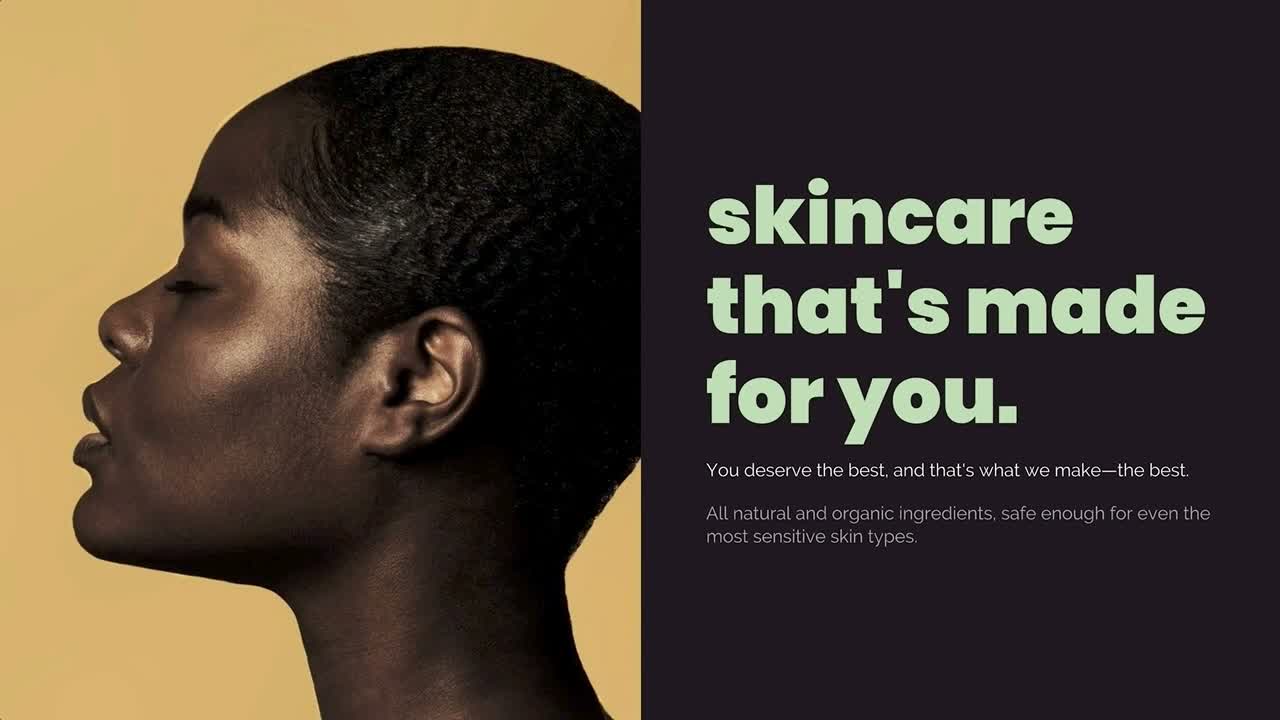
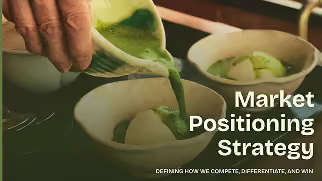
Your main headline should be the largest. Any sub-headers should, accordingly, be smaller.
There should only be one headline or title on your slide. It’s typically the main idea or topic of that slide; e.g., meet the team, design process, quarterly sales.
Since your headline should stand out, it’s okay to choose a different font than what you use for the text in the body of your presentation.
When it comes to headlines, short and sweet is best. Get to the point in your headline, and let the body of your slide do the rest of the talking.

More {{template-category}} templates
AI-powered Smart Slides that do the design for you
Build your next presentation using Smart Slides—the intelligent building blocks behind every Beautiful.ai presentation. Each Smart Slide is customizable, editable with AI, and automatically adapts layout and spacing as your content changes.


“Beautiful.ai helps us quickly create clear and compelling presentations to share our strategy and results. It has been easy to integrate our branding and to pull from the library of materials created by others — building a cohesive and collaborative suite that helps us advance our mission."

"Beautiful.ai increased our efficiency. I mean, 50% sounds crazy, but it's pretty accurate when you consider all of the manual stuff that we used to have to do that Beautiful.ai now does for us."

"What you guys have created is a foolproof way to ensure quality presentations. It's almost just like they have a graphic designer over their shoulder while they're creating their decks."

“For any business owner or entrepreneur where time is of the essence you lose the ability to put those nice touches on presentations, Beautiful.ai does it for you, especially if you aren't creatively gifted!”
Ready-to-use presentation templates for creating full, polished decks.



Pitch Decks



Reports & Reviews


Plans & Strategies
Try it free for 14 days
Start building Beautiful presentations.

