{{template-name}} Template
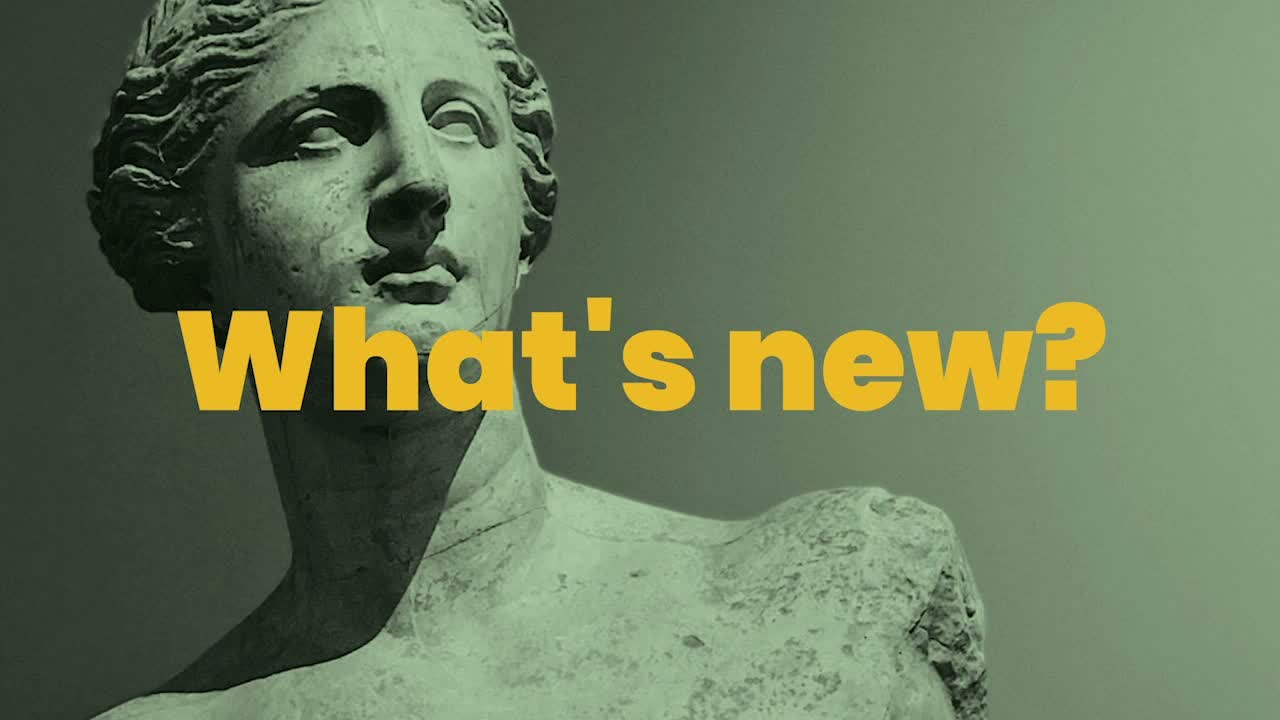
What is a {{template-name}}, and when should you use one?
An image slide is important because it helps your audience to pay attention, understand, and remember the information you share with them. Use an image slide when you want to create visual interest in your presentation. Since people tend to connect with pictures, using unique images and wording will make a lasting impression. Creative, engaging visual content will help you make the impact you want with your audience.
Use an image slide to:
- Create a visual break in your presentation
- Display a quote or phrase with a background image
- To support the main message on a slide
The Beautiful.ai image template is not only easy to use, it allows for complete customization.

Idea for an Image Slide
A few things to keep in mind when designing:

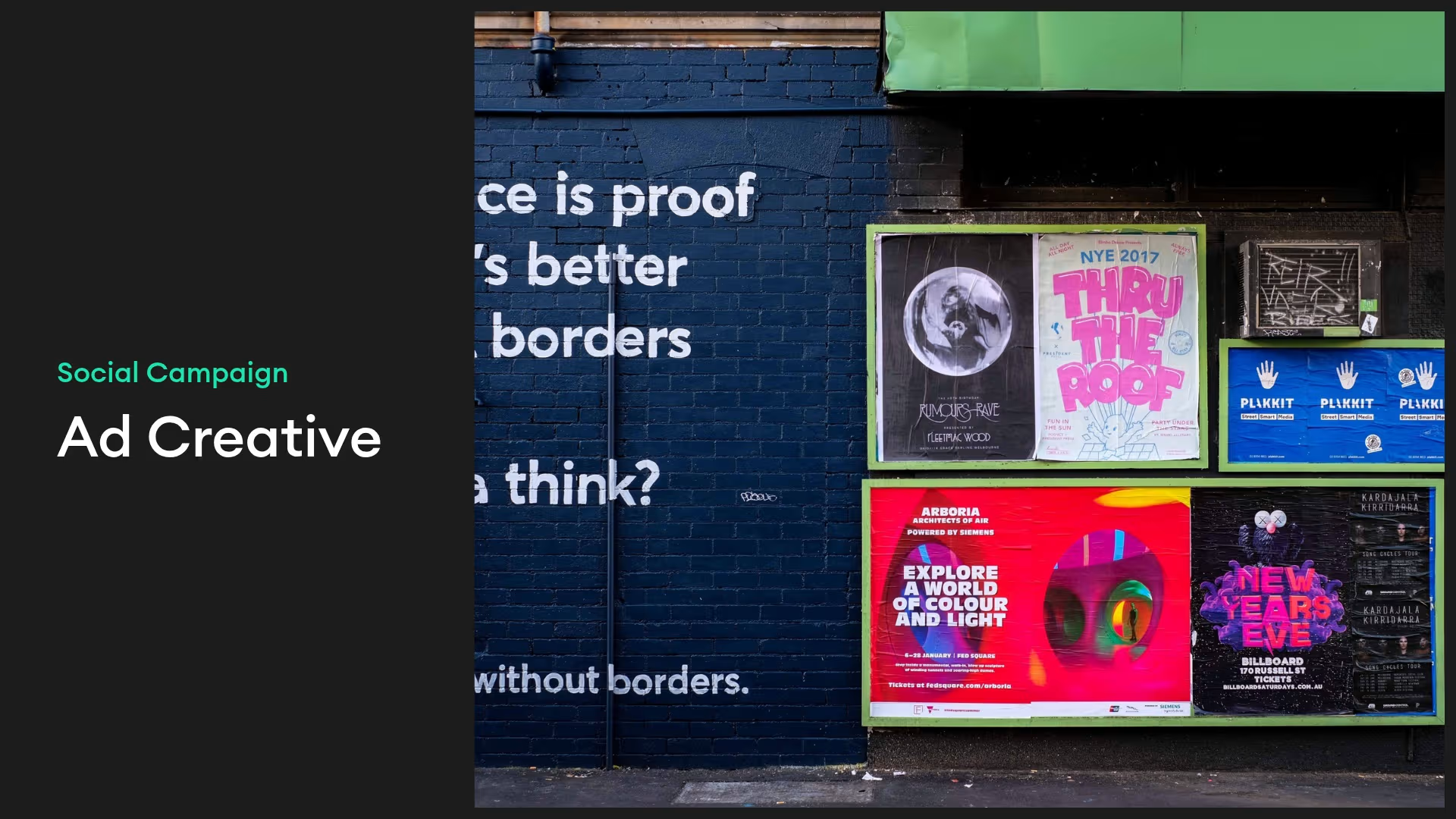
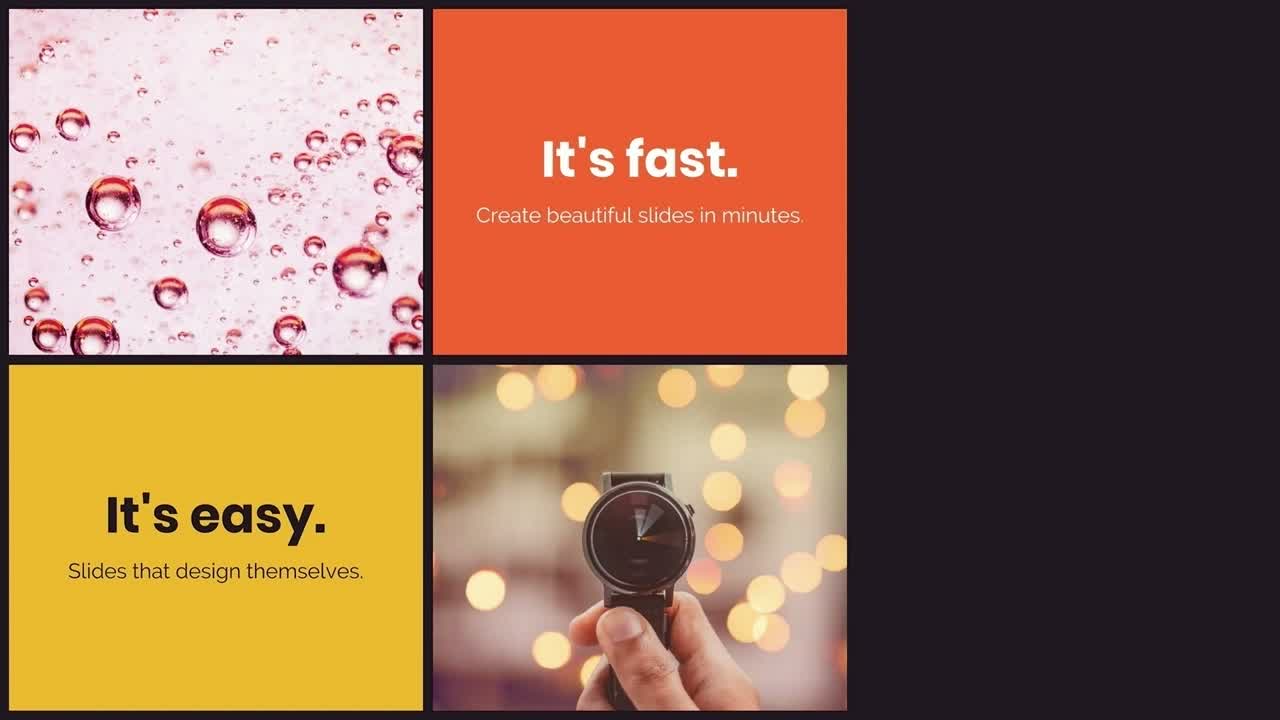
Use one or two large images and one short line of text for maximum effect.
Choose a professional photo that clearly illustrates the theme of your presentation.
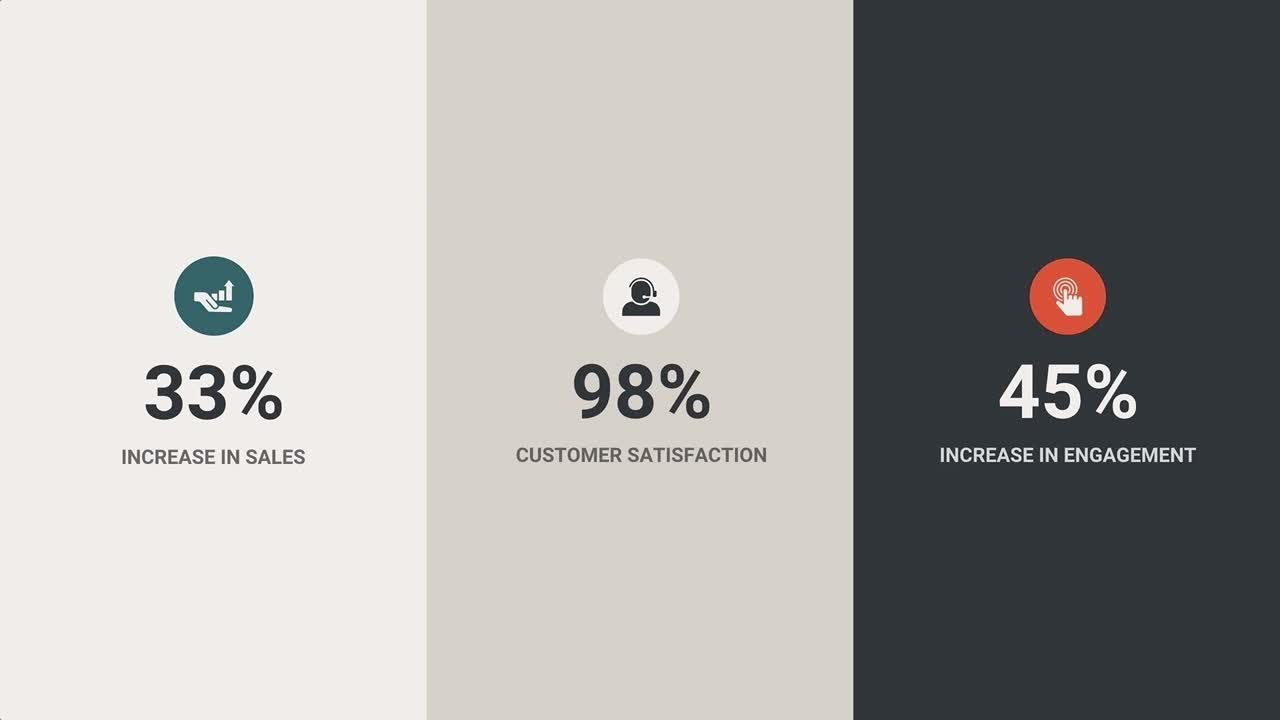
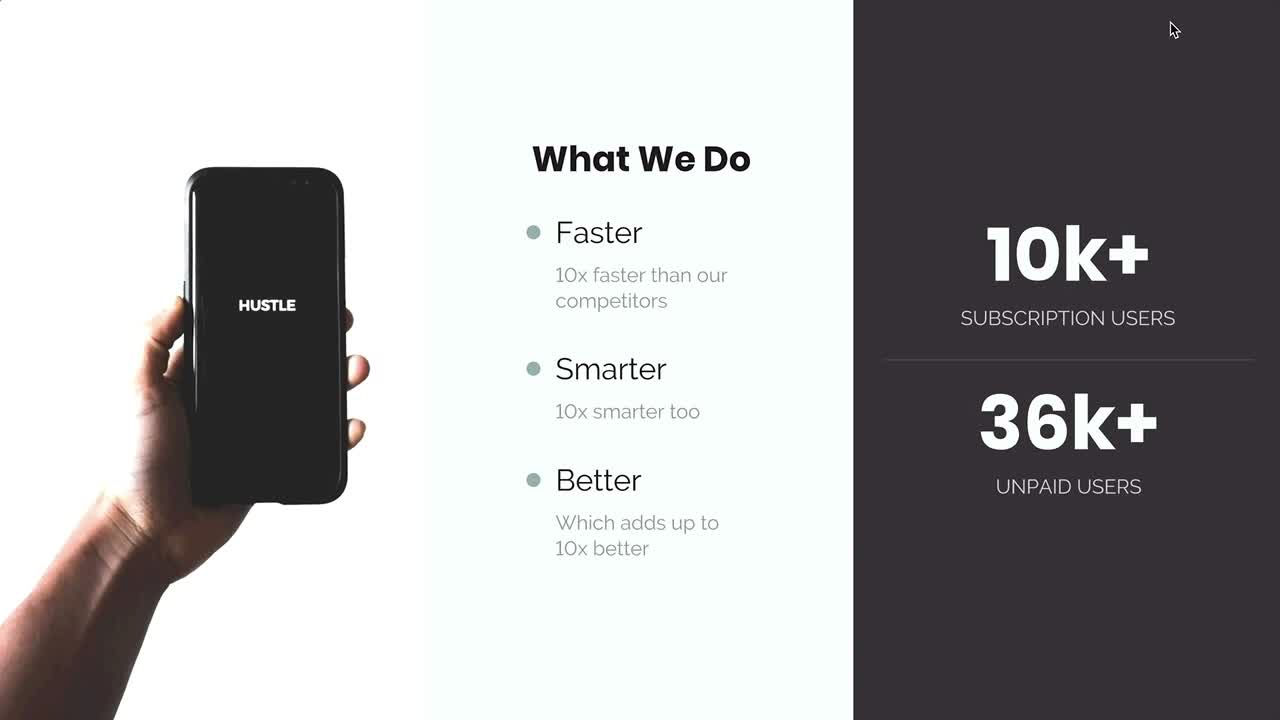
You can use the image grid slide template to show large numbers and statistics that make an impact on the audience.
Discover AI capabilities for an image slide
With these AI-powered features, you can create a custom, on-brand image slide in just a few clicks.
Collaborate with AI on a headline
Generate an on-brand image
Add supporting copy
Create a graphic
More {{template-category}} templates
AI-powered Smart Slides that do the design for you
Build your next presentation using Smart Slides—the intelligent building blocks behind every Beautiful.ai presentation. Each Smart Slide is customizable, editable with AI, and automatically adapts layout and spacing as your content changes.

“Beautiful.ai helps us quickly create clear and compelling presentations to share our strategy and results. It has been easy to integrate our branding and to pull from the library of materials created by others — building a cohesive and collaborative suite that helps us advance our mission."

"Beautiful.ai increased our efficiency. I mean, 50% sounds crazy, but it's pretty accurate when you consider all of the manual stuff that we used to have to do that Beautiful.ai now does for us."

"What you guys have created is a foolproof way to ensure quality presentations. It's almost just like they have a graphic designer over their shoulder while they're creating their decks."

“For any business owner or entrepreneur where time is of the essence you lose the ability to put those nice touches on presentations, Beautiful.ai does it for you, especially if you aren't creatively gifted!”
Ready-to-use presentation templates for creating full, polished decks.


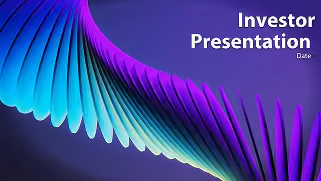
Pitch Decks



Reports & Reviews

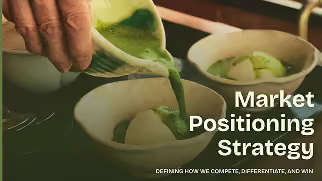

Plans & Strategies
Try it free for 14 days
Start building Beautiful presentations.

