
.avif)
.avif)

To know where you’re going, it’s important to look at where you’ve been. As you get ready to disconnect for a well-deserved break over the holidays, it’s the perfect time to celebrate your wins— big and small. Everything you’ve been working towards in 2025 will set the tone for the new year.
We’re honored that you chose us to represent your story, your ideas and your impact. Whether you’ve been with us since the beginning of the year or joined along the way, your wins have made our growth possible and your stories have helped shape our own.
Before we head into 2026, let’s re-present what we've accomplished together this year.
Your year was Beautiful
We’d be nowhere without our Beautiful.ai power-users. We worked smarter, and harder, together.
Here’s what you’ve achieved this year:
- 5.6 hours saved per week on average
- 3 hours saved per week (median)
- 15 million hours returned annually across 100,000 paid users
- Over $1 billion in total annual productivity value unlocked
Top new features of the year
In case you missed it, here are the top three new features we shipped this year.
AI Image Generator
AI that works for you. Now you have more control over AI image generation with these improvements.
Custom AI image style
Select an image style for your deck before you generate it, or define and preview your own prompt. Generate a deck with cohesive AI-generated images that match your theme and represent your topic perfectly.
Edit and regenerate AI images instantly
Click any image (or text) to re-prompt and re-generate with AI. Test styles or swap visuals in seconds to create your perfect slide.
Collection color palette
Collection color palette gives you more control where it matters: your brand.
- Open the Style Panel and click Edit Theme.
- Under Collection Colors, click the multi-color icon to edit or create a palette.
- Add, remove, or reorder colors—or generate a gradient by picking a start and end color.
Once you've updated your theme, try it on a multi-item slide (like a Target Slide) to see it in action. You’ll also notice new style options—like shaded effects that apply light-to-dark gradients and expanded support for styles like Muted, Outlined, and Fill across more Smart Slides.
Need a refresher on Beautiful.ai themes and branding? Learn more here
New slide editor
We’ve refreshed key parts of the Beautiful.ai editor to reduce ‘where is that?’ moments and to help you move faster.
What’s changed (and why it’s better):
- Slide navigation on the left: See your story at a glance, drag to reorder, and stay oriented without switching views.
- Edit in place: The blue controls under each slide surface the major components of that Smart Slide (what’s unique to that layout). Click to adjust right in context.
- Familiar, deeper settings: Click 'edit' to open the Properties Panel you’re familiar with, it’s just now on the right.
- Cleaner wayfinding: Home navigation, presentation settings, and theme are cleaner to view in the top bar for quicker access.
- Consolidated tools: The right toolbar groups editing, collaboration, and slide management in one predictable place.
- Make it yours: Choose light or dark mode, and keep the Properties Panel open or closed as you prefer.
Top 3 most popular Smart Slides
We don’t like playing favorites, so we asked you which Smart Slides you used the most in 2025. The answer? (Drumroll, please…).
Our top three slide templates voted by our customers are 1) Photo Grid, 2) Timeline and Journey, and 3) Teams.
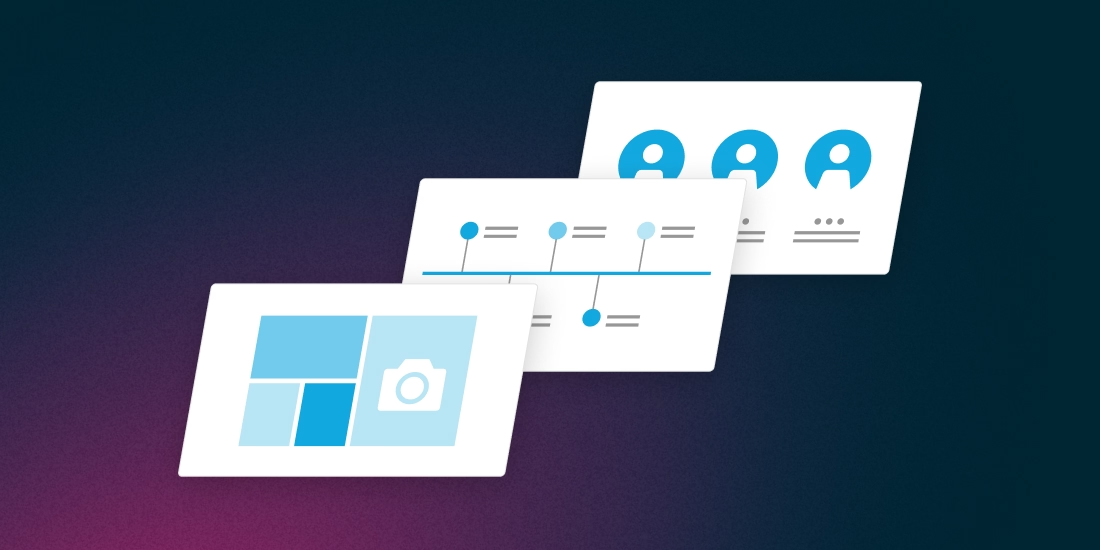
1. Photo Grid
Our photo grid template is one of the most versatile templates in the bunch, so it’s no wonder it’s a crowd favorite. You might use this template to show the faces behind a team of employees, share progress on a design or project, or cover important information with a mix of bold text and engaging visuals.
2. Timeline
A timeline is a visual representation marking all major events over a period of time. Timeline slides have many versatile uses—everything from project plans, to status updates, to “next steps” can be communicated using a timeline.
3. Teams
A team slide is a visual depiction of the members of your team. It should include photos, names, job titles, and can even include information about your team’s credentials or past experience.
New presentation templates, made for you
We’re always adding to our library of pre-built presentation templates, and these are some of our favorites from the year.
- Financial Report
- Monthly Strategy Review
- Board Report
- Risk Management
- Marketing Status Report
- Economic Advisory
- Brand Proposal
- Prototyping
Financial report presentation template
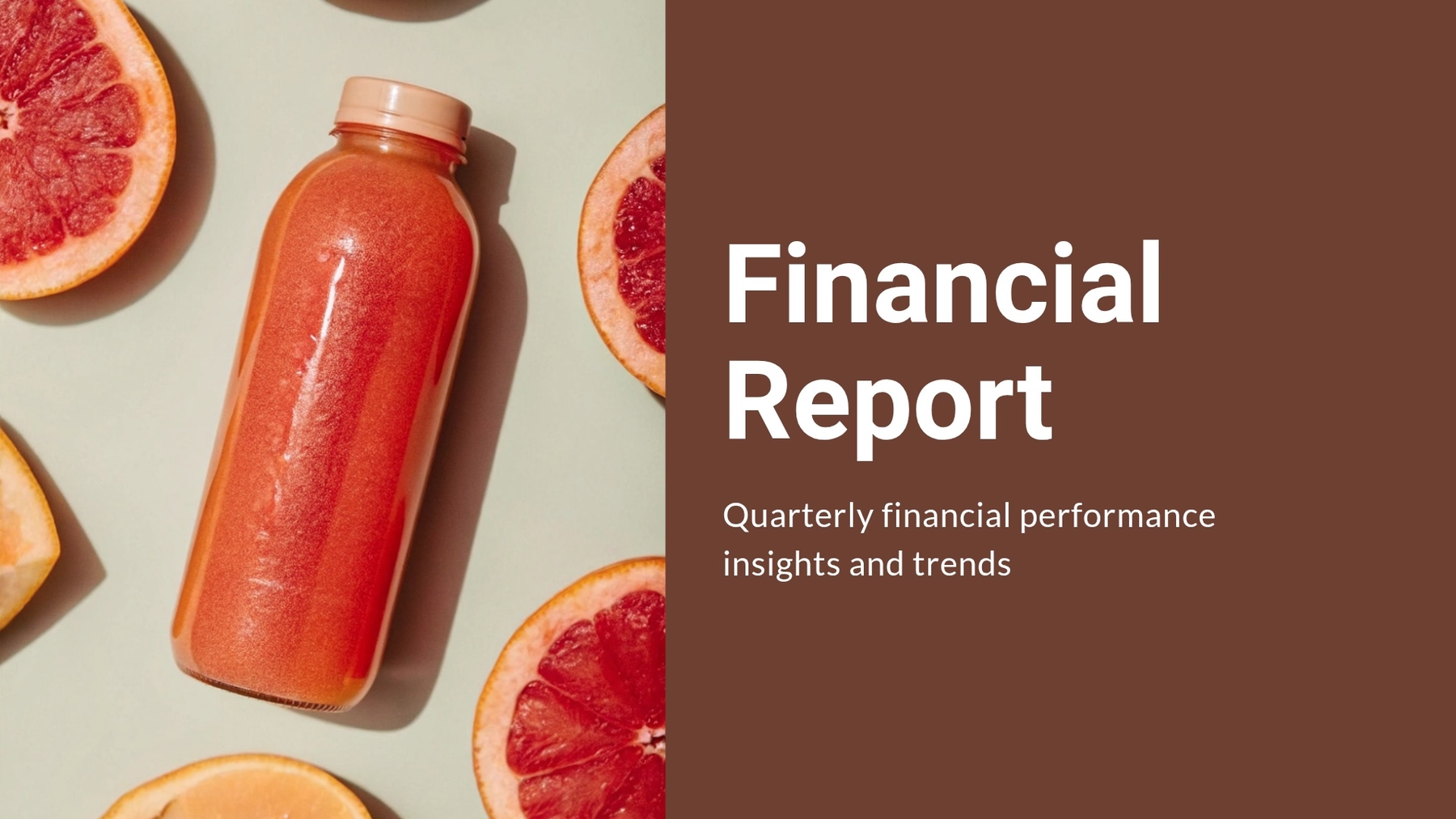
A financial—or finance—report presentation is a vital tool for organizations that need to communicate financial performance, analyze trends, and share insights with leadership teams, investors, and key stakeholders. It helps decision-makers understand the company’s financial health, evaluate budget efficiency, and plan strategically for future growth.
Monthly strategy review presentation template

A monthly strategy review presentation is a structured way for teams and leadership to assess performance, track progress against goals, and realign priorities for the next month. It helps businesses stay agile, ensuring strategies evolve with new data and market changes.
Board report presentation template
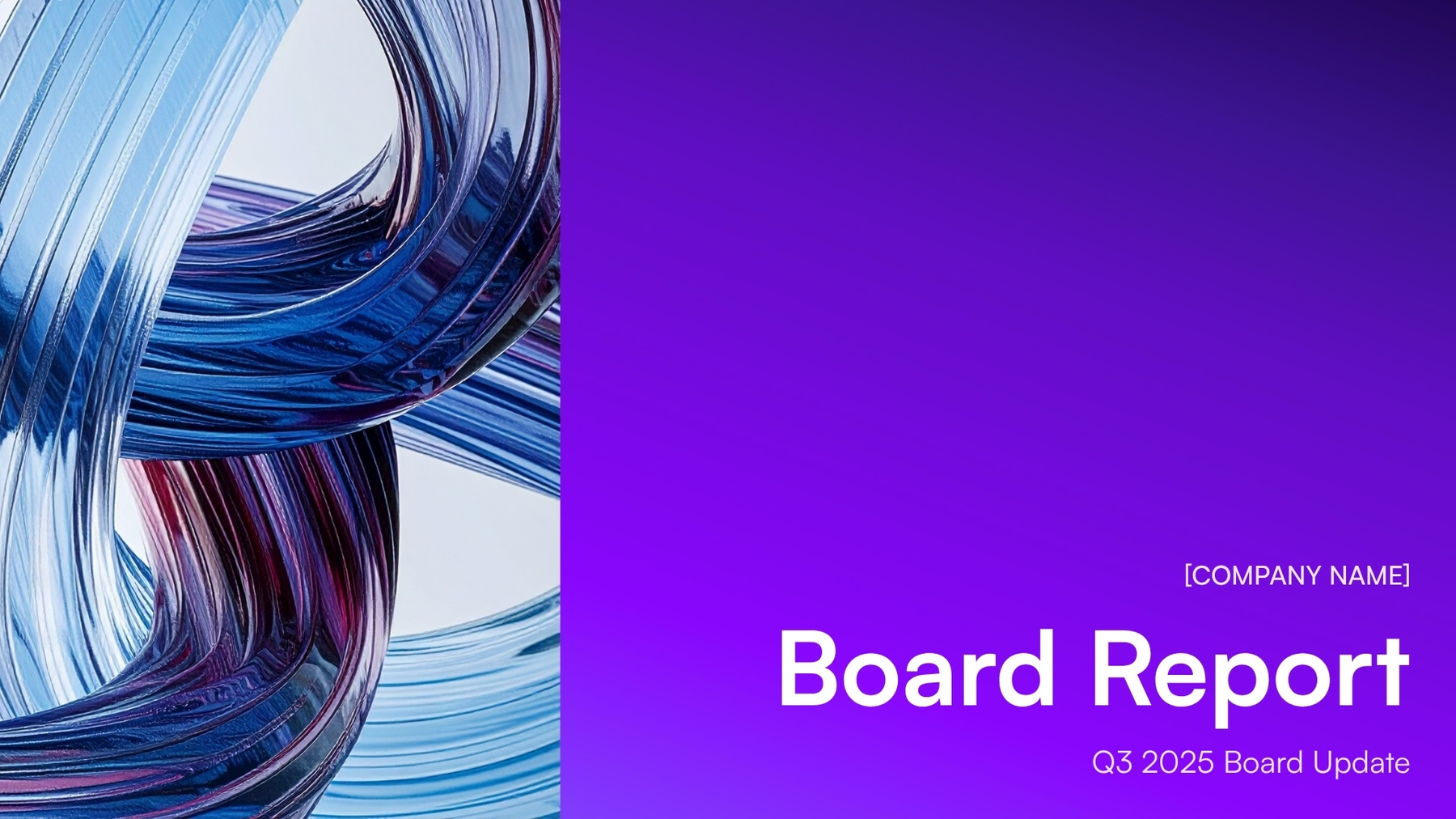
A board report presentation is a professional overview of your company’s performance, strategy, and key initiatives—typically shared during quarterly or annual board meetings. It allows leadership teams to present complex information clearly and efficiently, helping board members make informed decisions.
Risk management presentation template

A risk management presentation helps organizations identify, evaluate, and communicate potential threats that could impact business objectives. It’s a critical tool for aligning leadership, operations, and compliance teams on how to mitigate and monitor risks effectively.
Marketing status report presentation template
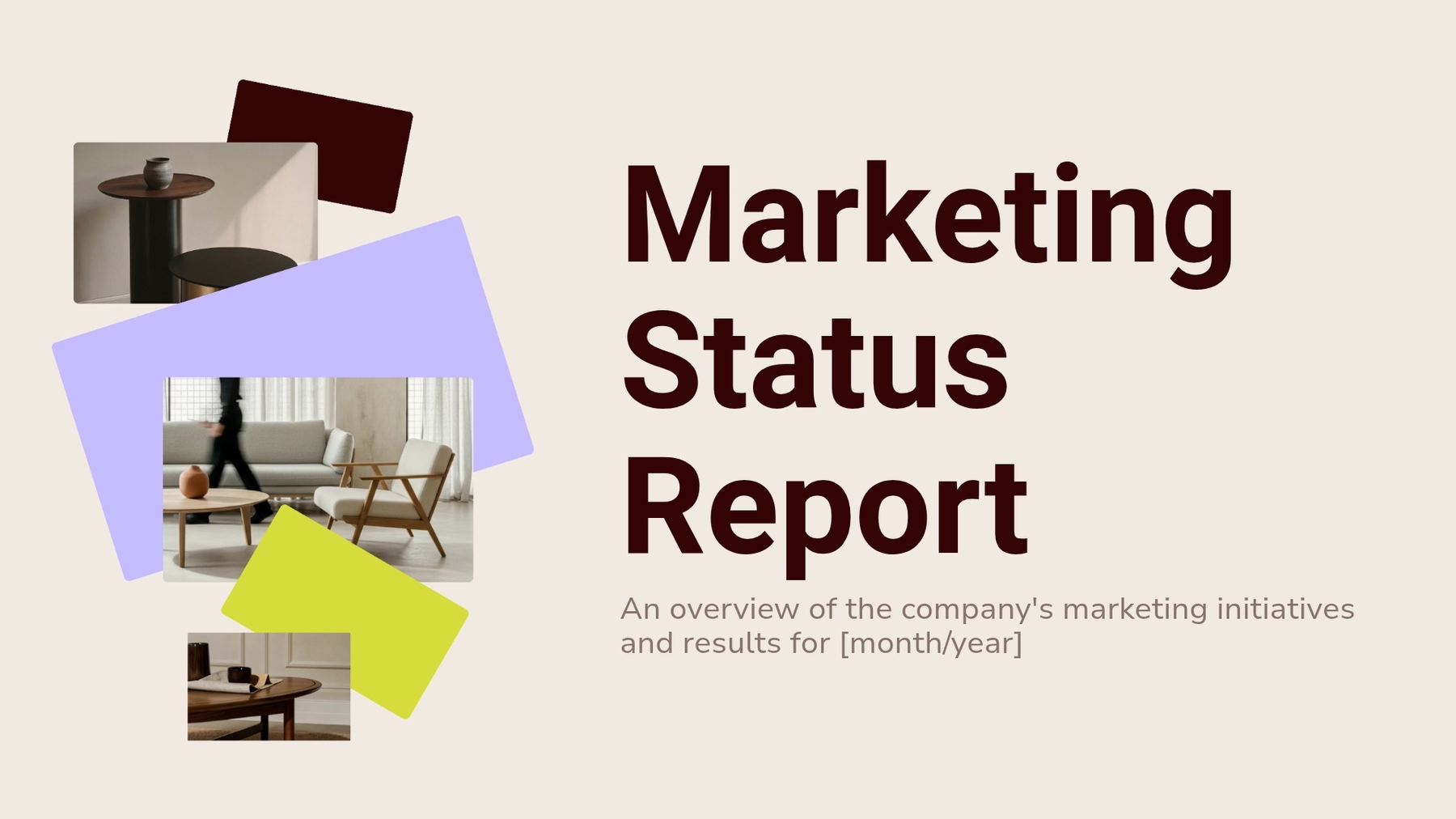
A marketing status report presentation helps teams and stakeholders understand how campaigns are performing, which channels are driving results, and where to optimize next. It provides a clear snapshot of progress across marketing initiatives—helping teams stay aligned, accountable, and focused on growth.
Economic advisory presentation template

An economic advisory presentation helps analysts, consultants, and financial leaders deliver insights on market trends, economic forecasts, and strategic implications for businesses or investors. It organizes complex financial data into a clear narrative that decision-makers can easily understand and act on.
Brand proposal presentation template

A brand partnership proposal is a formal document or presentation that outlines the opportunity for two (or more) brands to work together on a mutually beneficial initiative. It is typically created by the party initiating the partnership, and sent to another company or brand to pitch a strategic collaboration.
Prototyping presentation template
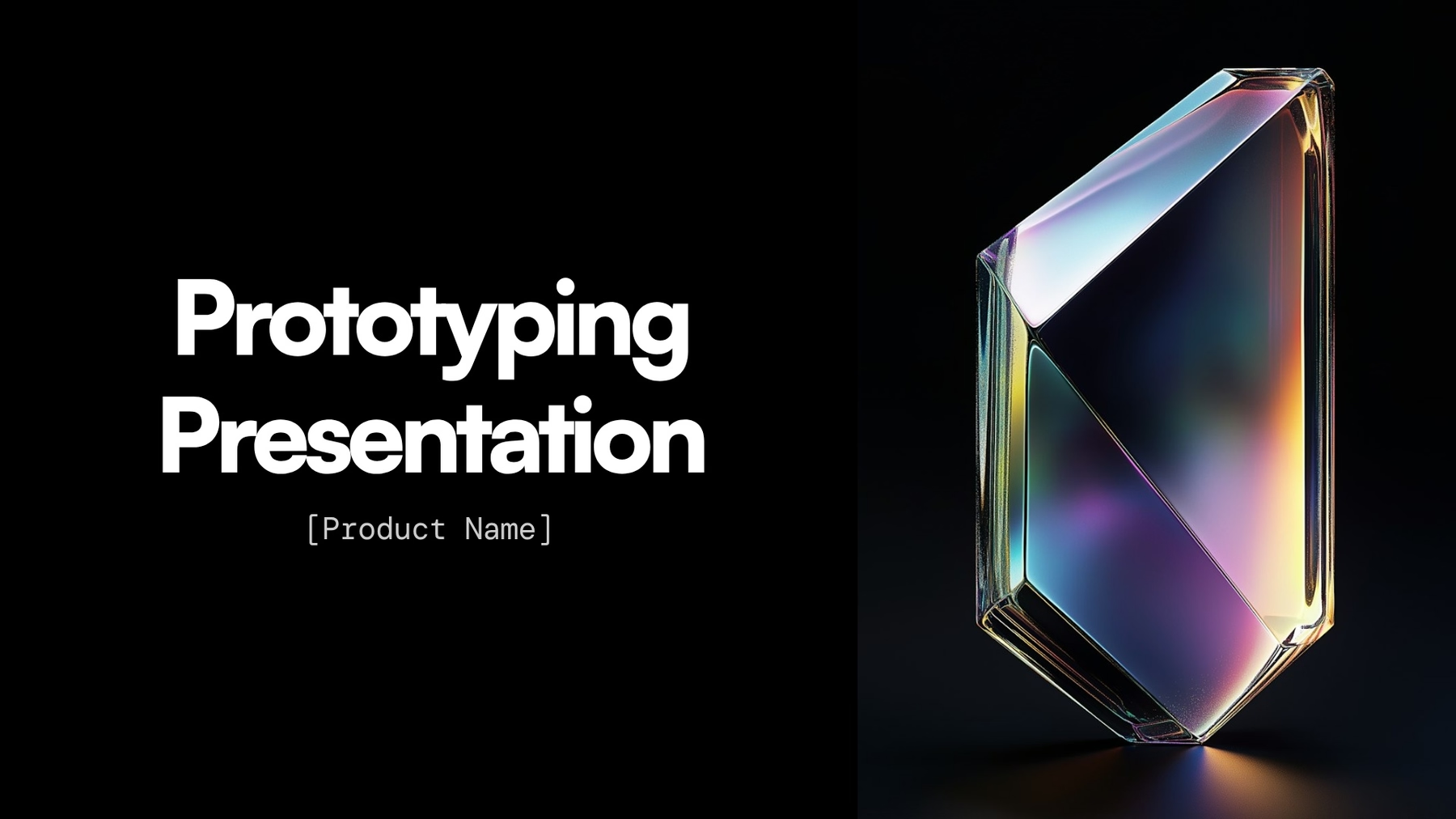
A prototyping presentation is a visual summary that showcases the design, functionality, and user flow of a digital product prototype, such as an app, website, or software interface. It’s typically used early in the product development cycle to help teams and stakeholders align on the vision, gather feedback, and communicate the intended user experience before any code is written.




.avif)
.avif)

