{{template-name}} Template
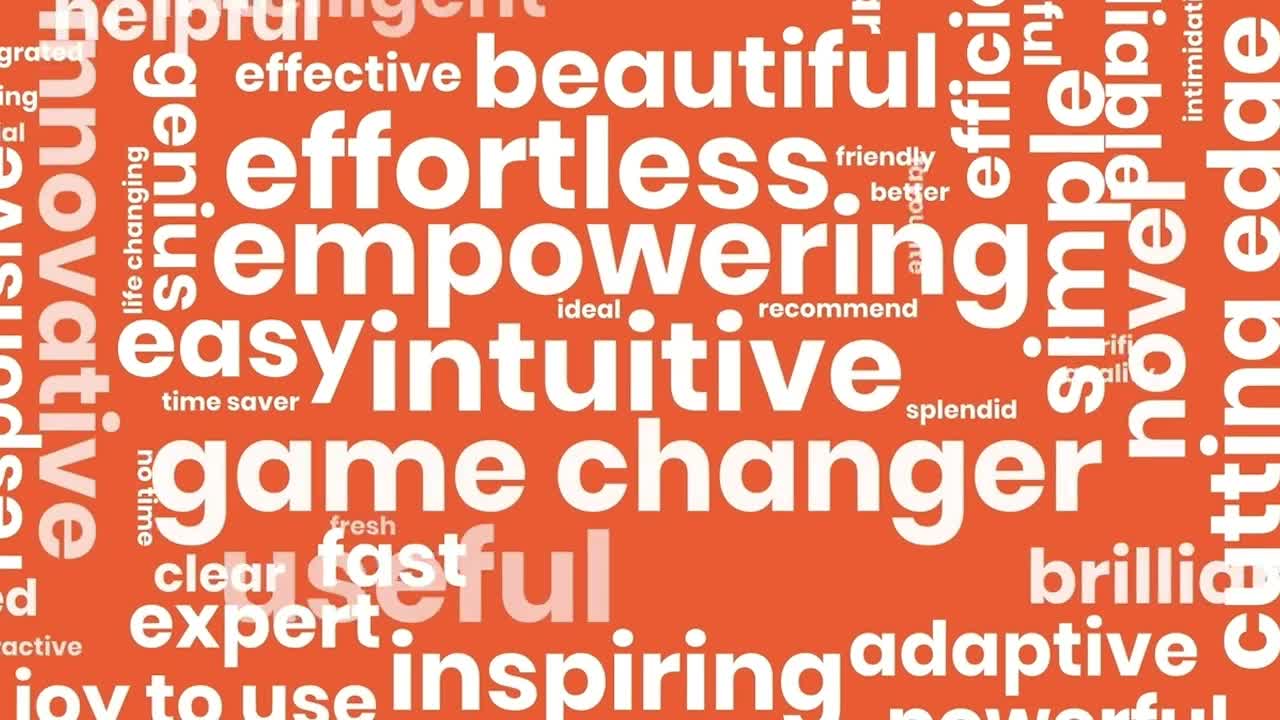
{{template-name}} template styles
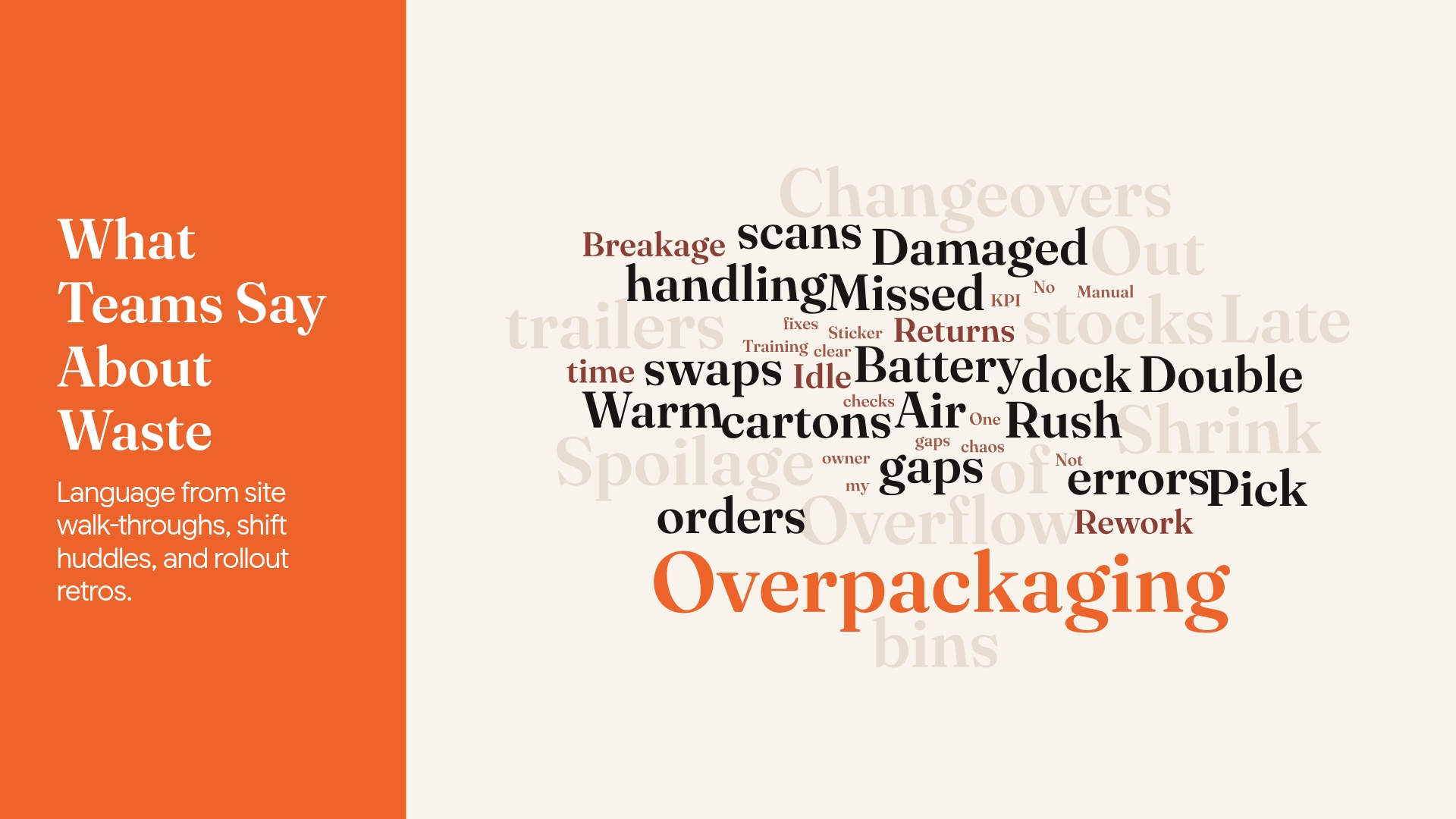
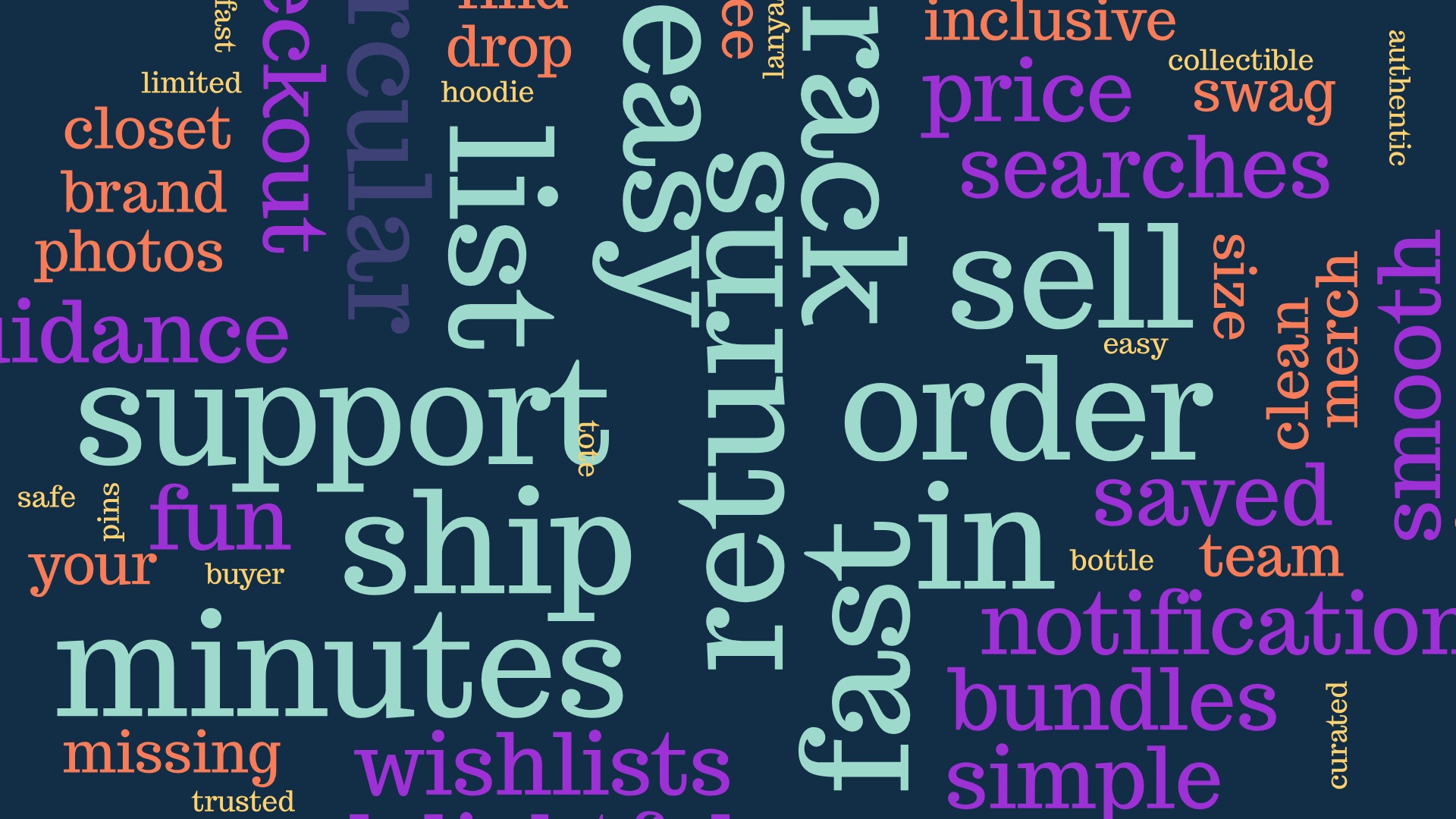
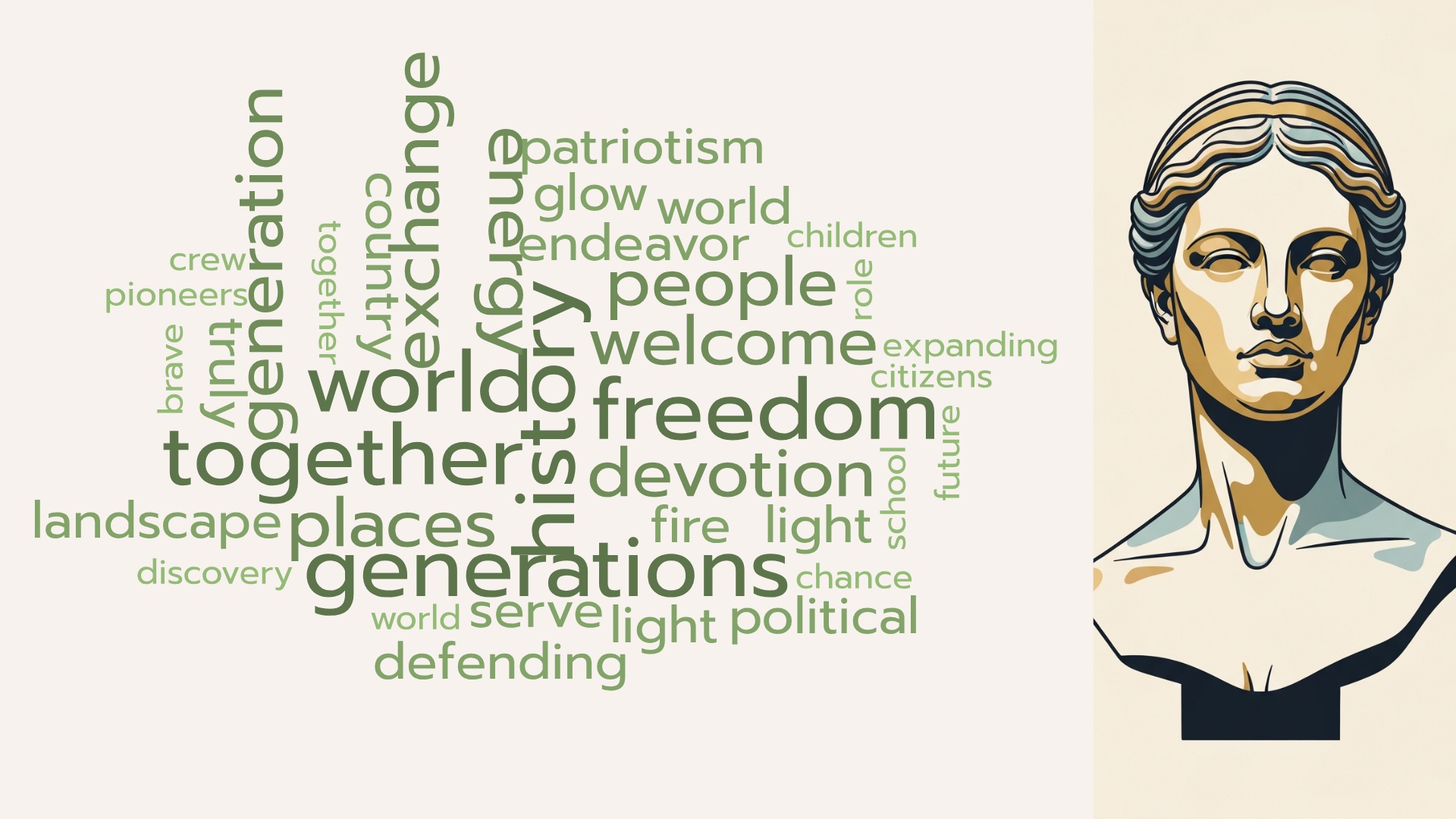
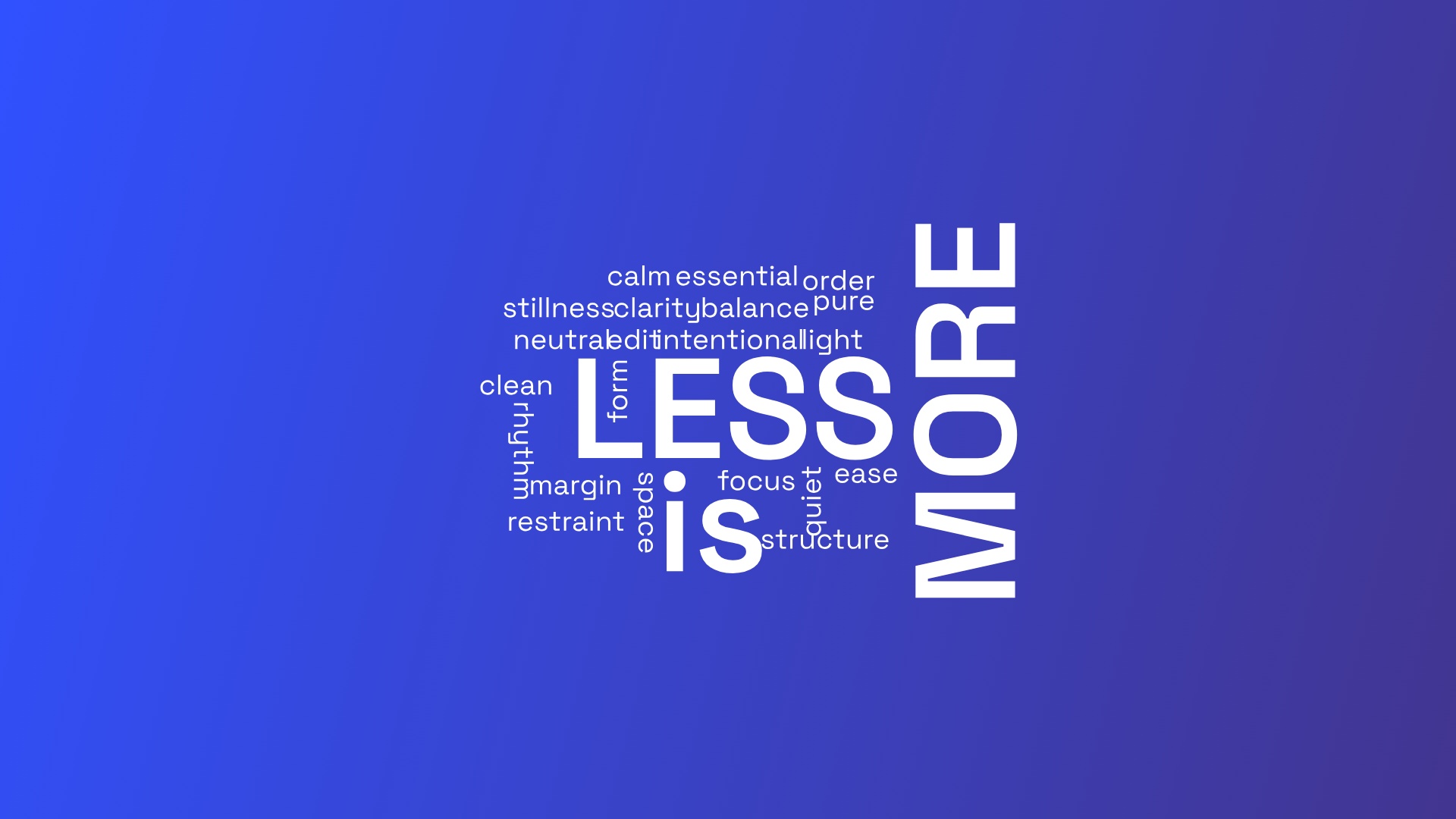
What is a {{template-name}}, and when should you use one?
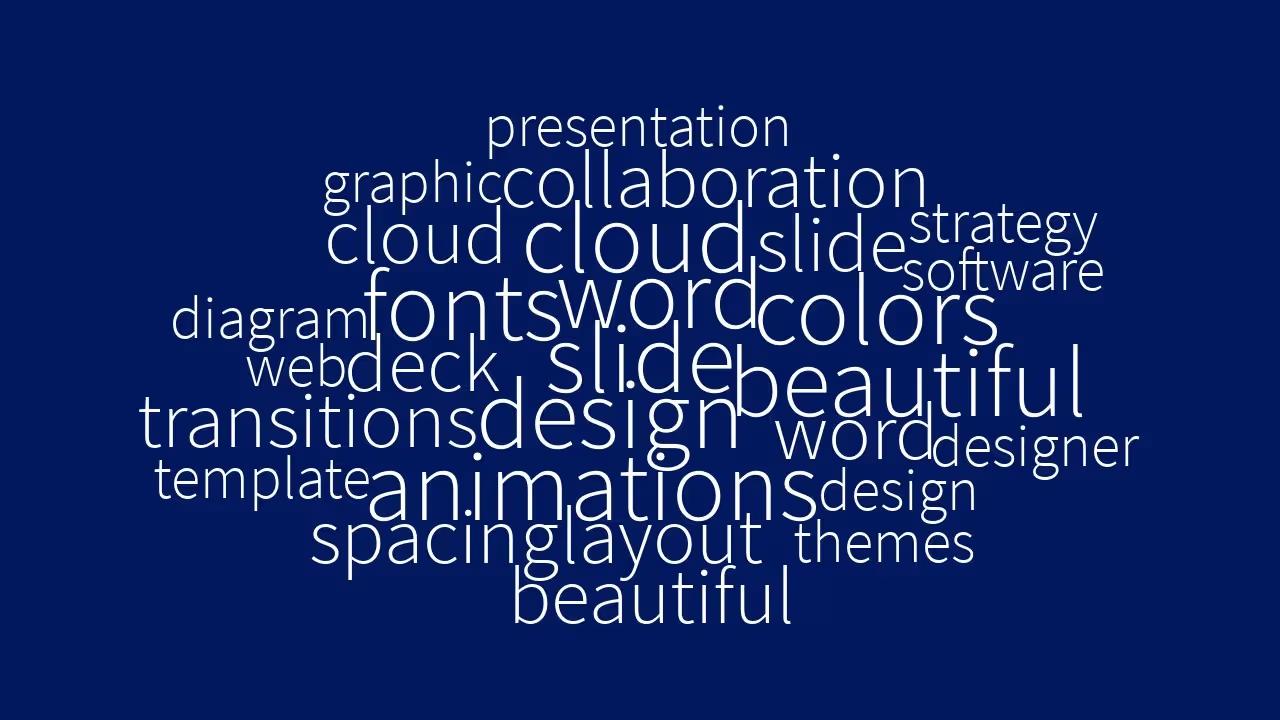
A word cloud is a collection, or cluster, of words depicted in different sizes. The bigger and bolder the word appears, the more often it’s mentioned within a given text and the more important it is. But let’s be honest: most people use word clouds because they look cool, especially when they’re animated. Word cloud slides are a great tool for presenters who are looking to communicate the importance or frequency of words used in relation to one another.
Some great uses for a word cloud would be:
- Displaying survey results
- Showing the level of interest in a topic or idea
- Calling out key ideas or themes from large amounts of data
When your raw data is text-based, but you want a stunning visualization to highlight important textual data, a word cloud slide can make a collection of seemingly random words immediately convey crucial information.
How to use the {{template-name}} Template
Open the template
Click Use this template and the template opens in the Beautiful.ai editor.
Add your words
Type your words straight into the cloud, or prompt the AI assistant with the topic and let it generate the word list.
Make it yours
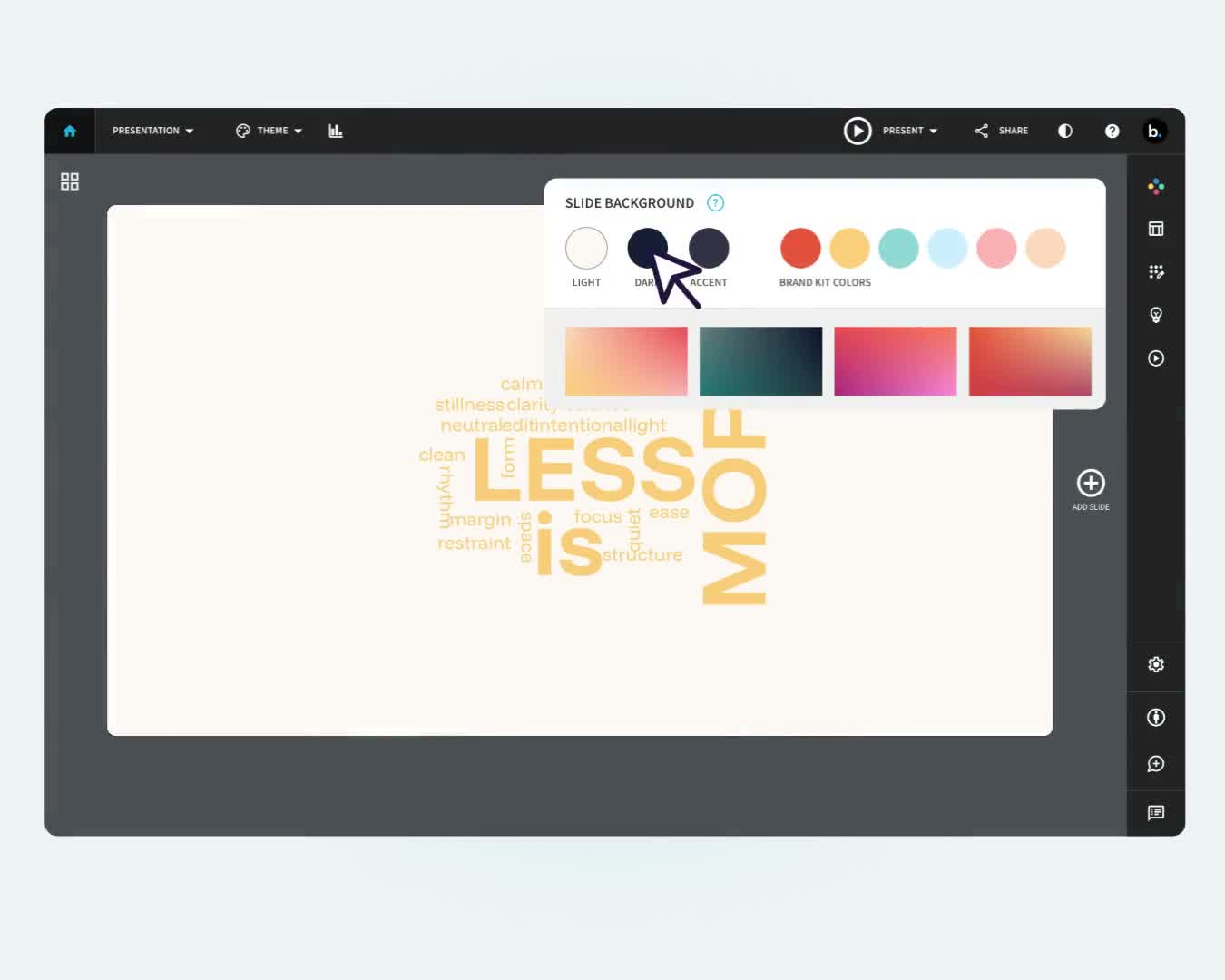
Adjust colors and labels to match your presentation; Smart Slides keep the layout aligned as you edit.
Present or export
Share a live link, present in Beautiful.ai, or export to PowerPoint, Google Slides, or PDF.
Pro Tips for Word Cloud Template Slides
Here are some things to remember when developing your word cloud template:
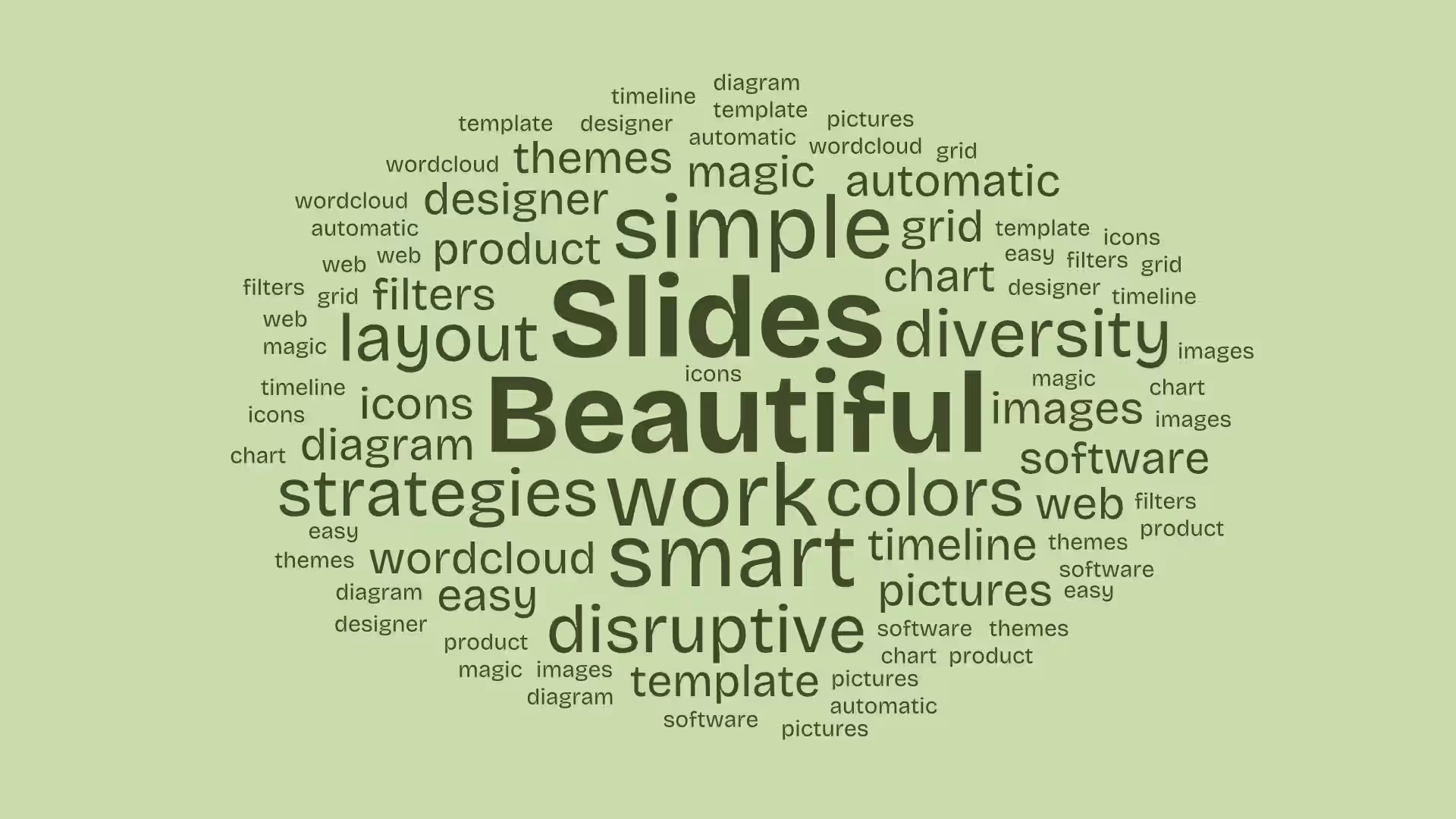
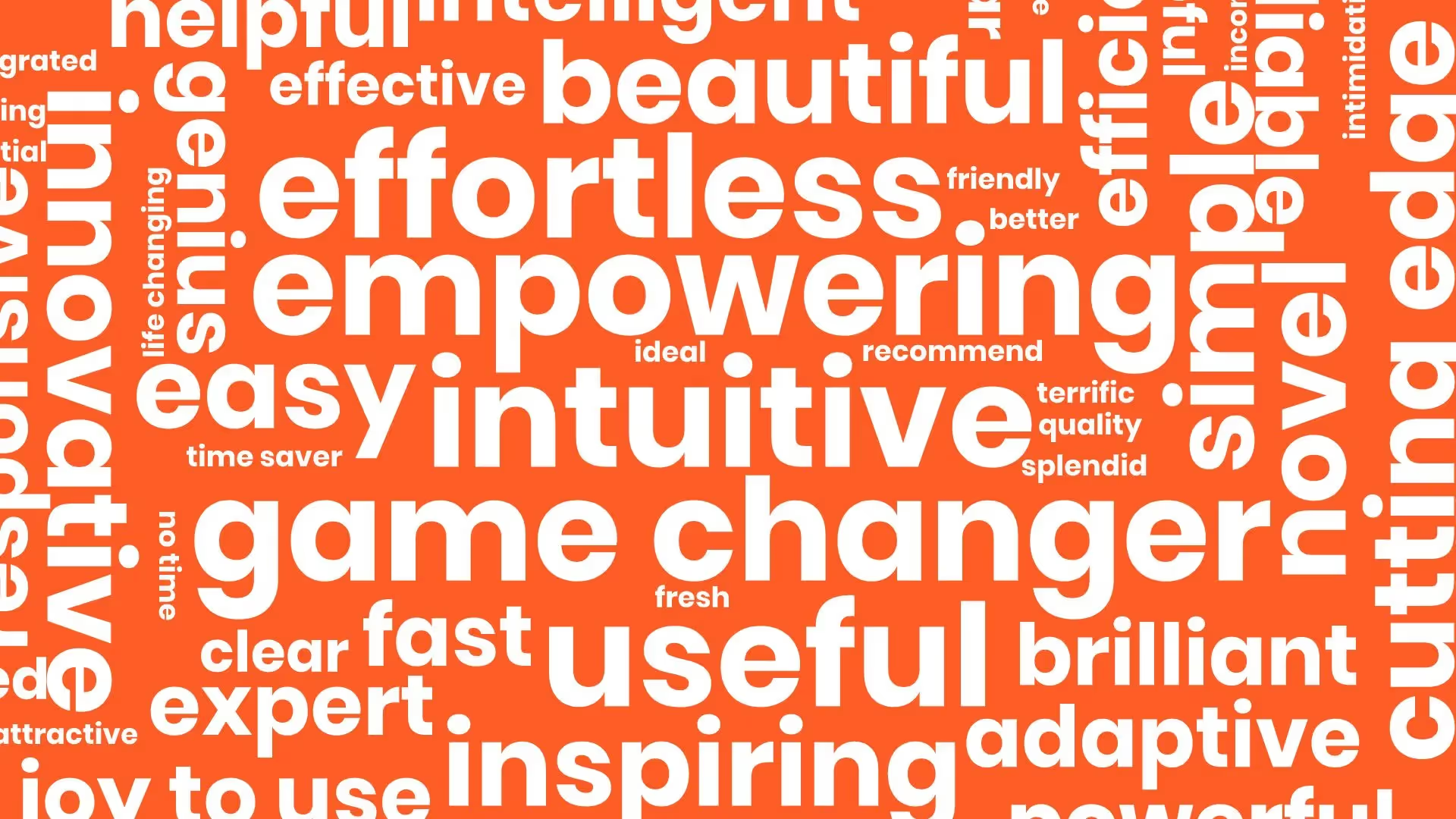
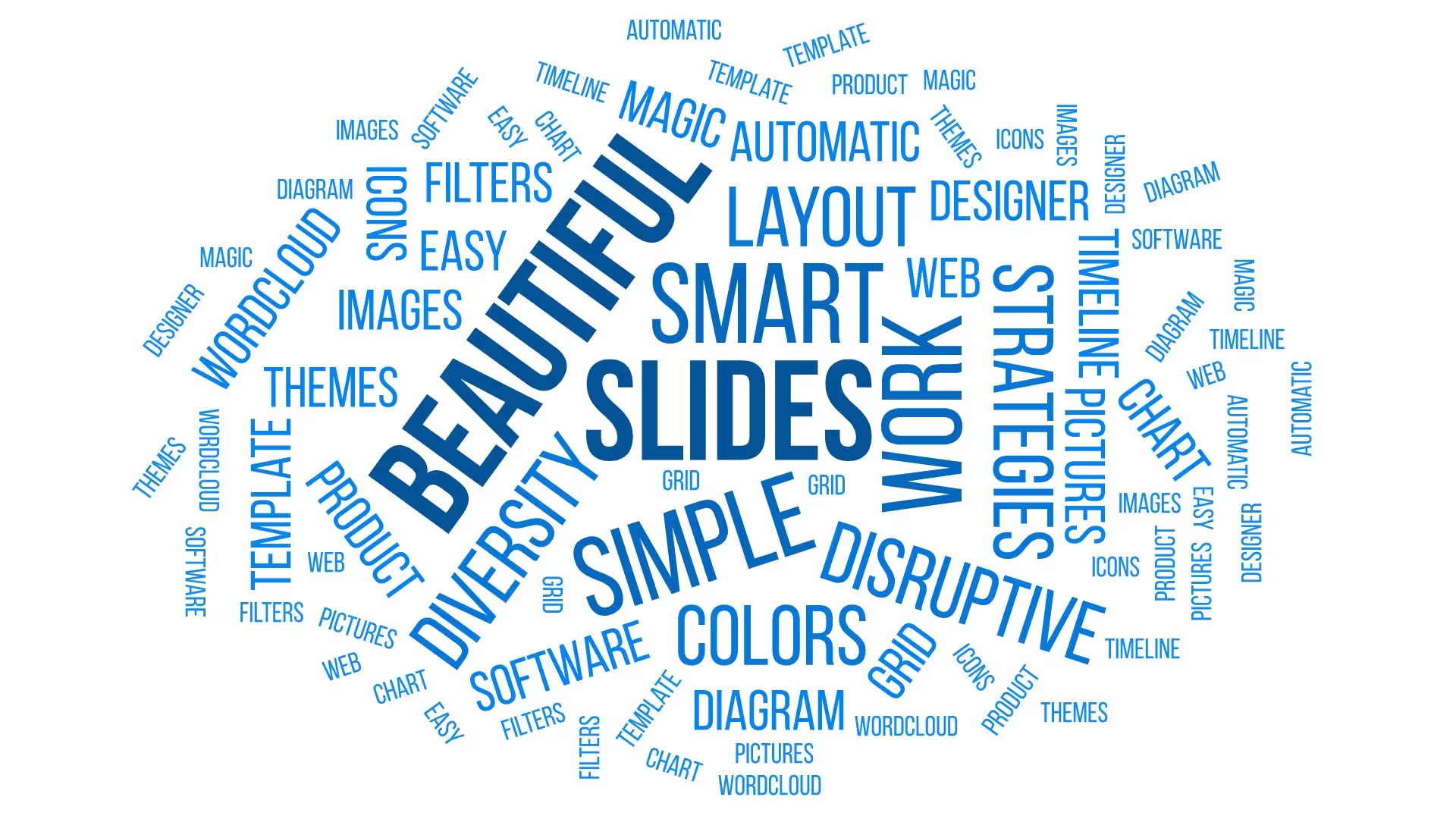
Word cloud templates can be tweaked to be monochromatic, multicolored, or black and white. This allows you to highlight words you want to stand out with bright or bold tones.
Where your words appear, how much space is between them and thumbnail size all play a role in the impact of your word cloud slide. Animated word clouds are another way of adding more visual dynamism to your slide.
Word cloud slides stack words in compelling and aesthetic ways. This makes some fonts harder to read than others. Choose a font that stands out but doesn’t become gibberish when flipped on its side.
A word cloud template slide is best used when trying to create a dynamic, visual impact. This makes them best suited to word text. Number oriented data is best displayed in different slide types, such as spreadsheets. Also, creating animated word clouds may require an animated word cloud generator to get into your presentation.
Discover AI capabilities for word cloud
With these AI-driven features, you can optimize your word cloud in seconds to create more engaging, effective visuals.
Generate an AI word cloud with a prompt
Refine or add new words
Create a supporting image
Translate the word cloud slide to a different language


{{template-name}} template FAQ
Lorem ipsum dolor sit amet, consectetur adipiscing elit, sed do eiusmod tempor incididunt ut labore et dolore magna aliqua. Ut enim ad minim veniam, quis nostrud exercitation ullamco laboris nisi ut aliquip ex ea commodo consequat. Duis aute irure dolor in reprehenderit in voluptate velit esse cillum dolore eu fugiat nulla pariatur.
More {{template-category}} templates
AI-powered Smart Slides that do the design for you
Build your next presentation using Smart Slides—the intelligent building blocks behind every Beautiful.ai presentation. Each Smart Slide is customizable, editable with AI, and automatically adapts layout and spacing as your content changes.

“Beautiful.ai helps us quickly create clear and compelling presentations to share our strategy and results. It has been easy to integrate our branding and to pull from the library of materials created by others — building a cohesive and collaborative suite that helps us advance our mission."

"Beautiful.ai increased our efficiency. I mean, 50% sounds crazy, but it's pretty accurate when you consider all of the manual stuff that we used to have to do that Beautiful.ai now does for us."

"What you guys have created is a foolproof way to ensure quality presentations. It's almost just like they have a graphic designer over their shoulder while they're creating their decks."

“For any business owner or entrepreneur where time is of the essence you lose the ability to put those nice touches on presentations, Beautiful.ai does it for you, especially if you aren't creatively gifted!”
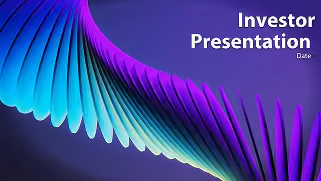
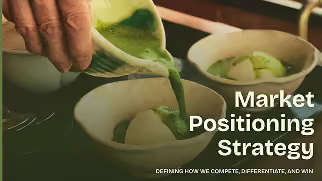
Ready-to-use presentation templates for creating full, polished decks.


Pitch Decks



Reports & Reviews


Plans & Strategies
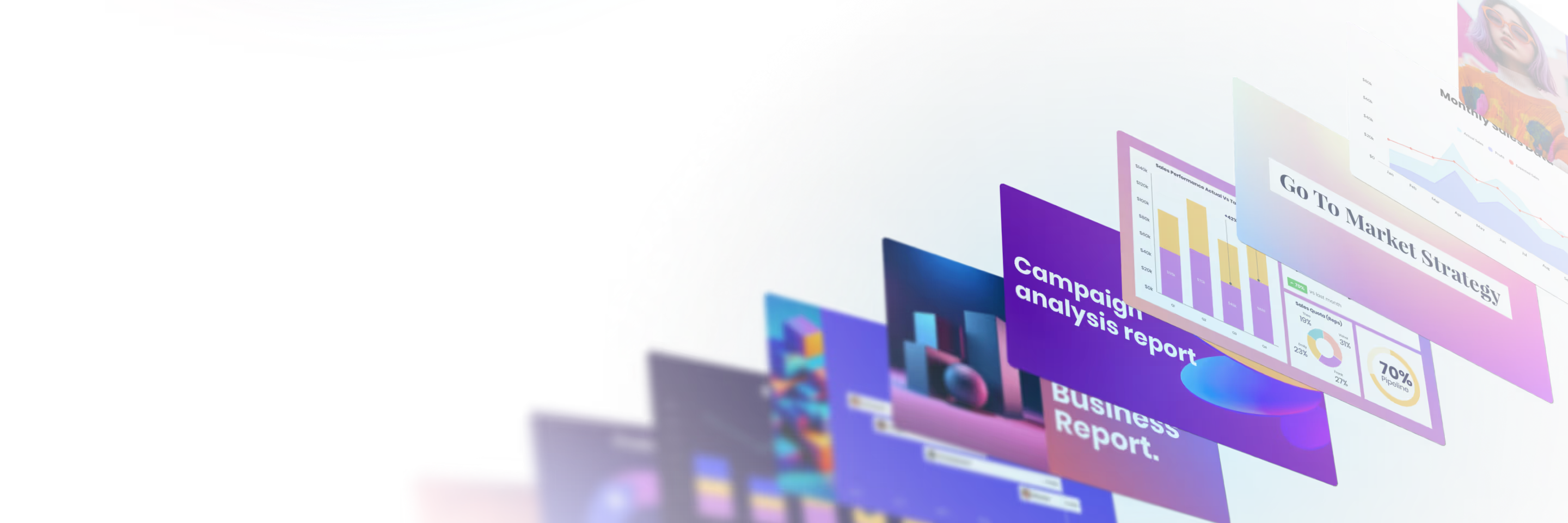
Try it free for 14 days
Start building Beautiful presentations.

