


Presentations.AI vs Gamma: which is better?


Presentations.AI vs Gamma: which is better?
Choosing between Presentations.AI and Gamma comes down to how quickly you want to generate a first draft versus how much control you need over the final result. Both tools position themselves as AI presentation makers built for speed, though they take different paths to get there, much like how professionals choose between AI tools and traditional design platforms like Canva based on workflow preferences.
Presentations.AI emphasizes rapid content generation, using conversational prompts and automation to produce slide decks in minutes. Gamma takes a web-native approach, generating card-based presentations and docs optimized for scrolling and sharing rather than traditional slide presentation formats. Both tools appeal to users who want to skip the blank page, but the workflow and outputs differ noticeably.
This guide compares Presentations.AI and Gamma across key criteria, including AI features, formatting, collaboration, and pricing. By the end, you'll understand which tool fits your workflow and when a third option like Beautiful.ai might be the stronger choice. For a broader perspective, check out free presentation software options, best AI presentation maker comparisons, and expert reviews of presentation platforms.
Tool overviews
What is Presentations.AI?
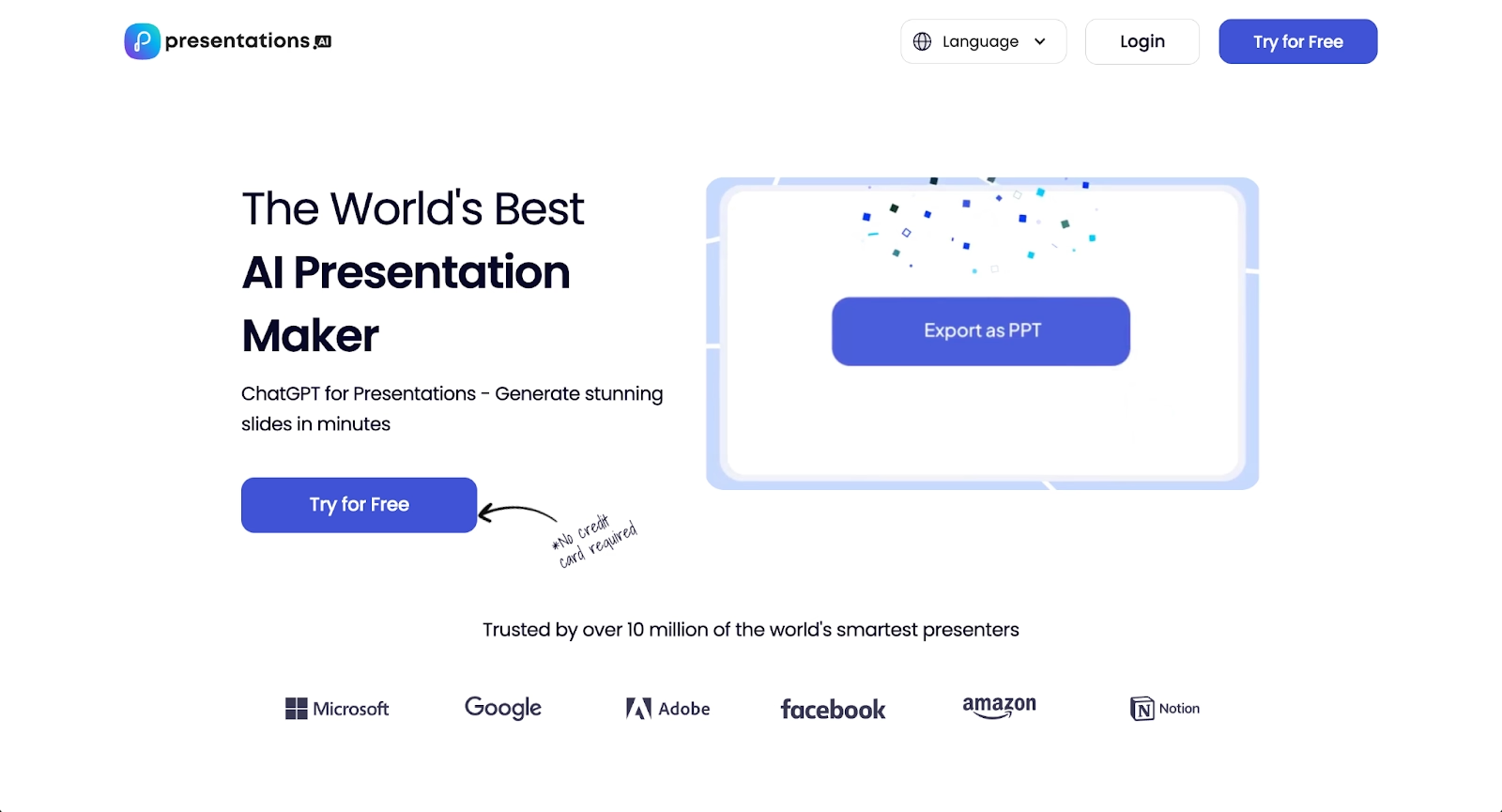
Presentations.AI is an AI presentation tool designed around conversational content generation. Users describe what they need, and the platform builds a slide presentation from that prompt. The interface prioritizes speed over granular control, making it suitable for users who want a rapid first draft.
The tool includes Brand Sync for maintaining visual consistency across fonts, colors, and themes, and supports multiple content types, including infographics and charts. Presentations.AI is best suited for solo users and small teams who generate ideas quickly and plan to refine or export their work using other software like PowerPoint or Google Slides. If you're comparing traditional tools, see how PowerPoint vs Google Slides stack up, or explore presentation design best practices.
What is Gamma?
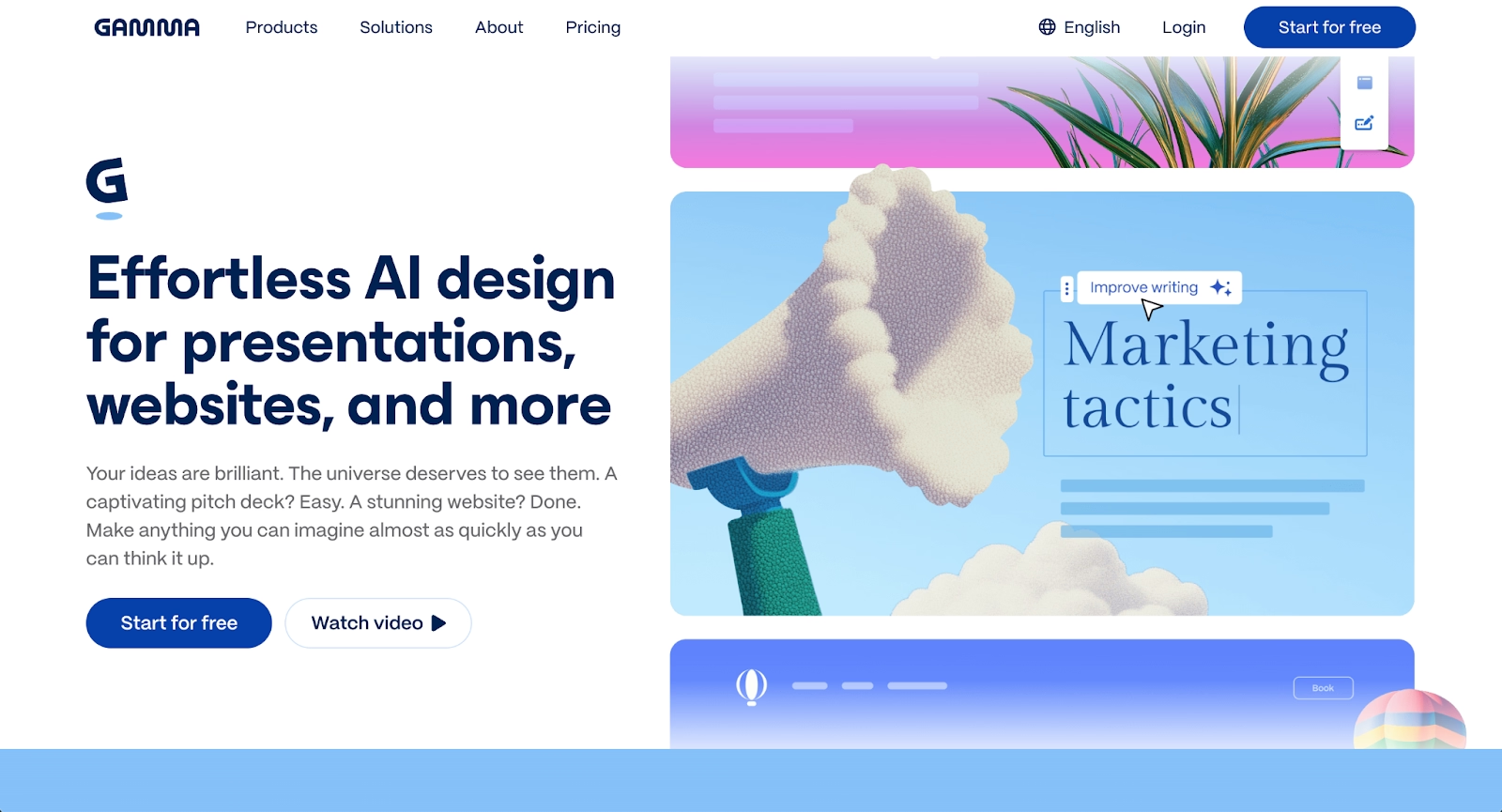
Gamma is a presentation platform that generates web-native presentations, docs, and web pages from prompts or existing content. Unlike traditional presentation software like PowerPoint, Gamma uses a card-based format optimized for scrolling and browser-based viewing rather than linear slide decks.
Gamma can generate AI-powered presentations from a single prompt, import content from Notion or docs, and produce polished visual layouts with minimal manual formatting. The Gamma app includes real-time collaboration and viewer analytics, making it popular among startups and teams who share presentations asynchronously. Export options include PDF, PPTX, and Google Slides, though PowerPoint export quality can vary.
Key comparison criteria
At a strategic level, both Presentations.AI and Gamma are AI-powered presentation generators built for speed. Presentations.AI leans heavily into rapid draft generation with minimal editing, using automation to streamline the entire process from prompt to output, while Gamma balances AI generation with a more flexible, editable workspace. Learn how to balance automation and creative control in presentations to understand the tradeoffs between speed and customization.
The core tradeoff is clear: Presentations.AI prioritizes the fastest path from idea to output, while Gamma offers more room to customize and collaborate before sharing. These differences become most apparent in how each handles formatting, collaboration, and export compatibility.
Ease of use & learning curve
Presentations.AI is straightforward to start. Users enter a prompt, and the AI generates a presentation draft almost immediately. The learning curve is low for generation, but the platform offers limited tools for refining or tweaking the output afterward. Users who want to make detailed edits often need to export and work in another tool.
Gamma has a moderate learning curve. The card-based interface differs from traditional slide-based presentation software like PowerPoint, so users accustomed to linear workflows may need time to adjust. Once familiar, the editor is intuitive enough for non-designers to produce polished results without deep formatting knowledge.
Summary: Presentations.AI favors instant generation with minimal learning; Gamma favors a more flexible editing experience that takes slightly longer to master.
Templates & format control
Presentations.AI does not focus on a large template library. The focus is on AI-generated content rather than pre-built layouts, which limits options for users who prefer starting from a structured template like those found in Canva or traditional slide editors. Brand Sync helps maintain styling consistency, but overall format control within the platform is limited.
Gamma offers thematic layouts and visual canvases that adapt to different content types. While not traditional templates in the PowerPoint sense, these layouts provide a starting point with preset fonts and customizable color schemes that users can adjust. The platform's font selection and styling options are more flexible than Presentations.AI, though less precise than classic slide-based tools.
Summary: Presentations.AI prioritizes AI generation over templates; Gamma offers more layout flexibility without the rigidity of traditional slide templates.
AI features & automation
Both platforms use AI as their primary differentiator, but they apply automation differently.
Presentations.AI treats AI as the core workflow. Users input a prompt, and the system generates an entire AI slide deck with content, images, and layouts. The AI handles structure and styling through Brand Sync, but continued editing is minimal. The approach works well for brainstorming and rapid ideation, though users who want to iterate heavily may find the platform limiting.
Gamma AI also generates full presentations from prompts, but the platform provides more editing control afterward. Users can add context from existing docs, generate images with AI, and adjust content using ChatGPT-style text tools. Gamma functions as both a presentation generator and an editable workspace, which gives it more flexibility for users who want to refine AI-generated content before sharing.
Summary: Presentations.AI uses AI for rapid, one-shot generation; Gamma uses AI as a starting point with room for continued edits and customization.
Design tools, visuals & data visualization
Presentations.AI supports basic visuals, including charts, infographics, and generated images. The platform is not designed for detailed data visualization or complex layouts. Users looking for dashboard-style reporting or precise chart formatting may find the options limited.
Gamma includes visual tools for images, embeds, and basic charts. The platform supports multimedia, including videos and interactive content, which works well for web-native presentations and social media sharing. Unlike simpler tools like Canva, Gamma emphasizes interactive storytelling over static template-based design. Data visualization is a function, al but not the platform's primary strength compared to dedicated tools.
Summary: Presentations.AI excels at simple, quick visuals for brainstorming decks; Gamma excels at multimedia storytelling and embedded interactive content.
Interactive elements & audience engagement
Presentations.AI does not prioritize interactivity. Presentations are designed for quick generation and sharing rather than live engagement or embedded interactions.
Gamma supports interactive elements, including embeds, videos, and clickable content. The card-based format works well for asynchronous viewing, where audiences scroll through content at their own pace. Viewer analytics help presenters understand engagement, though live polling or quiz features are not part of the core platform.
Summary: Presentations.AI focuses on static output; Gamma supports richer interactive content for async sharing.
Collaboration features & real-time workflow
Presentations.AI offers basic sharing and publishing, but collaboration features are limited. The platform is better suited for individual users generating drafts than for teams working together on a single deck.
Gamma includes real-time collaboration with comments, team workspaces, and permissions. Multiple users can edit simultaneously, making it more practical for teams who need to iterate together. For organizations producing recurring decks or startup pitch decks as a group, Gamma's collaboration tools provide clear advantages.
Summary: Gamma supports team workflows and real-time editing; Presentations.AI is designed for solo users.
Compatibility & integrations
Presentations.AI supports sharing via links and publishing for social media and other channels, but it does not offer direct PowerPoint export. Users who need PPTX files for stakeholders or clients must work around this limitation, often by recreating content in another tool.
Gamma exports to PDF, PPTX, and Google Slides, though PowerPoint export quality is inconsistent. Formatting may shift when moving from Gamma's web-native format to traditional slide software like PowerPoint or Google Slides. The platform also supports Notion imports and API access for teams with more technical workflows. For comprehensive overviews of presentation software options, compare features across different platforms before deciding.
Summary: Gamma offers more export options but with potential formatting tradeoffs; Presentations.AI lacks direct PPTX export entirely.
Pricing & free plan
Presentations.AI offers a free tier with limited AI credits, enough to test the platform and generate a few presentations. The Pro plan costs $198 per year, which unlocks additional credits and features. Compared to other AI presentation tools, the pricing sits in the mid-range for individual users.
Gamma provides a free tier with credits for AI generation, allowing users to create several presentations before upgrading. Paid plans starting at $8/month for Plus and scale to $18/month for Pro and $40/user/month for teams. Gamma's pricing is competitive, particularly for users who value collaboration and export flexibility.
Summary: Both offer free tiers; Gamma's paid plans start lower and scale for teams, while Presentations.AI uses annual billing with fewer collaboration features.
Ideal use cases
While Presentations.AI and Gamma both target users who want fast AI-generated presentations, their strengths fit different scenarios. Presentations.AI is optimized for rapid ideation and solo workflows, while Gamma supports more collaborative, web-native presentation needs. For teams that need professional presentation templates with consistent branding and reliable exports, Beautiful.ai often becomes the stronger long-term fit.

When Beautiful.ai is the better fit
- Teams that need on-brand, polished slide decks without manual formatting.
- Organizations producing recurring pitch decks, sales presentations, and marketing reports.
- Users who want AI-powered content generation can use Smart Slide layouts that auto-align and resize content automatically.
- Teams that require clean PowerPoint exports for stakeholders and clients.
- Businesses that value brand consistency and design governance across departments.
When Presentations.AI is the better fit
- Solo users who need quick first drafts for brainstorming or ideation.
- Presenters who plan to refine AI-generated content in external tools like Canva, PowerPoint, or Google Slides.
- Users comfortable with limited editing and who prioritize speed over customization.
- Teams with simple presentation needs and minimal collaboration requirements.
- Budget-conscious users who want to test AI generation before committing to paid plans.
When Gamma is the better fit
- Startups and teams creating web-native presentations optimized for async sharing.
- Users who prefer card-based layouts over traditional linear slides.
- Teams that value real-time collaboration and viewer analytics.
- Presenters who embed content from Notion, docs, or other sources.
- Users who prioritize visual storytelling and interactive embeds over rigid formatting.
Limitations and trade-offs
Each platform reflects deliberate design choices that create tradeoffs. Knowing these limitations helps set realistic expectations before committing to a tool.
Beautiful.ai trade-offs
- Smart Slides enforce design rules, which limit freeform creative control.
- No permanent free plan for casual or one-off users.
- Presentation style is linear compared to Gamma's scrollable format.
- Less suited for multimedia-heavy, web-native content.
Presentations.AI trade-offs
- Limited in-platform editing requires external tools for refinement.
- No direct PowerPoint export restricts compatibility with stakeholders.
- Collaboration features are minimal compared to team-focused platforms.
- Template and layout options are narrower than competitors.
Gamma trade-offs
- PowerPoint exports may have formatting issues when shared externally.
- CA card-basedformat may not suit traditional boardroom presentations.
- Less precise layout control than slide-based editors.
- Data visualization features are basic compared to dedicated tools.
Future roadmap & developing features
Product direction affects long-term fit. Seeing where each platform is heading helps teams choose a tool that will continue supporting their workflow.
Beautiful.ai focus
Beautiful.ai continues to expand AI-powered automation and Smart Slide capabilities. The roadmap includes deeper data visualization, enhanced collaboration workflows, and stronger brand governance tools. The platform is building toward an always-on design assistant that handles formatting automatically so teams can focus on content.
Presentations.AI focus
Presentations.AI is developing conversational AI capabilities and brand styling features. The platform is positioning itself as a rapid ideation tool for users who want the fastest path from prompt to presentation, with less emphasis on post-generation editing or team collaboration.
Gamma focus
Gamma is investing in AI improvements, interactive embeds, and expanded export options. The platform is moving toward a web-native content hub that supports presentations, docs, and web pages, with a focus on async sharing and viewer engagement analytics.
Final recommendation
Presentations.AI and Gamma both deliver fast AI-generated presentations, but they serve distinctly different workflows and team sizes. Presentations.AI excels at rapid solo ideation, while Gamma prioritizes team collaboration and web-native content formats.
Beautiful.ai emerges as the balanced choice for teams sitting between these two approaches, offering reliable on-brand presentations with clean PowerPoint exports. The platform uses AI to generate content, then applies Smart Slides that automatically align and resize layouts, reducing manual design work while maintaining consistency. Unlike Presentations.AI's limited editing or Gamma's card-based format constraints, Beautiful.ai enables step-by-step customization without sacrificing polish or brand governance.
For organizations that present regularly and need professional, exportable decks without manual tweaking, Beautiful.ai is a practical long-term investment. Unlike Canva's manual design approach or Presentations.AI's limited editing, Beautiful.ai combines automation with easy customization. Try Beautiful.ai free to experience how Smart Slides and AI assistance can streamline your team's presentation workflow.
Why customers are switching to Beautiful.ai
Beautiful.ai is an AI-powered presentation platform that helps teams create polished, on-brand slides in a fraction of the time, without design skills or manual formatting.
- Design automation built in. Whether you're building pitch decks, reports, or internal presentations, Beautiful.ai’s Smart Slides automatically format content so you never worry about spacing, alignment, or layout again. Add your content, and the design adjusts instantly.
- ️No design experience required. Create professional decks without touching text boxes or manually arranging elements. Choose from Smart Templates and let the AI handle layout decisions, visual hierarchy, and consistency across the entire deck.
- Branding? Already handled. Keep every slide on-brand with your fonts, colors, and logos applied automatically. Beautiful.ai ensures every team member creates presentations that look like they came from a dedicated design team—without extra work.
- Real-time collaboration & team controls. Collaborate directly on the same deck, leave comments, manage permissions, and maintain consistency across team presentations. Perfect for growing teams and cross-functional workflows.
- Faster workflows, fewer revisions. Jump from rough outline to polished presentation in minutes, not hours. Beautiful.ai reduces back-and-forth edits by enforcing on-brand design rules and helping you iterate faster with AI-assisted slide creation.
