{{template-name}} Template
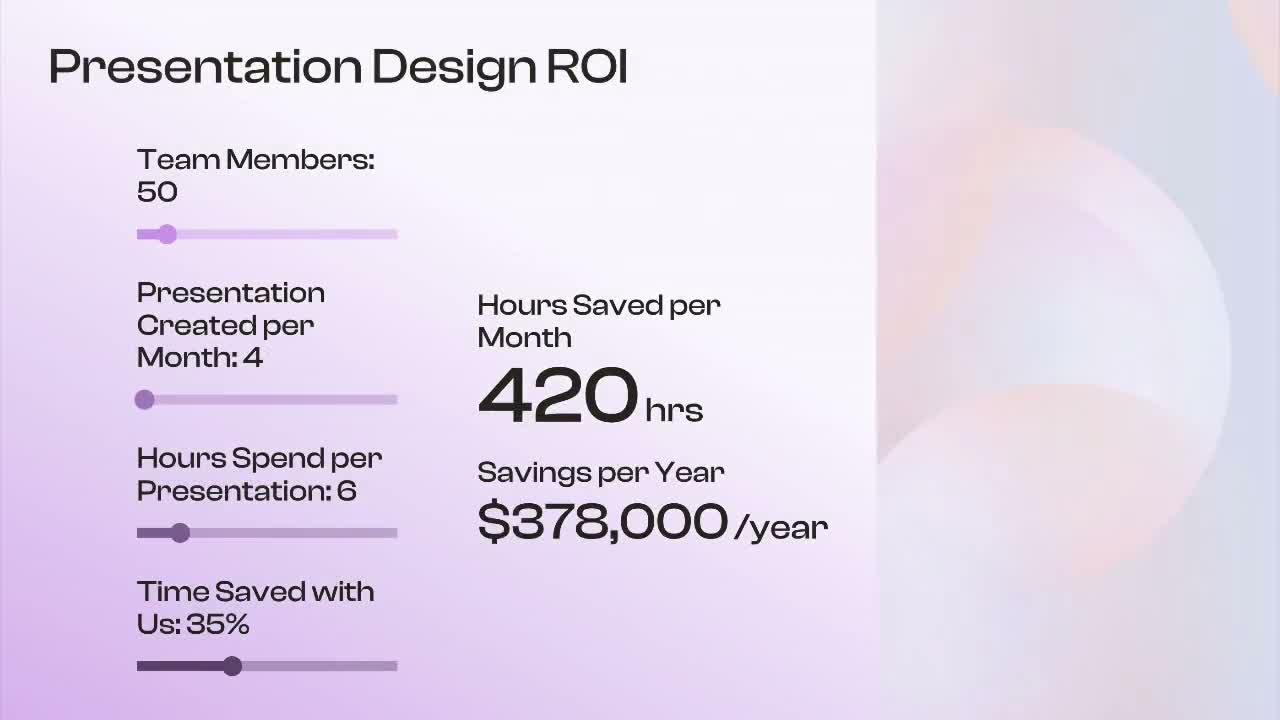
What is a {{template-name}}, and when should you use one?
ROI slides help you demonstrate the value of an investment by turning assumptions and inputs into clear, measurable outcomes. Commonly used in business cases, budgeting, and strategic planning, ROI slides make it easier to communicate financial impact and support decision-making.
Unlike static charts or spreadsheets, ROI slides use interactive calculations that update in real time. Set variables, define the calculation logic, and adjust inputs during playback to model different scenarios instantly. This helps audiences understand how changes in costs, savings, or performance can affect overall results.
ROI slides are commonly used in:
- Business cases
- Sales presentations
- Investment analysis
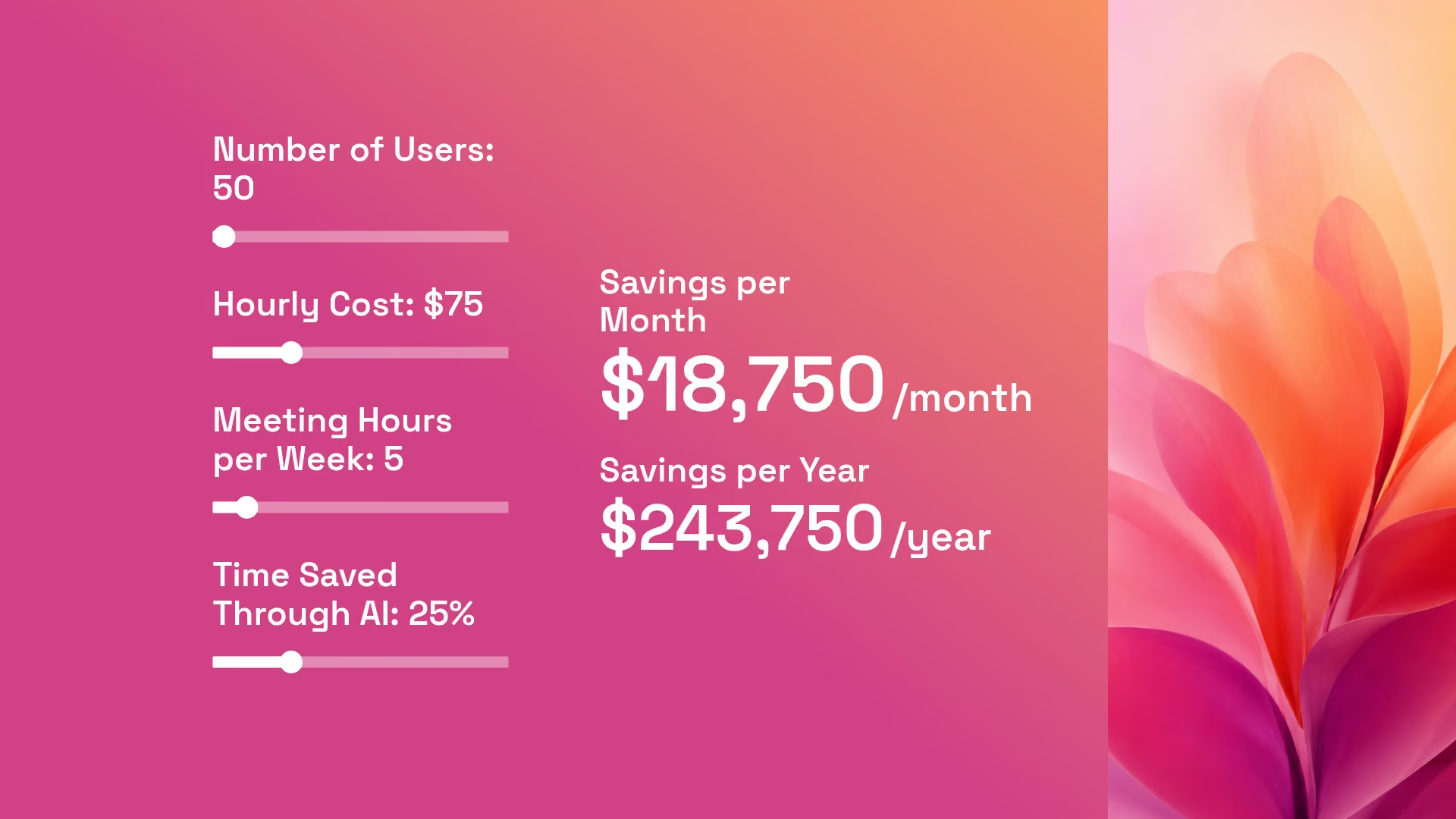
Pro Tips for ROI Calculator Slides
Here are a couple of things to remember when putting together a ROI calculator slide:

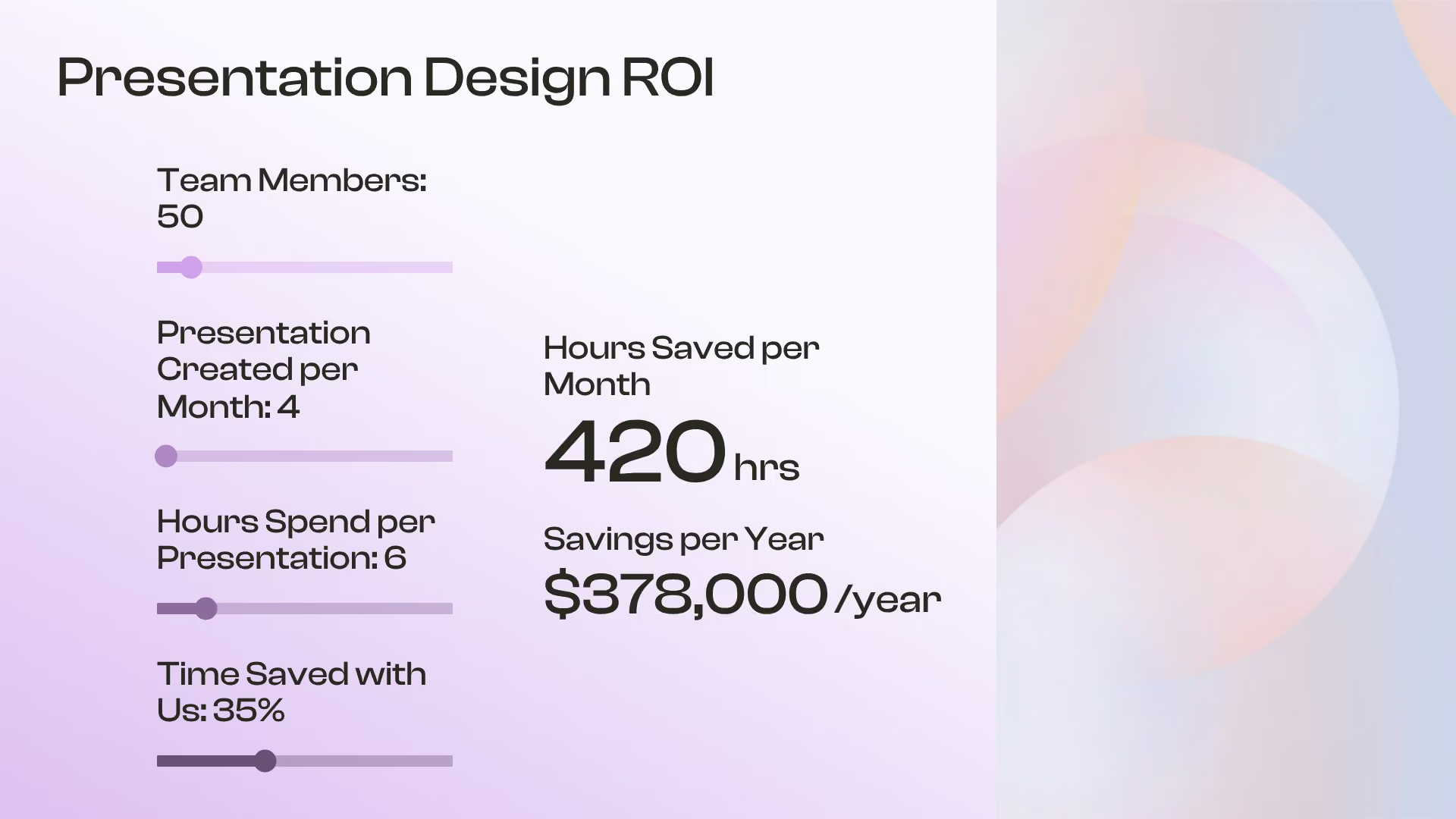
Start by highlighting the result that matters most, whether it's cost savings, revenue growth, or efficiency gains. Then use the inputs and calculations to show how you arrived there.
Use interactive sliders to explore different assumptions and outcomes. Comparing conservative, expected, and optimistic scenarios helps audiences understand both the opportunity and the risk.
Focus on the variables that have the biggest impact on results. A straightforward model is easier to follow, easier to trust, and more effective during live presentations.
Discover AI capabilities for ROI Calculator
With these AI-powered features, you can go beyond static ROI Calculator slides and create data‑rich, on‑brand, interactive visuals in seconds.
Prompt to generate an ROI Calculator slide
Add context with AI
Refine copy on a ROI Calculator slide
Create a supporting image
Browse more templates

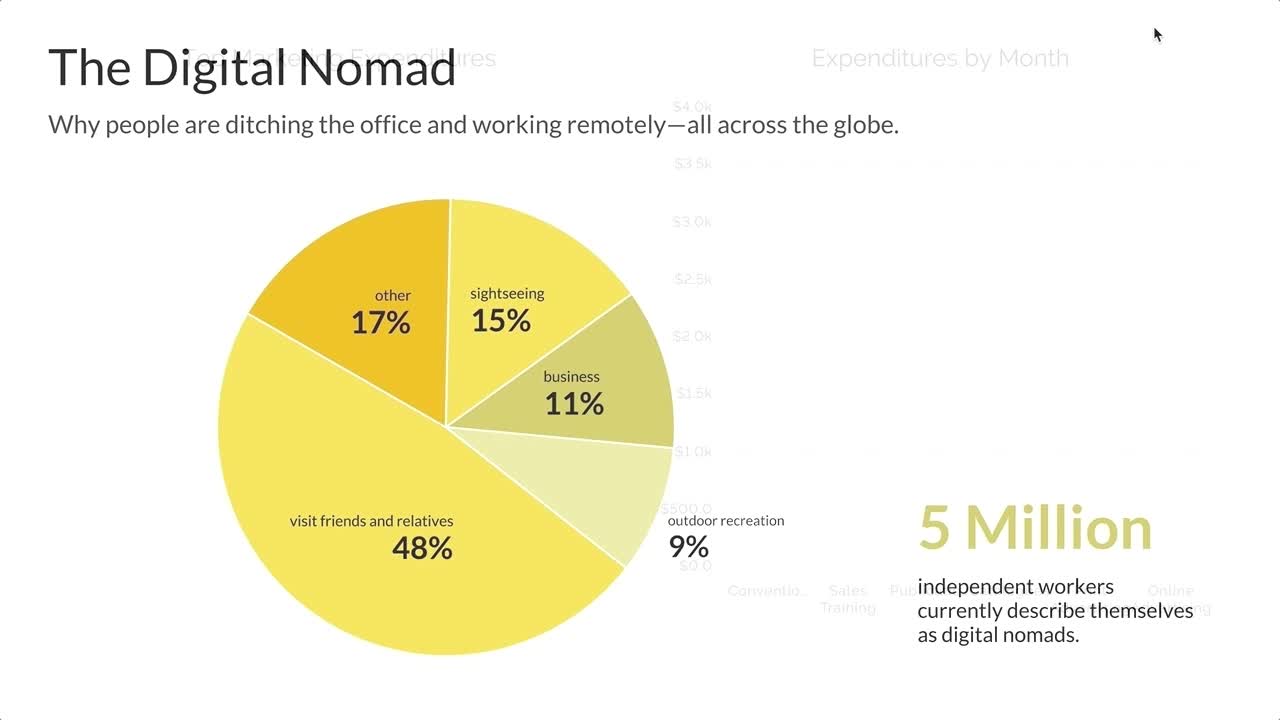

More {{template-category}} templates


AI-powered Smart Slides that do the design for you
Build your next presentation using Smart Slides—the intelligent building blocks behind every Beautiful.ai presentation. Each Smart Slide is customizable, editable with AI, and automatically adapts layout and spacing as your content changes.


“Beautiful.ai helps us quickly create clear and compelling presentations to share our strategy and results. It has been easy to integrate our branding and to pull from the library of materials created by others — building a cohesive and collaborative suite that helps us advance our mission."

"Beautiful.ai increased our efficiency. I mean, 50% sounds crazy, but it's pretty accurate when you consider all of the manual stuff that we used to have to do that Beautiful.ai now does for us."

"What you guys have created is a foolproof way to ensure quality presentations. It's almost just like they have a graphic designer over their shoulder while they're creating their decks."

“For any business owner or entrepreneur where time is of the essence you lose the ability to put those nice touches on presentations, Beautiful.ai does it for you, especially if you aren't creatively gifted!”
Ready-to-use presentation templates for creating full, polished decks.



Pitch Decks



Reports & Reviews



Plans & Strategies
Try it free for 14 days
Start building Beautiful presentations.

